
-
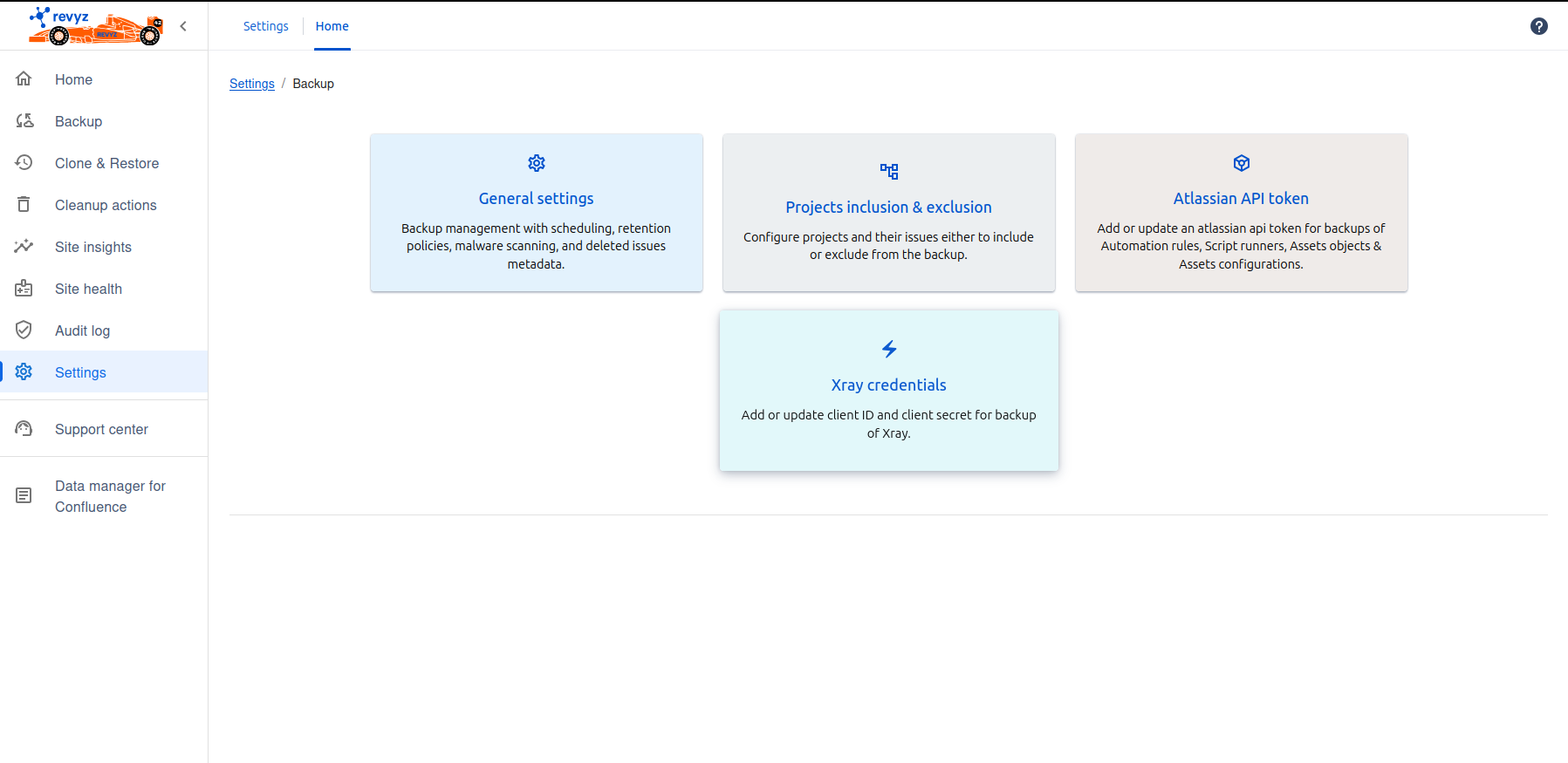
Each sections on this page is used to configure settings as per the requirement
-
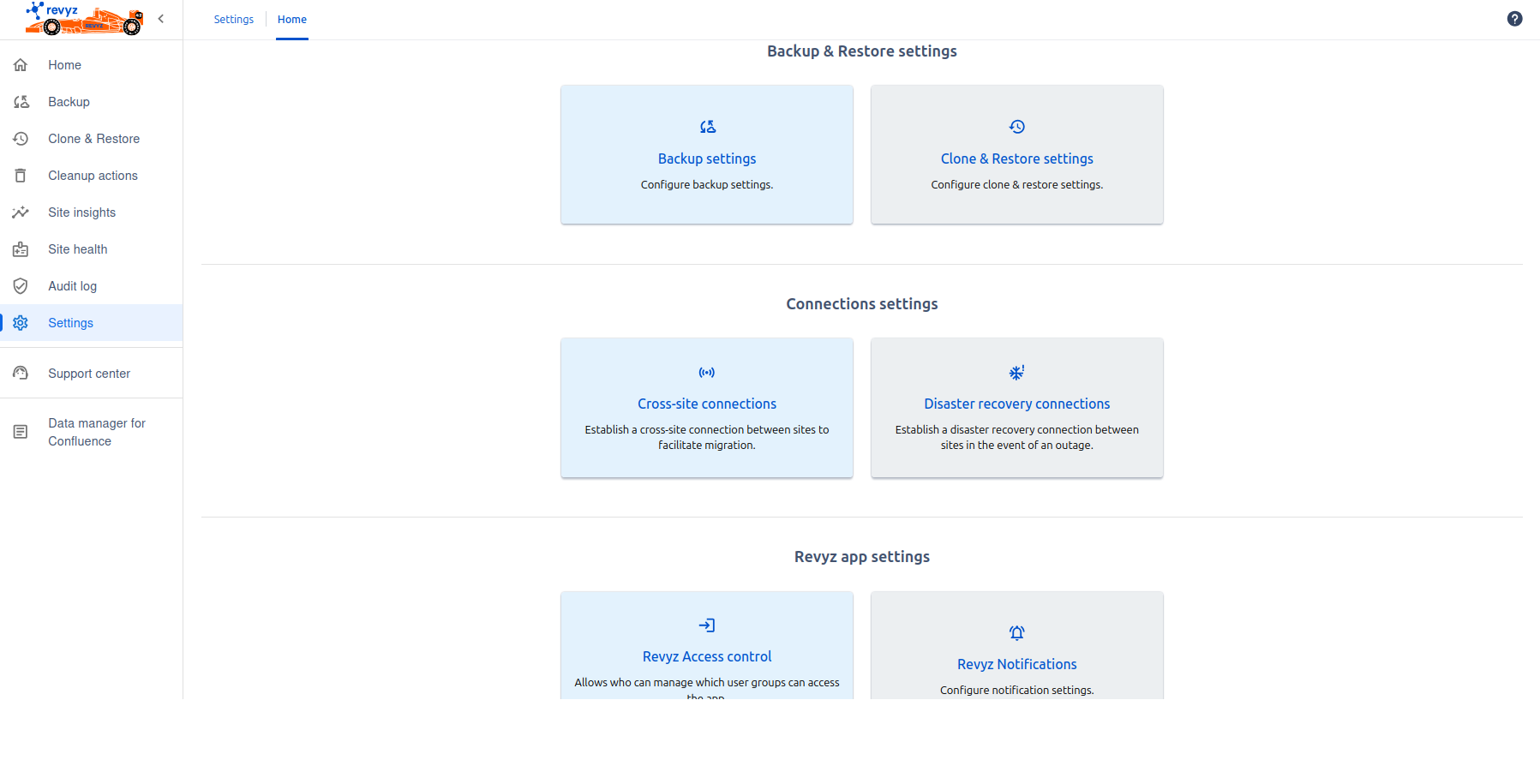
Click on “Settings” in left navbar.
-
Click on 'Backup settings' card.
-
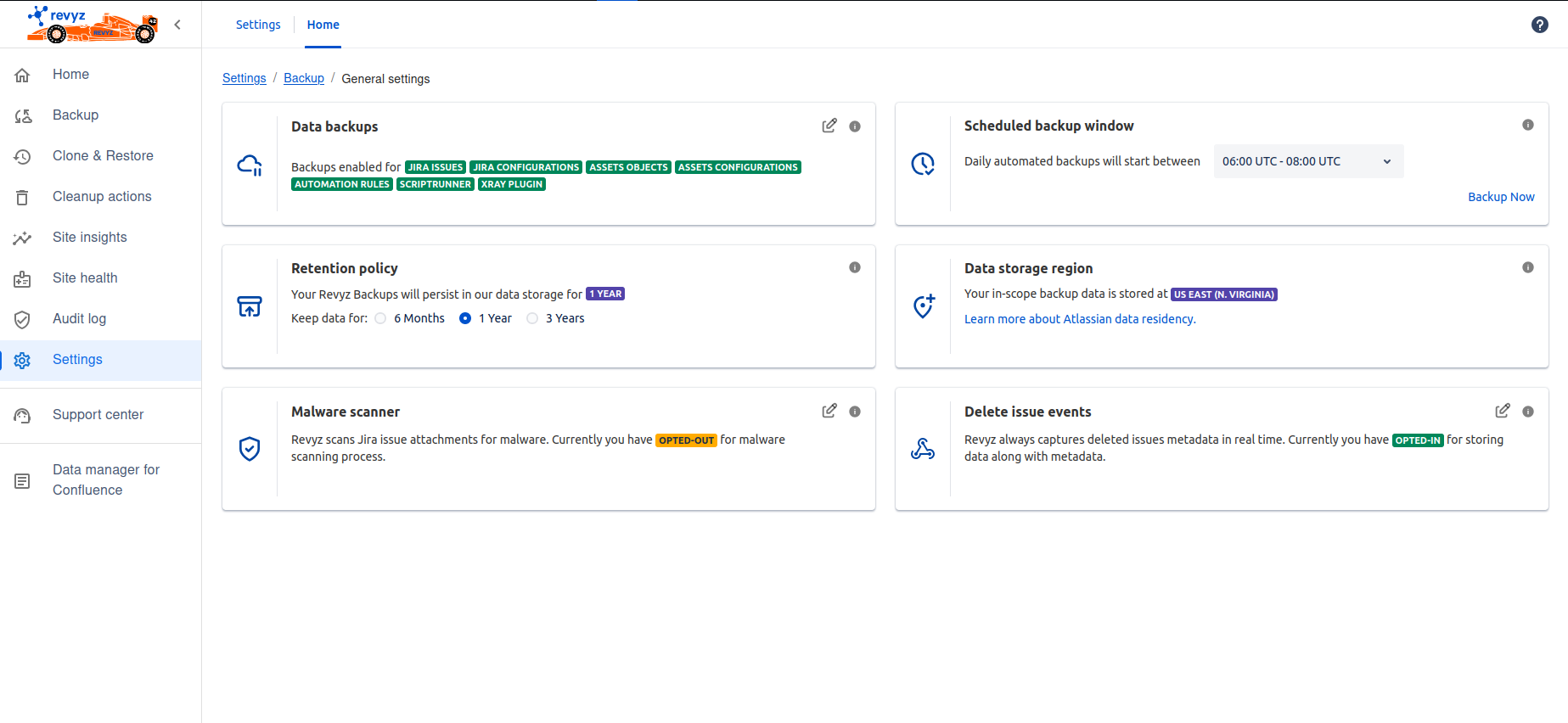
Click on 'General settings' - This is related to backup management for scheduling, retention policy, malware scanning and deleted issues metadata.
-
General settings
-
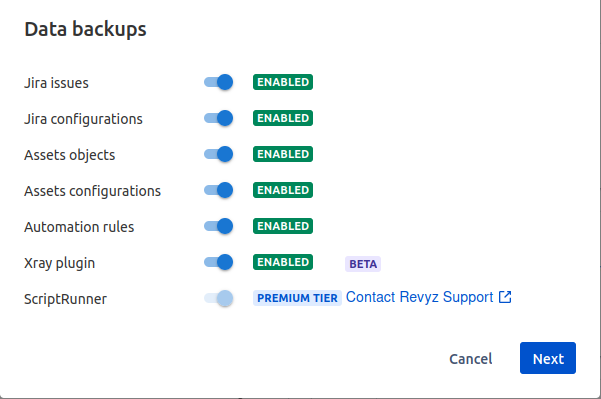
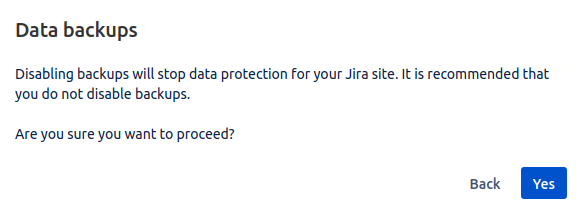
Data backups - In data backups card, you can enabled & disabled backups by clicking on Edit button. You should have valid Atlassian API token for triggering Backups of Assets objects, Assets configurations & Automation rules
-
Retention policy - Your revyz backups will persist in revyz’s data storage for upto 3 years. you can select retention period i.e 6 months, 1 year and 3 years
-
Scheduled backup window - You can select backup windows for automatic backups or system backups
-
Data storage region - This gives you region name where your backed up data is stored
-
Malware scanner - Which scans all the attachments present in the issues. This feature is available for Premium tier
-
Delete issues events - Revyz always captures deleted issues metadata in real time.so if you disabled the toggle button, only metadata will be stored.
-
-
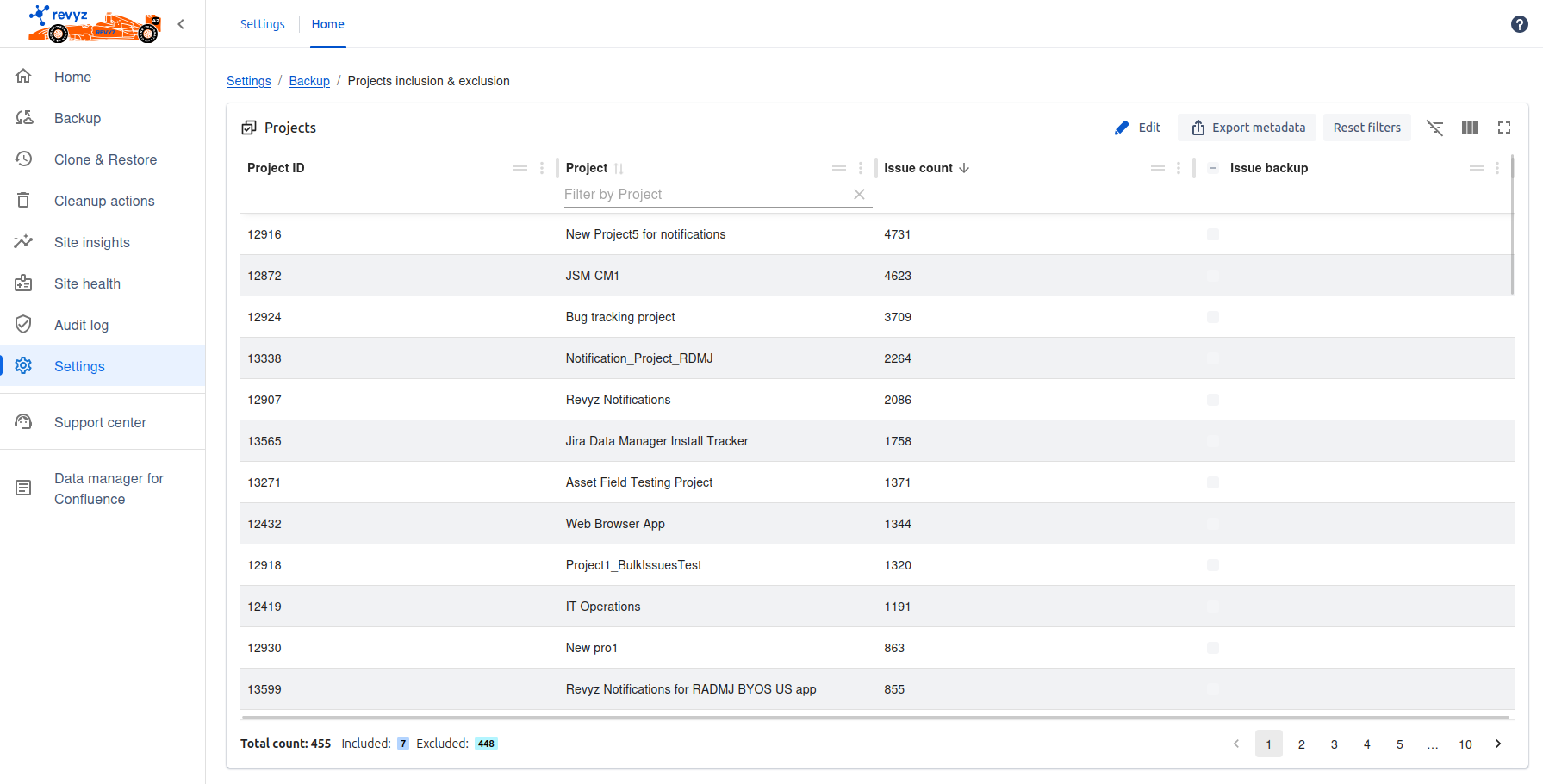
Click on Backup link above ab, you can see the second card related to Project inclusion & exclusion
-
Project inclusion/exclusion tab : You can see all projects from Jira site. You can include or exclude the projects issues backup by clicking on “Edit“ button
-
Click on Backup link above. Third card is Atlassian API token - You can add / update Atlassian API token for backups of Automation rules, Script runners, Assets configurations and Assets objects.
-
Click on Backup link above. Forth card is Xray Credentials - You can add / update client Id and client secret for backup of Xray.