
About this Page
This is a critical security setting where you store the Atlassian API token and the corresponding Atlassian account email. These credentials grant the Revyz application the necessary permissions to access your Jira Cloud instance's data for backup and restore operations.
What is the use case?
The primary use case is to establish the initial secure connection between the Revyz app and your Jira Cloud. An administrator must enter a valid API token here during setup so the app can perform its functions, and will return to this screen to update the token if it expires or is revoked.
This setting is applicable to:
command center fir jira config manager for jira assets data manager for jira
Follow below steps to add API token in the Revyz app:
-
In a new tab, open https://id.atlassian.com/manage-profile/security/api-tokens
-
Click on “Create API token” (without scopes)
-
Give a name and token expiry time
-
Click on Create
-
Copy the API token
-
-
Navigate to Apps → Revyz app → Settings
-
Select Backup settings card
-
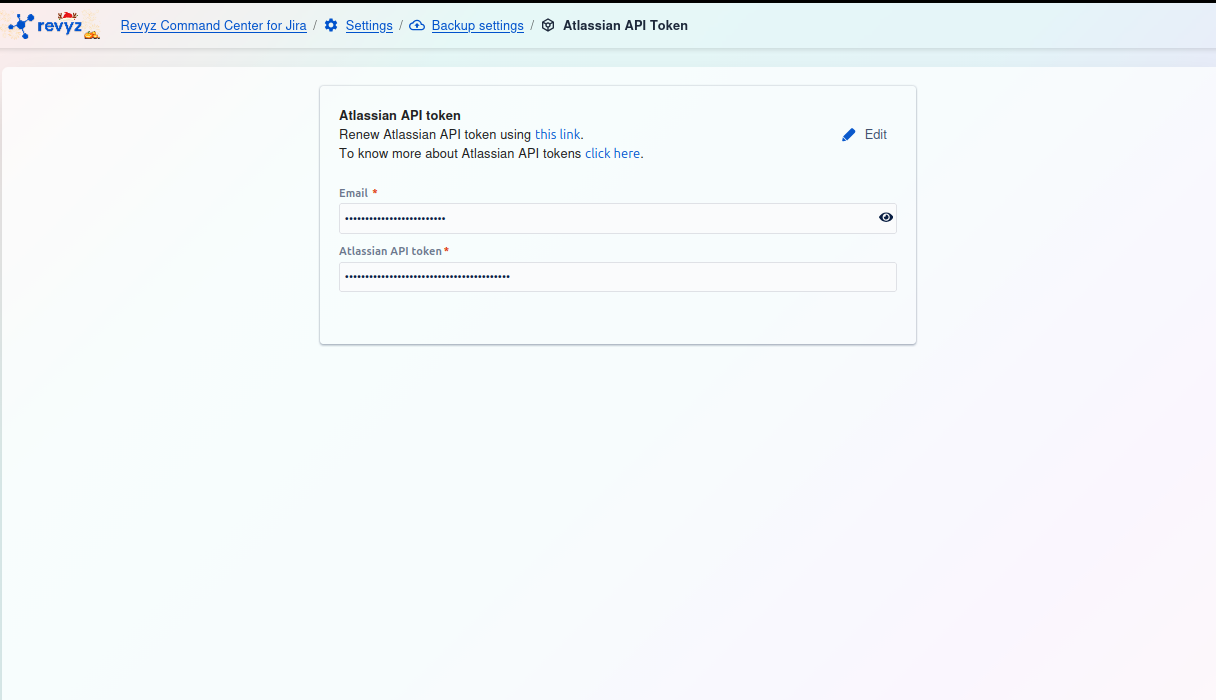
Select Atlassian API token tab
-
Enter the email ID of the user who created the API token and paste the API token and click Add
Why is the API token needed?
Revyz uses this API token to securely connect to your Jira Cloud site. Once connected, this token lets Revyz:
-
Read your Jira data (spaces, work items, comments, attachments, workflows, etc.) to create backups
-
Write data back to Jira when you run a restore
Without a valid token, Revyz cannot access your Jira site, so backups and restores will fail. This is why the token needs to stay valid and be updated if it expires or is revoked.
Can a user create the API token with defined scopes?
Refer here for more information.
Are service account tokens supported?
Refer here for more information.