
Welcome to the support pages for the Revyz Command Center for Jira.
With the Command Center for Jira, you now have a unified suite of tools for complete control over your Atlassian environment.
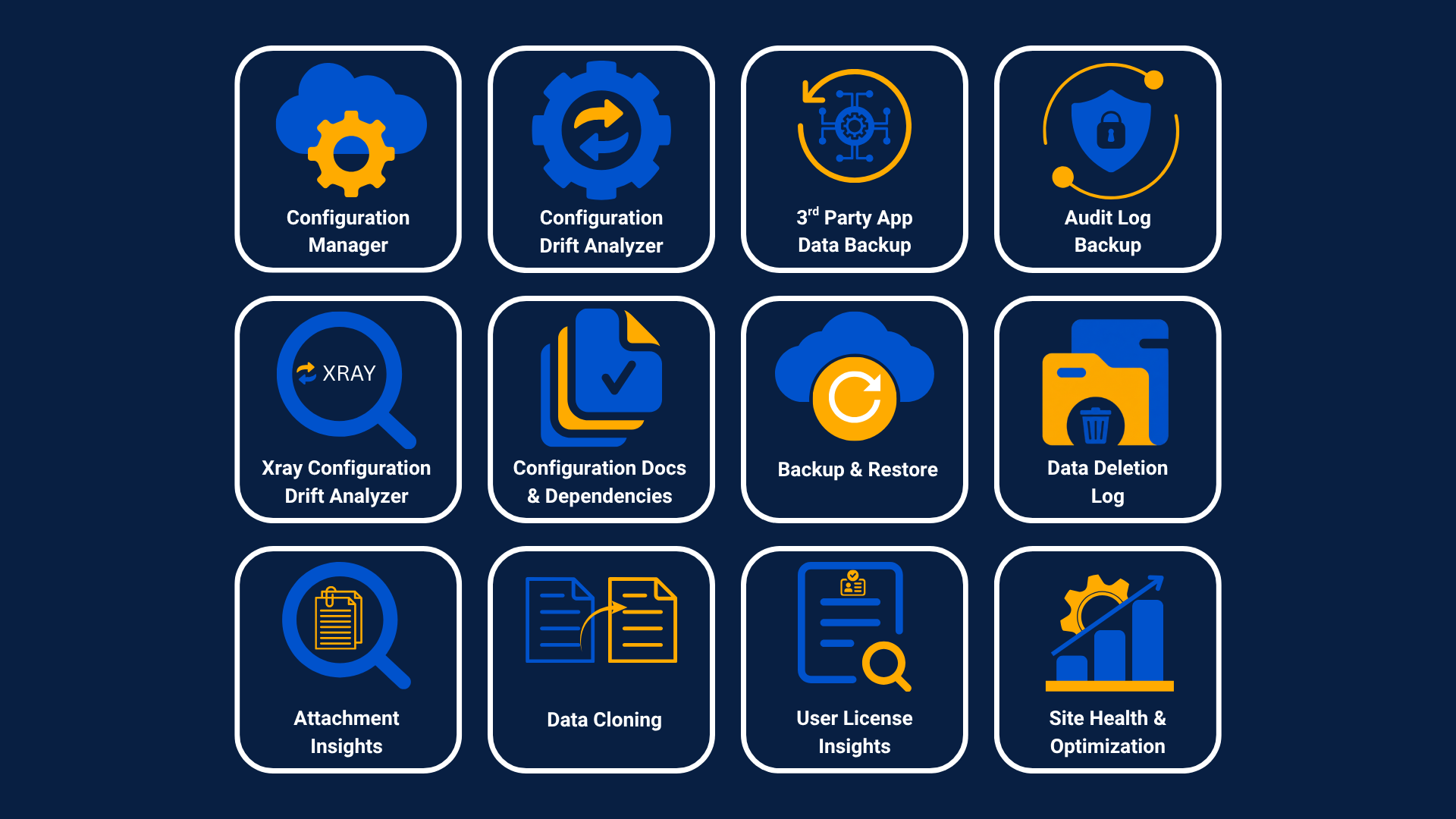
What is the Command Center?
Think of it as your new mission control! The Command Center for Jira is a powerful, unified suite of tools designed to give you complete control over your entire Atlassian setup. We've brought everything together so you can work smarter, faster, and with more confidence.
The capabilities are now grouped into three different pillars.
Three main pillars
Here is where you can find all the documentation for the Revyz Command Center for Jira. These support pages are here to help you get the most out of the Command Center. Whether you're setting things up for the first time or looking to master advanced features, you'll find everything you need right here.
Table of Contents
-
Restore Status Code -
Recover a deleted work item -
Clone a space along with work items to another site -
Clone Asset Configurations along with objects across sites -
Deploy Modified Configurations Across Sites -
Monitor Site Health via the Admin Dashboard -
Trigger On-Demand Backup for Jira Work Items -
Execute Site Optimization -
Access and Review Audit Logs -
References -
Configuration of Backup settings -
Use cases -
Audit log -
Support, Security, Licensing... -
Accessing Command Center for Jira from behind Firewall -
Navigation Basics -
Opening the App -
Initial Setup -
How to install Revyz app -
Add Atlassian API token -
Revert Existing Issues -
Introduction to Revyz Jobs -
Clone modified configurations across sites -
App Capabilities -
Application Capabilities