
Skip table of contents

Data Security and Compliance

About this Page

This page talks about Data Security & Compliance, the main command center for all functions related to data protection, governance, and recovery. It provides high-level access to your instance's security dashboard, backup operations, restore procedures, and compliance audit logs.

What is the Use Case?

This is the primary section you will use for managing the safety and recoverability of your Jira instance. Use it to get a quick overview of your security health, perform on-demand backups, execute a disaster recovery plan, or conduct a security audit.
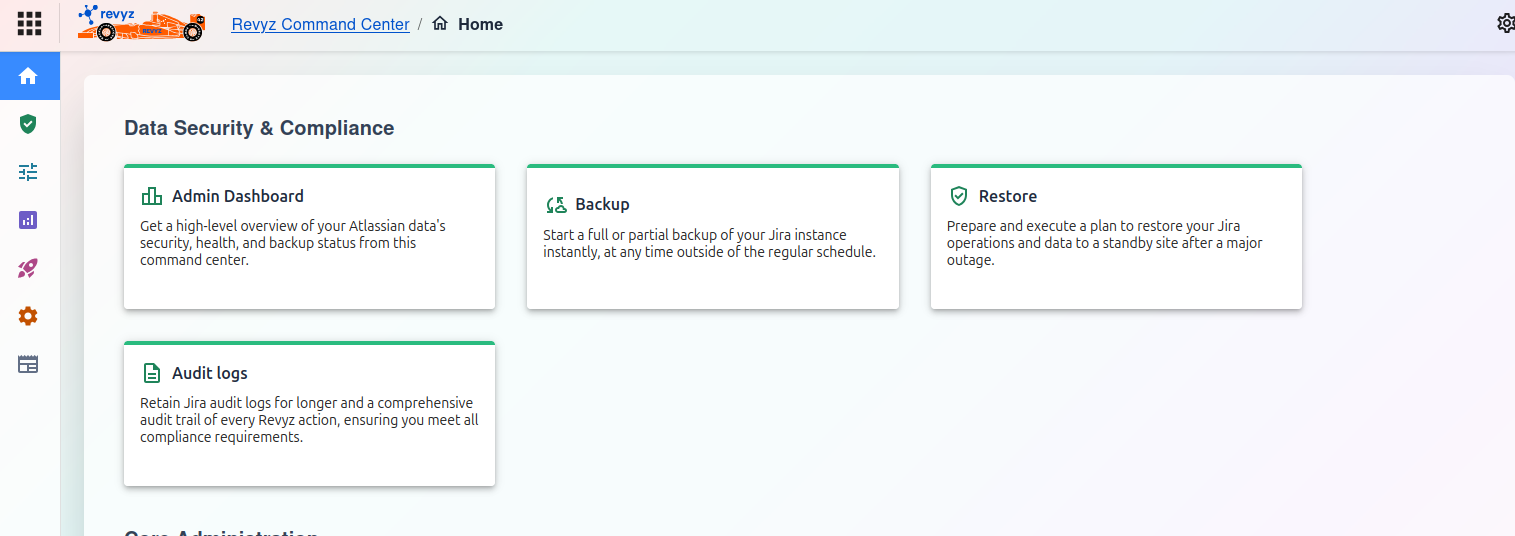
image-20251023-054403.png

Data Security & Compliance

Note:

Check the product tags on the respective pages to see which features are relevant to your product.

Dashboard Features

Admin Dashboard

Get a high-level overview of your Atlassian data's security, health, and backup status from this command center.

For more information, visit: https://support.revyz.io/revyz-data-manager/admin-dashboard

Backup

Start a full or partial backup of your Jira instance instantly, at any time outside of the regular schedule.

For more information, visit: https://support.revyz.io/revyz-data-manager/backup-disaster-recovery

Restore

Prepare and execute a plan to restore your Jira operations and data to a standby site after a major outage.

For more information, visit: https://support.revyz.io/revyz-data-manager/restore-disaster-recovery

Audit Logs

Retain Jira audit logs for longer and a comprehensive audit trail of every Revyz action, ensuring you meet all compliance requirements.

For more information, visit: https://support.revyz.io/revyz-data-manager/audit-logs

JavaScript errors detected

Please note, these errors can depend on your browser setup.

If this problem persists, please contact our support.