
Follow below steps to add API token in the Revyz app:
-
In a new tab, open https://id.atlassian.com/manage-profile/security/api-tokens
-
Click on Create Classic API token
-
Give a name and token expiry time
-
Click on Create
-
Copy the API token
-
-
Go to the first Atlassian site
-
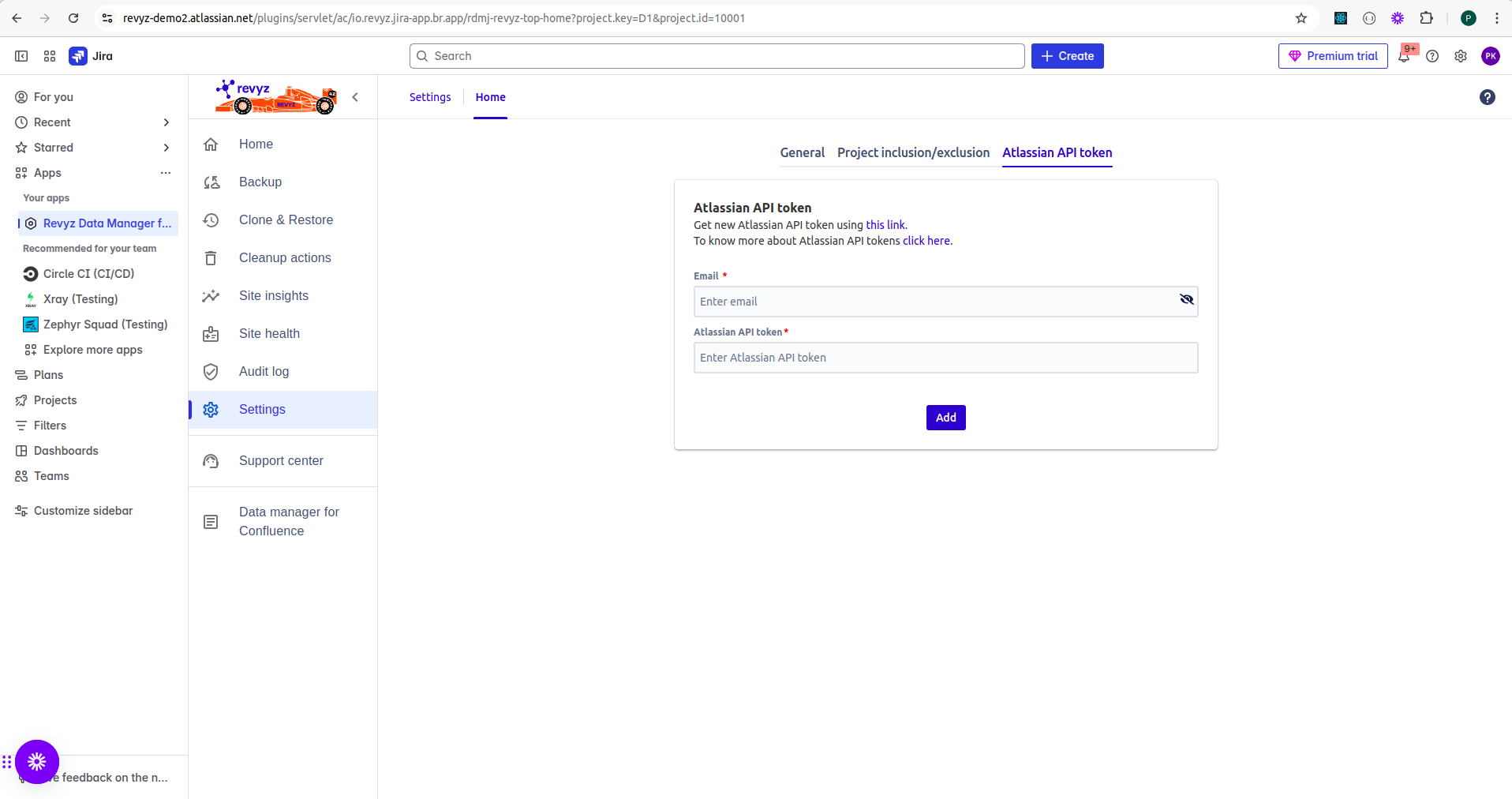
Navigate to Apps → Revyz app → Settings
-
Select Backup settings card
-
Select Atlassian API token tab
-
Enter the email ID of the user who created the API token and paste the API token and click Add