About this Page
The Cleanup Jobs page provides an essential audit trail for all data lifecycle operations, primarily focusing on the automated and manual deletion of snapshots and other related cleanup tasks. It records details such as the job Type (e.g., DELETE), the final Status, and the Initiator responsible for the action. This log is crucial for monitoring storage management activities.
What is the Use Case?
The primary use case is to verify and manage your data retention policies:
-
Storage Management: Confirm that automated deletion jobs are running successfully to regularly purge older snapshots, ensuring optimal storage utilization and reducing costs.
-
Compliance and Auditing: Maintain a verifiable record of all data deletion and download events, tracking which data was removed and by whom, to meet regulatory retention requirements.
-
Troubleshooting: Identify and diagnose cleanup jobs that resulted in an ERROR, ensuring your data retention policies are executed correctly.
How to view Cleanup Jobs?
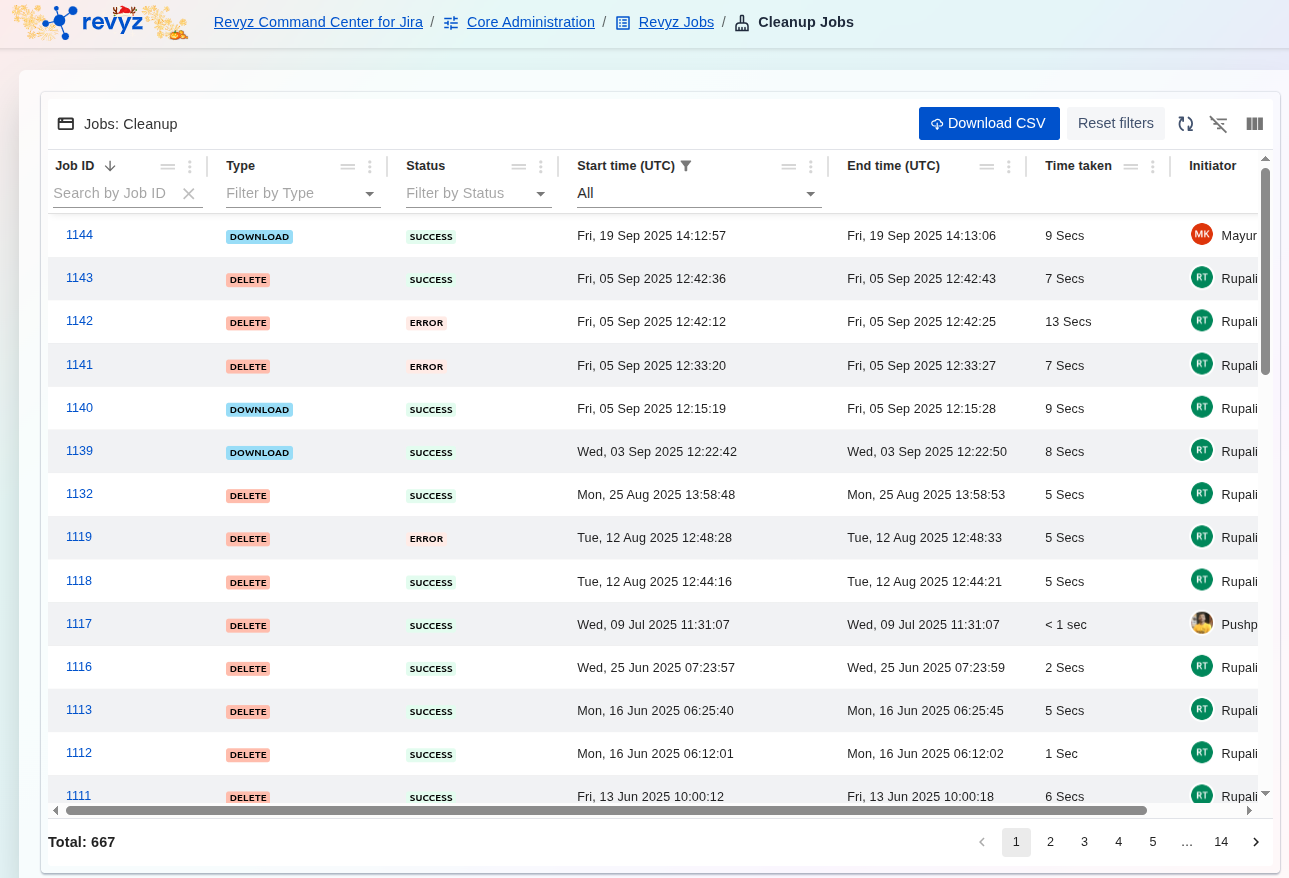
The Cleanup Jobs dashboard is the central audit log for all bulk deletion operations. It tracks every job initiated from the Site Optimization section (like deleting projects, filters, or roles) and records its status and who performed the action.
Key Data at a Glance
-
Type: Shows what kind of items were deleted (e.g.,PROJECTS,FILTERS,PROJECT ROLES). -
Status: The most important column.SUCCESSconfirms the cleanup, whileERRORorPARTIAL SUCCESSmeans some items failed to delete. -
Initiator: Shows which administrator ran the cleanup job. This is critical for security and change tracking. -
Job ID: A unique, clickable link to a detailed log showing exactly which items were (or were not) deleted. -
Time taken: Shows how long the bulk deletion operation took to complete.
How to Use This Report
To Audit Cleanup Activities:
This screen is your primary tool for change management. You can instantly see who (Initiator) deleted what (Type) and when (Start time). This is essential for accountability and for investigating any accidental mass deletions.
To Investigate a Failed Cleanup:
-
Use the "Filter by Status" dropdown and select
ERRORorPARTIAL SUCCESSto find jobs that didn't complete. -
Click the blue link in the
Job IDcolumn. -
The detailed log will open, showing specific error messages and identifying which items could not be deleted (e.g., a project that was still in use).
To Export Logs for Auditing:
-
Click the
Download CSVbutton in the top-right corner. -
This exports the entire job list, creating a permanent record for compliance reports, security audits, or incident reviews.
To inspect the details of a specific cleanup operation:
-
Filter/Search: Utilize the filter bars (e.g., Job ID, Type, Status, or Initiator) to efficiently narrow down the list and locate the specific job.
-
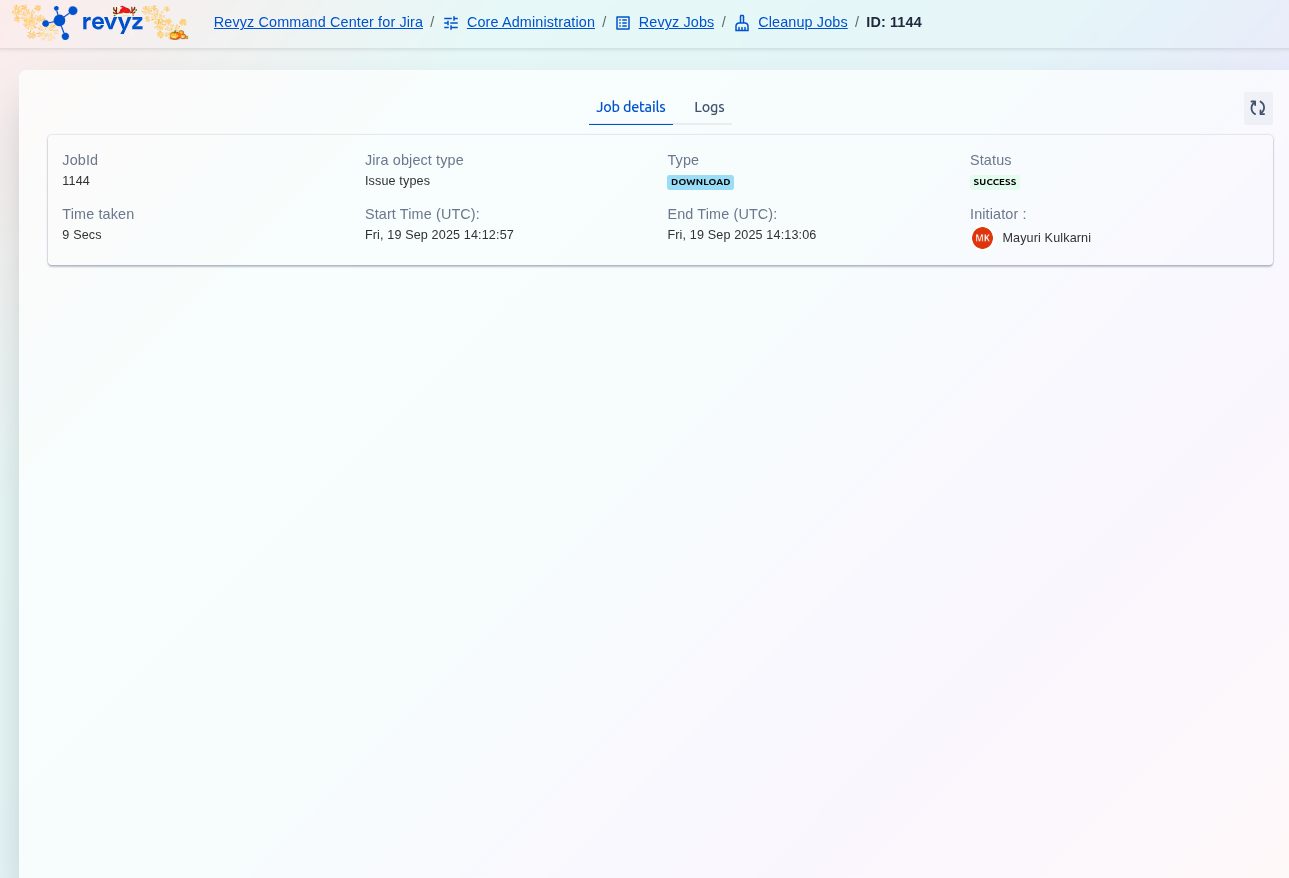
View Details: Click on the hyperlinked blue Job ID (e.g., 1144) to access the detailed transaction log and metadata, which confirms the specific snapshots or data items affected by the cleanup job.