
About this Page
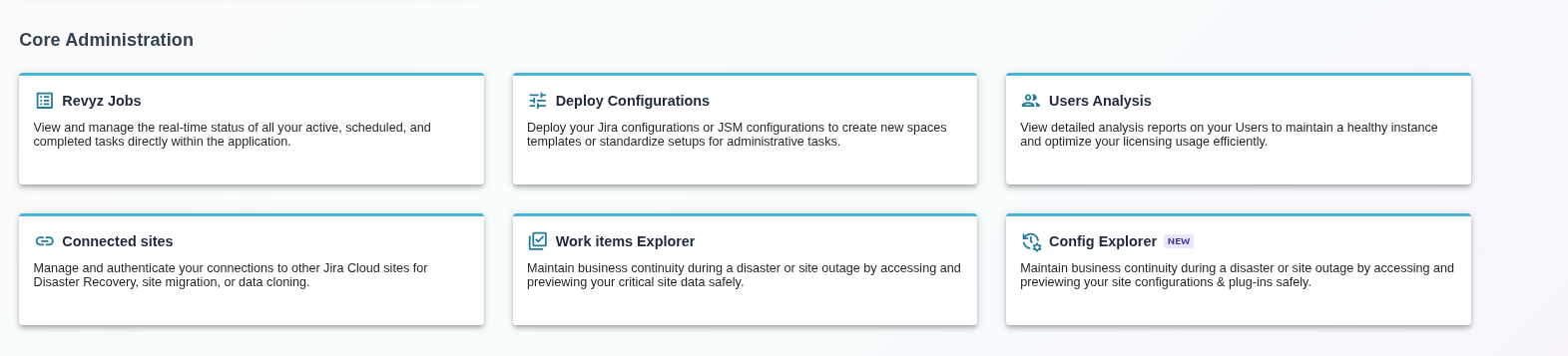
This page provides an overview of the Configuration Explorer, a core administrative tool designed to help administrators maintain business continuity during disasters or site outages by providing a safe environment to access and preview site configurations and plug-ins.
What is the Use Case?
The Config Explorer is primarily used for Disaster Recovery and Change Management. Key use cases include:
-
Business Continuity: Accessing critical site data and configuration structures when the primary live site is unavailable.
-
Historical Auditing: Reviewing previous snapshots of complex configurations, such as workflows or third-party app settings, to understand historical changes.
-
Safe Previewing: Inspecting object schemas, asset structures, or custom scripts from a backup before committing to a restoration process.
What is Configuration Explorer?
Configuration Explorer is a specialized diagnostic module that allows you to "explore" the structural blueprints of your Jira instance. Unlike standard data backups that focus on issues, Config Explorer captures the underlying logic and settings of both native Jira features and integrated Marketplace applications. It ensures that your configurations and plug-ins are preserved and accessible in a read-only, mirrored interface.
Configuration Explorer Modules
The explorer is categorized into different specialized modules to handle different types of site data:
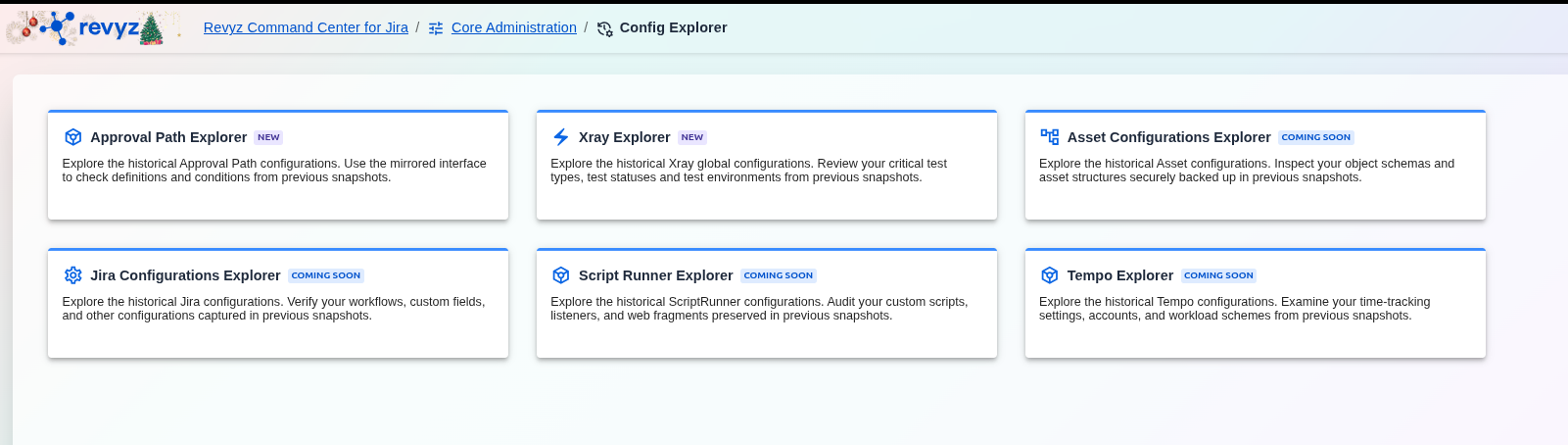
Available Now
Coming Soon