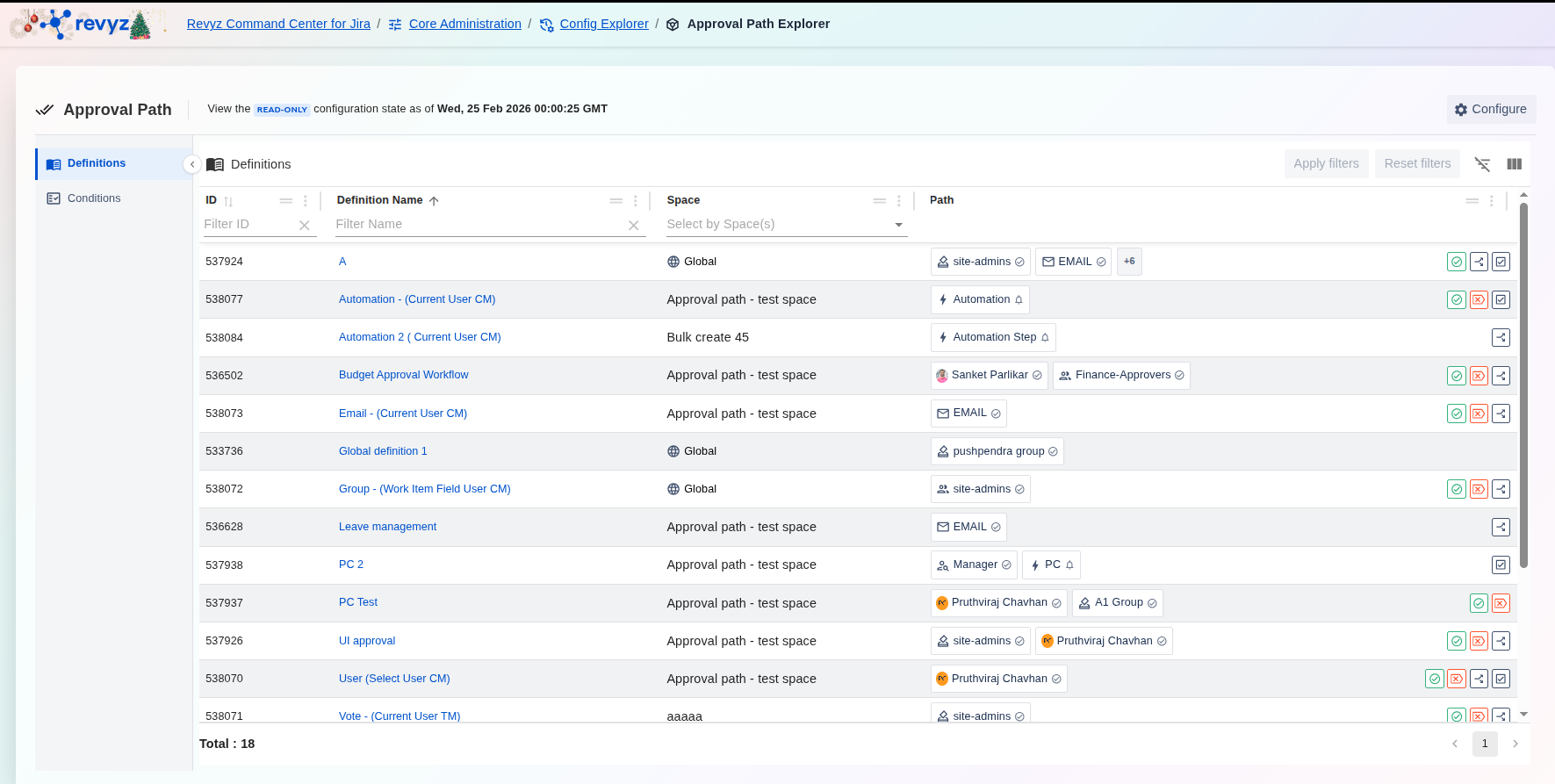
About this Page
The Approval Path Explorer is a specialized auditing and review tool within the Revyz Config Explorer. It provides a read-only, point-in-time view of your Approval Path configurations. This interface allows administrators to navigate through historical snapshots of their approval workflows, ensuring that you can verify exactly how your approval logic was structured at any specific date and time in the past.
This feature is applicable to
command center for jira Advanced
What is the Use Case?
The primary goal of the Approval Path Explorer is to provide transparency and accountability for your Jira approval workflows. Key use cases include:
-
Audit Compliance: Auditors often require proof of configuration at a specific time. You can use this tool to show exactly what conditions and definitions were active during a previous period.
-
Change Comparison: If an approval workflow is behaving unexpectedly, you can compare the current "Live" state against a known stable historical snapshot to identify what changed.
-
Configuration Recovery Reference: While this tool provides a configuration backup (not a data/issue backup), it serves as a vital reference point. If a complex approval condition is accidentally deleted or modified in your live environment, you can look up the exact expression or logic here to recreate it.
-
Impact Analysis: Review how changes to global or space-specific conditions might have affected your team's workflow history.
Note: The Approval Path Explorer currently focuses on Configuration Backup. It does not store Data Backups.
How to enable settings?
Before using the explorer, make sure you enable the setting Data Backups for Approval Path for Jira.
To know how to enable this setting, visit: General Settings.
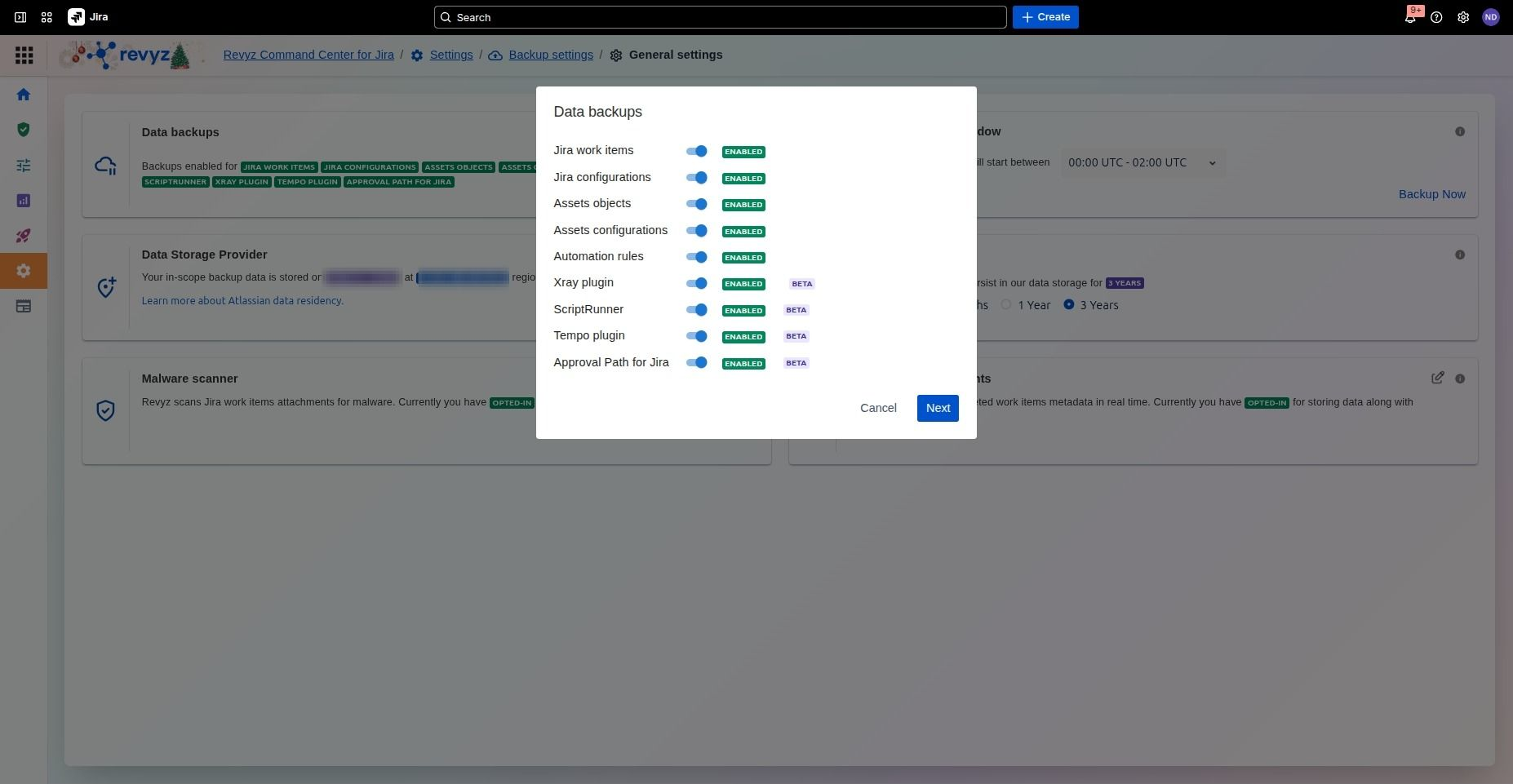
Enable Approval Path API Token
How to use the Approval Path Explorer?