-
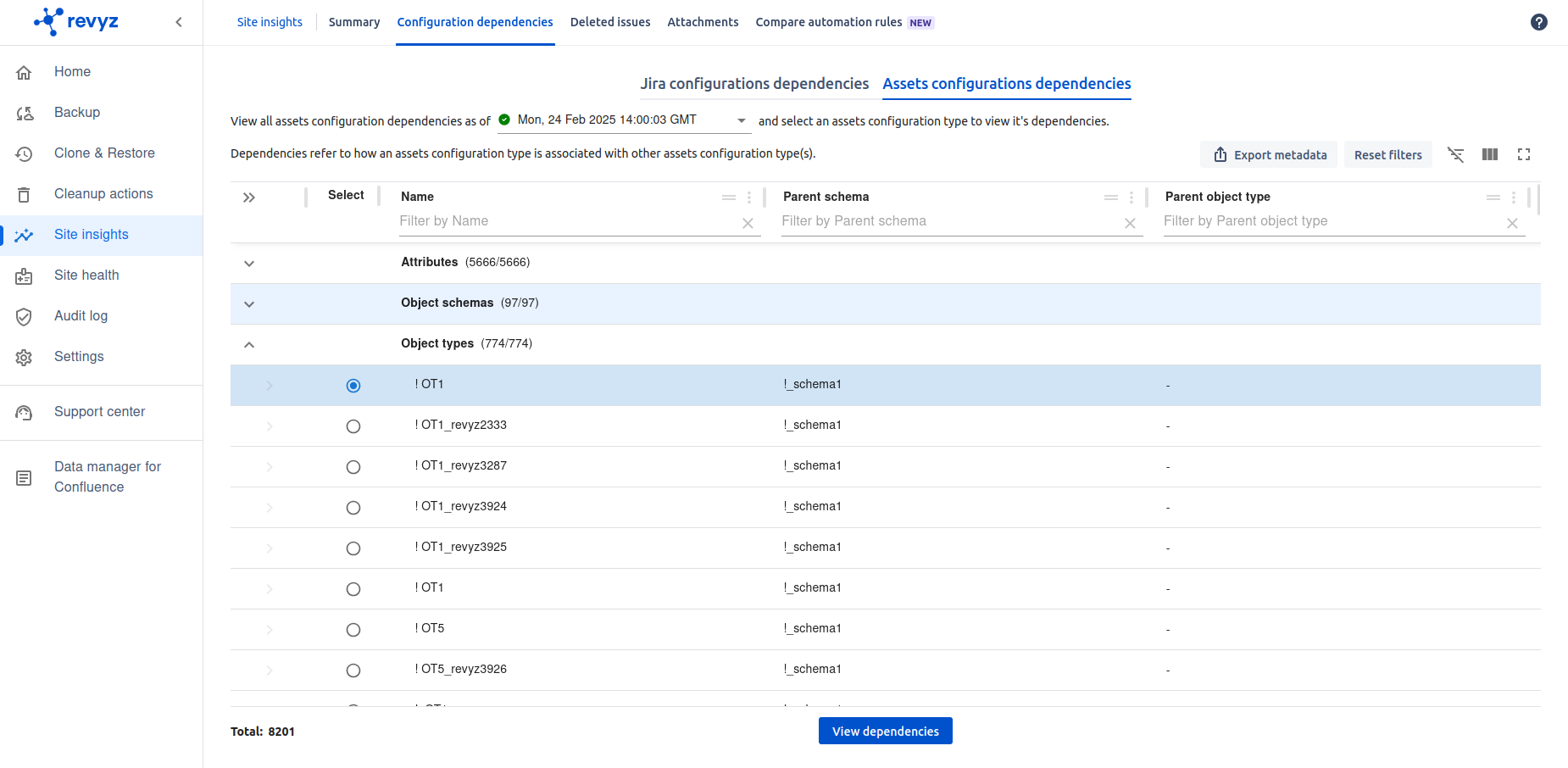
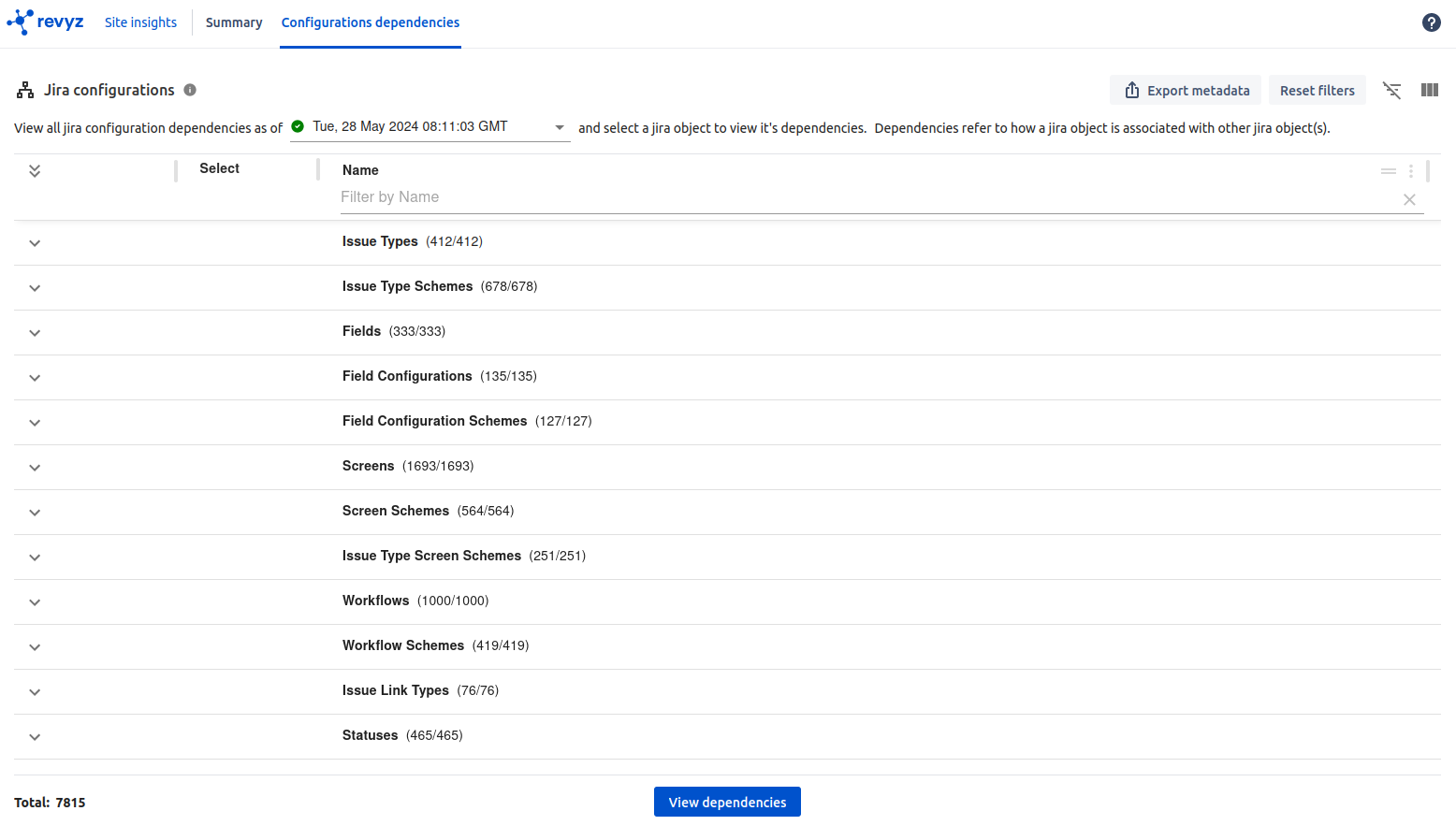
It will show all Jira and Assets configuration dependencies for the selected snapshot.
-
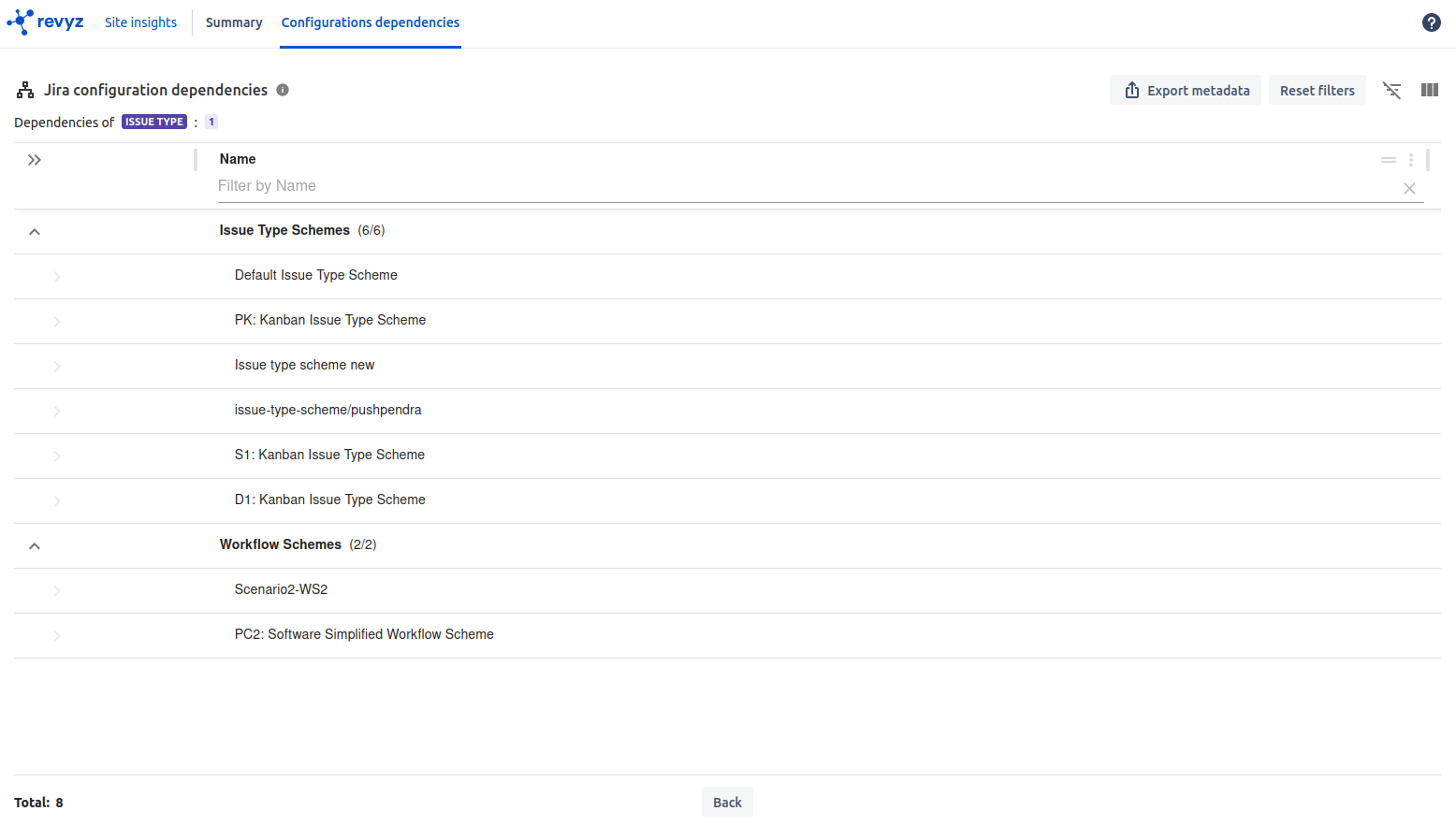
Dependencies refer to how Jira configurations, Assets configuration type is associated with other configuration type(s).
-
Select site insights in left navbar - > Select Configurations Dependencies in top navbar
-
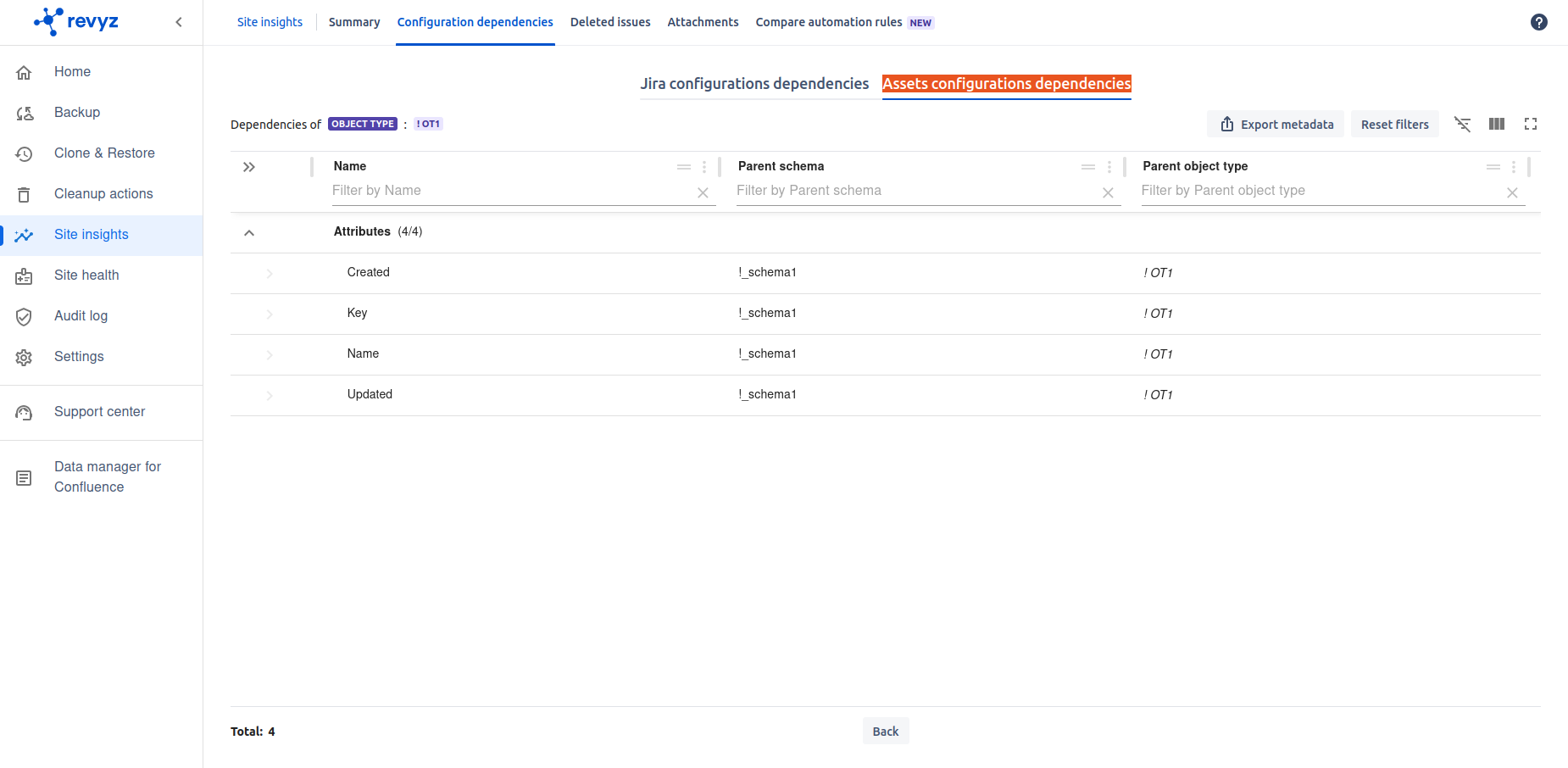
You can see dependencies for each object
-
You can search specific configuration
-
Also you can Export data in CSV & PDF format for selected dependencies
-
How to check assets configuration dependencies using Revyz app
-
Go to Site insights - > Click on Configuration dependencies on top navbar - > click on “Assets configurations dependencies” tab.
-
Select any object to check its dependency.
-
Click on View dependencies - It will list out all the dependencies for the selected object.
-