
About this Page
This page talks about the Jira Work Items (Issues) Backup feature, which enables administrators to manually and immediately initiate a specific backup job.
What is the use case?
The On-demand backup feature allows administrators to manually initiate a selective backup job for Jira issues, configurations, and associated Assets and plugin data instantly. This provides immediate control over creating specific backup snapshots tailored to current operational needs.
This feature is applicable to:
Command center for jira
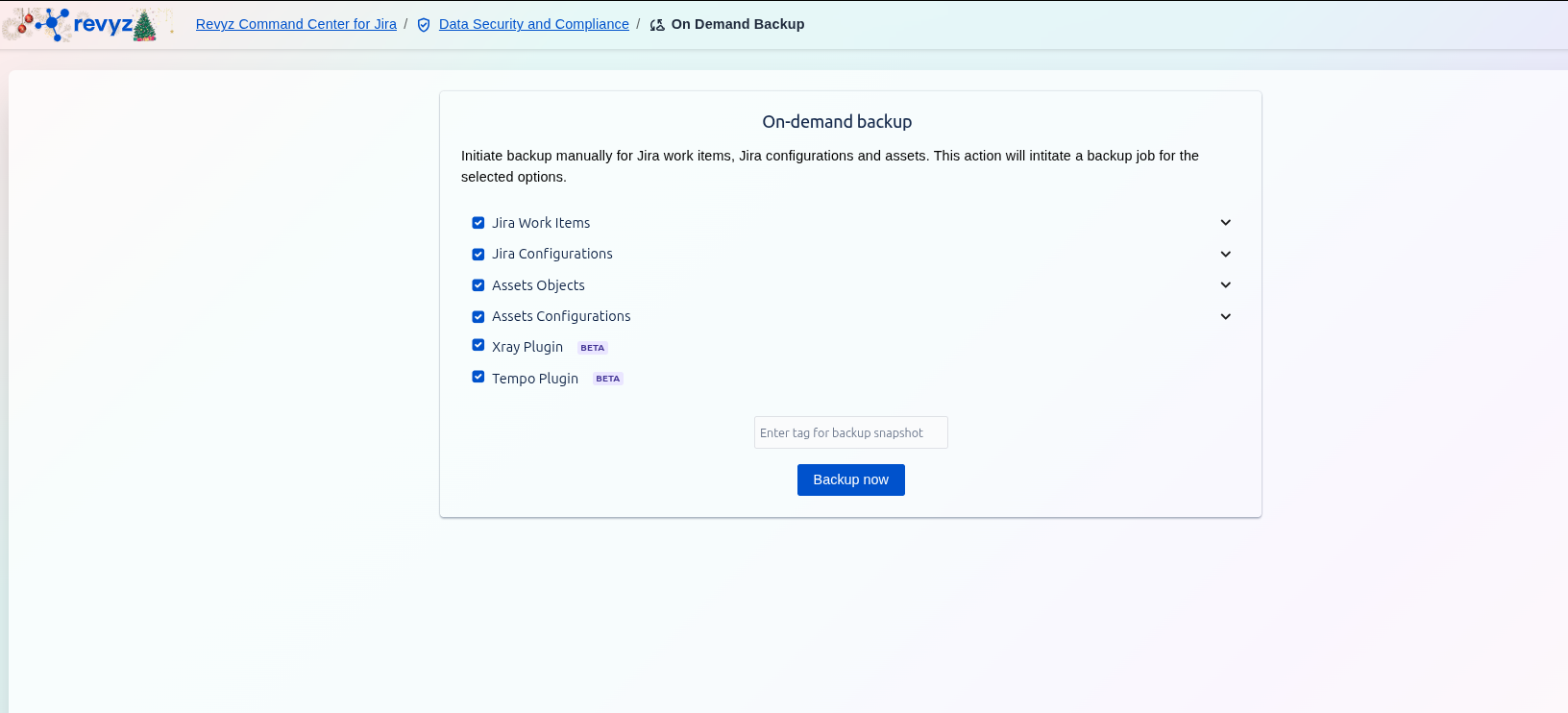
This is a comprehensive backup of your core issue data. Selecting this option will include the following objects:
-
Attachments: All files attached to your Jira issues.
-
Comments: All comments made on issues.
-
Issues: The core issue data itself (summary, description, status, etc.).
-
Link: All issue links (e.g., "is blocked by", "relates to").
-
Votes: User votes on issues.
-
Worklogs: Time tracking and worklog entries.
-
Snapshot Tagging: Use the optional field to enter a custom tag for the backup snapshot. This tag helps you easily identify and manage the specific backup job in the Revyz Jobs history.
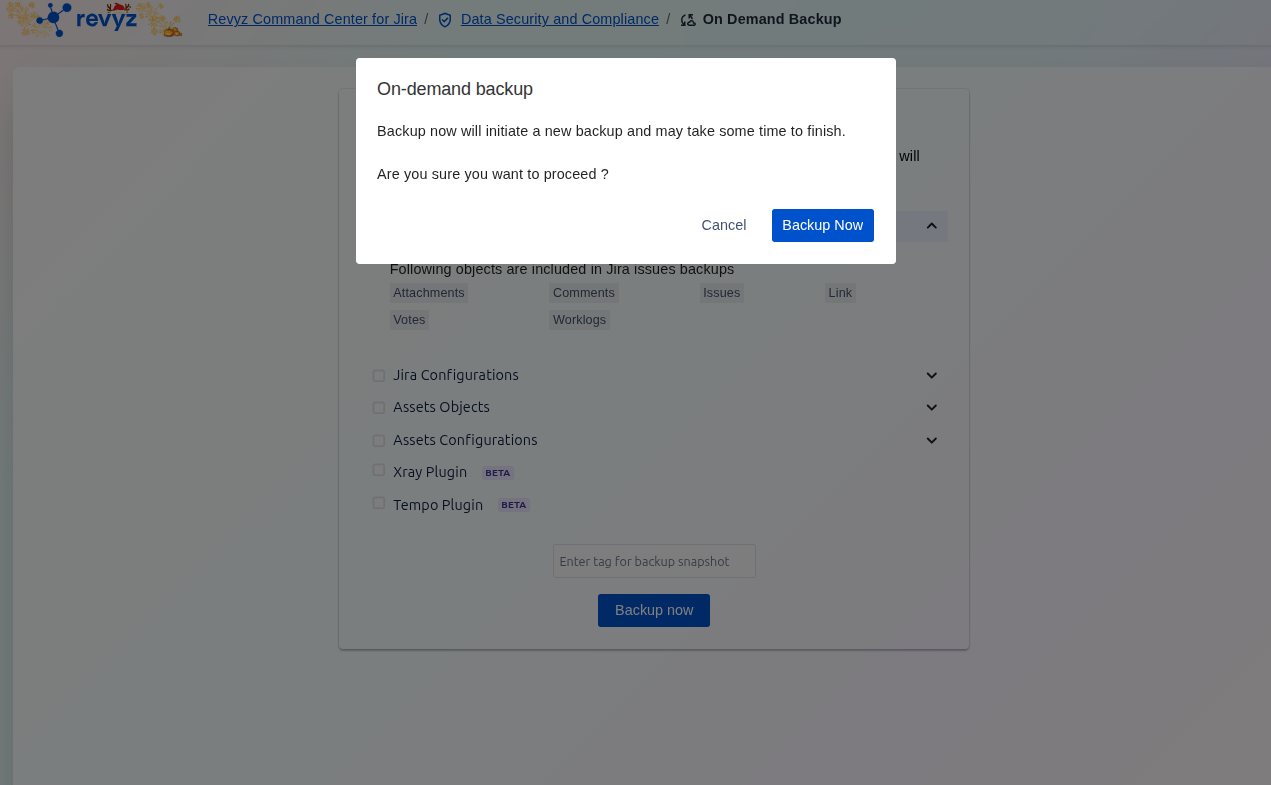
Clicking Backup now will initiate the backup job for all selected options, and you can monitor the progress on the Revyz Jobs history page.