
About this Page
This On-demand backup page, found within the Revyz Command Center for Jira, allows you to manually initiate a comprehensive backup job. A key component on this page is the Xray Plugin option, which enables the secure backup of all your Test Management data, including Tests, Test Executions, Test Plans, and Test Sets. This option is designated for the ADVANCED TIER of service. The page also allows you to select other core components, such as Jira Issues, Configurations, Assets data, and Tempo Plugin data, to create a complete, tagged backup snapshot.
What is the Use Case?
This feature is used to secure the critical Xray Test Management data, providing an immediate restore point before crucial testing events (e.g., system updates or major release rollouts), or after completing a significant project milestone or bulk test case import.
This feature is applicable to:
Command center for jira *Advanced
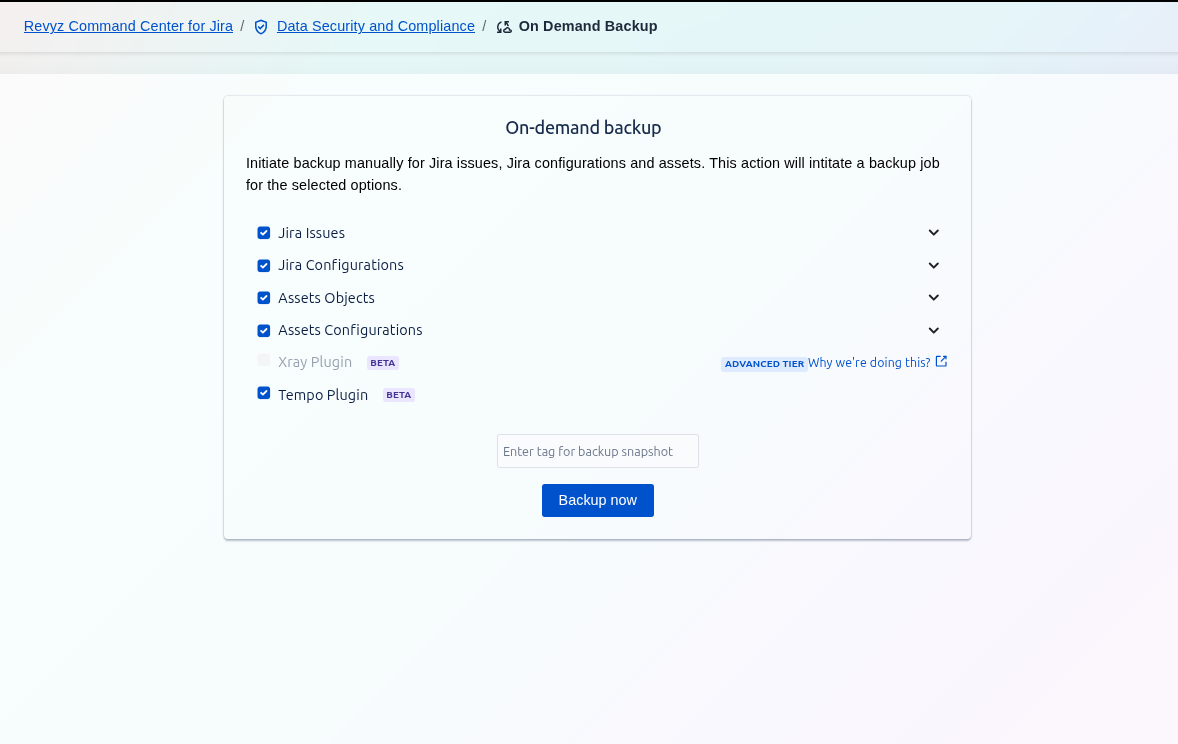
This option allows you to back up data related to the Xray Test Management plugin.
It allows you to create a complete, auditable snapshot of your test data alongside core Jira Issues, Configurations, Assets, and Tempo data.
The following Xray data and configuration items are backed up:
-
Miscellaneous
-
Test Coverage
-
Defect Mapping
-
Test Types
-
Test Statuses
-
Test Step Statuses
-
Test Environments
-
Test Step Fields
-
Test Run Custom Fields
-
Parameter Value Lists
-
Default Column Layouts
-
Cucumber