
-
There are restore settings which you can configure as per your requirement.
-
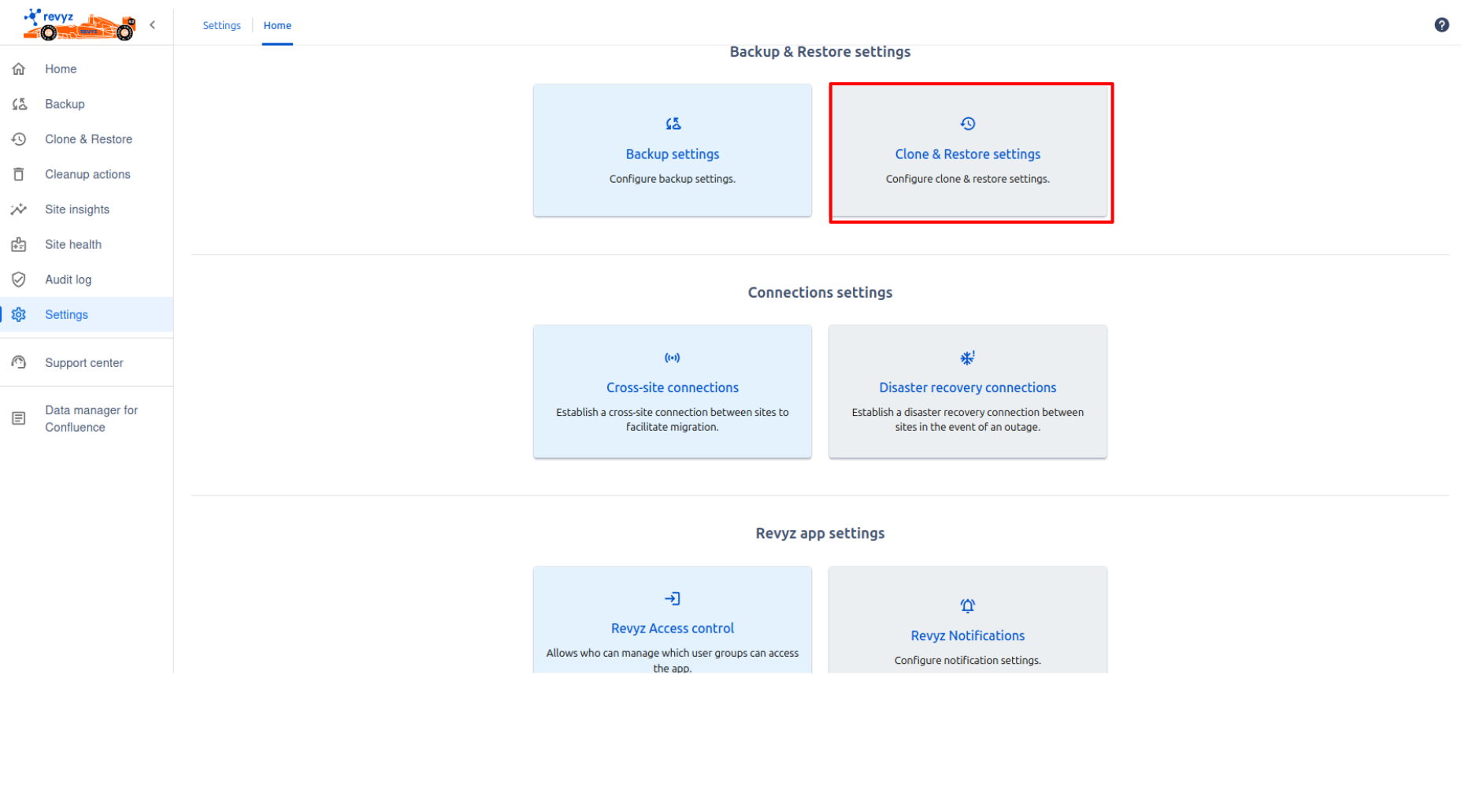
Click on 'Settings' in the left navbar.
-
Click on 'Clone & Restore settings' card.
-
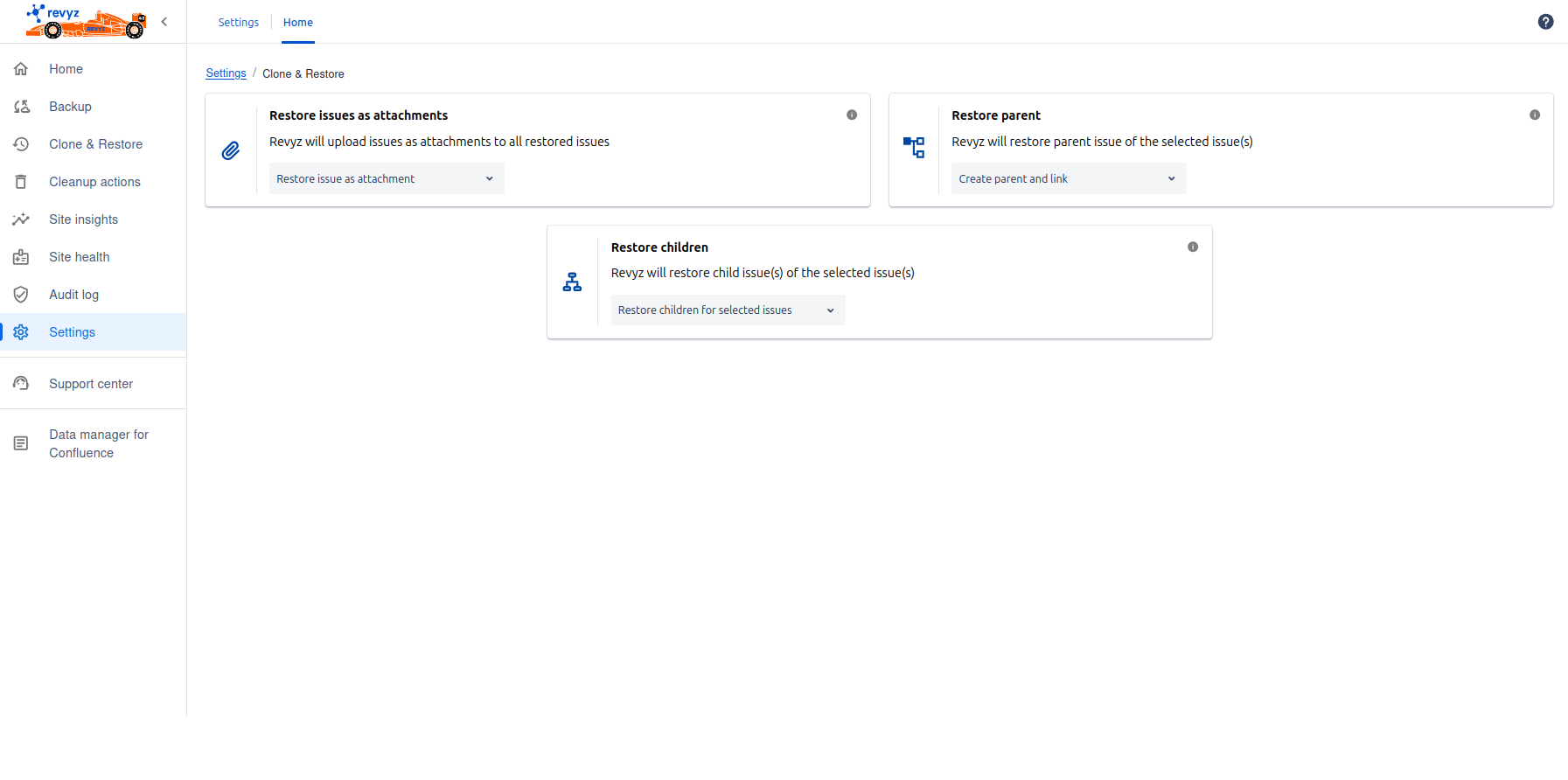
Restore issues as attachments:
-
In this setting you can choose whether you wish to attach the raw issue file as an attachment to the newly created issues
-
If you don’t want to restore issue as an attachment then select Do not restore issue as attachment
-
If you want to restore issue as an attachment then Restore issue as attachment
2. Restore parent:
-
In this setting you can choose whether you wish to restore parent issue(s) of the selected issues
-
If you want to restore parent issue then Select create parent & link
-
If you want to link parent issue then select Link parent if exist
-
If you don’t want to restore parent issue then select Do not restore parent issue
3. Restore children:
-
In this setting you can choose whether you wish to restore children issues of the selected issues
-
If you want to restore children issues then select Restore children for selected issues
-
If you don’t want to restore children issues then select Do not restore children