About this Page
This page contains the Release Notes for the Revyz Command Center for Confluence app, providing a chronological log of all new features and significant changes.
23 September, 2025
UI Layout Enhancements
-
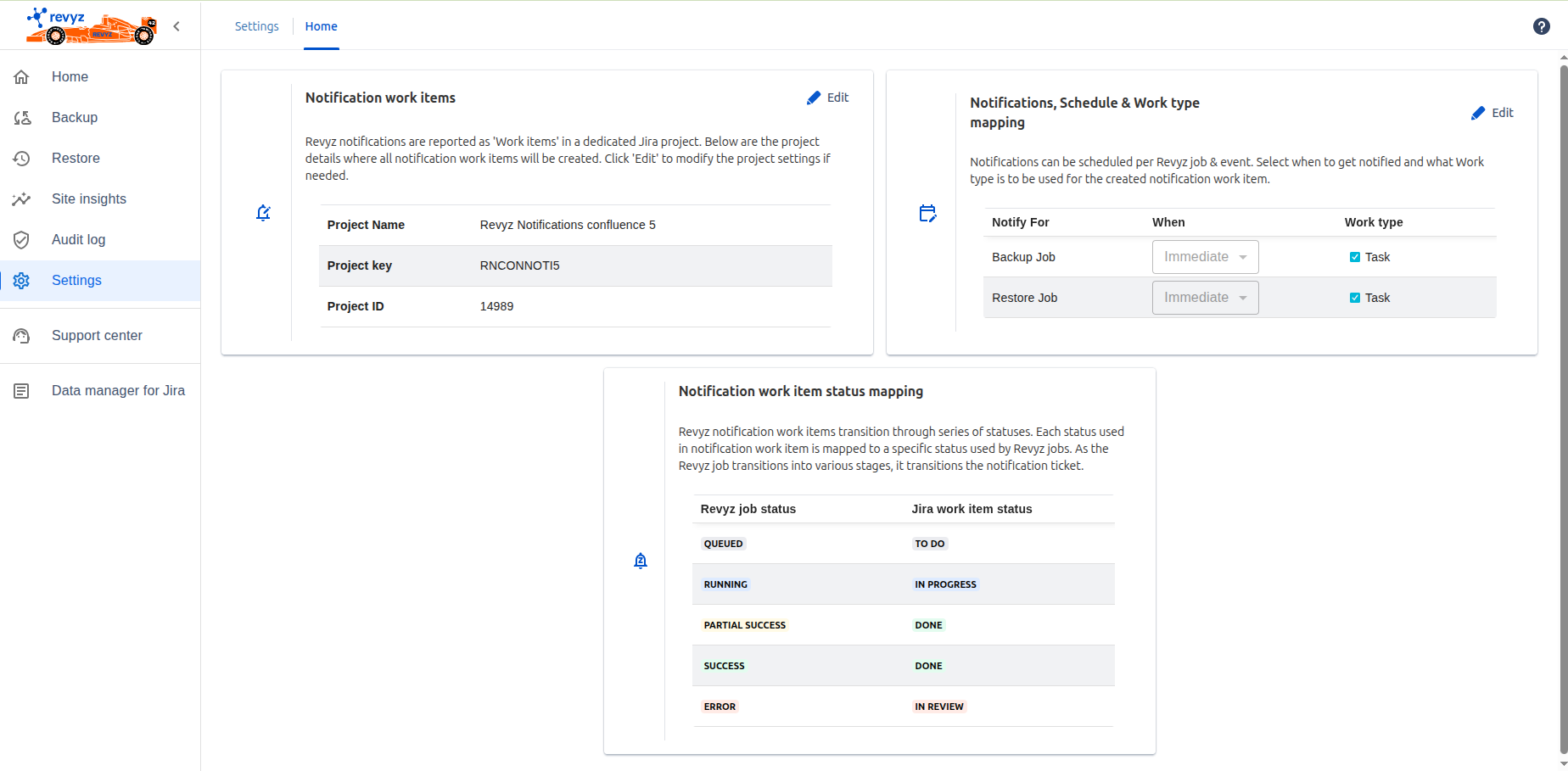
Feature: Introduced Applets, Information Cards, and Breadcrumb navigation as part of the new user interface layout.
-
Purpose: These updates streamline the user experience by providing quick access to key tools, summarizing critical data at a glance, and improving navigational clarity across the app.
27 June, 2025
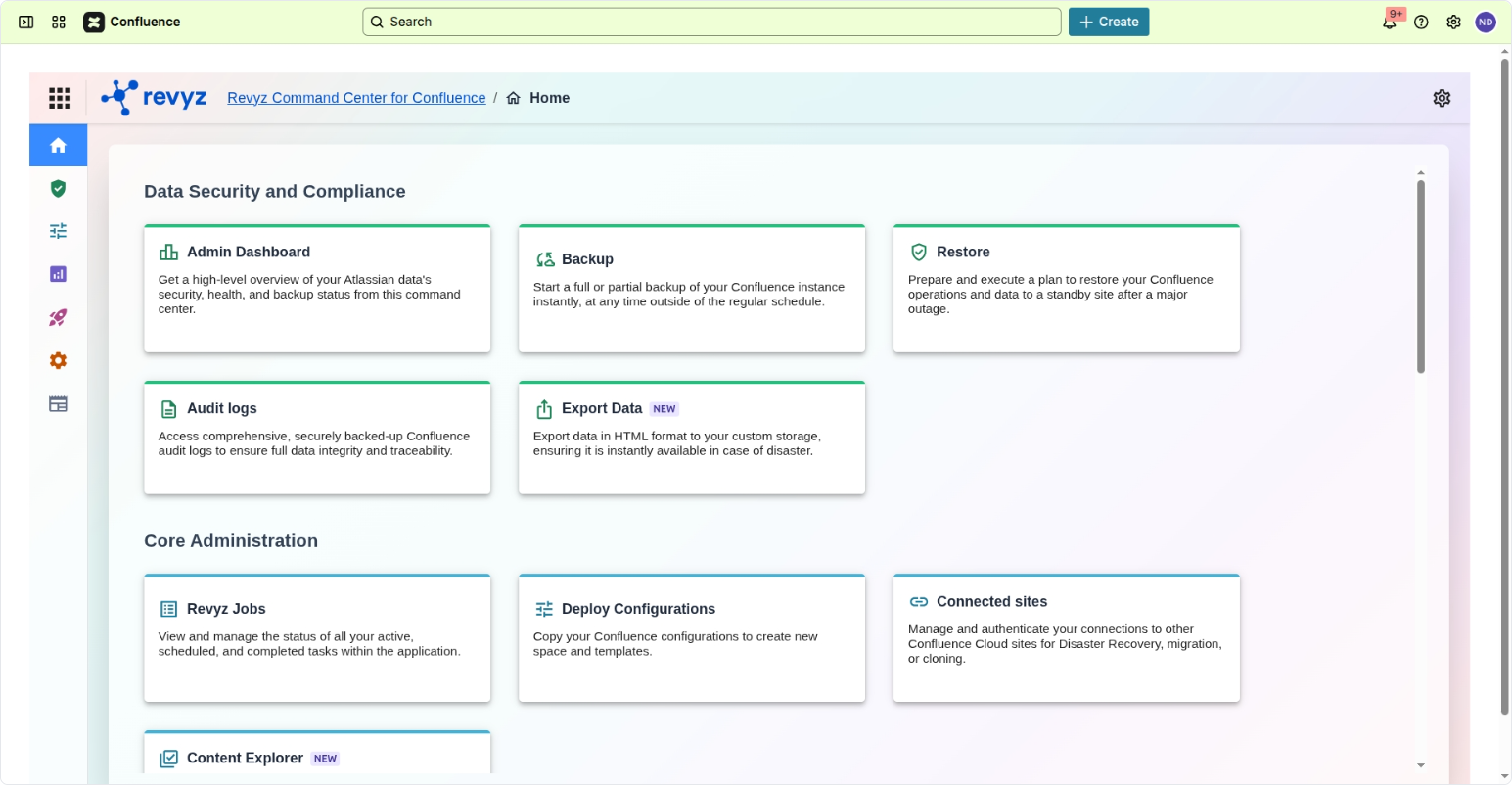
“Confluence notifications“ feature
Purpose
-
To confirm that a backup and restore jobs are completed successfully, giving administrators peace of mind that their data is protected.
Impact
-
Performance Monitoring
-
Compliance and Audit Trails: To provide a verifiable record of backup and restore activities, which is often required for regulatory compliance or internal auditing purposes.
Use cases
-
Successful Backup & Restore Confirmation: - An administrator receives an email notification confirming the backups and restore of their production Confluence site completed without errors.
-
Backup / Restore Failure Alerting: A backup / restore operation fails due to some reason. An instant notification allows the team to try an older backup or escalate to support.
-
Backup and restore job notifications for Confluence are indispensable tools for proactive monitoring, rapid response to issues, ensuring data integrity, meeting compliance requirements, and maintaining business continuity.
14 May, 2025
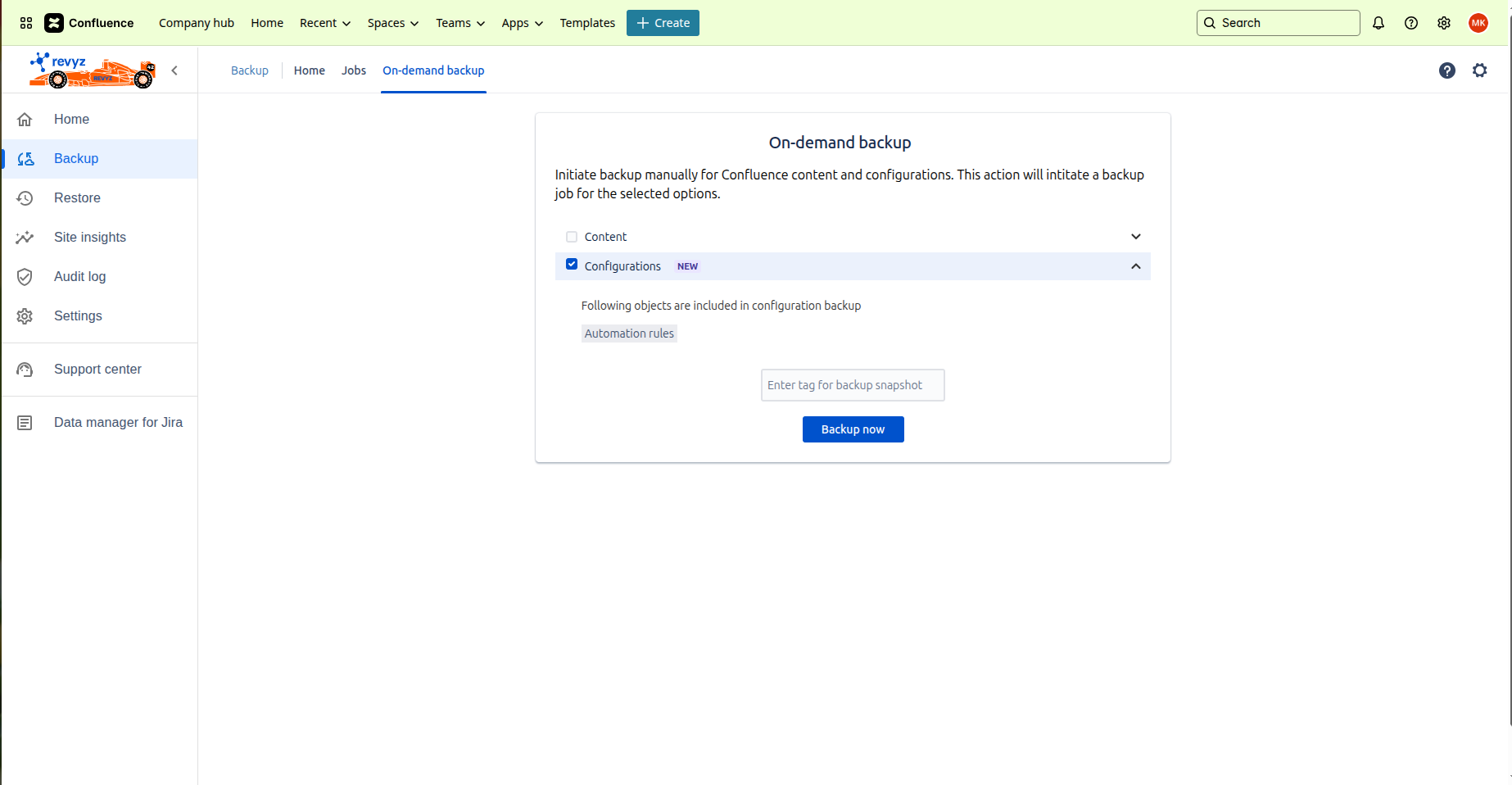
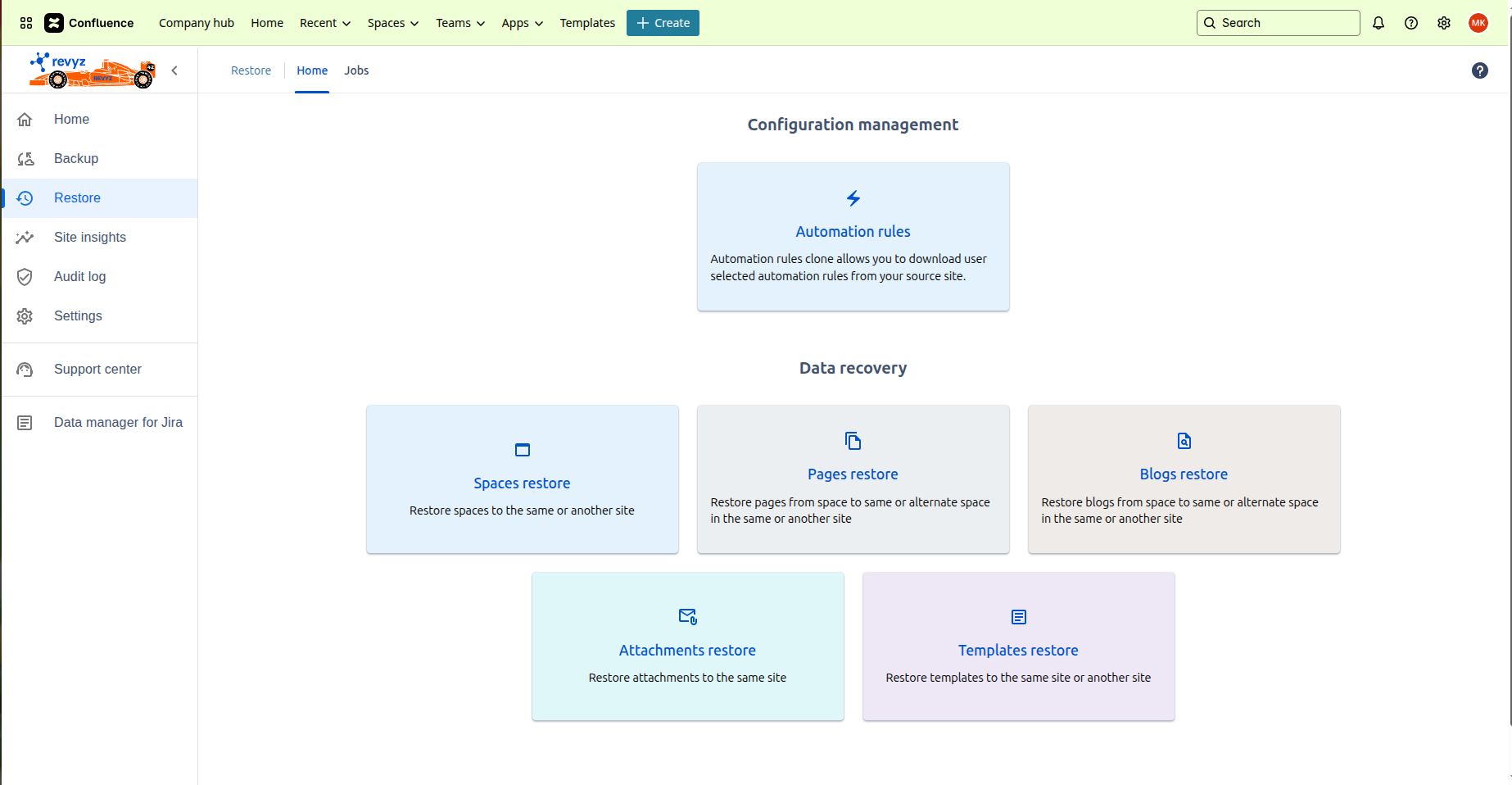
“Automation rules - backup and restore“ feature
Purpose
-
Prevent Data Loss – Ensures that important Automation rules are not lost due to accidental deletion, system failures, or migration errors.
-
Change Management – Supports safe rollbacks in case an updated automation rule breaks existing workflows.
Impact
-
Disaster Recovery – Prevents loss of critical automation logic due to accidental deletions or system failures.
-
Version Control – Enables teams to store different versions of rules for testing and historical reference.
Use cases
-
Restoring Accidentally Deleted Rules - Restore the automation rule from backup to reinstate the workflow without having to recreate it manually.
18 March, 2025
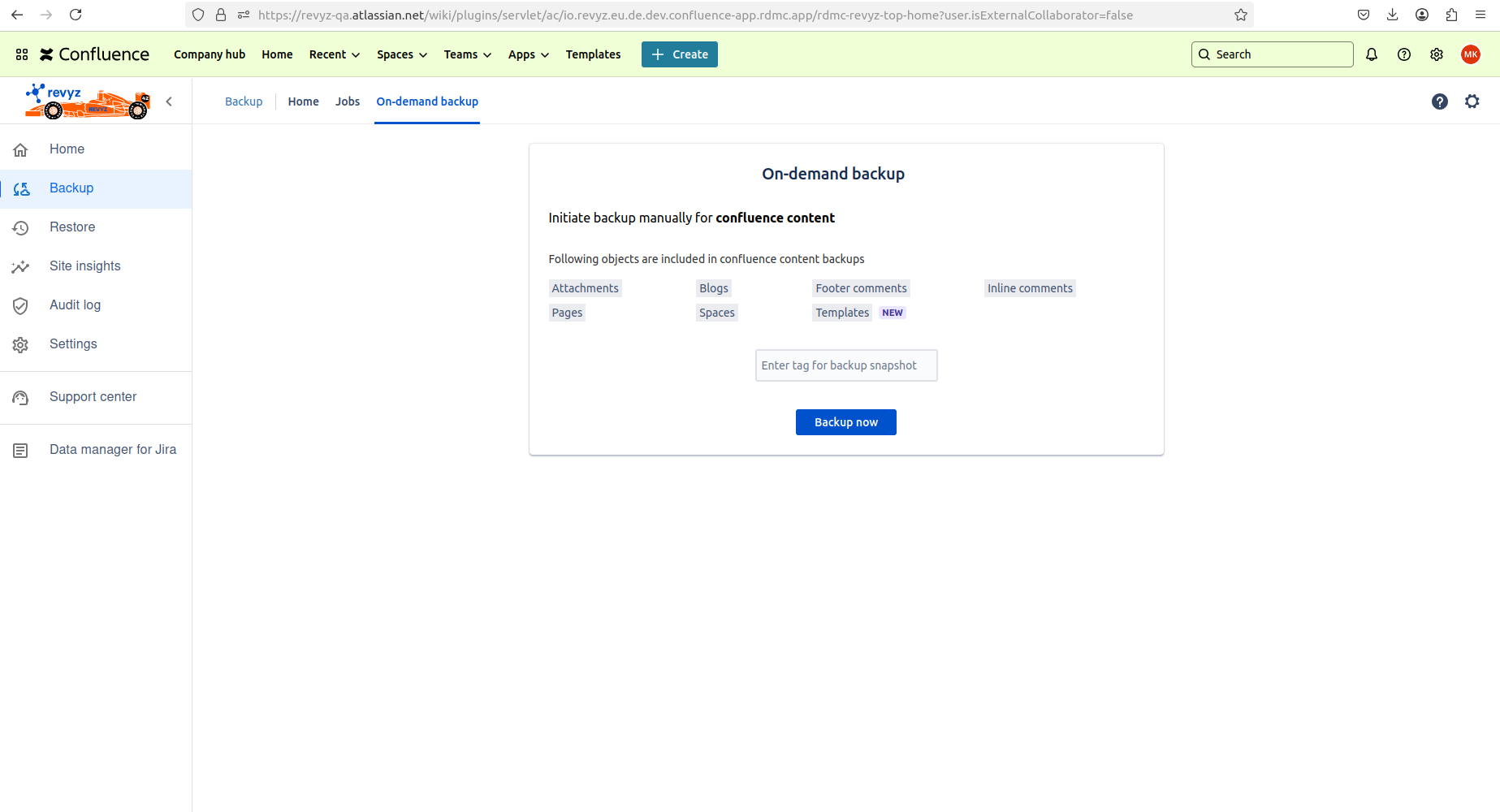
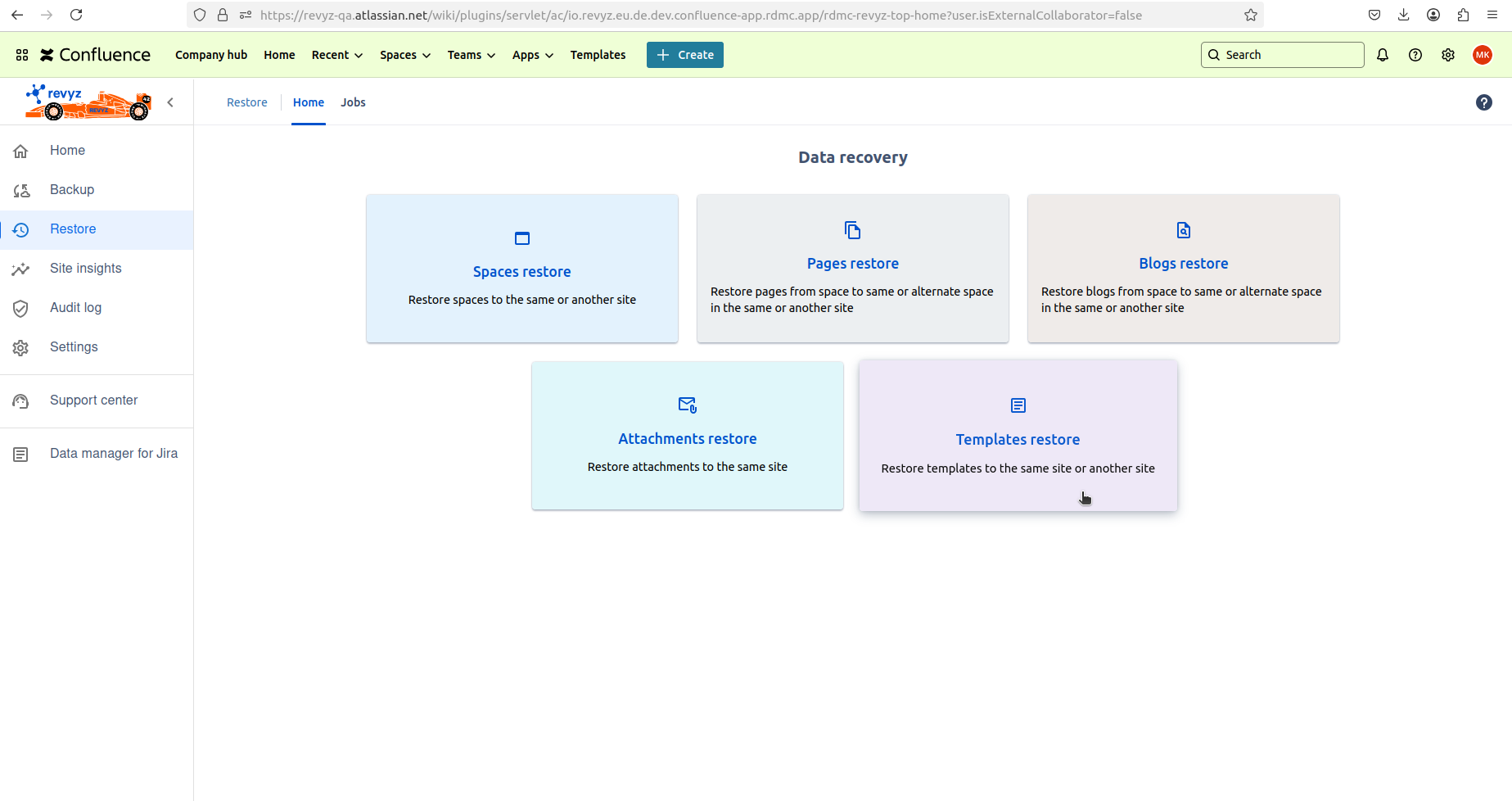
“Confluence templates backup and restore“ feature
Purpose
-
Prevent Data Loss – Ensures that important custom templates are not lost due to accidental deletion, system failures, or migration errors.
-
Simplifies Site Migration – Helps organizations transfer templates when moving to a new Confluence site or instance.
-
Version Control & Template History – Enables teams to restore previously saved versions of templates if changes were made in error.
Impact
-
Disaster Recovery – Provides a safety net in case of unexpected data loss due to system crashes, security breaches, or misconfigurations.
Use cases
-
Restoring Deleted or Overwritten Templates - Use the restore feature to bring back the original template without manually recreating it.
-
Migrating Templates to a New Confluence Site.
-
Backup and restore ensure that templates remain intact after migration.
-
Quick Disaster Recovery - The restore function helps quickly reinstate important templates without disrupting workflows.
5 March, 2025
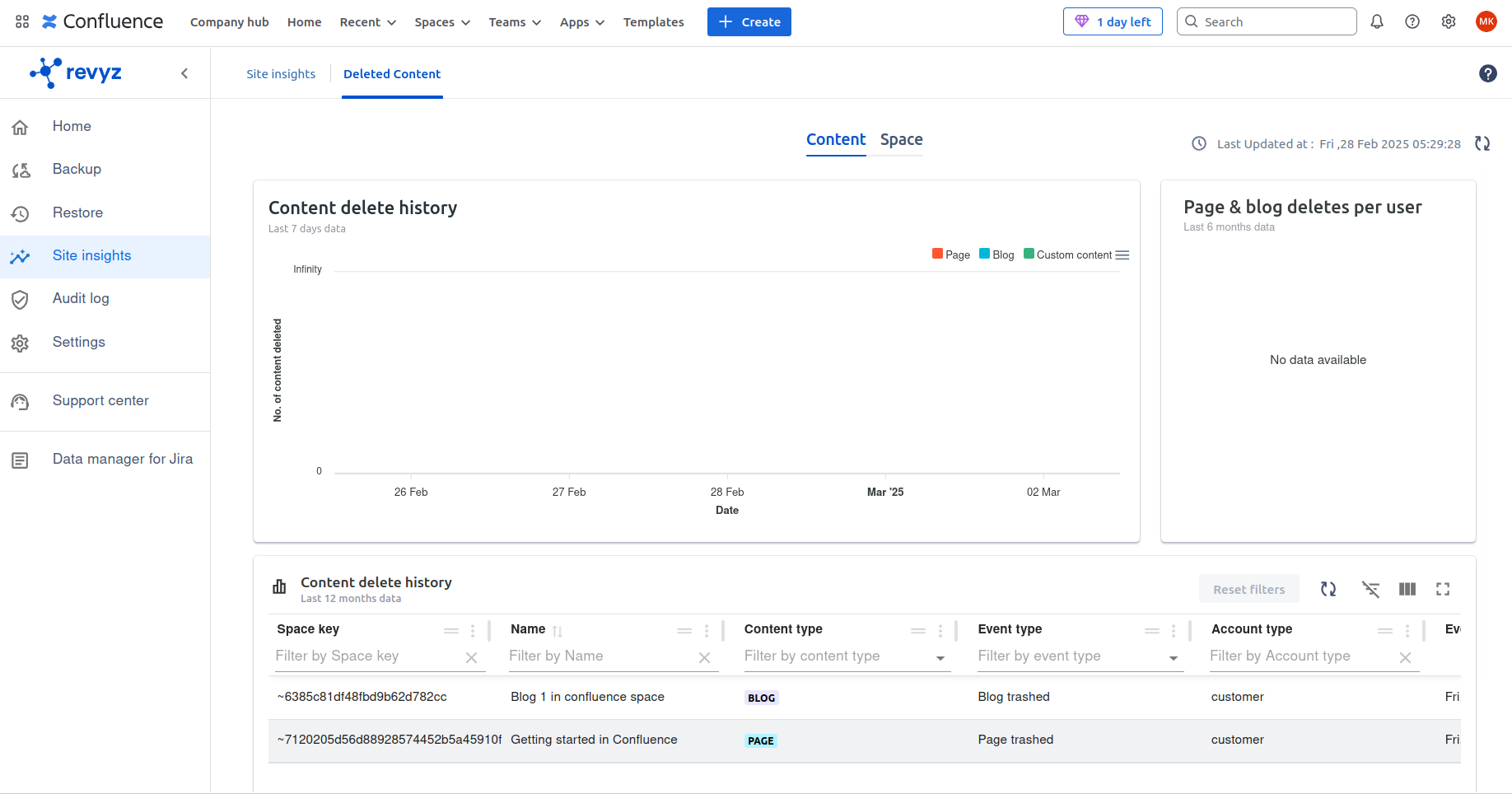
“Site insights“ feature
Purpose
-
Site Insights for deleted blogs, pages, and spaces in Confluence provide visibility into content deletion activities, helping admins and users track, analyze, and recover important content when needed.
-
These insights ensure data integrity, compliance, and informed decision-making.
Impact
-
Preventing Accidental Data Loss - Site Insights track deletions, helping admins identify and restore critical content.
-
Site Insights for deleted blogs, pages, and spaces enhance visibility, prevent data loss, improve compliance, and optimize content management in Confluence.
Use cases
-
Optimizing Confluence Space Management - An organization wants to monitor which spaces are frequently deleted to optimize content storage and management.
-
Identifying Unauthorized or Malicious Deletions - Site Insights help track who deleted what, allowing security teams to investigate and restore lost content.
-
Monitoring Content Cleanup Efforts - Insights help verify which pages were deleted and ensure only unnecessary content was removed.
-
Recovering Important Knowledge Base Articles - Insights provide a history of deleted content, allowing quick recovery before data is permanently lost.
27th January, 2025
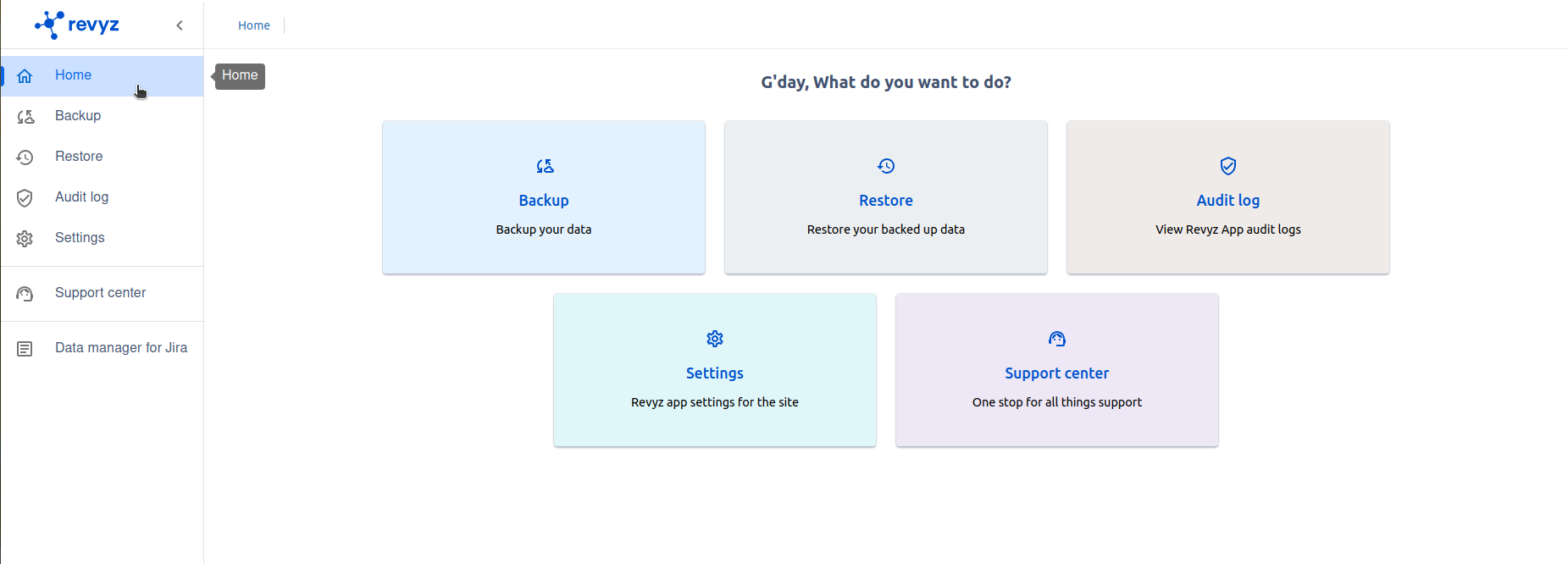
Improvement in Navigation bar - Add “Side navigation bar“
Purpose
-
A navigation bar in an app serves as a central hub for accessing key features, organizing workflows, and improving user experience.
-
It provides a structured way to navigate between different sections, ensuring users can efficiently find tools, settings, and data.
Impact
-
Enhance User Experience & Accessibility 🎯 – Ensures intuitive and easy navigation.
-
Provide Quick Access to Core Features ⚡ – Reduces time spent searching for tools.
-
Organize Information Hierarchically 📂 – Helps structure data for better usability.
-
Maintain Consistency Across the App – Ensures uniform navigation across different modules.
Use cases
-
Quick Access to Key App Features 🏠 - A user wants to switch between different sections like Home, Audit logs and Settings.
-
Streamlining User Workflows ⚙ - A Confluence admin needs to quickly jump from Backup Jobs to Restore Jobs.
-
Enhancing Productivity with Shortcuts & Quick Actions ⚡ - The navigation bar includes quick-action buttons, reducing manual steps.
-
Ensuring Easy Access to Support & Documentation 📖 - The navigation bar includes a Help section, Support center to improve user assistance.
August 09, 2024
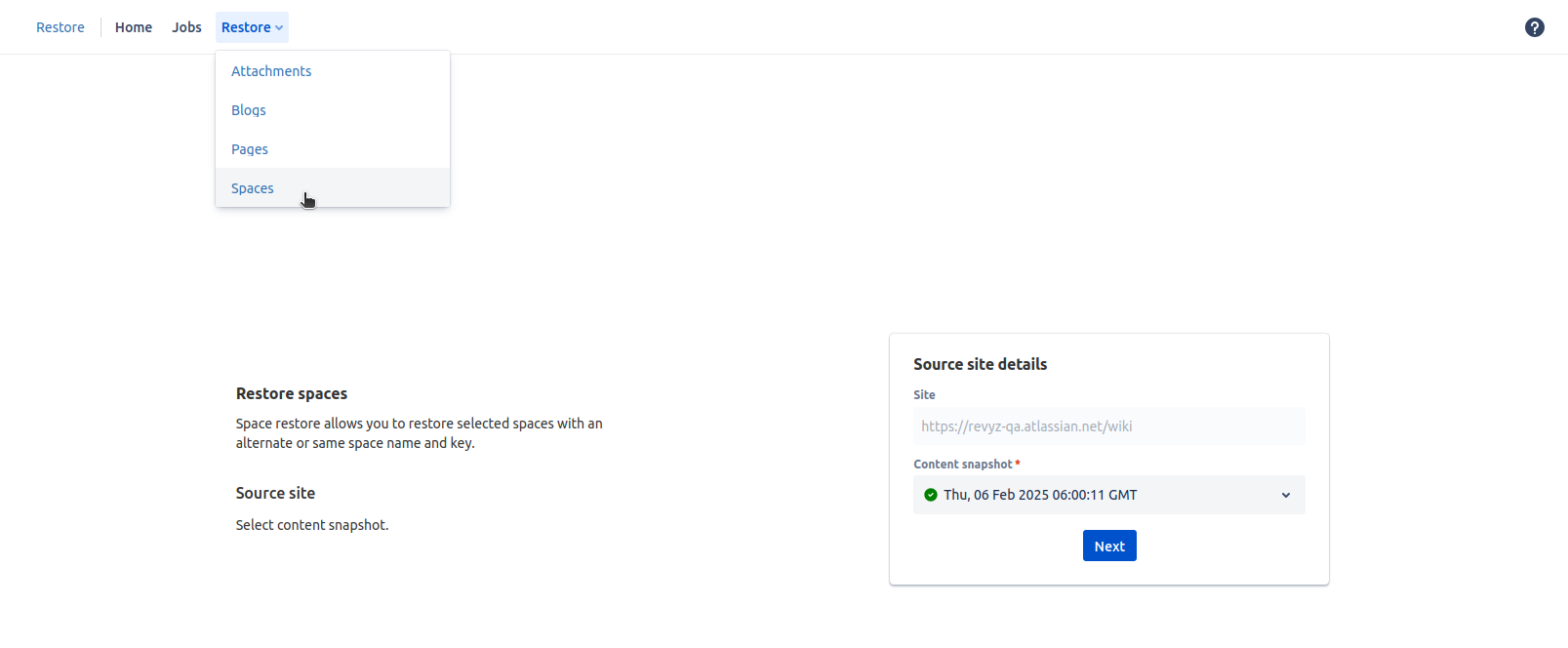
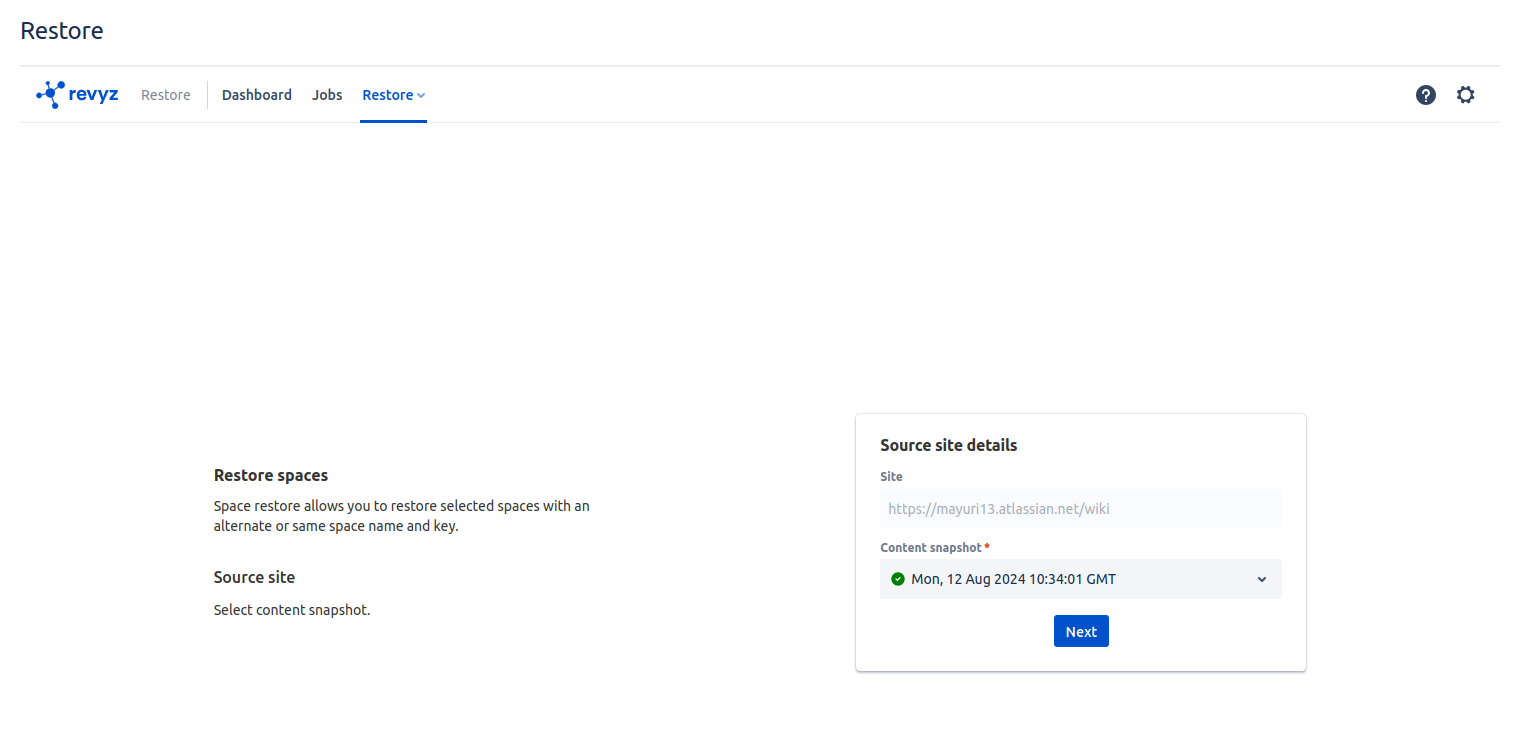
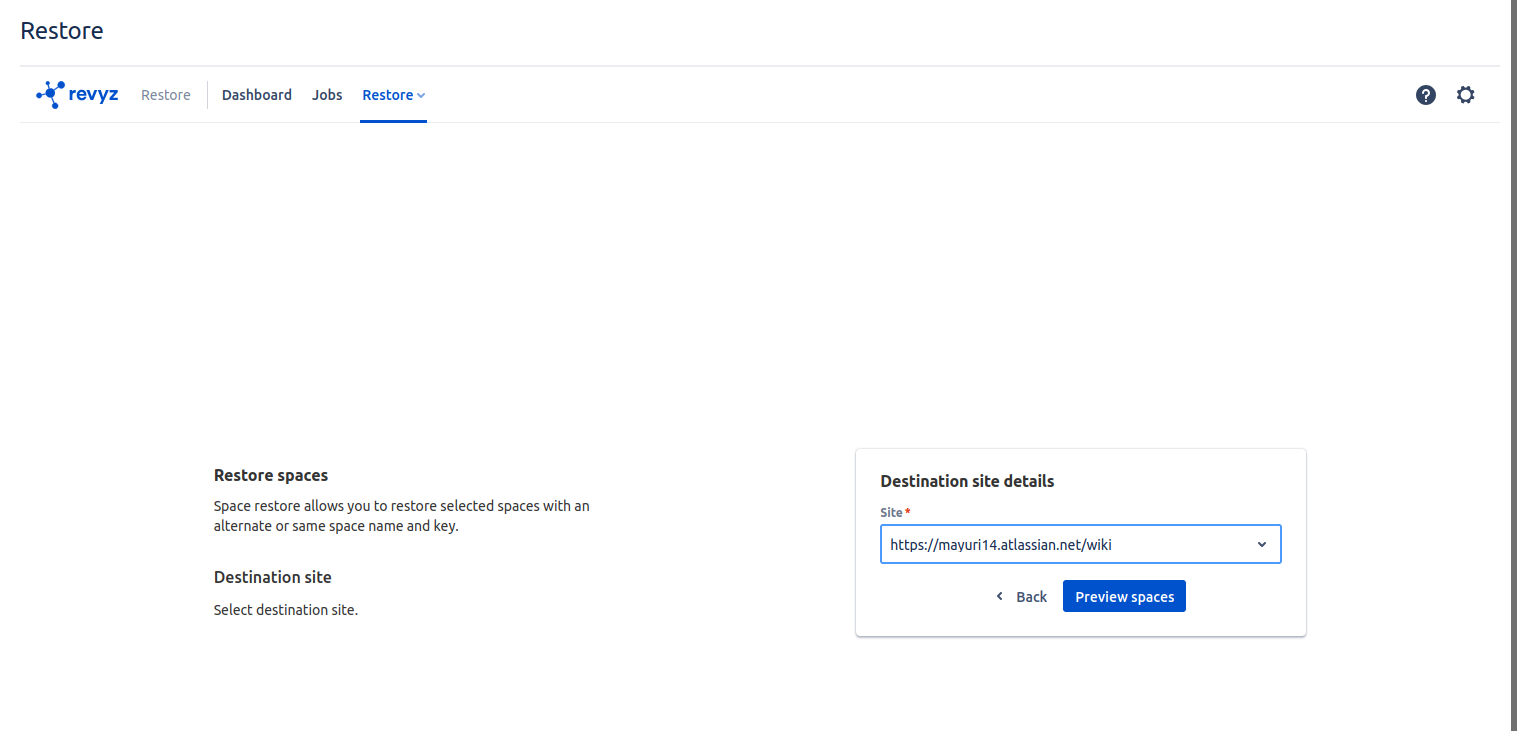
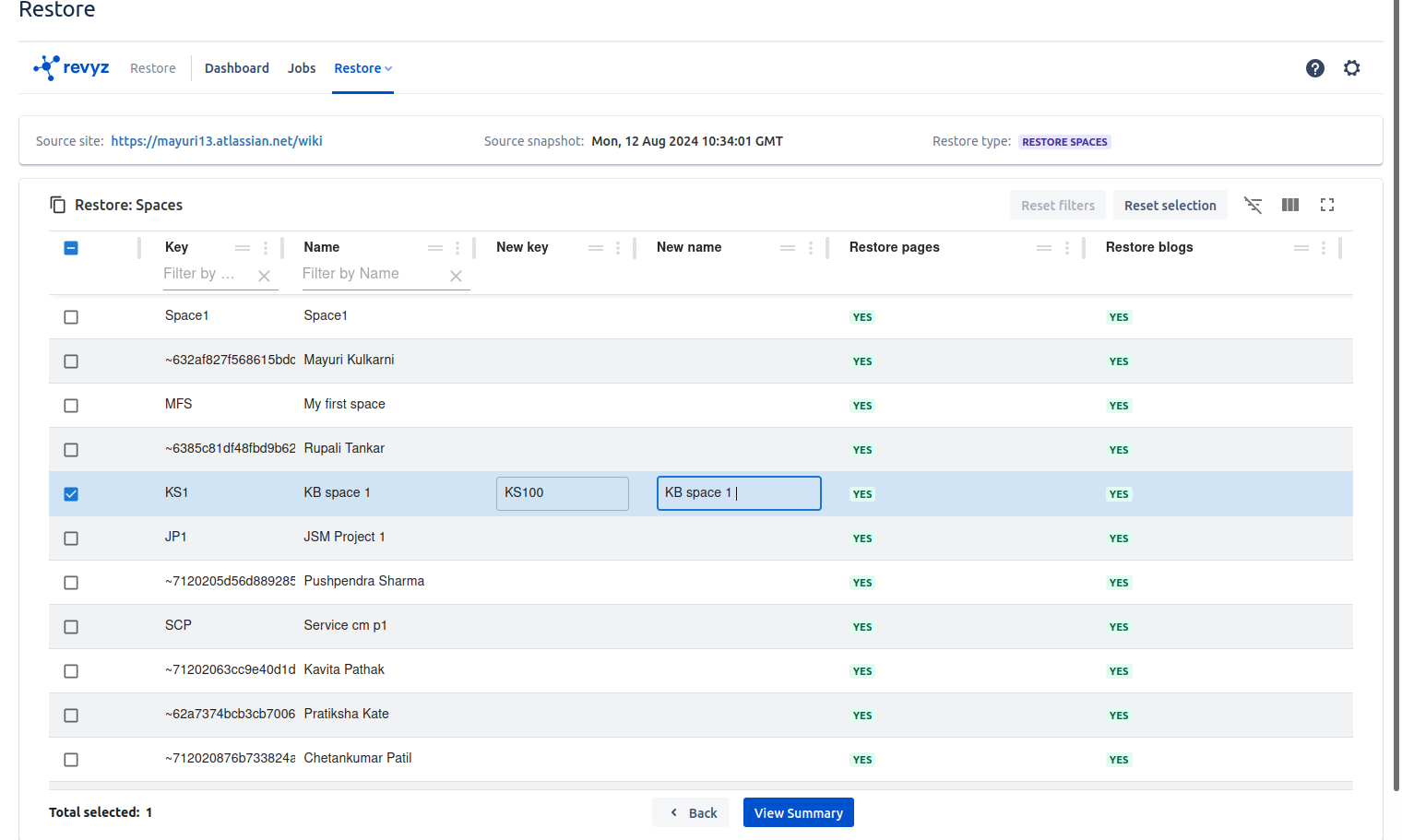
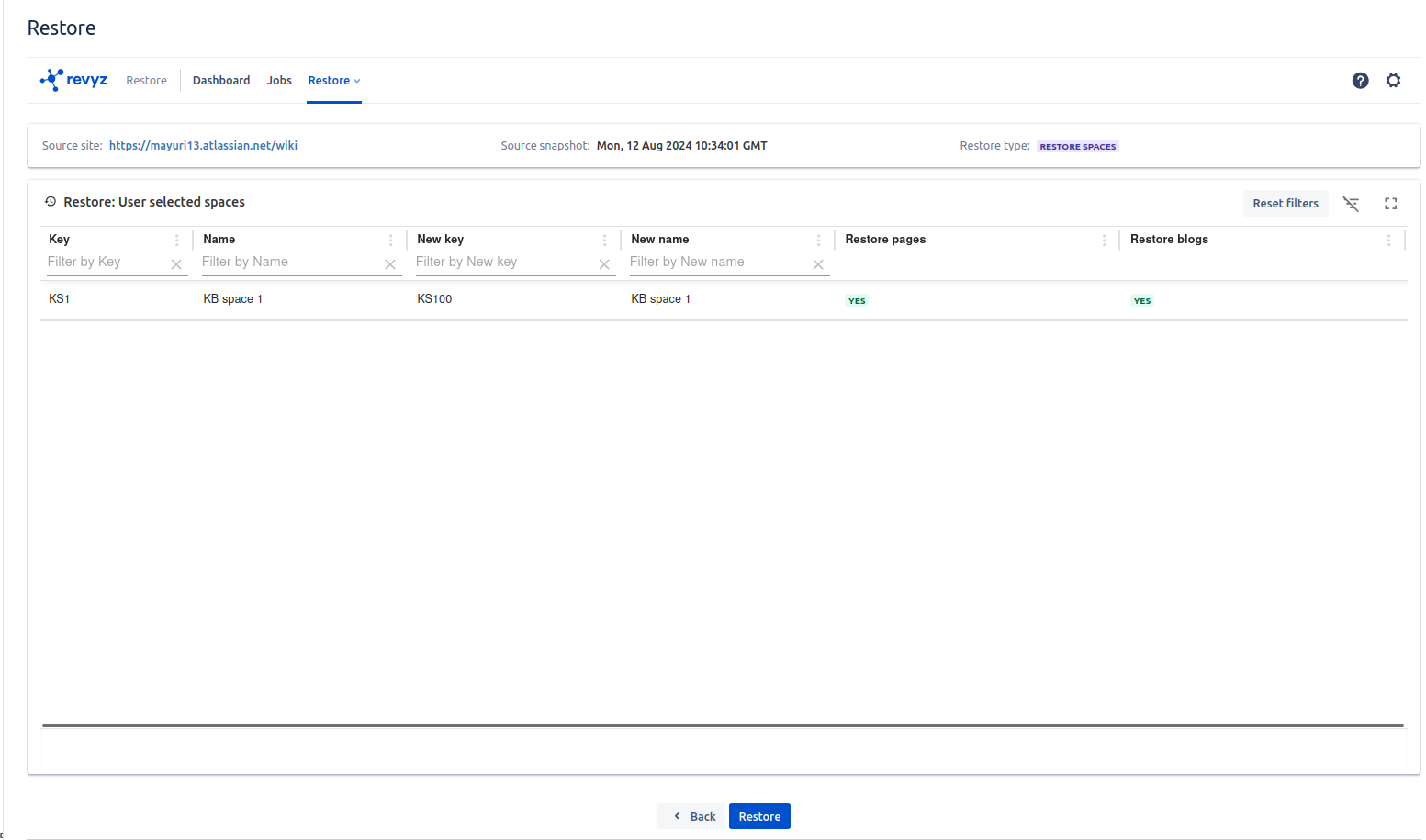
“Cross site restore” feature
-
Spaces
-
Pages
-
Blogs
Purpose
-
Cross-site restore support enables users to migrate or recover confluence data across different confluence sites, ensuring business continuity, reducing manual effort, and maintaining data integrity.
Impact
-
Migration Between Confluence Instances 🚀 - Facilitates seamless migration of Confluence data (Spaces, pages, blogs) when moving from one confluence site to another.
-
Reducing Manual Configuration Effort ⏳ - Eliminates the need for manually recreating spaces, pages and blogs.
Use cases
-
Migrating Confluence Data to a New confluence Site 🔃 - A company moves from one confluence site to another confluence site.
-
Creating a Backup & Restore Plan for Confluence data 🔐 - Enables quick restoration of Confluence data (Spaces, Pages and Blogs) in case of accidental deletion or security breaches.
January 15, 2024
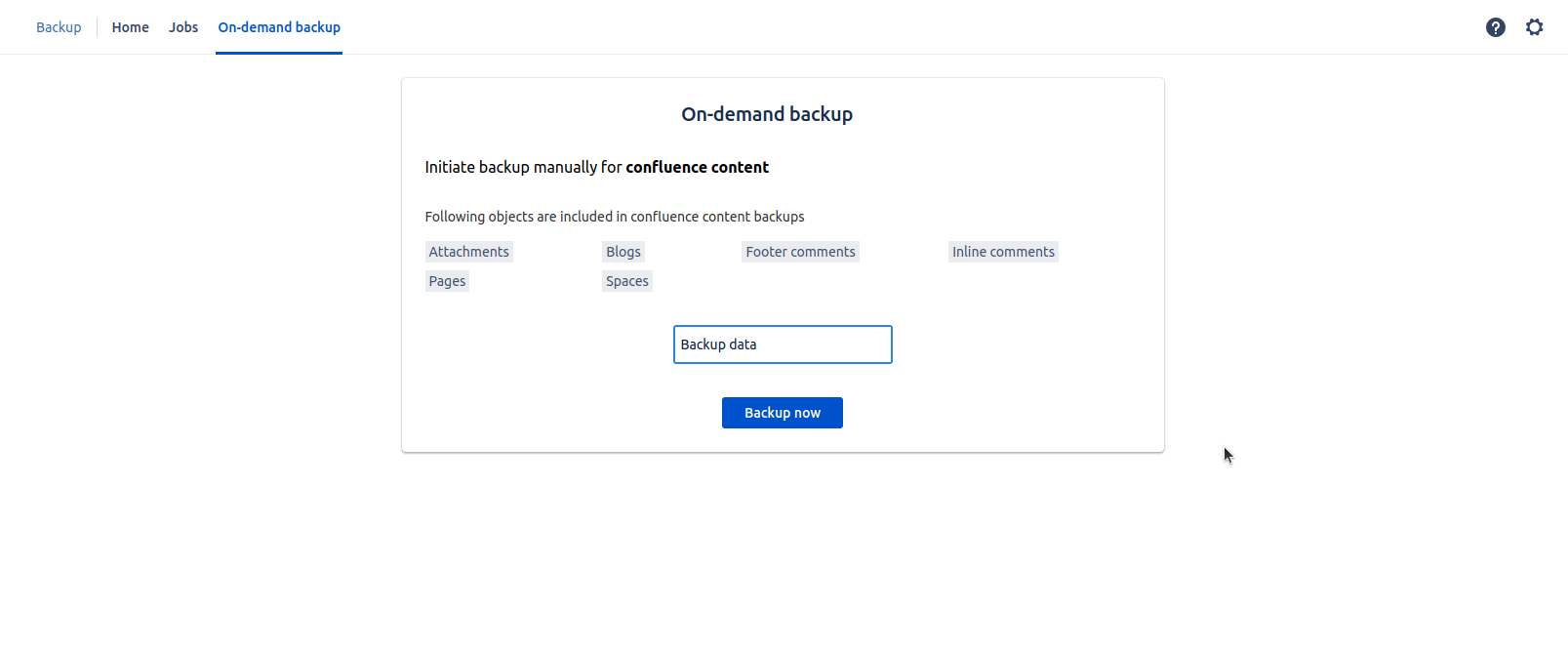
Introduced “Revyz Data Manager for Confluence” app
Purpose
-
Confluence is a critical knowledge management tool for organizations, storing essential documents, pages, spaces, and collaboration history.
-
A backup and restore feature ensures that data remains protected, recoverable, and accessible in case of accidental deletions, system failures, or security breaches.
-
Impact
-
Prevent Data Loss & Ensure Business Continuity 🔄 – Protects Confluence spaces, pages, attachments, blogs and comments from accidental deletion or corruption.
-
Enable Quick Data Recovery ⚡ – Allows fast restoration of specific pages, spaces, blogs.
-
Facilitate Migration & Cross-Site Restores 🔄 – Allows movement of Confluence data between different sites or instances.
-
Enable Granular & Selective Restoration 🎯 – Restores individual pages, spaces, or attachments instead of a full backup.
Use cases
-
Recovering Accidentally Deleted Confluence Pages & Spaces 📝➡❌➡✅ - A user accidentally deletes an important project documentation page.
-
Benefit: Quickly restores the deleted page without impacting other data.
-
-
Migrating Confluence Data Between Instances 🔄 - A company moves from one Confluence Cloud site to another or consolidates multiple instances.
-
Benefit: Restores all spaces, pages, and blogs to the new site seamlessly.
-
-
Retaining Backup Copies for Audit & Compliance 📜 - Ensures data retention policies are met with long-term backup storage.
-
Automating Regular Backups for Risk Management 🔄 - Ensures up-to-date backups without manual intervention.