
About this Page
The Content Explorer is a high-availability business continuity feature designed to provide direct access to your backed-up Confluence data. This interface allows administrators to browse and preview site content independently of the live Confluence environment, ensuring that critical information remains accessible even during service outages or site disasters.
What is the Use Case?
-
Business Continuity: Maintain access to vital documentation, project plans, and knowledge base articles when the primary Confluence site is unreachable.
-
Data Validation: Preview content directly from a specific backup snapshot to verify its integrity before initiating a full-scale restoration.
-
Granular Inspection: Browse through the hierarchy of spaces, pages, and blogs within your backups to locate specific historical versions of data.
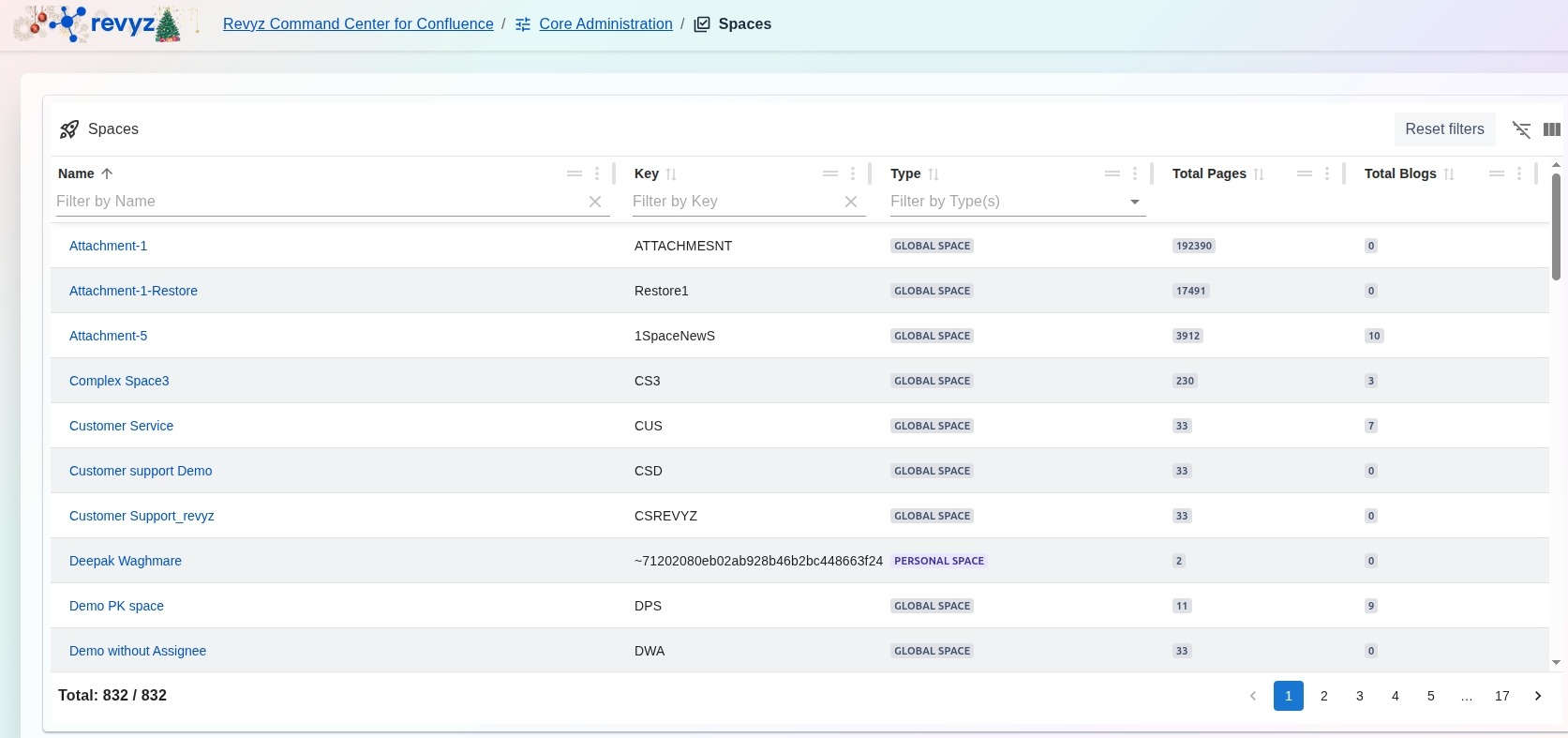
The Content Explorer provides an intuitive navigation experience for backed-up data: