Templates
-
Revyz do restores below templates on same site or on different site.
-
Global templates
-
User created templates
-
Blueprint - Can not be restored
-
How to restore the Templates
-
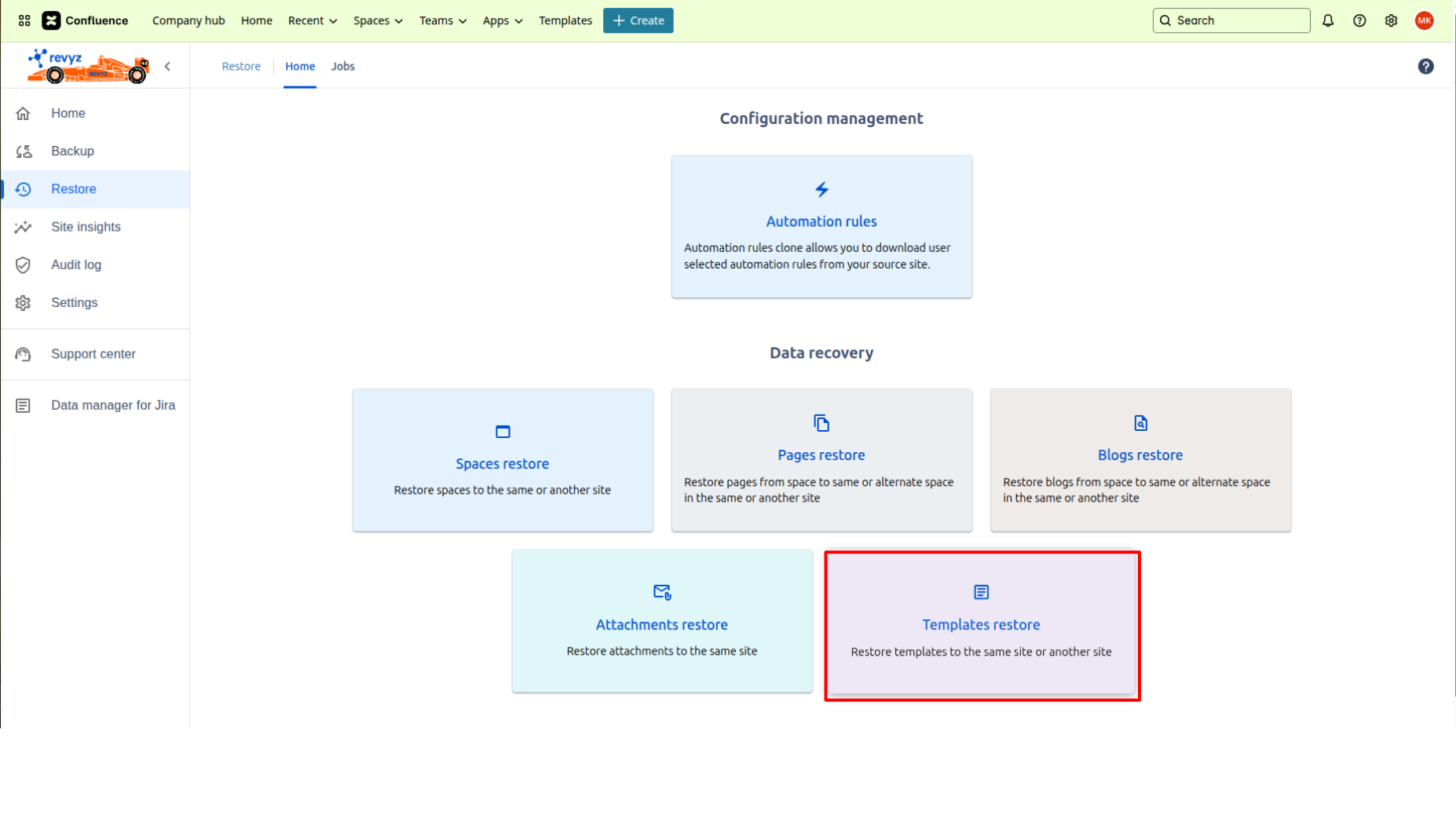
Go to 'Restore' in left navbar.
-
Click on Template restore card.
-
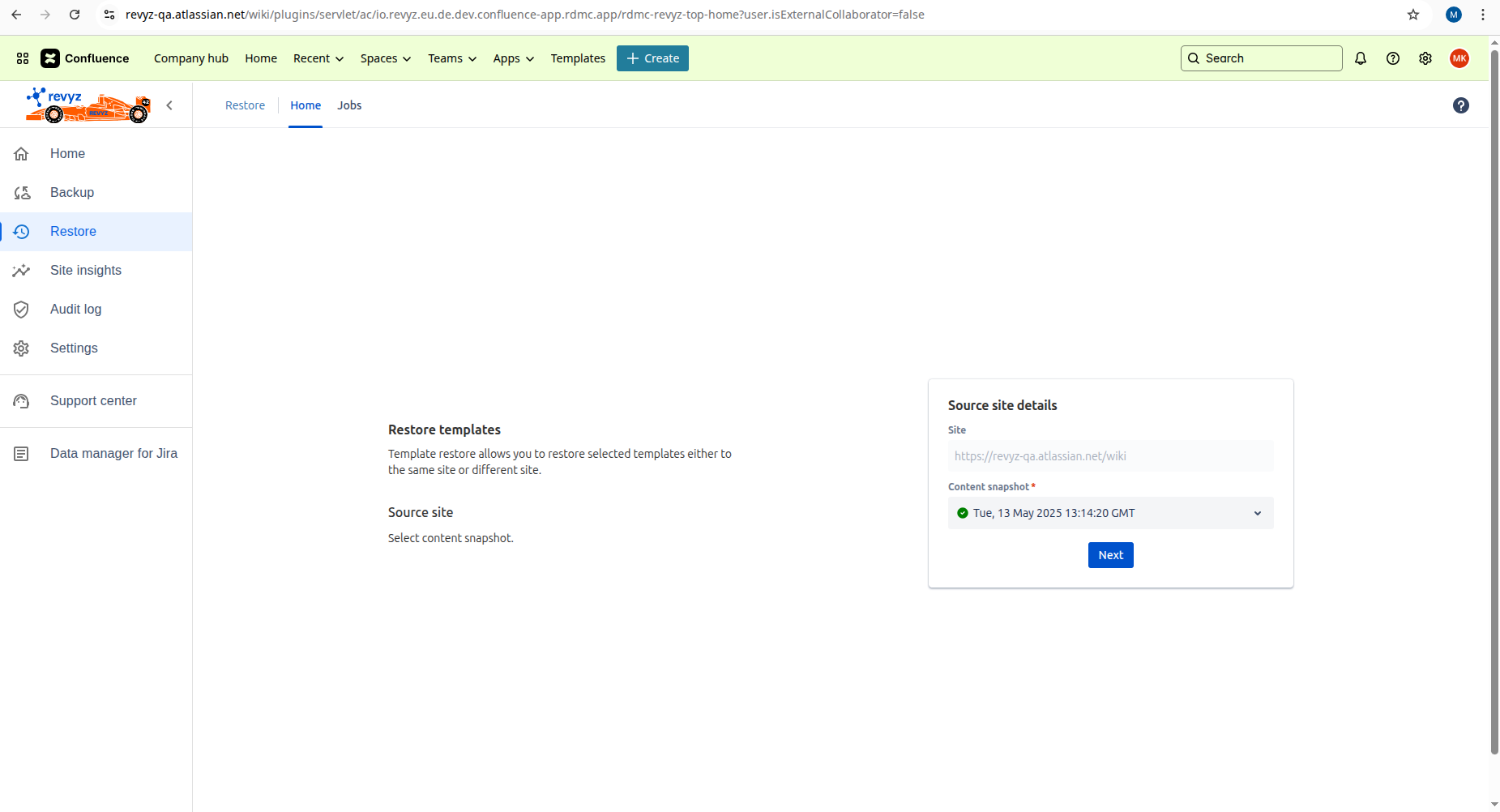
Select content snapshot where the template is present.
-
Click on 'Next'.
-
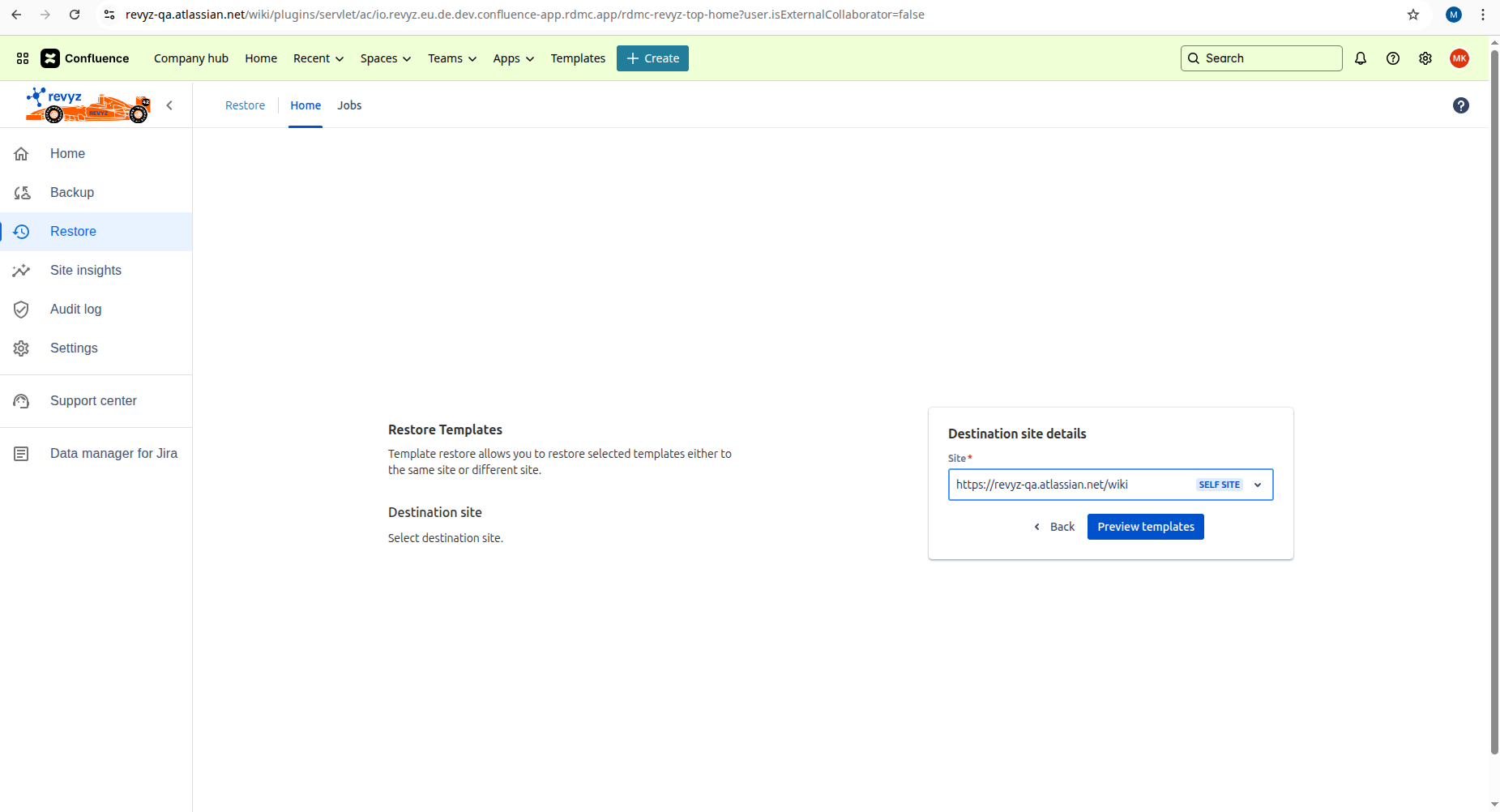
Select site. If you want to restore on same site, self site is already selected. If you want to select other site, select it from the list.
-
Click on “Preview templates“.
-
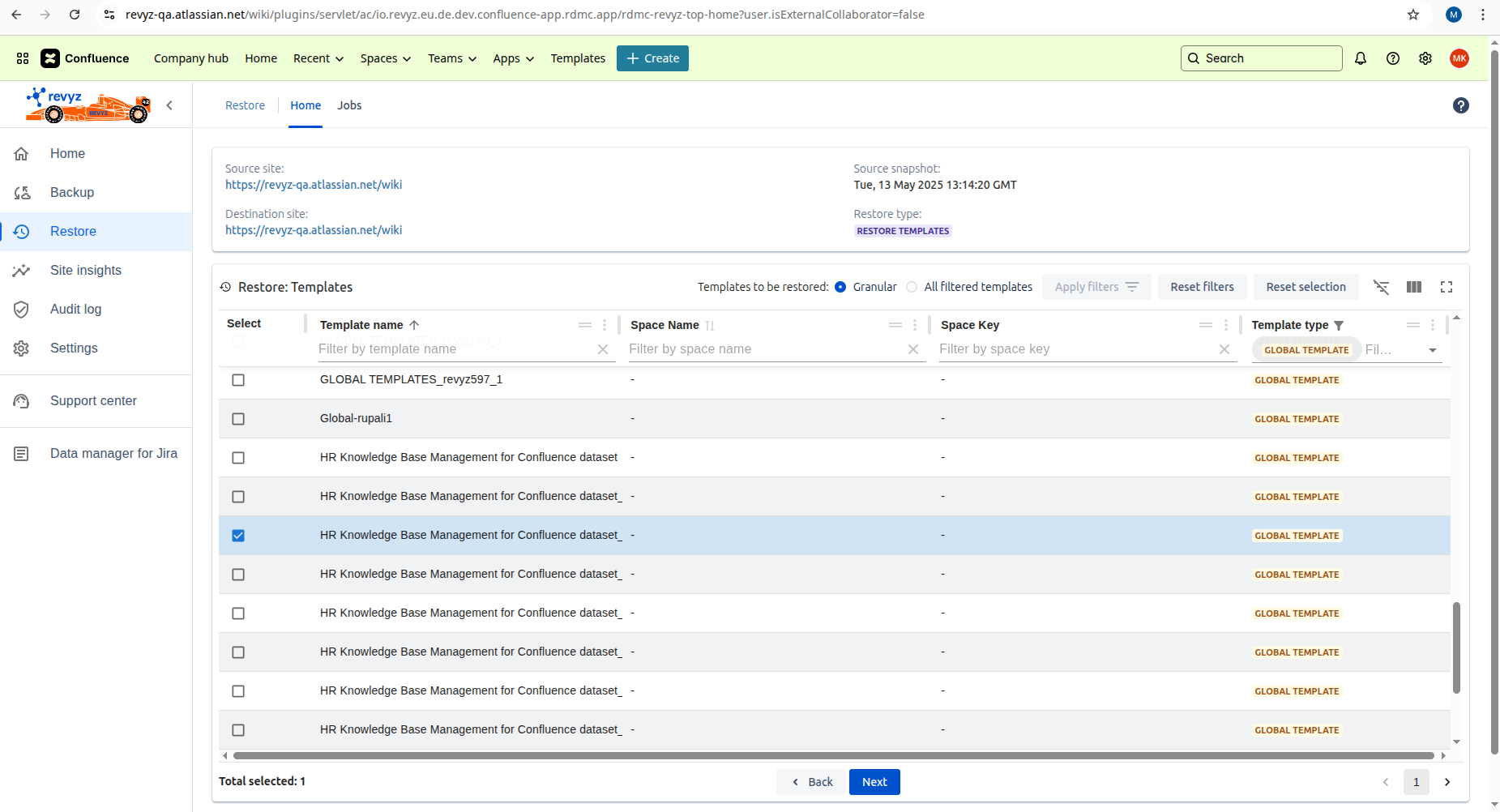
Select the templates to restore.
-
Granular - You can select some templates
-
All - Restored all templates
-
-
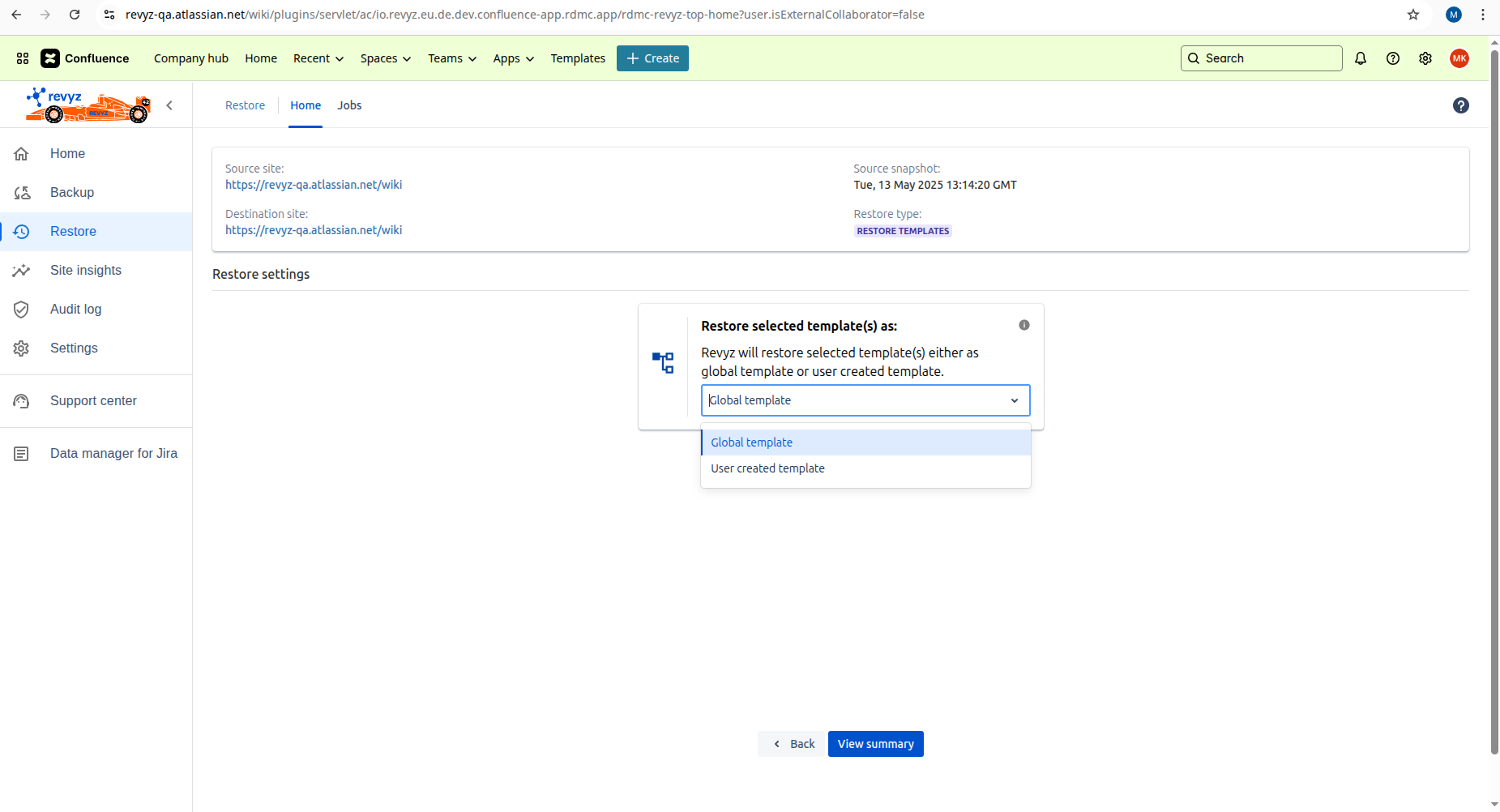
Select restore setting whether you want to restore as ‘Global template’ or ‘User created template’.
-
If you select User created template then select a space where you want to restore the selected template.
-
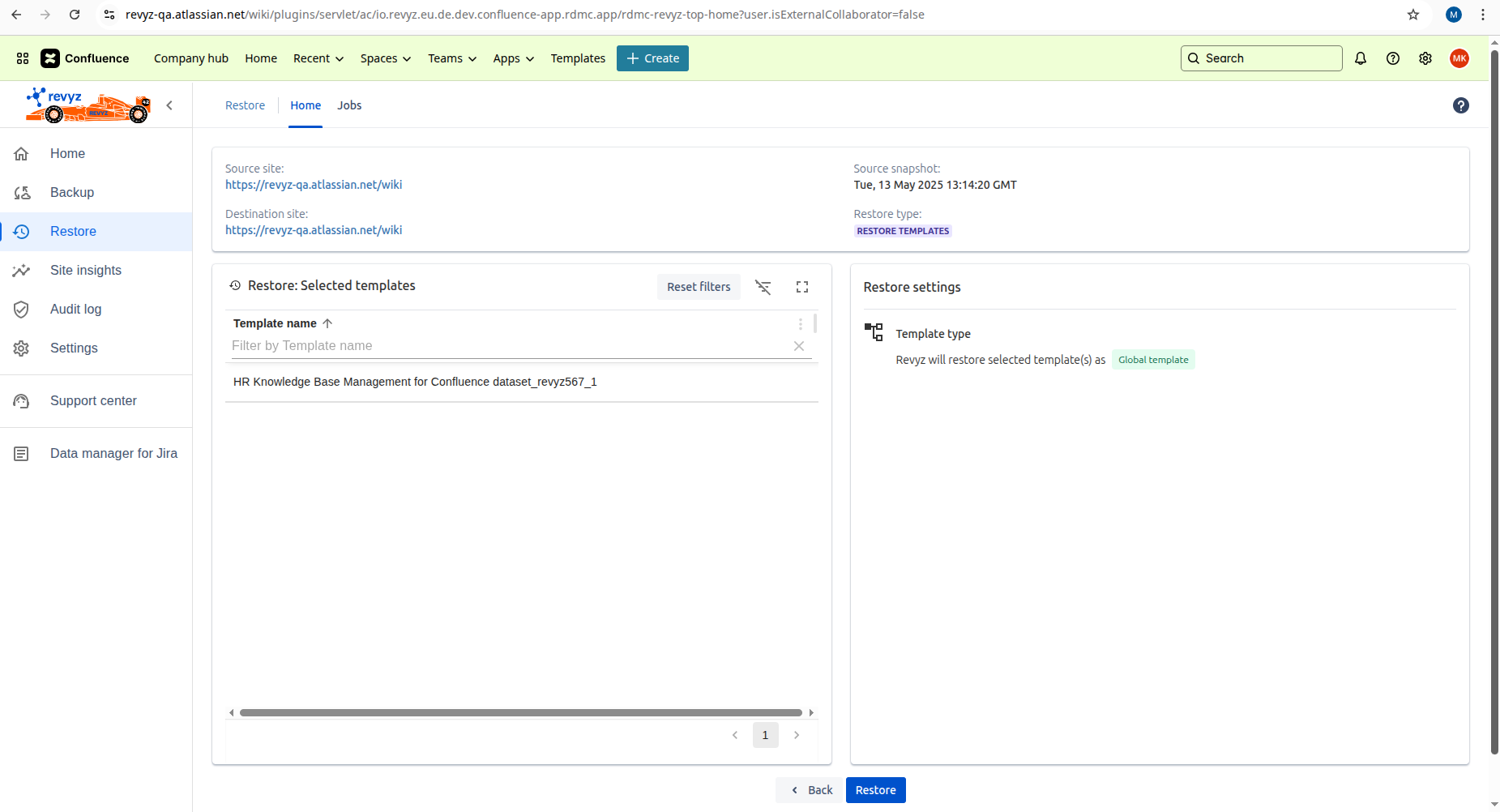
Click on 'View Summary' - It will give summary of selected templates and selected restore settings.
-
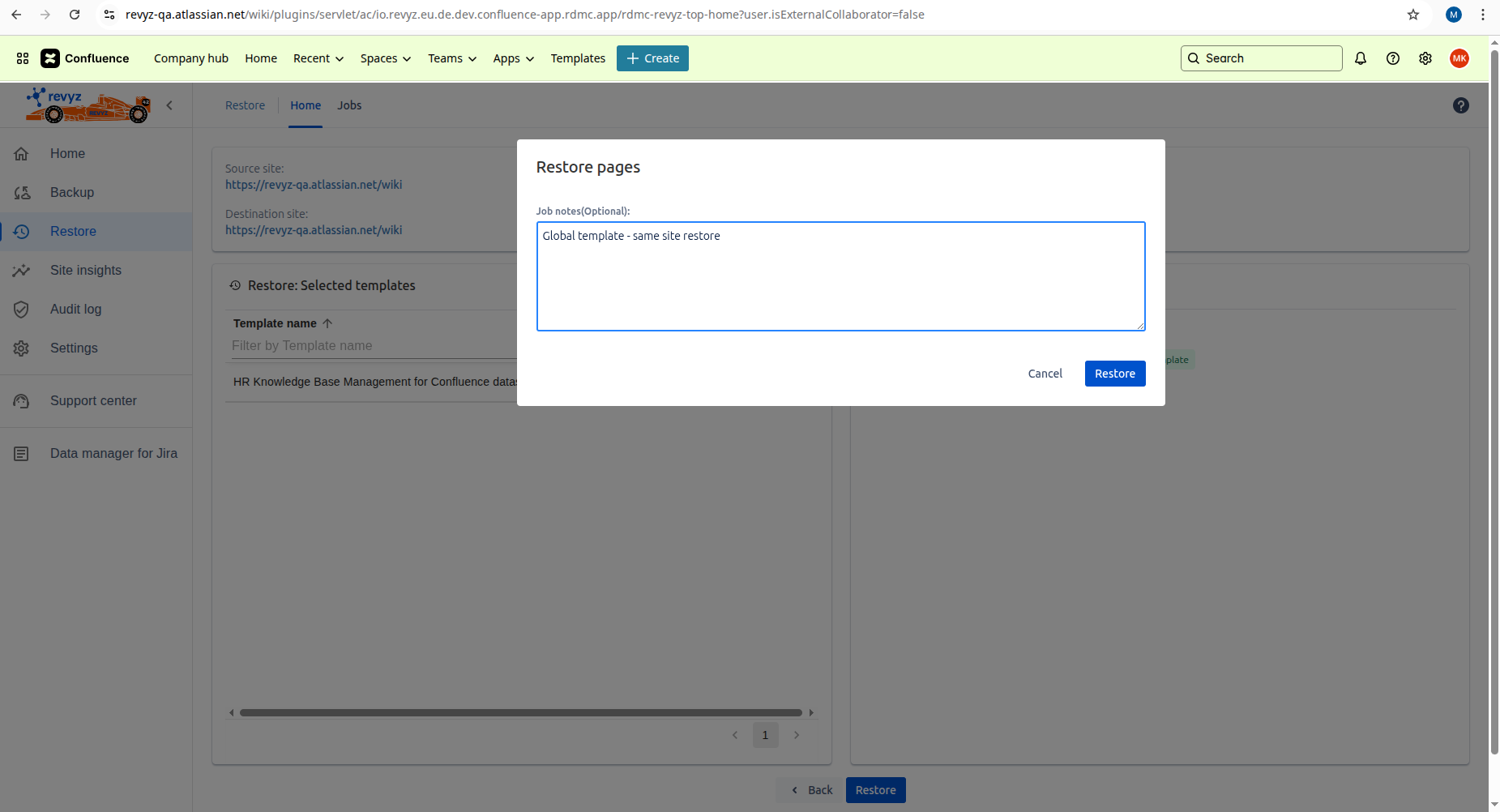
You can add job notes - It will be helpful to understand the purpose of the job for future reference.
-
Click on 'Restore'.
-
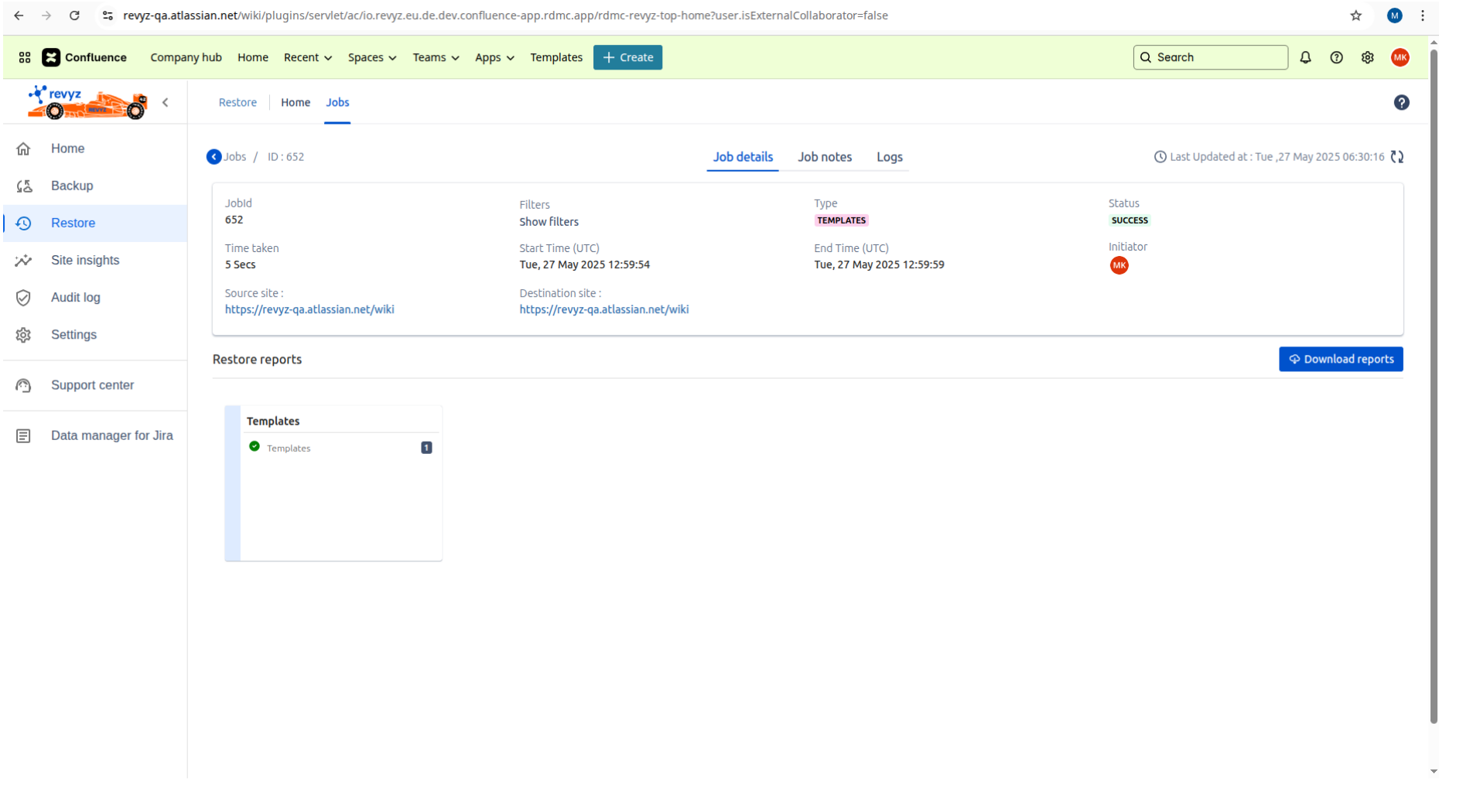
Go to Jobs to check the status of the restored job.
-
You can Download the reports to see detailed information about restored template.