
About this Page
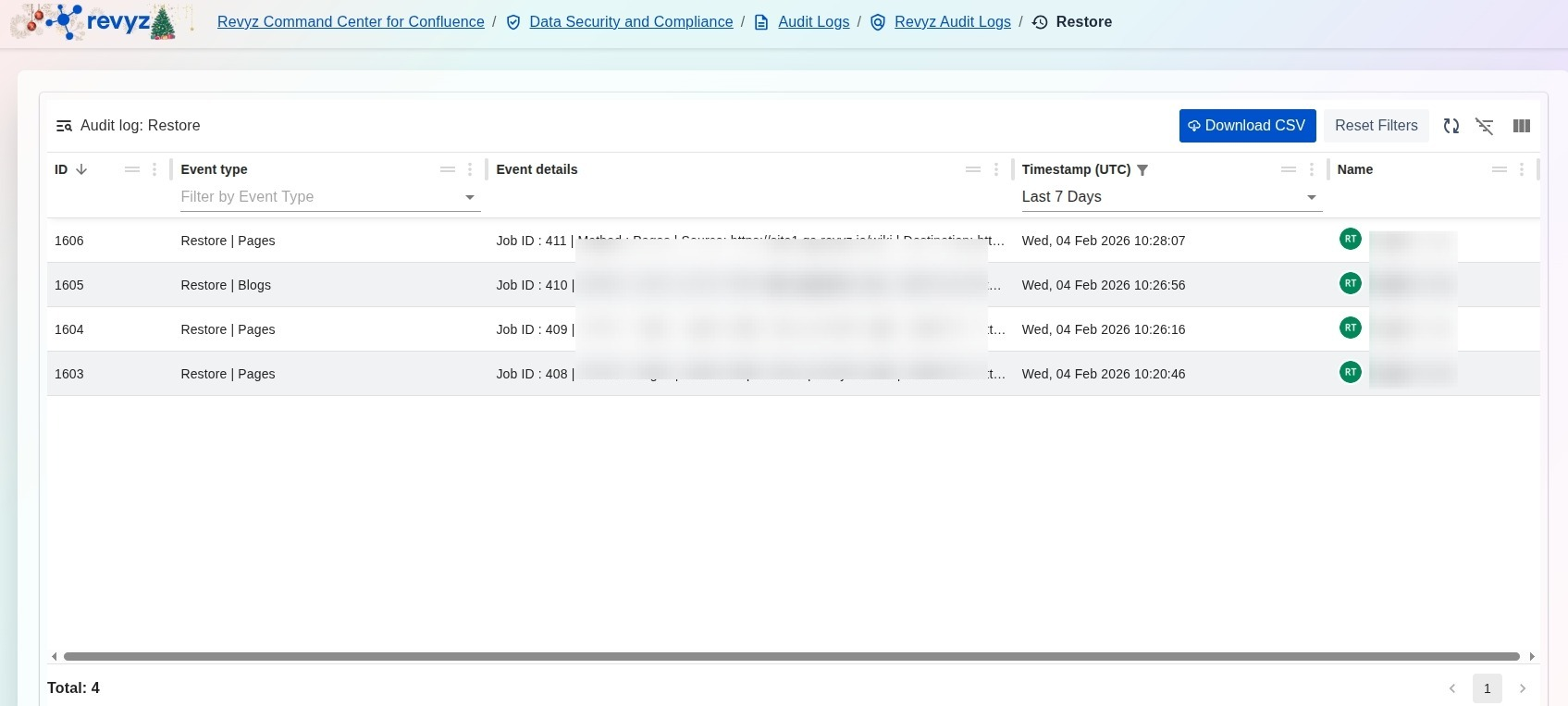
The Audit log: Restore page provides a dedicated, immutable record of every data recovery operation executed through the Revyz application. This interface tracks the lifecycle of restore events, detailing exactly what content was recovered and when, to ensure complete transparency and accountability for all restoration activities.
What is the Use Case?
-
Recovery Verification: Confirm that critical data recovery jobs for specific content types, such as Pages or Blogs, were initiated and completed as requested.
-
Compliance Auditing: Provide a verifiable trail of data restoration activities to meet internal security policies or external regulatory requirements.
-
Impact Analysis: Review Job IDs and Event details to understand the scope of a restoration, including the source and destination parameters of the recovered data.
-
User Accountability: Identify the specific administrator who initiated a restore operation to maintain clear oversight of high-impact data changes.
How to View Audit Logs for Restore Operations
-
Navigate to the Data Security and Compliance section in the Revyz Command Center and select Audit Logs.
-
Select the Revyz Audit Logs card to access application-specific activity logs.
-
Click the Audit Logs for Restore Operations card to open the specialized restoration log view.
-
Use the Timestamp (UTC) filter (e.g., "Last 7 Days") to narrow the list to a specific timeframe.
-
Search or filter by Event type to isolate specific restore actions, such as Restore | Pages or Restore | Blogs.
-
(Optional) Click Download CSV to export the current view for offline record-keeping or deeper analysis.