
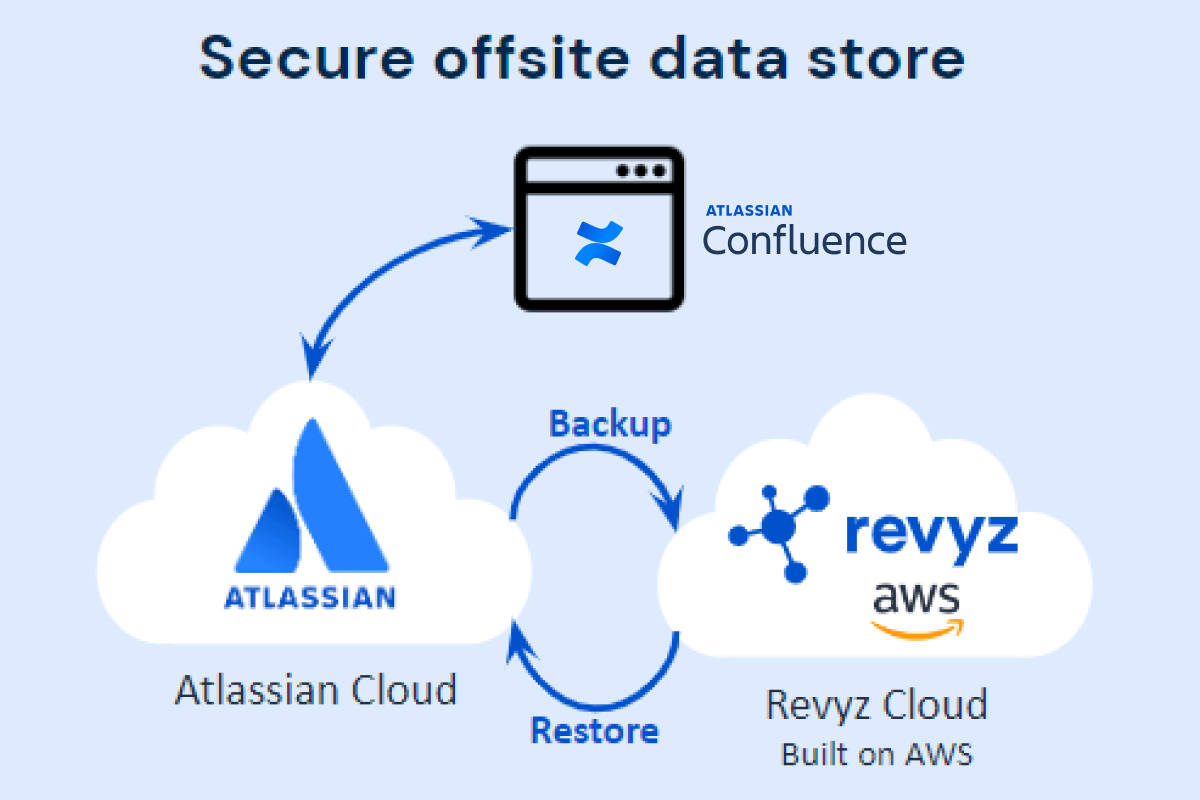
Once the Command Center for Confluence app has been installed in your site, data from your confluence cloud site is automatically backed-up every 24 hours into the secure Revyz cloud data store. The Revyz cloud is built on AWS’s public cloud infrastructure.
Backup - salient points
Data backup frequency
-
The first backup occurs automatically as soon as the app is installed into your Confluence site, no additional action is needed.
-
The first backup may take significant amount of time, depending on the number of spaces that exist in your site along with the volume of pages.
-
-
Subsequent backups are automatically triggered at 12:00 AM UTC following the completion of the first backup.
-
Due to the incremental nature of the backup system, subsequent backups after the first backup are significantly faster as only data that has changed is backed-up
-
Data that is backed up
-
Spaces
-
Pages
-
Blogs
-
Attachments
-
Footer comments
-
Inline comments
-
Templates
-
Automation rules
More data objects being supported over the course of time - Please open a support ticket if you see something missing that you need ASAP
Data retention
Your backup data is retained for up to a period of 3 years
On demand backups
As an administrator you can trigger an on-demand backup at any point of time. On demand backups can be triggered from the “Backup” menu page