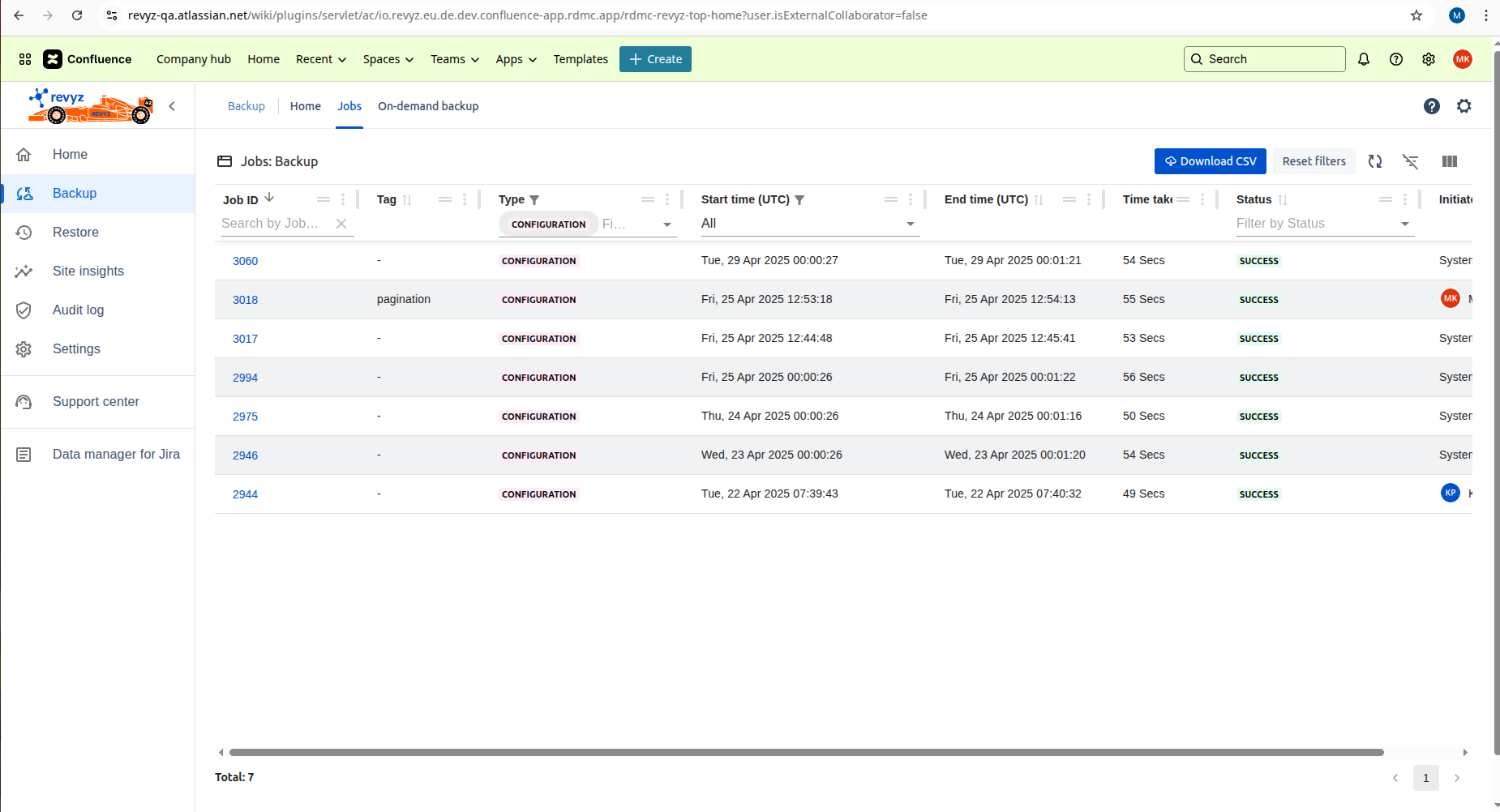
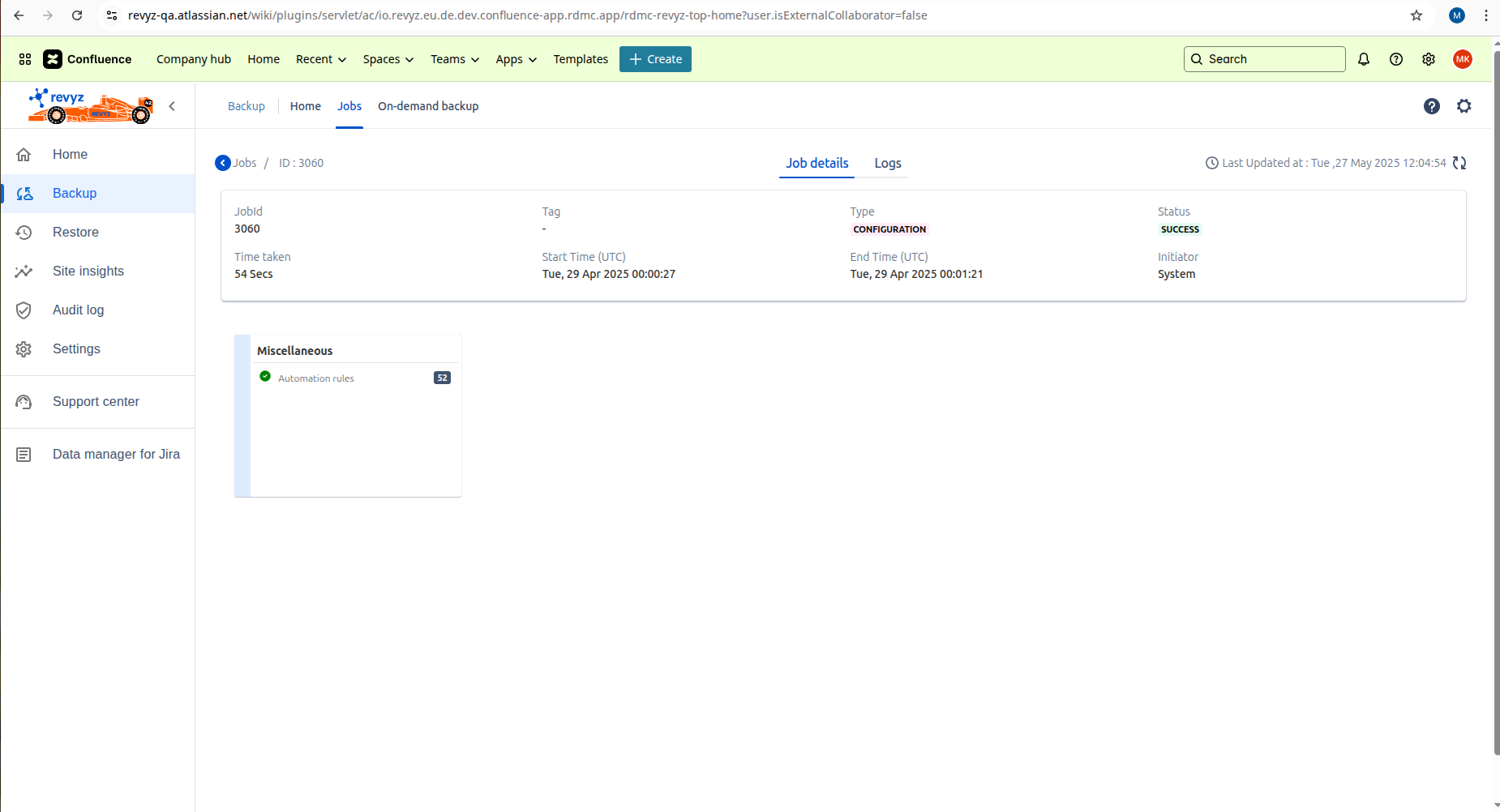
Automation rules
-
Revyz do support backup for Automation rules created in your space.
-
Automation rules backup is included in ‘Configuration’ backup type.
-
Atlassian API token is required to backup Automation rules.
How to add Automation rules in confluence space
-
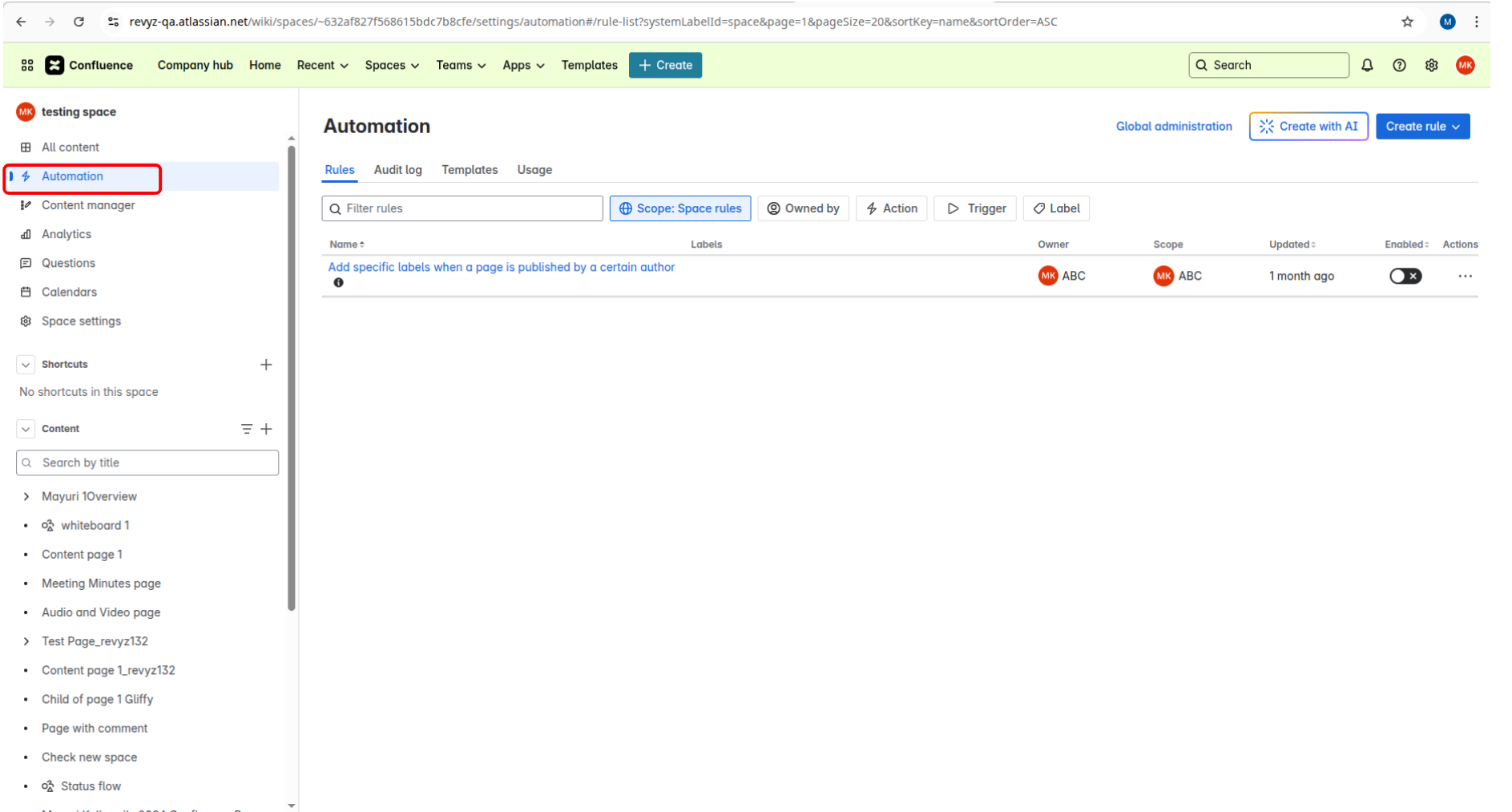
Open a Space.
-
Click on 'Automation' in left navbar.
-
Create rule.
How to take backups using Revyz app
-
Go to ‘Backup’ on left navbar.
-
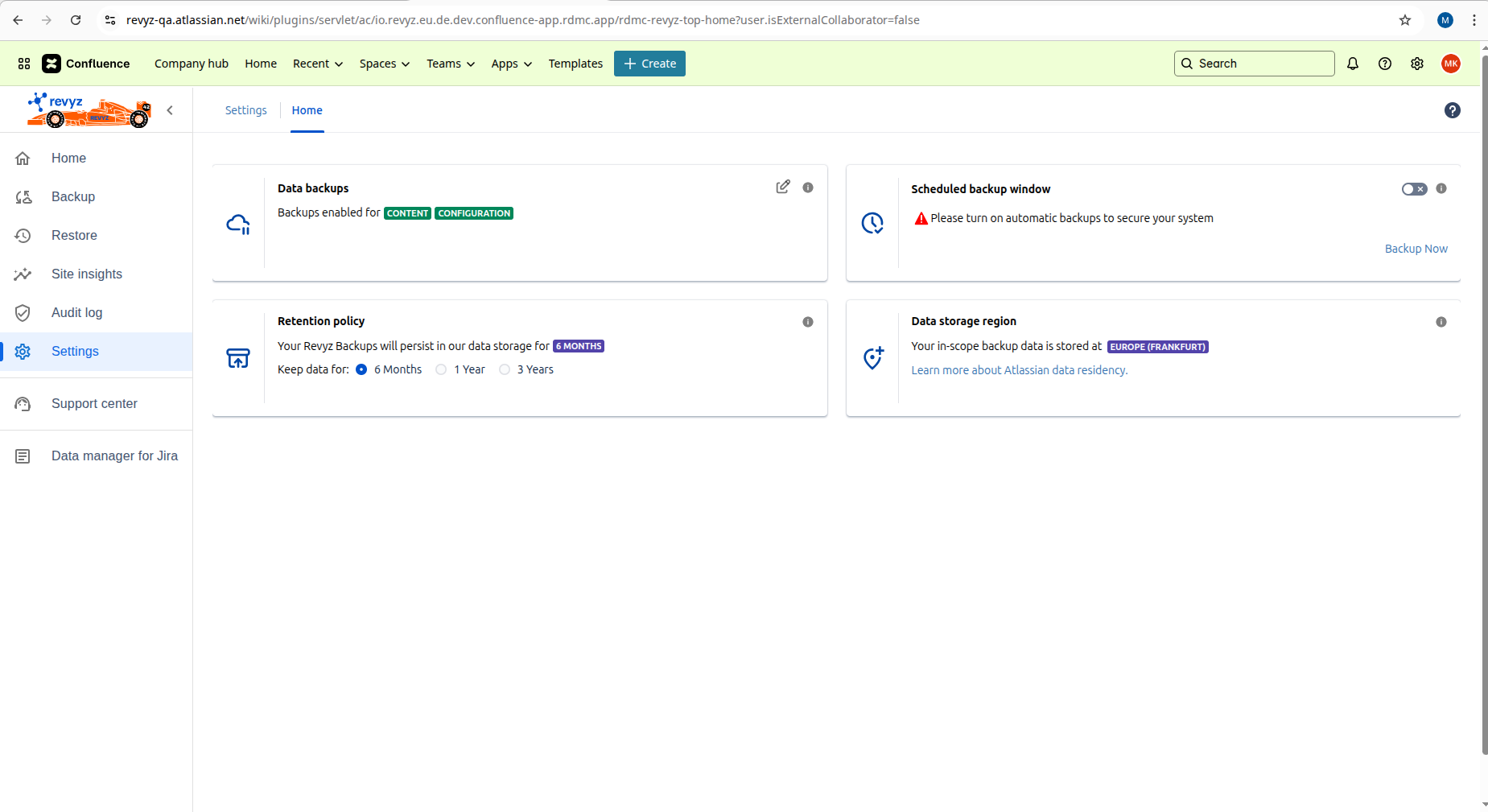
Make sure Atlassian token is valid and Configuration backup is enabled in backup settings.
-
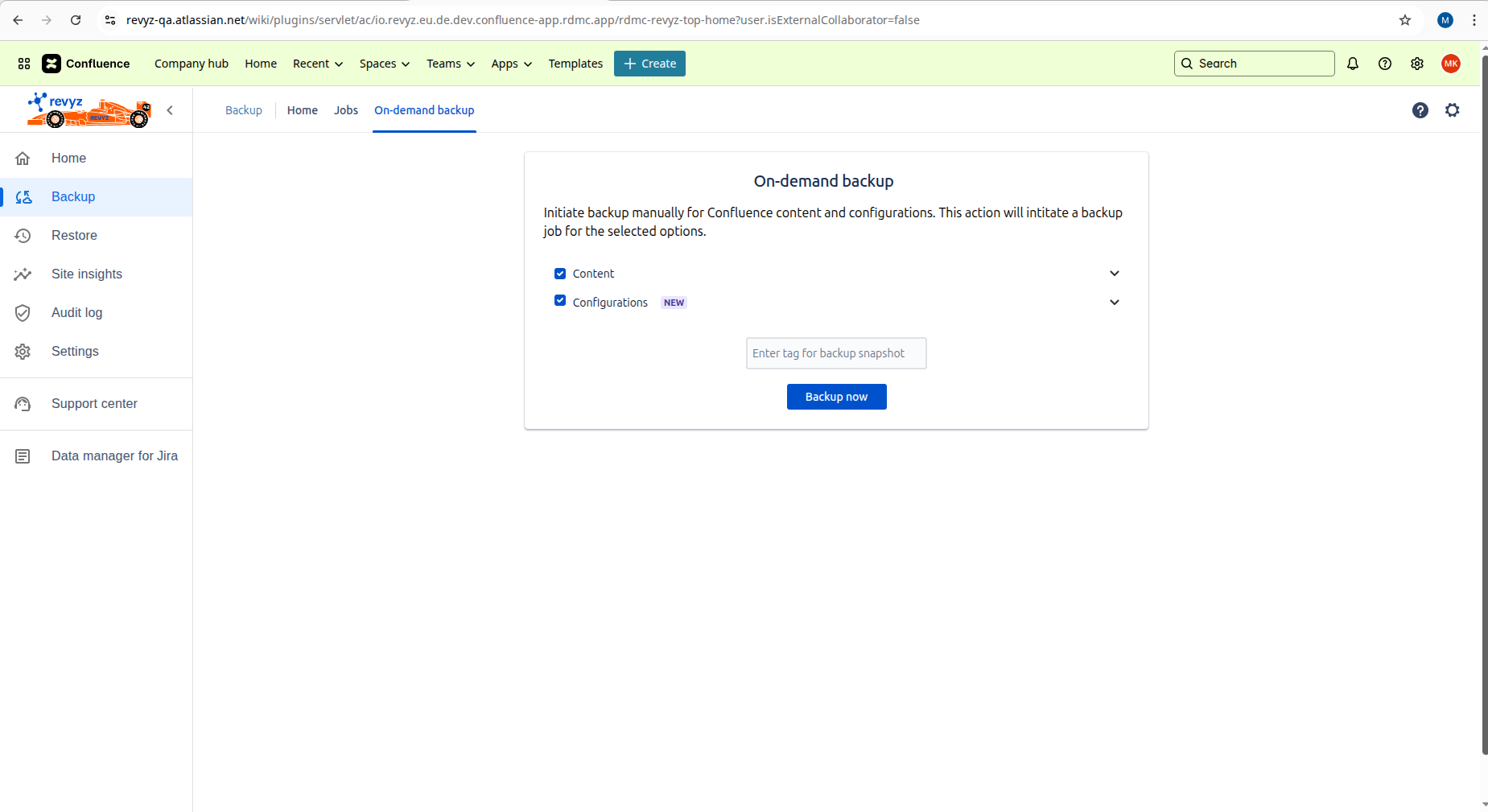
Click on 'On demand backup' on top navbar.
-
Select Configurations and trigger a backup.
-
Check Jobs page where you will get to know backup is successful or not.