
About this Page
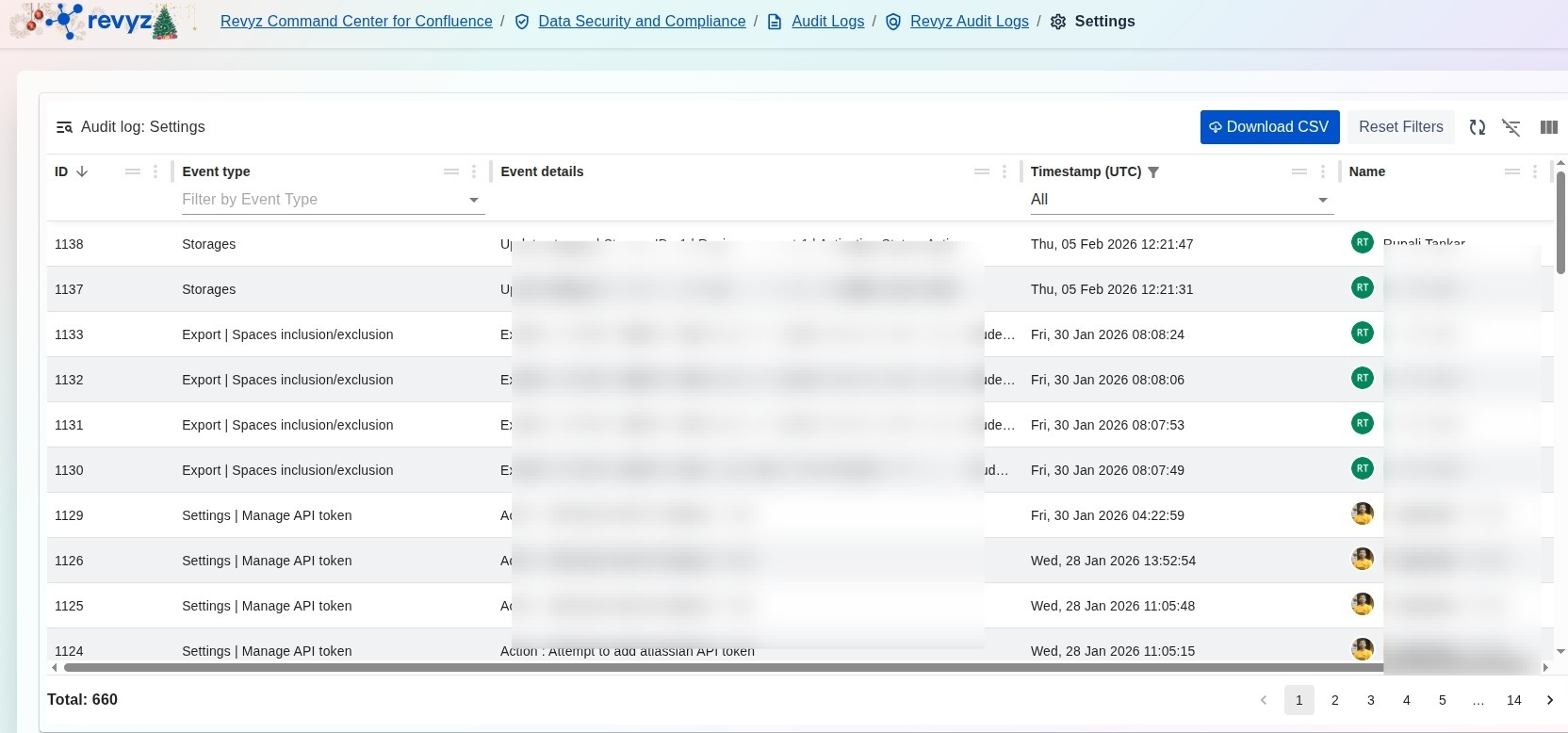
The Audit log: Settings page provides a comprehensive record of all administrative changes made to the Revyz application configuration. This immutable log tracks modifications to security settings, storage configurations, and data export rules to ensure system stability and compliance.
What is the Use Case?
-
Configuration Tracking: Monitor critical changes to Storages or Manage API token settings to verify that only authorized updates are performed.
-
Compliance & Security: Maintain a historical trail of modifications to Export | Spaces inclusion/exclusion lists to ensure sensitive data is being handled according to organizational policies.
-
Change Management: Review the exact Timestamp (UTC) and the Name of the administrator who performed a specific setting update to assist in internal audits or troubleshooting.
-
Policy Auditing: Use the detailed event records to verify that global application settings align with current data residency or security requirements.
How to View Audit Logs for Application Settings
-
Navigate to the Data Security and Compliance section in the Revyz Command Center and select Audit Logs.
-
Select the Revyz Audit Logs card to access application-specific activity logs.
-
Click the Audit Logs for Application Settings card to open the specialized configuration log view.
-
Use the Timestamp (UTC) filter to narrow your search to a specific date range or use "All" to view the full history.
-
Search or filter by Event type to isolate specific changes, such as Storages, Settings | Manage API token, or Export | Spaces inclusion/exclusion.
-
(Optional) Click Download CSV to export the log for your organization's formal compliance records.