
About this Page
The Revyz Audit Logs page allows administrators to monitor the health of automated processes and track user interactions with the application.
What is the Use Case?
This log is primarily used for operational oversight and security compliance. Key use cases include:
-
Verifying Backup Success: Ensuring that scheduled or on-demand backups for both "Content" and "Configuration" types have been initiated at the correct times.
-
Security Monitoring: Tracking "App Access" events to see which administrators are logging into the Revyz application.
-
Troubleshooting: Identifying specific Job IDs associated with backup events to correlate with any issues found in the Confluence environment.
-
External Reporting: Exporting log data for organizational audits or compliance reviews.
How to use Revyz Audit Logs?
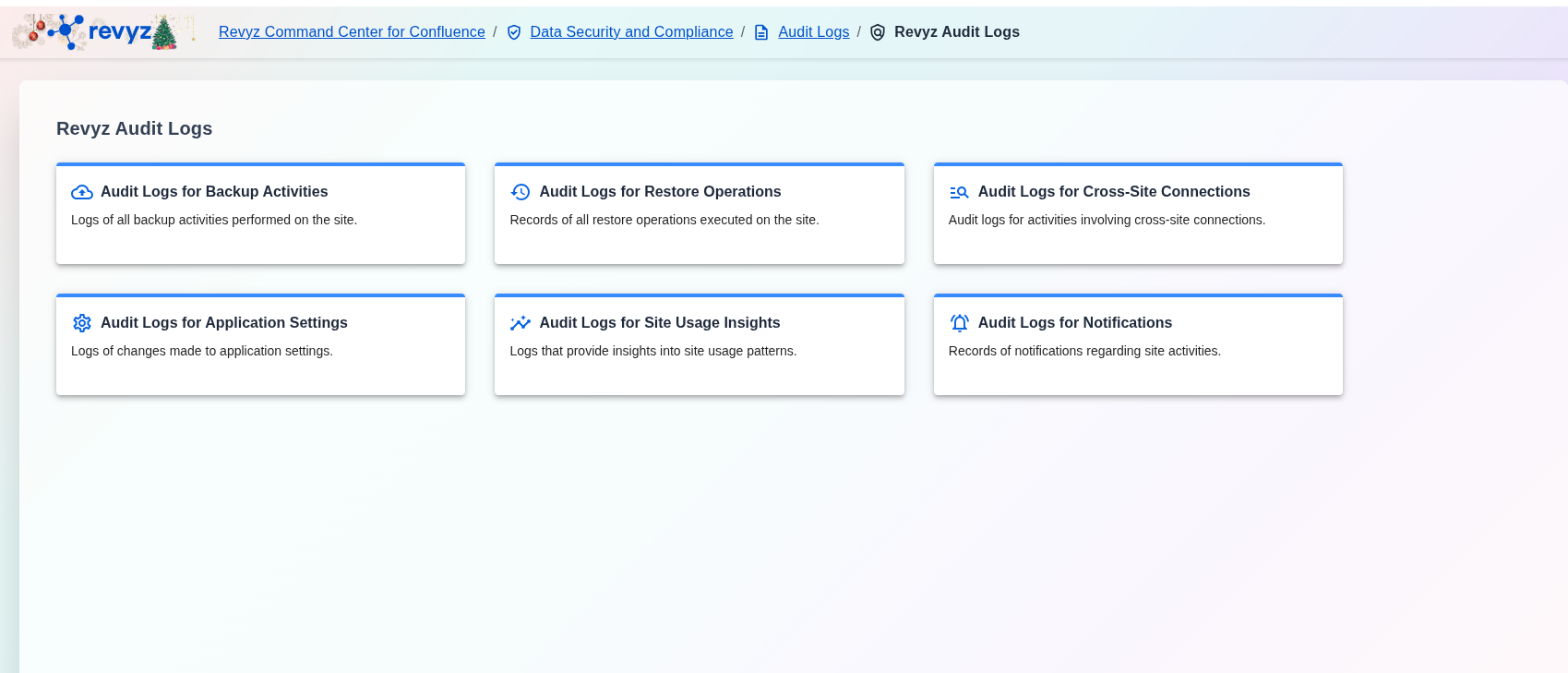
The "Revyz Audit Logs" dashboard categorizes all application-specific logs into distinct sections to help you find the information you need quickly.