
About this Page
The Tempo Worklogs Restore page is a granular recovery tool within the Revyz Command Center. It allows administrators to browse historical backup snapshots and surgically restore time-tracking data (worklogs) that may have been lost, deleted, or incorrectly modified. Unlike a full site restore, this feature targets specific worklogs associated with your Jira issues.
What is the Use Case?
-
Accidental Deletion: A user or script accidentally deletes significant worklog entries required for billing or payroll.
-
Data Corruption: An external integration or bulk update incorrectly overwrote existing time entries.
-
Audit & Compliance: Restoring specific historical worklogs to satisfy financial audits without affecting current project data.
-
Migration Verification: Moving worklogs from a sandbox/test environment back to production after a successful test.
This feature is applicable to:
command center for jira config manager for jira
How to Restore Tempo Timesheet Worklogs
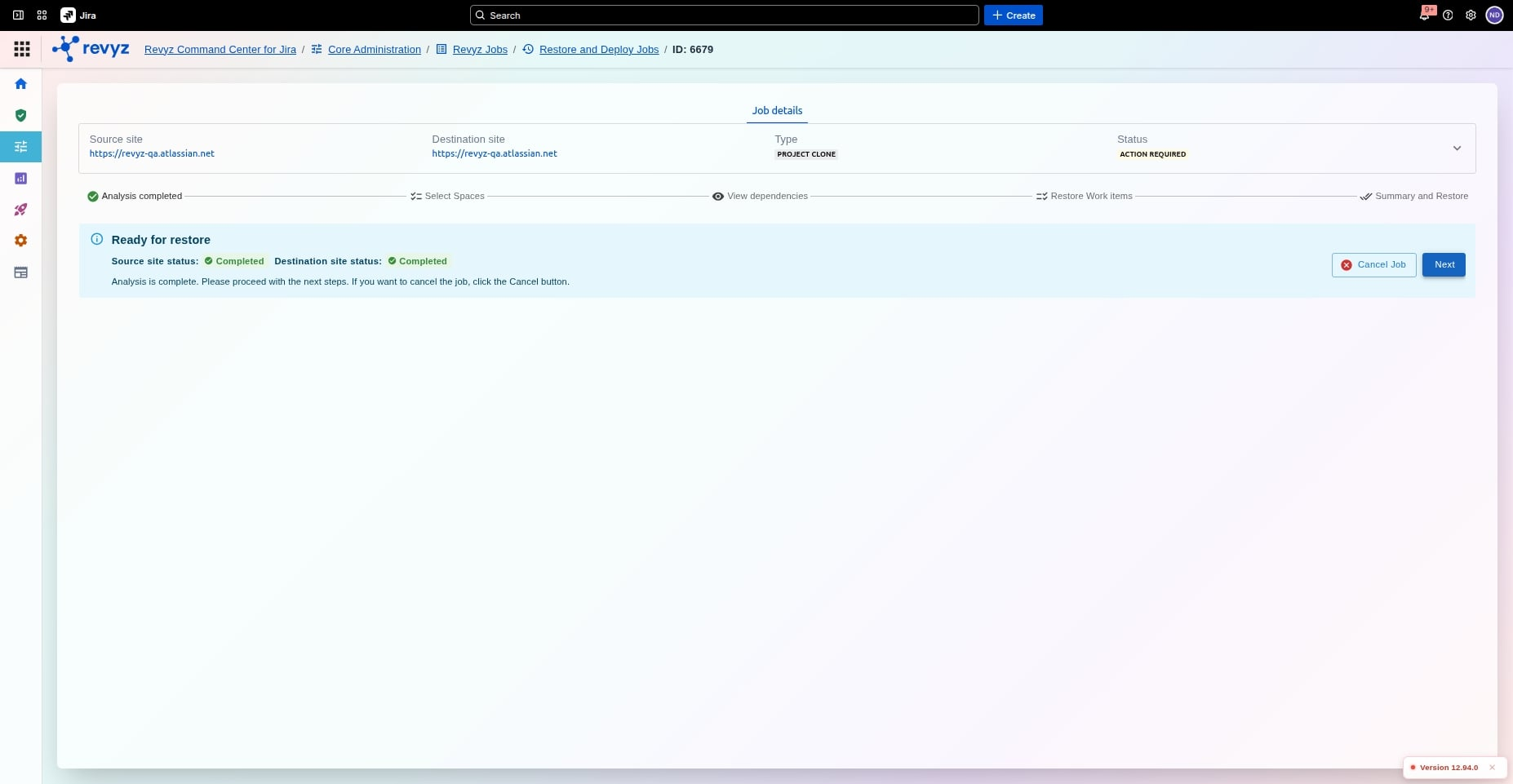
Revyz Jobs
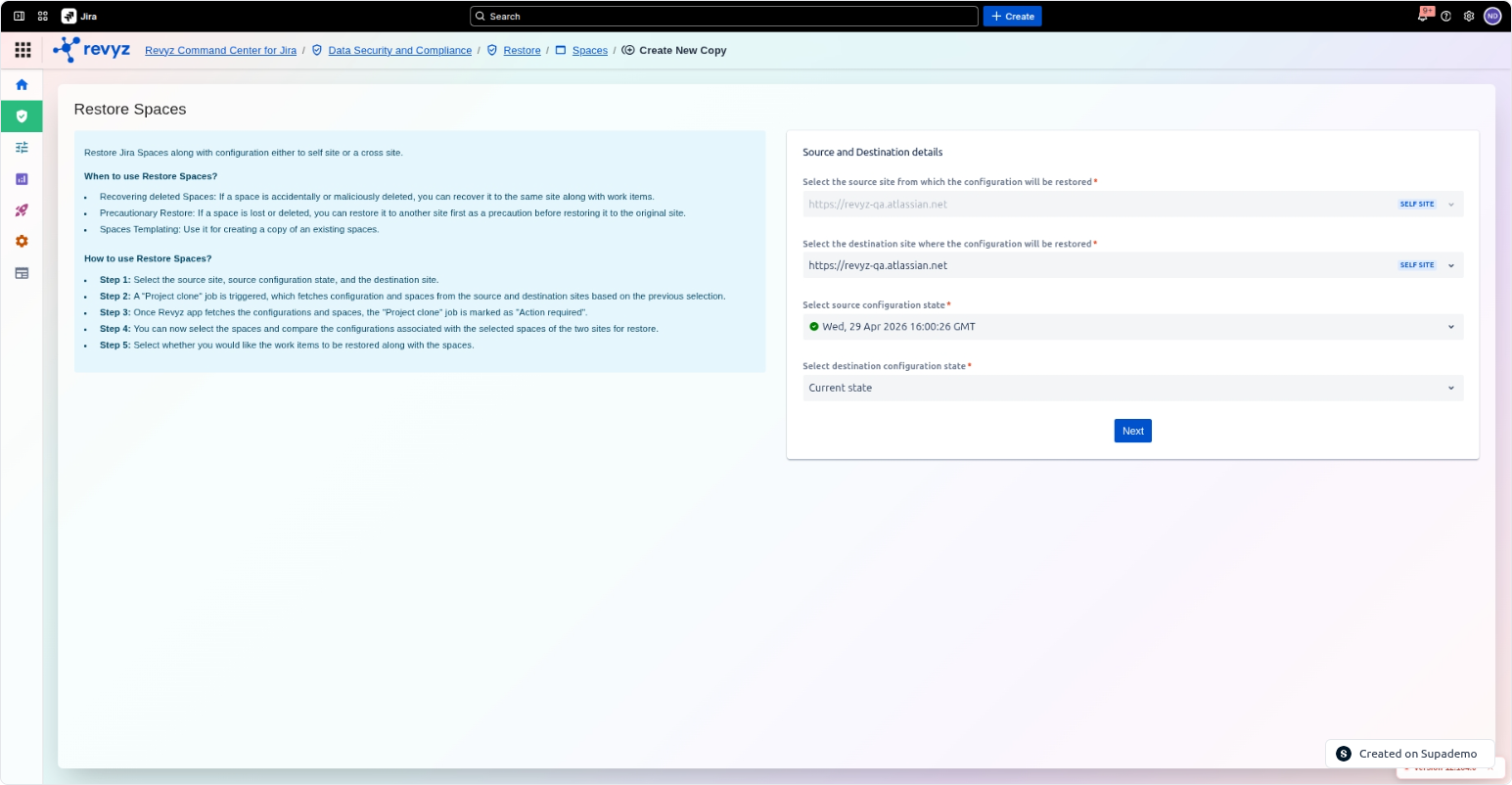
Restore >> Spaces
Select the source and destination site details. Also, select the destination configuration state.
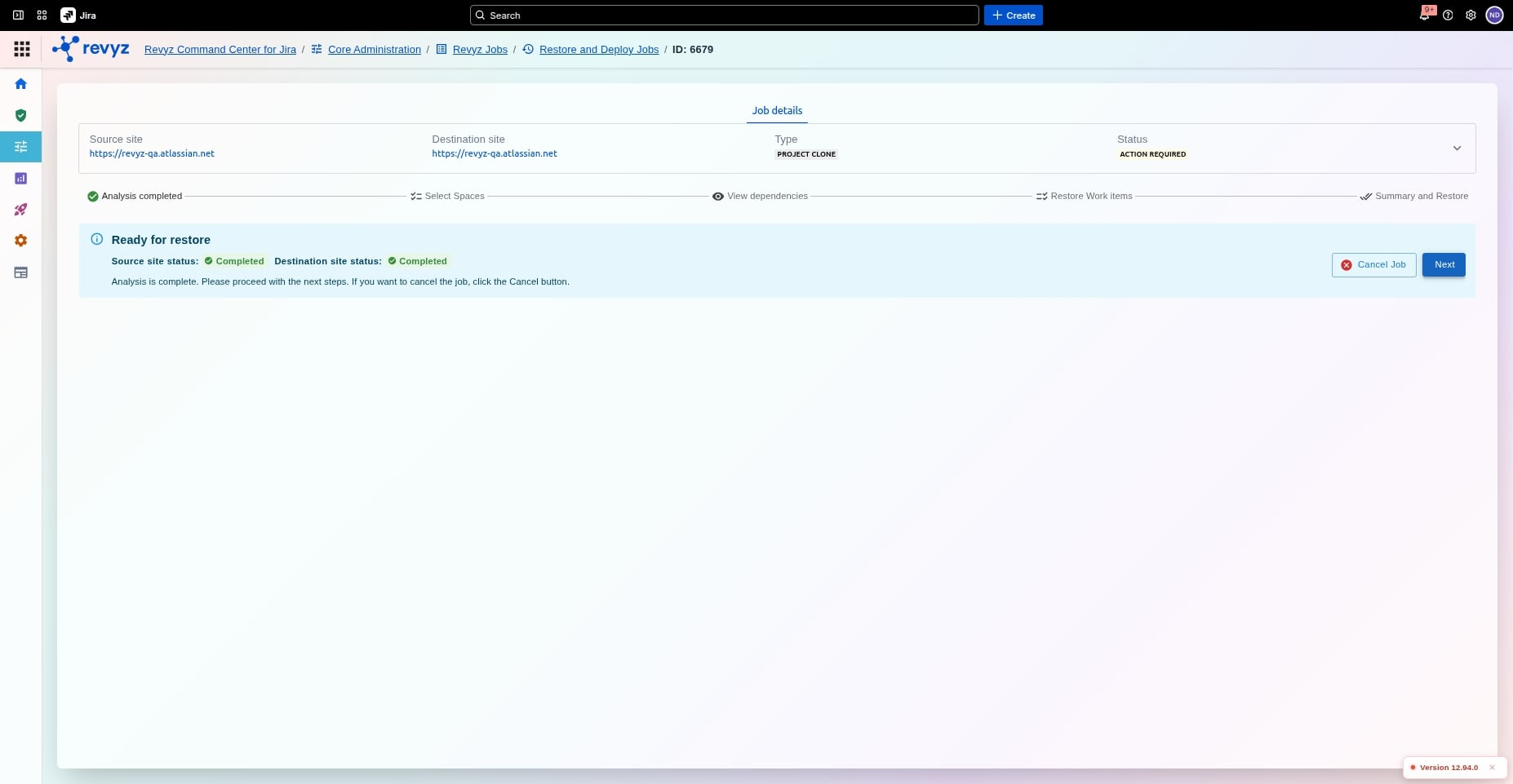
Revyz Job
A Revyz Job is created.
Restore Work Items
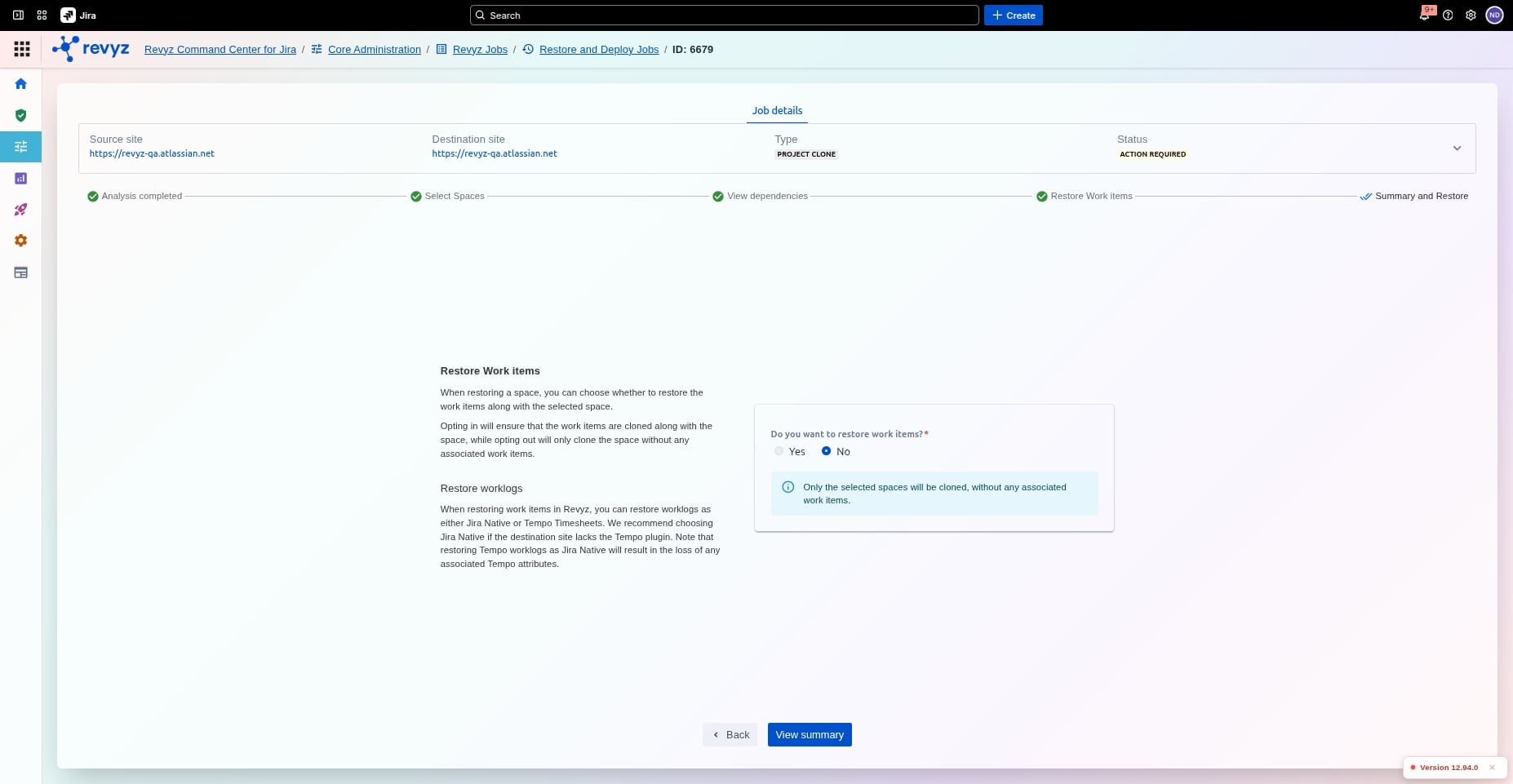
Worklogs as Jira Native or Tempo timesheets
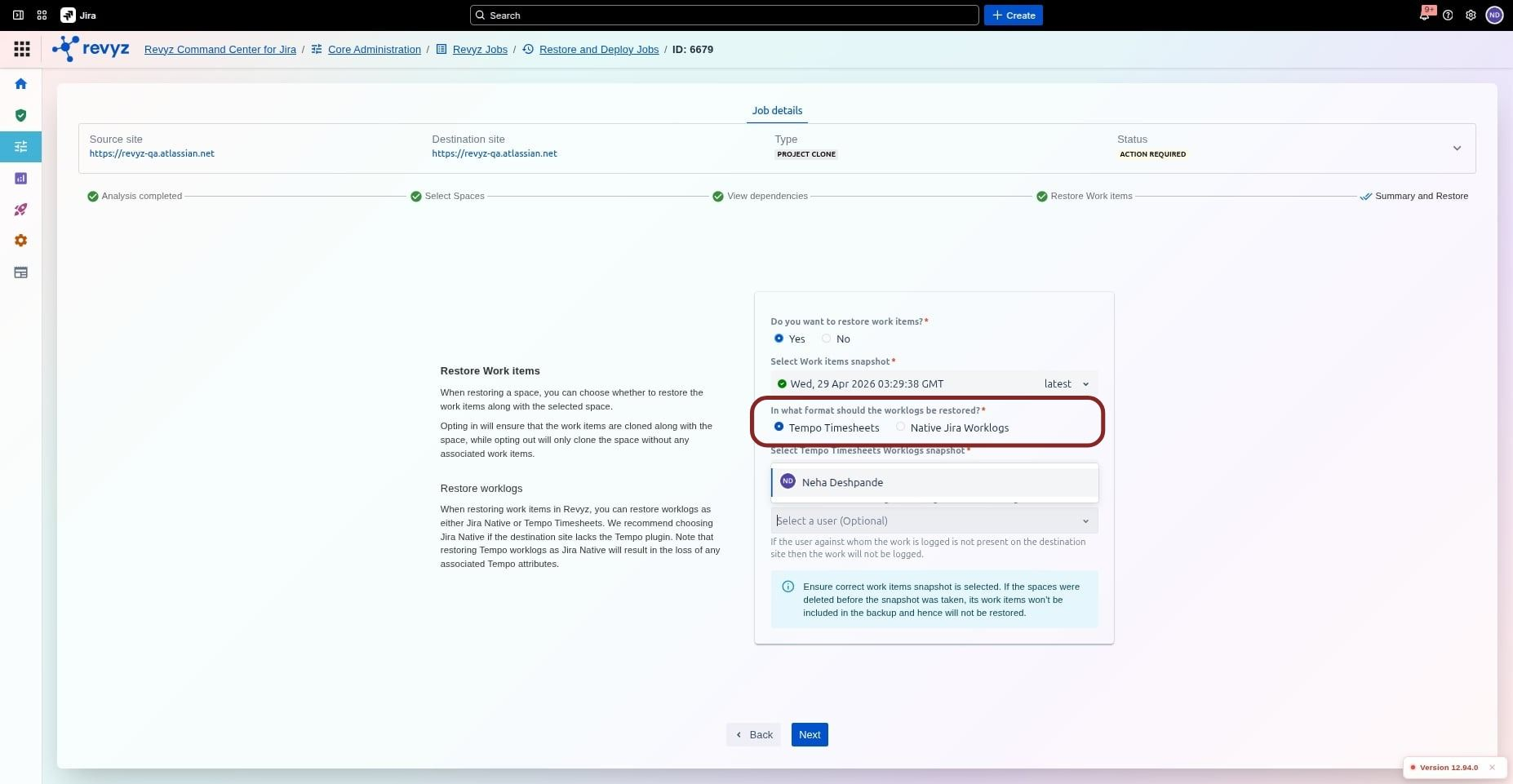
You can restore the worklogs as Jira Native or Tempo timesheets.
Select user (Optional)
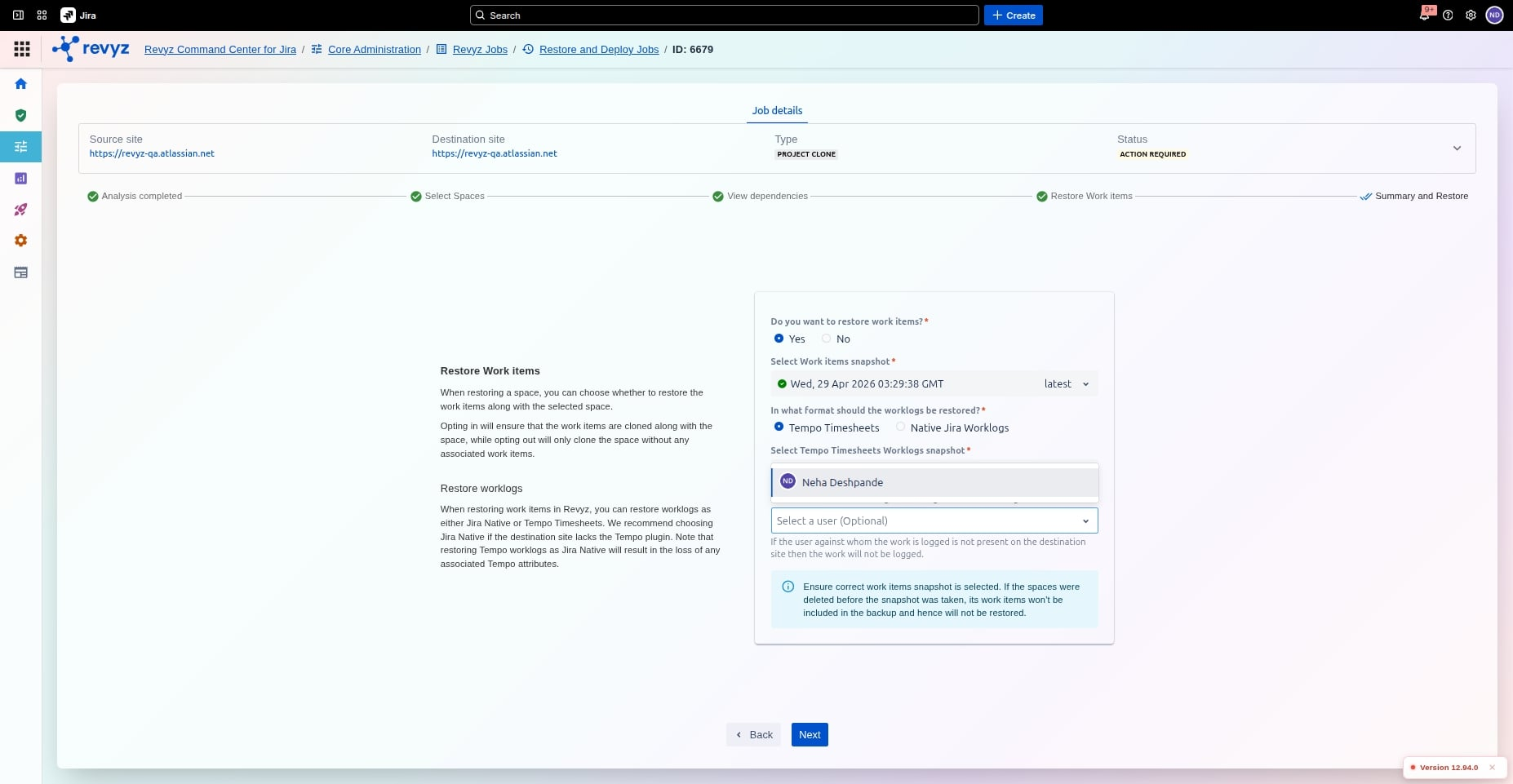
Select an alternative user on the destination site if the work log against whom the user is selected is not present.
Click on Tempo Timesheets Worklogs
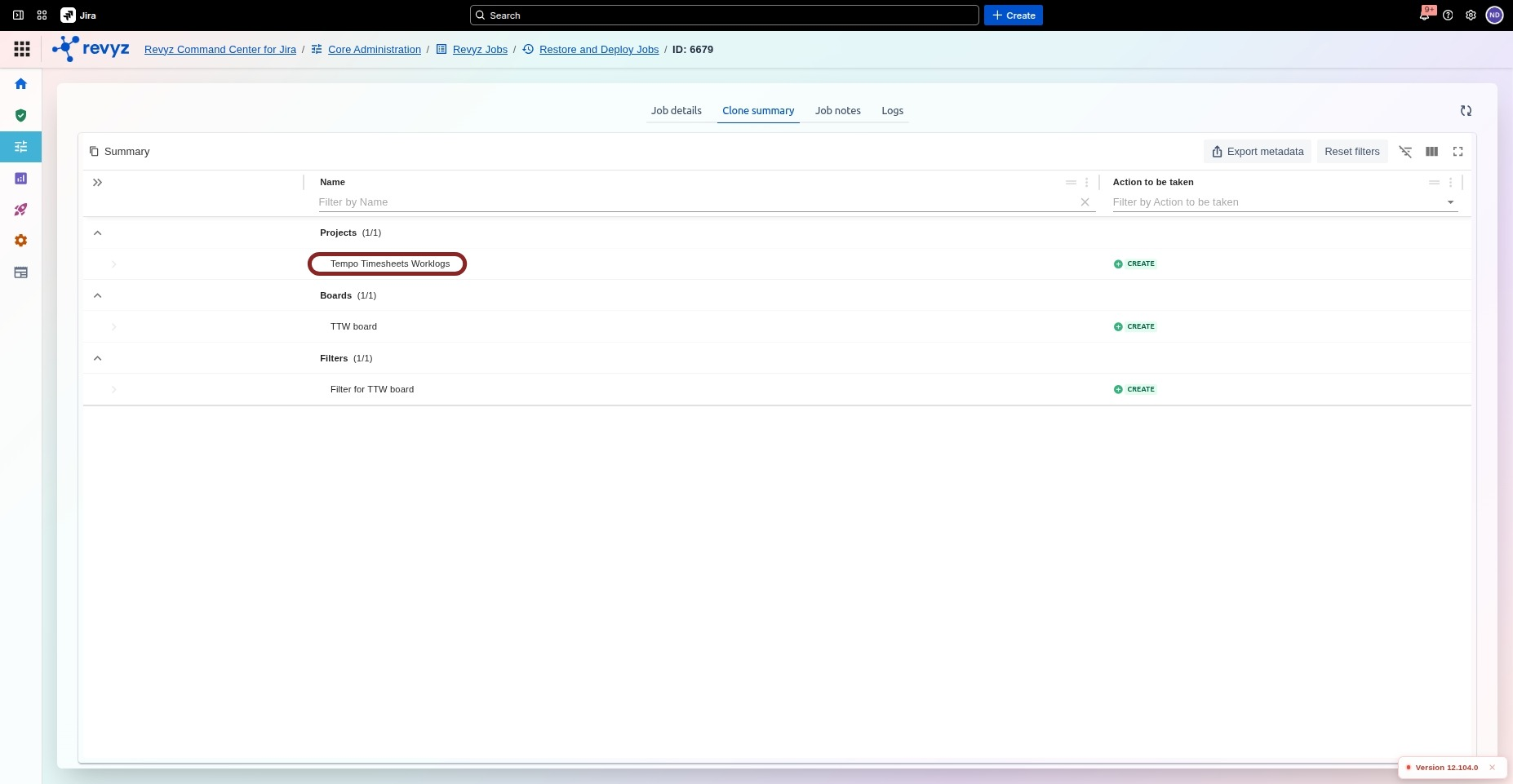
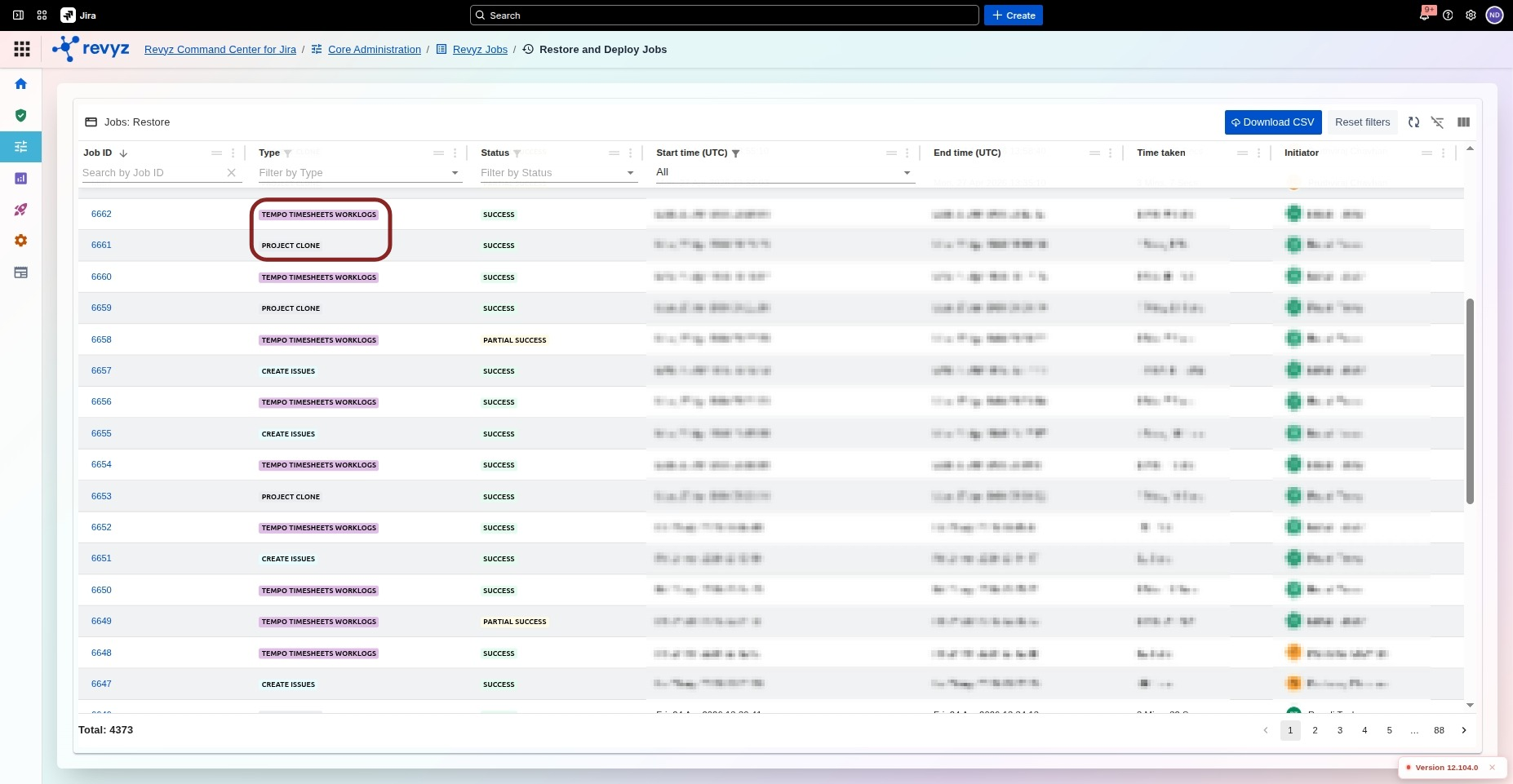
Job Creation
Two jobs are created, one for Tempo Timesheets Worklogs and the other for Project Clone
Prerequisites for Spaces
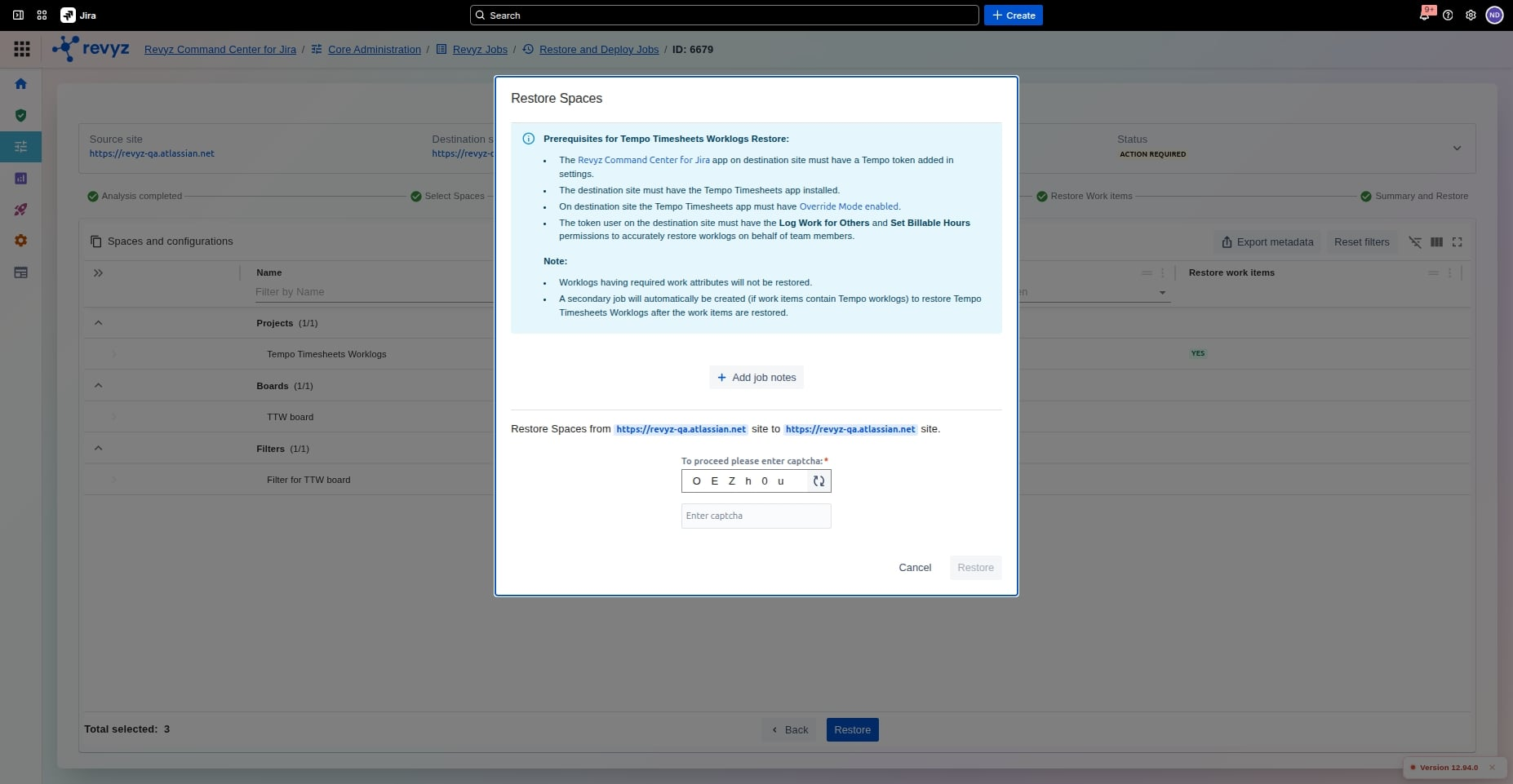
If your restoration includes Tempo Timesheets data, the following conditions must be met on the destination site for the process to succeed:
-
Tempo Token: The Revyz Command Center app on the destination site must have a valid Tempo token added in the settings.
-
App Installation: The Tempo Timesheets app must be installed on the destination site.
-
Override Mode: You must enable Override Mode within the Tempo Timesheets settings on the destination site.
-
User Permissions: The user associated with the Tempo token must have the following permissions:
-
Log Work for Others
-
Set Billable Hours
-
Important Note: > * Worklogs containing required work attributes will not be restored.
If work items contain Tempo worklogs, a secondary job will be automatically created to restore them after the primary work items are finished.
To know more, see the permissions for Tempo Timesheet Worklogs backup and restore permissions.