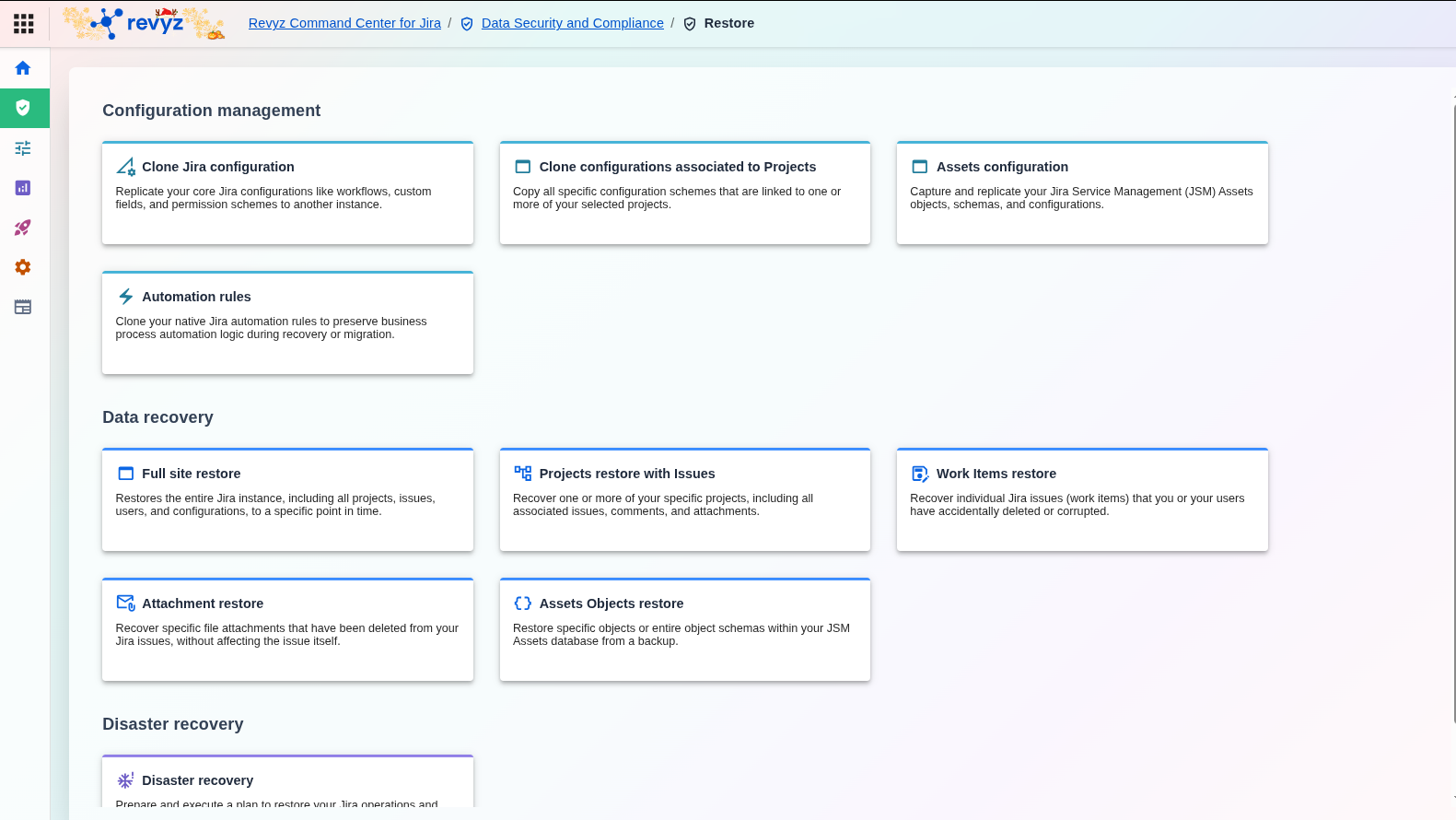
This is the Revyz Command Center, your central platform for managing backup, restore, and data security for your Atlassian environment. Use this document to familiarize yourself with the app's layout and user interface.
It covers the main components, including the left-hand navigation bar and breadcrumb trails, to help you confidently locate all the tools and features needed to protect and manage your data.
Revyz Command Center for Jira
Revyz Command Center for Jira: Home
This screen is the main dashboard and central hub for the Revyz Command Center for Jira. It provides a high-level overview and quick access to all the primary functions of the application, which are organized into different categories:
Note
This pages under the “Navigating the Revyz App” detail the features available in our products. Some features are shared, while others are exclusive.
On each feature page, you will see one or more of these tags indicating its applicability for the products.
This section covers the core configuration for your backup strategy, restore behaviors, user access, disaster recovery, etc. It includes:
Backup settings: Configure all aspects of your backup strategy, including what to back up, your schedule, and API credentials.
Restore settings: Define the default behaviors for your data recovery operations to ensure consistent and predictable restores.
Access control: Manage user roles and permissions to control who can perform sensitive operations in the application.
Disaster Recovery Connections: Configure and manage the secure connection details for your designated standby Jira instance for failover.
End-user portal NEW: Maintain business continuity during a disaster or site outage by accessing and previewing your site data. Configure snapshots to view data, even from connected sites that are currently inaccessible.
Notifications: Set up and manage alerts for critical events taken by Revyz such as backups, restores across your Jira instances.
6. Resources
This section covers access to support, documentation, video tutorials, blogs, and other learning materials to help you use the product effectively. This includes:
Support: Access help, documentation, and learning materials to get the most out of the product and stay informed.
Data Manager for Confluence: Protect your Confluence data with our complementary backup and recovery solution.
Revyz YouTube Channel: Watch video tutorials, feature demonstrations, and webinars to learn how to use the product's features.
Revyz Blogs: Read our blog for data protection trends, data compliance & security requirements, Atlassian administration tips, company news, and feature spotlights.
JavaScript errors detected
Please note, these errors can depend on your browser setup.
If this problem persists, please contact our support.