About this Page
This page provides a guide on how to manually trigger an on-demand backup for Tempo Timesheets Worklogs using the Revyz Command Center app for Jira. It details the specific objects included in the backup and the steps required to initiate the process.
This feature is applicable to:
Command center for jira config manager for jira
What is the use case?
-
Audit & Compliance: Maintain a point-in-time record of all time-tracking data for financial auditing or regulatory requirements.
-
Pre-Change Safeguard: Create a manual backup before performing bulk updates, deletions, or configuration changes within the Tempo plugin.
-
Data Portability: Ensure that granular worklog data is captured alongside standard Jira work items for a comprehensive data protection strategy.
-
Disaster Recovery: Recover specific worklog entries and audit logs in the event of accidental data loss or corruption within the Tempo app.
How to Backup Tempo Worklogs
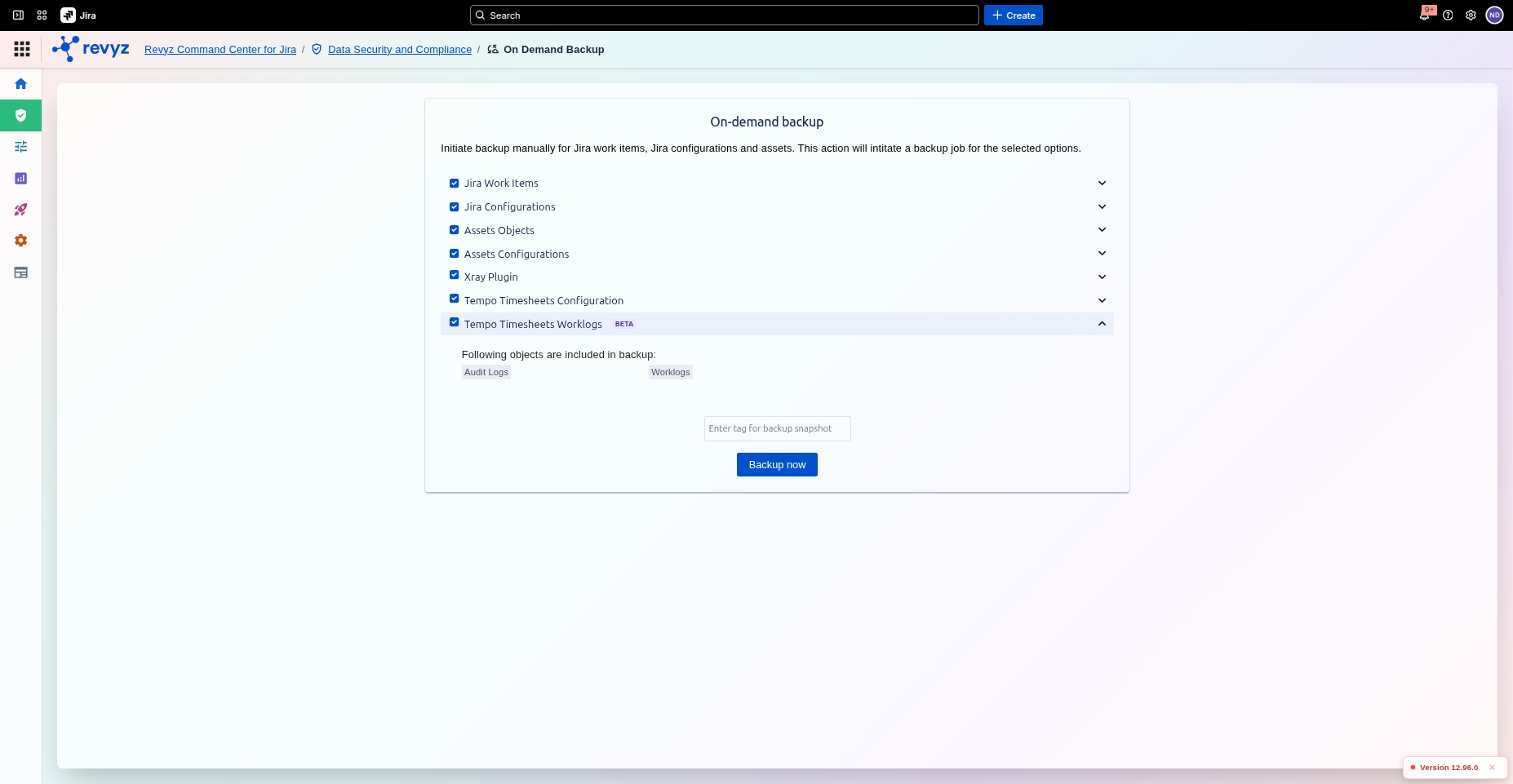
To perform an on-demand backup of your Tempo Worklogs, follow these steps:
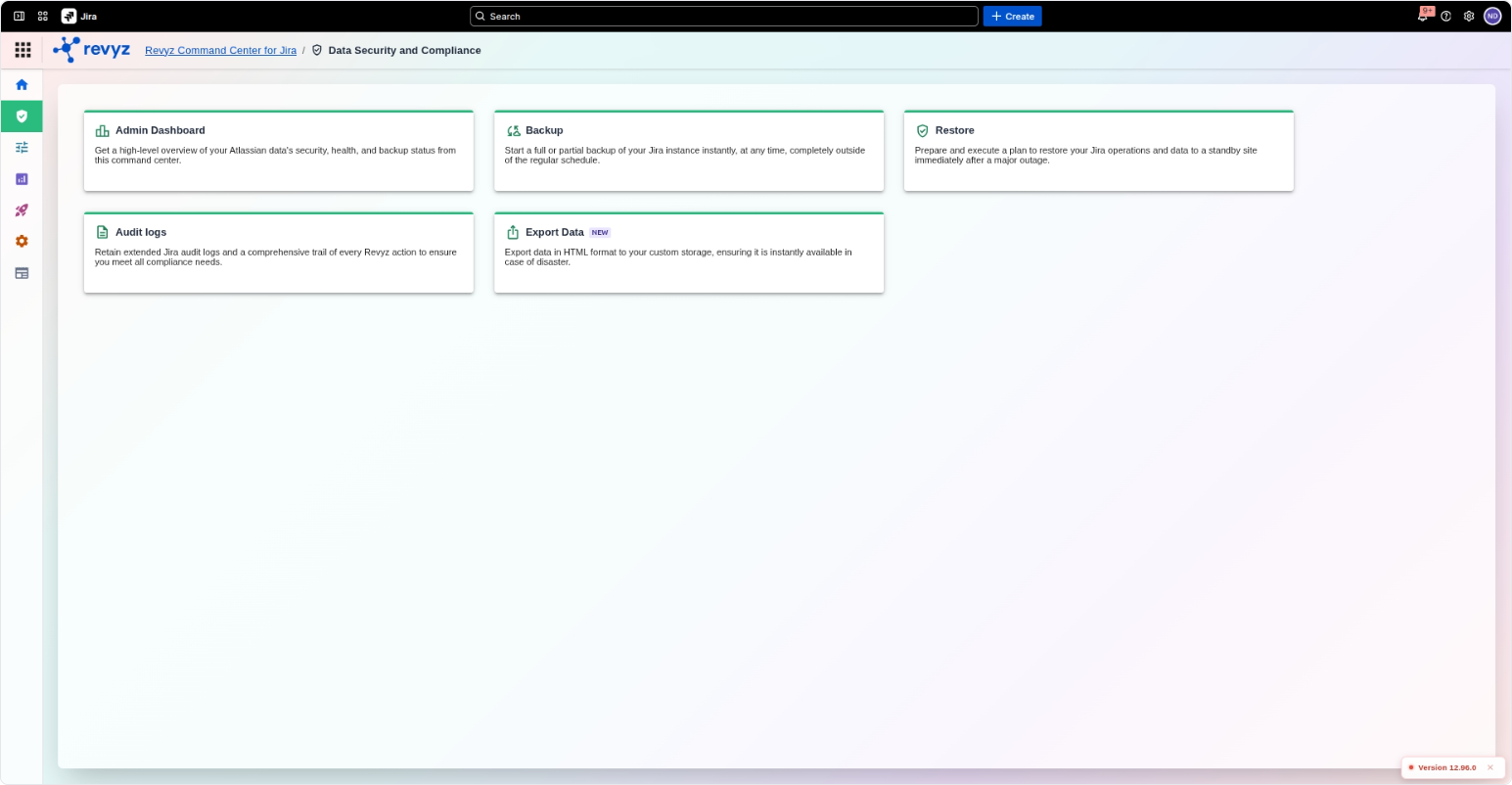
Navigate to Data Security & Compliance >> On Demand Backup
Review Included Objects
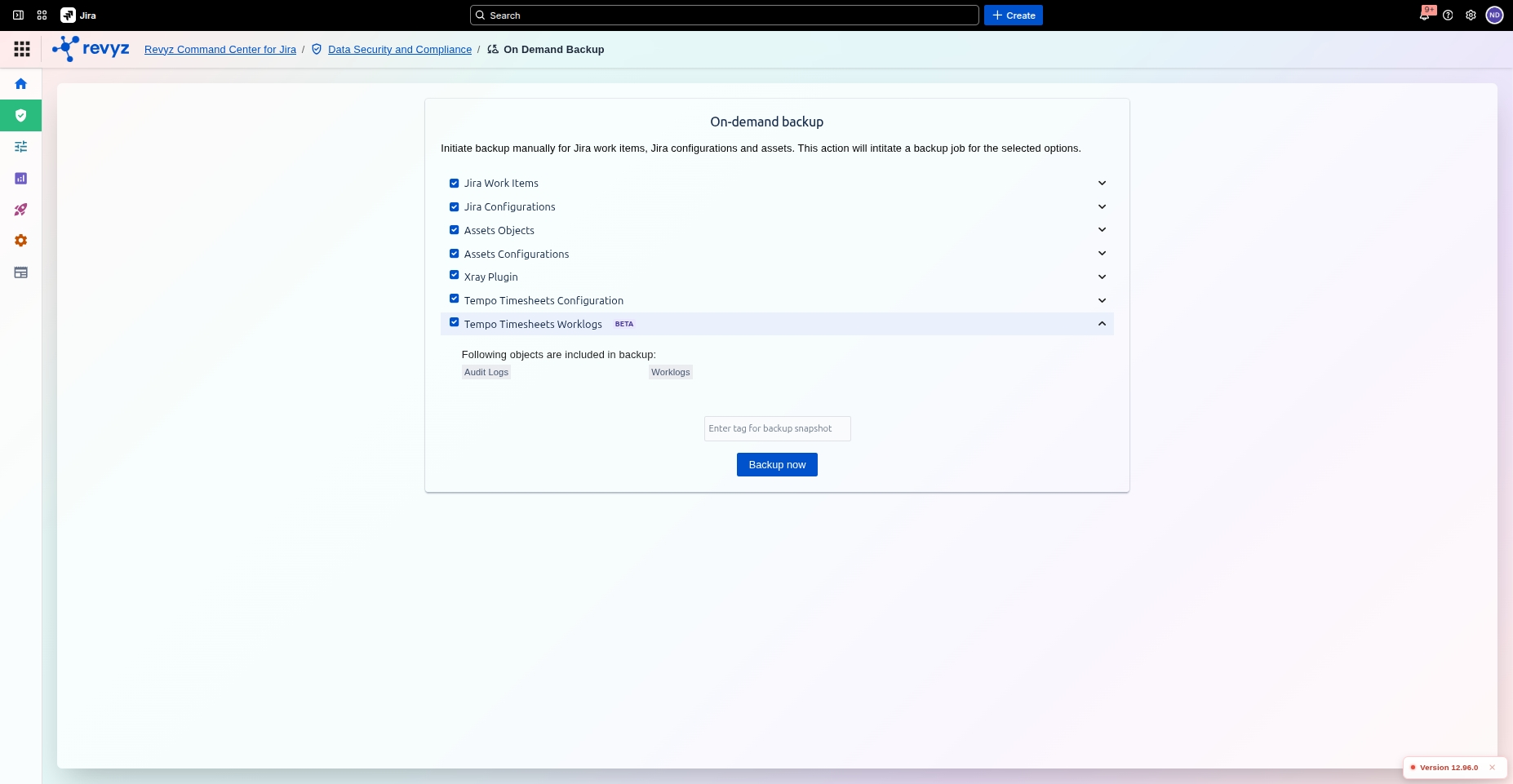
Click the dropdown arrow to the right of "Tempo Timesheets Worklogs" to see the objects included in the backup:
-
Audit Logs: Records of changes and administrative actions within Tempo.
-
Worklogs: Individual time entries recorded by users against Jira issues.