-
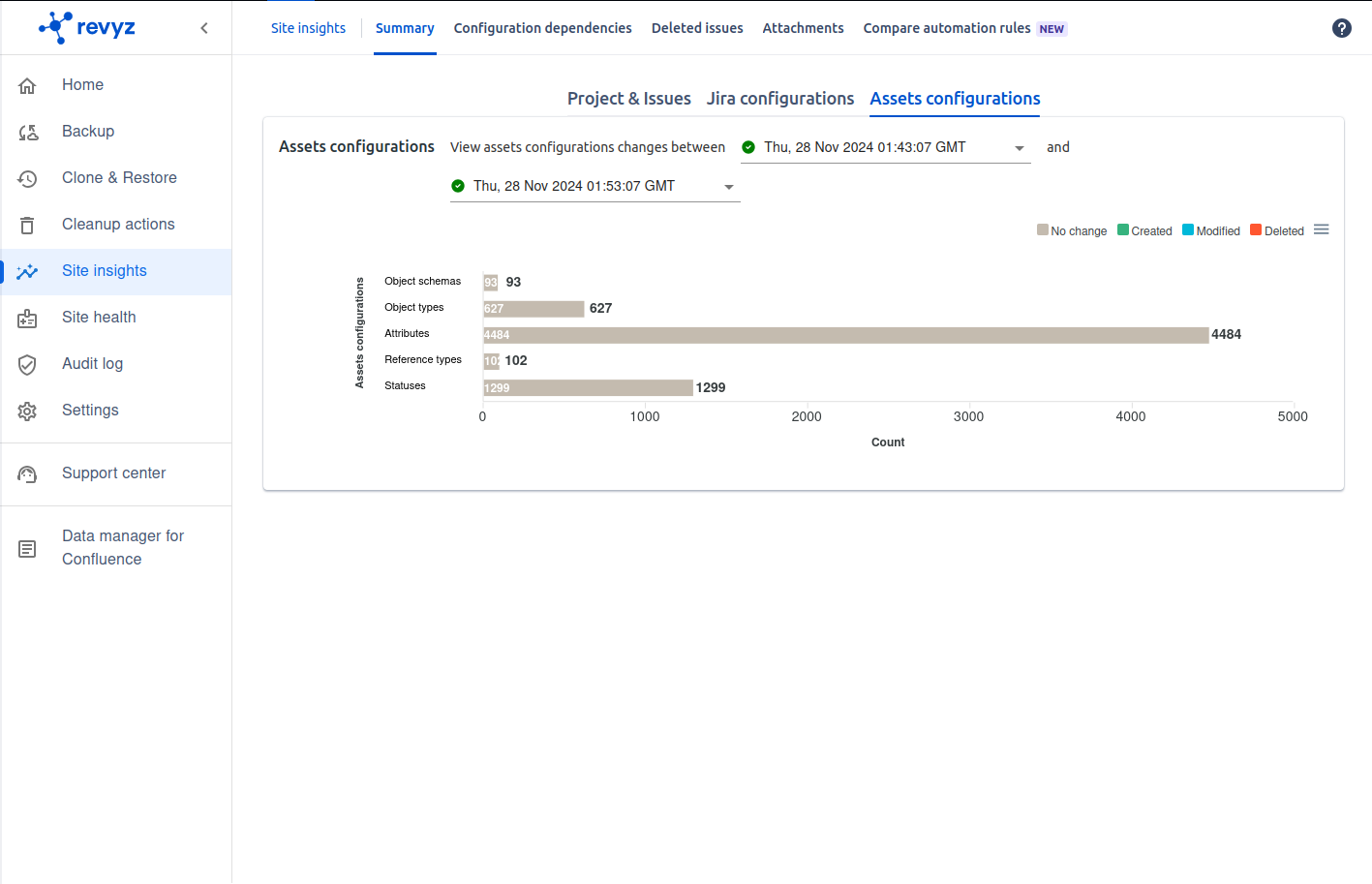
You can check all the stats of Assets configurations in the form of chart
-
Click on Site insights in left navbar - > Summary - > Select Assets configurations
-
You can check changes in assets configurations (Object schema, Object types, Attributes, Reference types, Statuses) by changing snapshots
-
It shows the objects which is created, modified, deleted. Also showing the objects with No change
-
Site insights will help you to check all site assets configurations at one glance
-
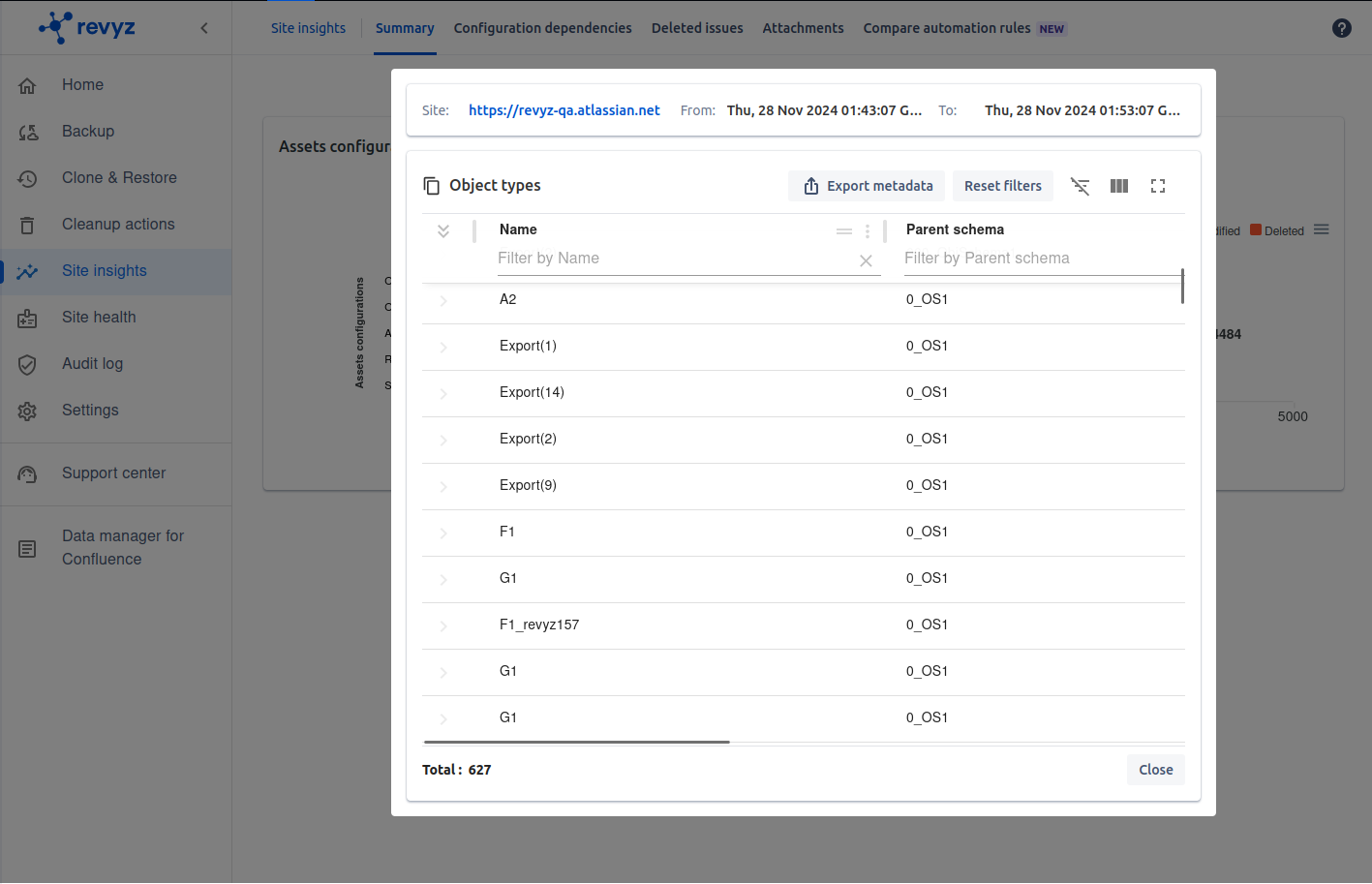
You can Export the data in CSV and PDF format by clicking on bar graph