
About this Page
The Deploy Field Schemes page is specifically designed to support the migration and management of Atlassian's newly introduced field schemes, allowing administrators to seamlessly replicate these updated configurations across environments
What is the use case?
-
Sandbox-to-Production Sync: Safely configure and test complex field visibility, behavior, or context settings in a sandbox environment, then seamlessly promote them to your production site.
-
Standardizing Project Templates: Replicate successful project setup structures across multiple business units or disparate Jira sites.
-
Configuration Drift Recovery: Easily bring an outdated environment or broken testing site back into alignment with your primary production baseline.
How to deploy field schemes?
Step 1: Select Source and Destination Sites
Step 1: Select Source and Destination Sites
-
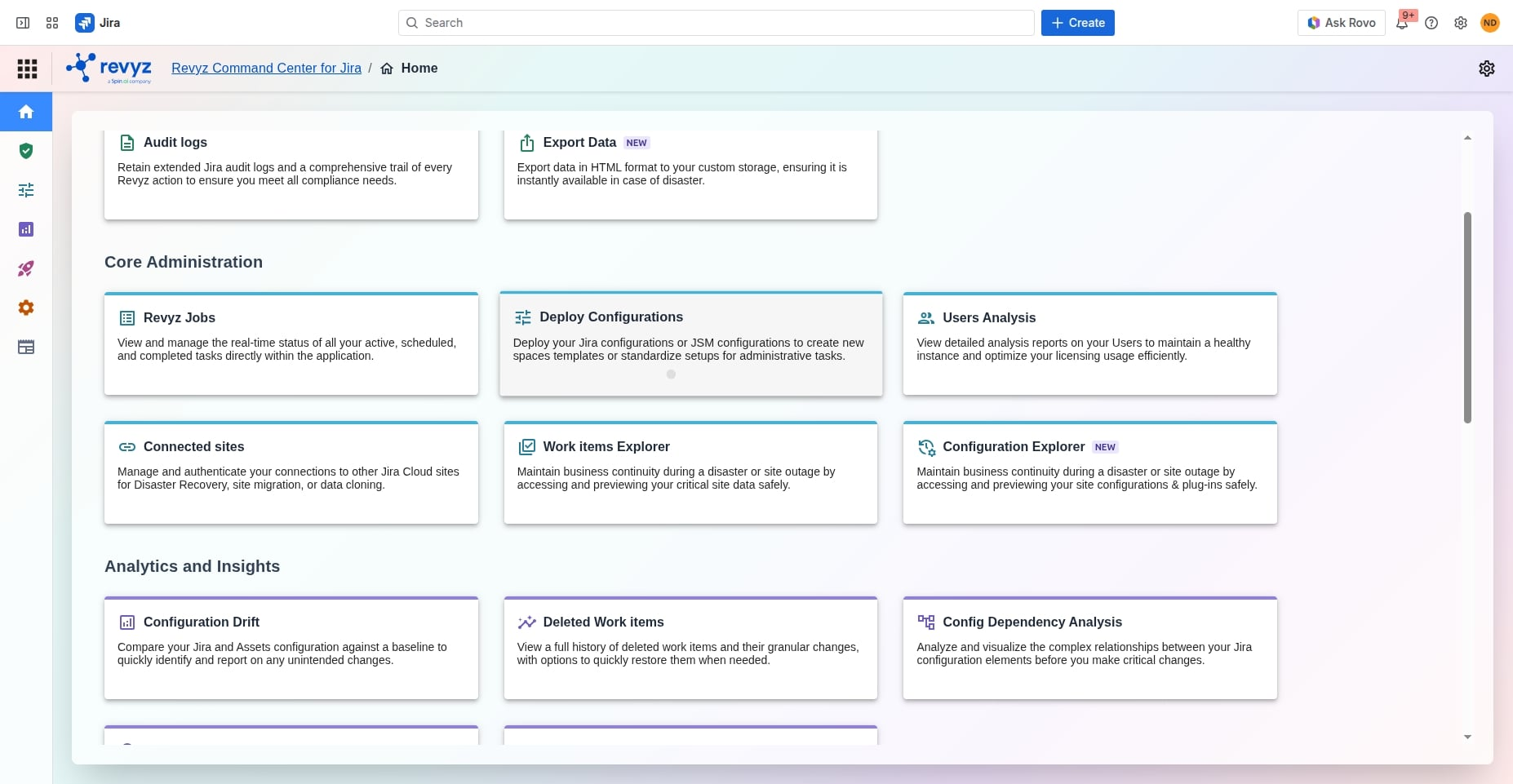
Navigate to Core Administration > Deploy Configurations from your Revyz Home dashboard.
-
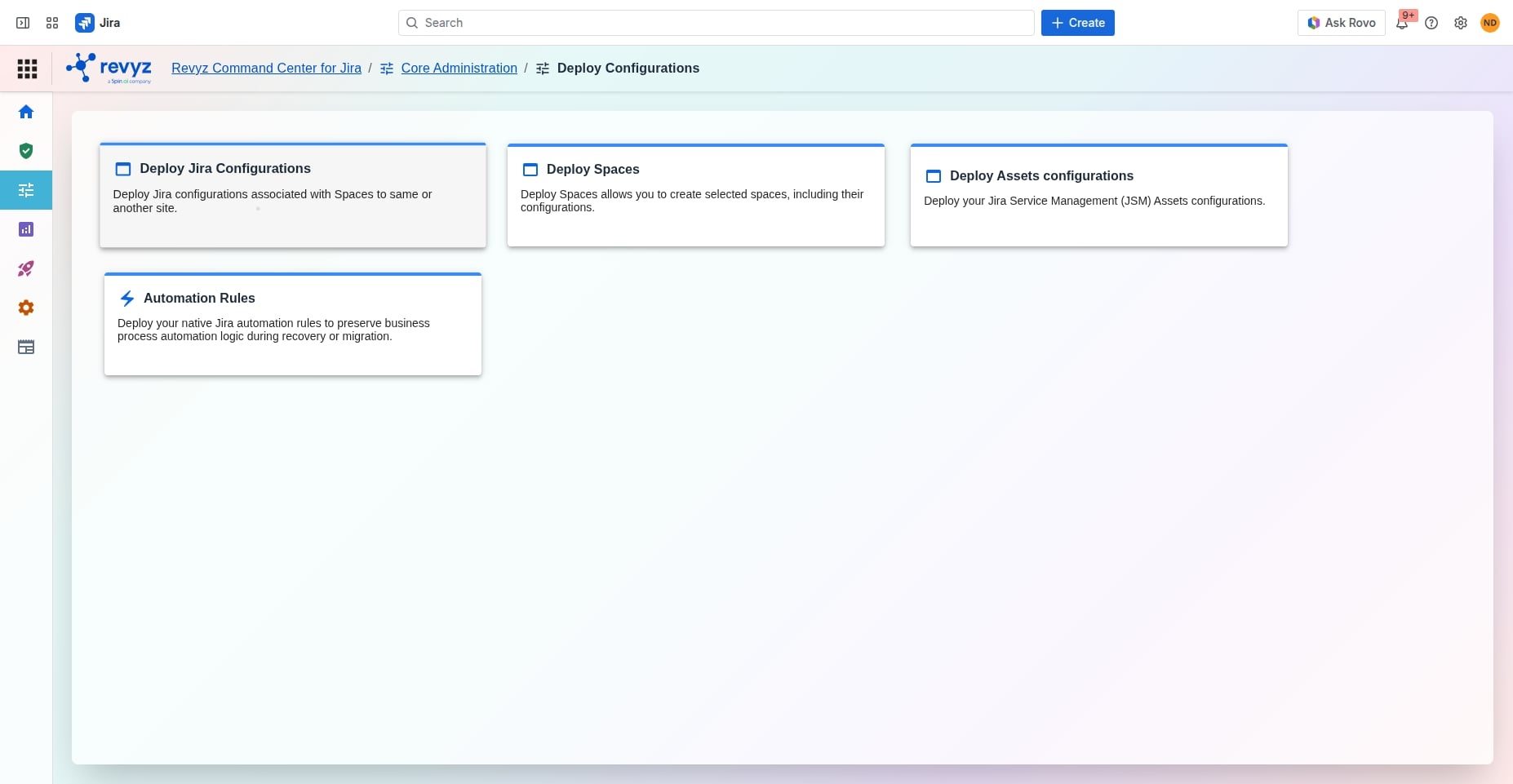
Select Deploy Jira Configurations.
-
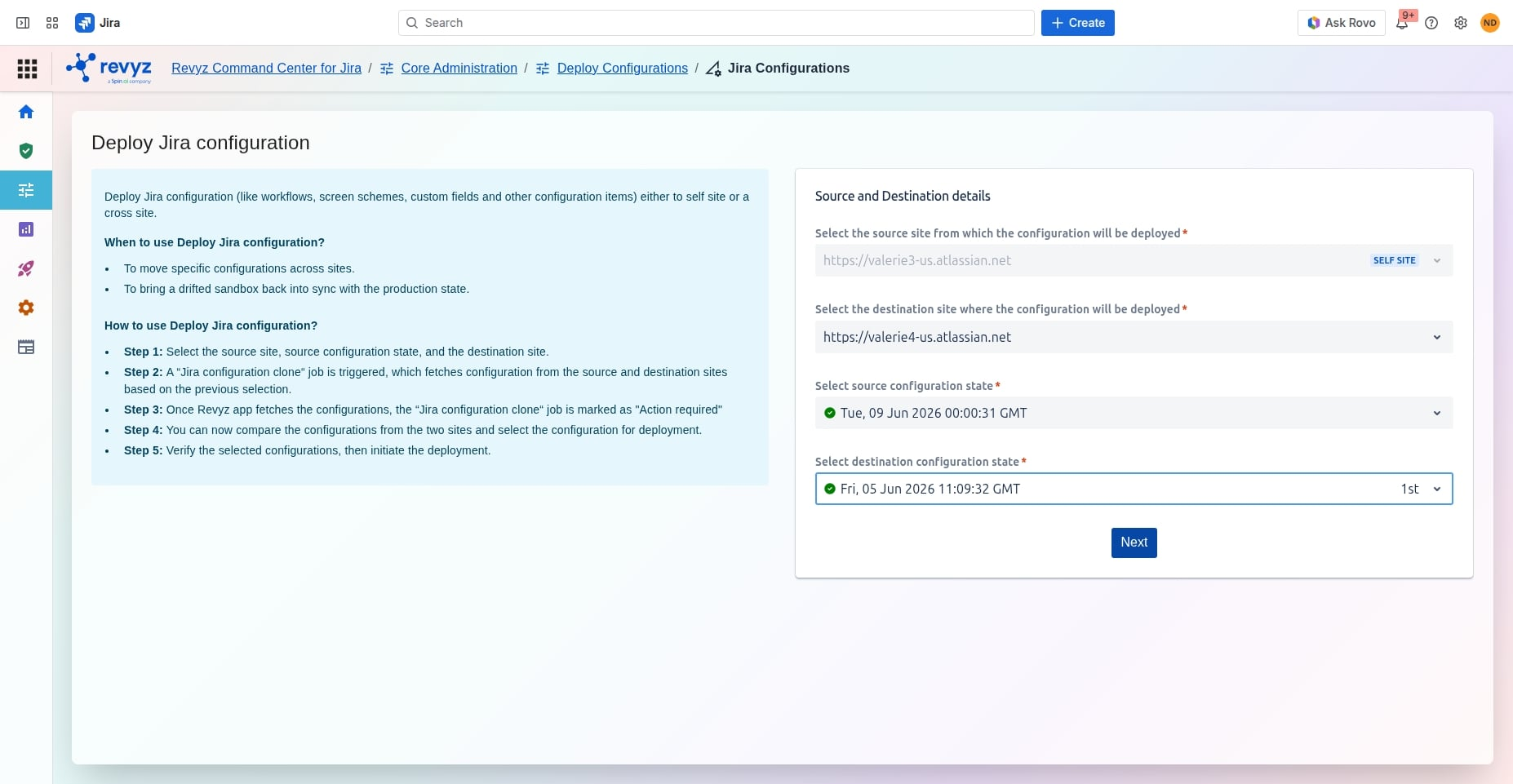
In the right-hand panel under Source and Destination details, your current site will automatically populate as the source site.
-
Click the dropdown menu for Select the destination site where the configuration will be deployed and select your target instance from the list.
Step 2: Choose Configuration States
-
Once your source and destination sites are mapped, two new dropdown menus will appear to specify timelines.
-
Under Select source configuration state, choose the desired backup or live state timestamp from your source environment.
-
Under Select destination configuration state, pick the corresponding historical baseline or active state for your target environment.
-
Click the blue Next button.
Step 3: Trigger Configuration Analysis
-
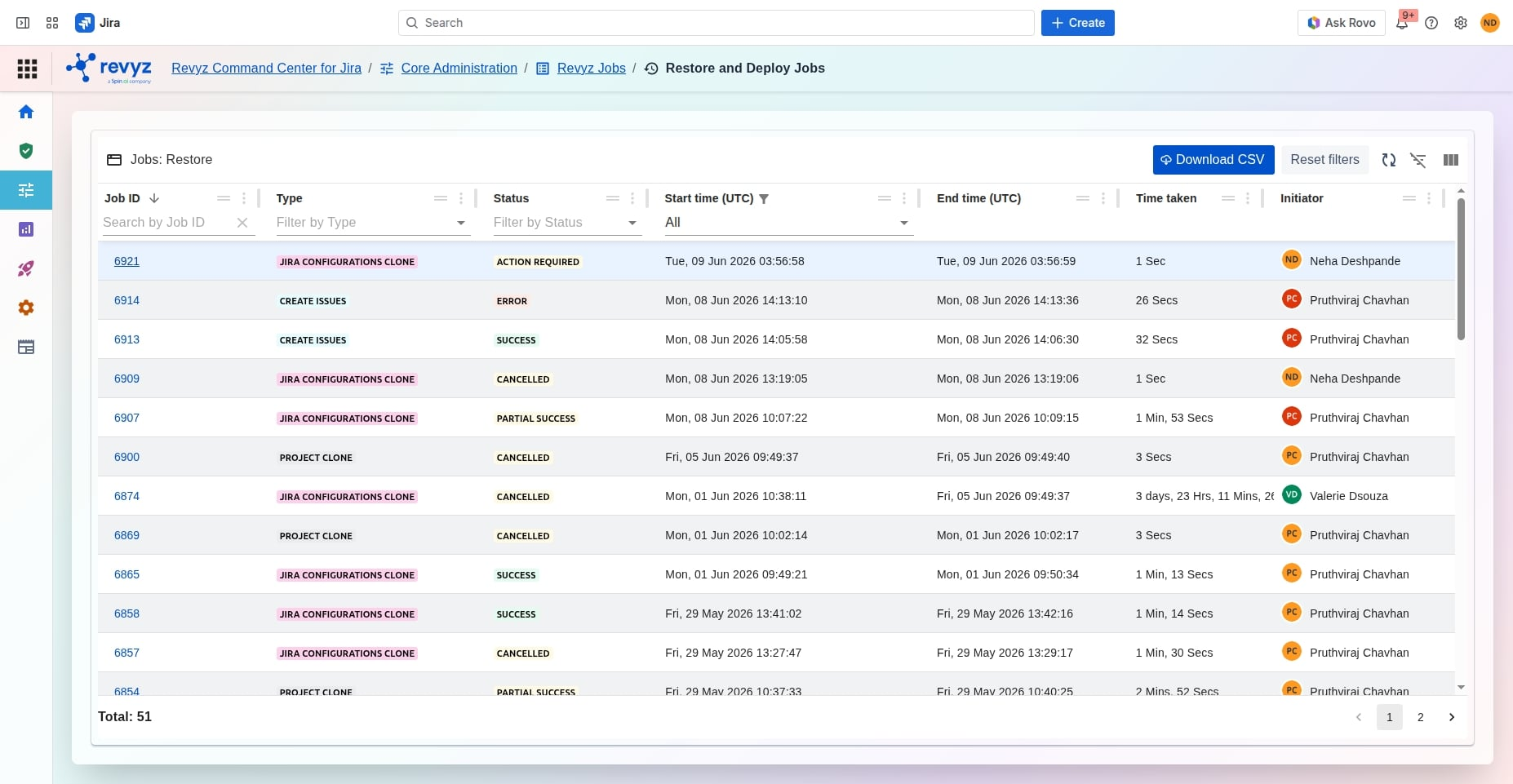
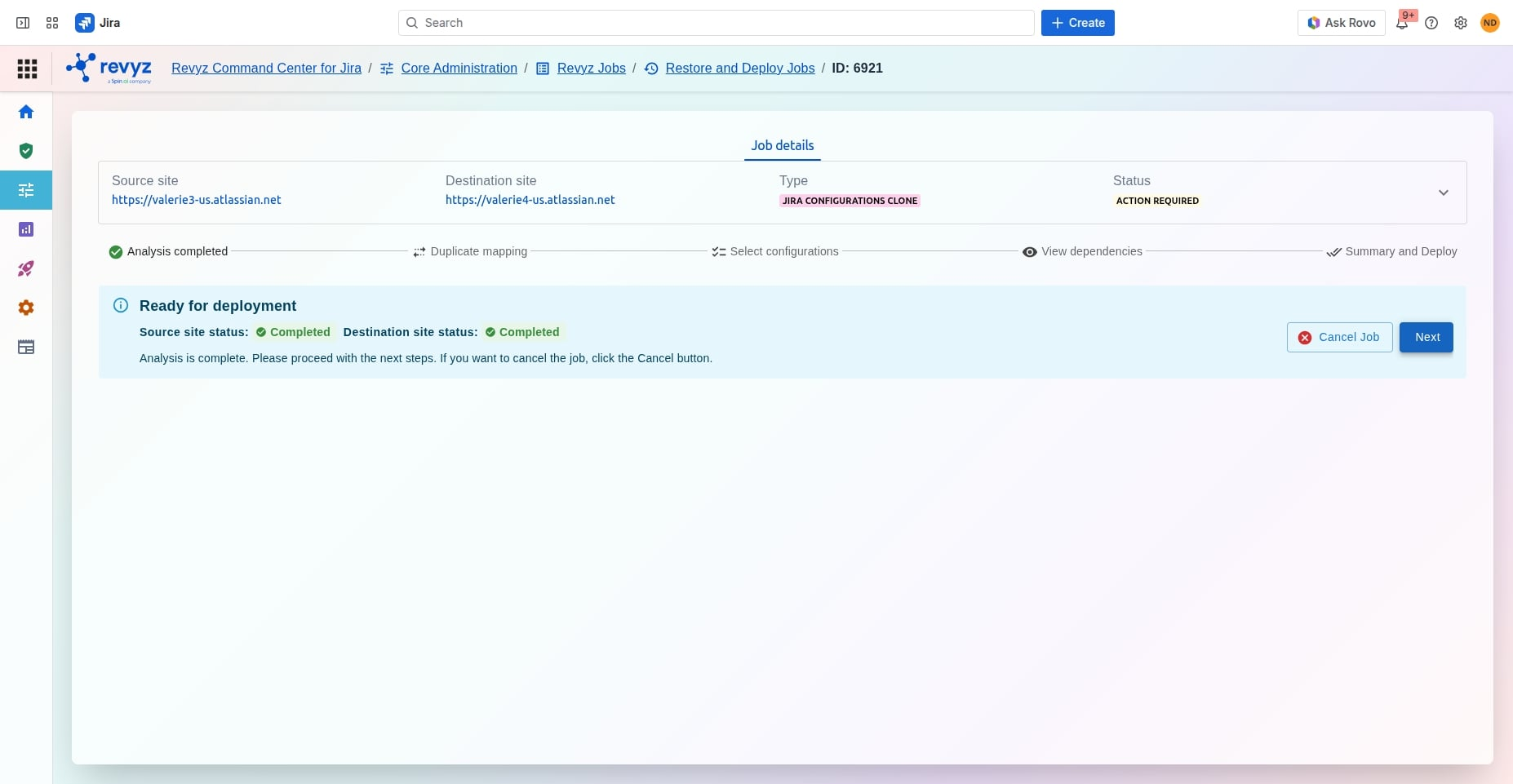
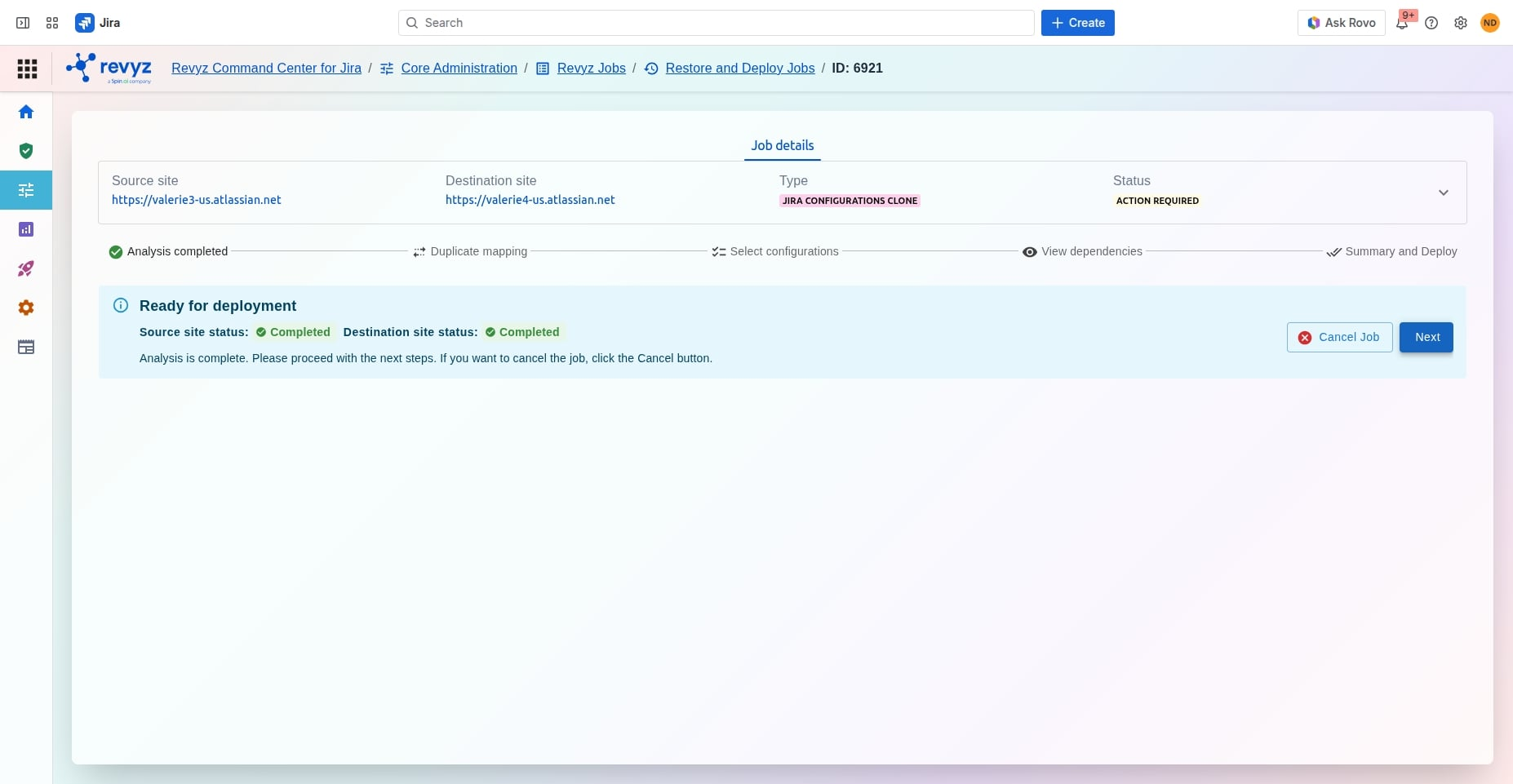
Upon clicking next, Revyz initiates a data cloning and comparison job behind the scenes.
-
The application will fetch the field scheme configurations from both sites to identify differences, structural dependencies, and alignment issues.
Step 4: Compare and Filter Field Schemes
-
Wait for the background job to change status to Action required.
-
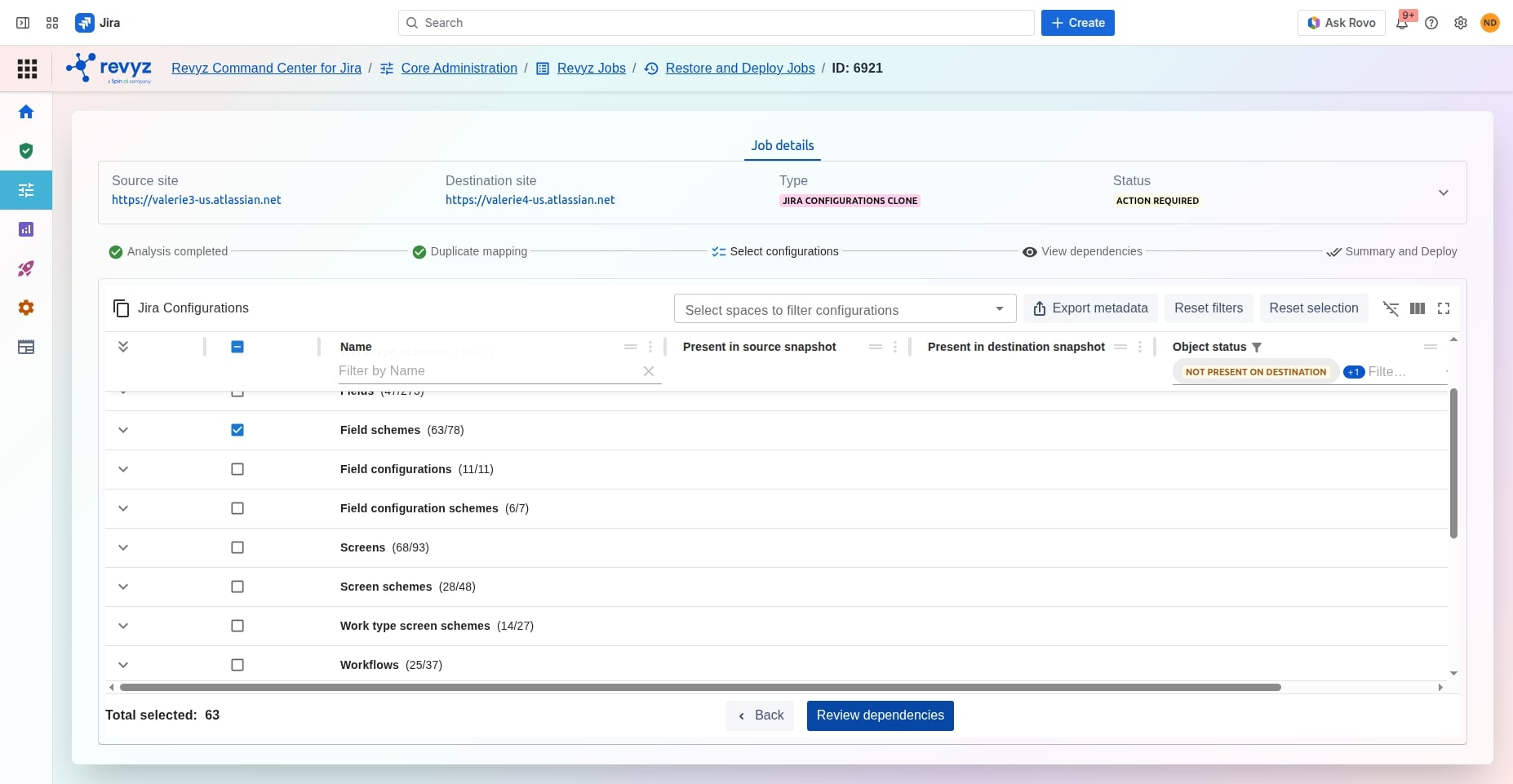
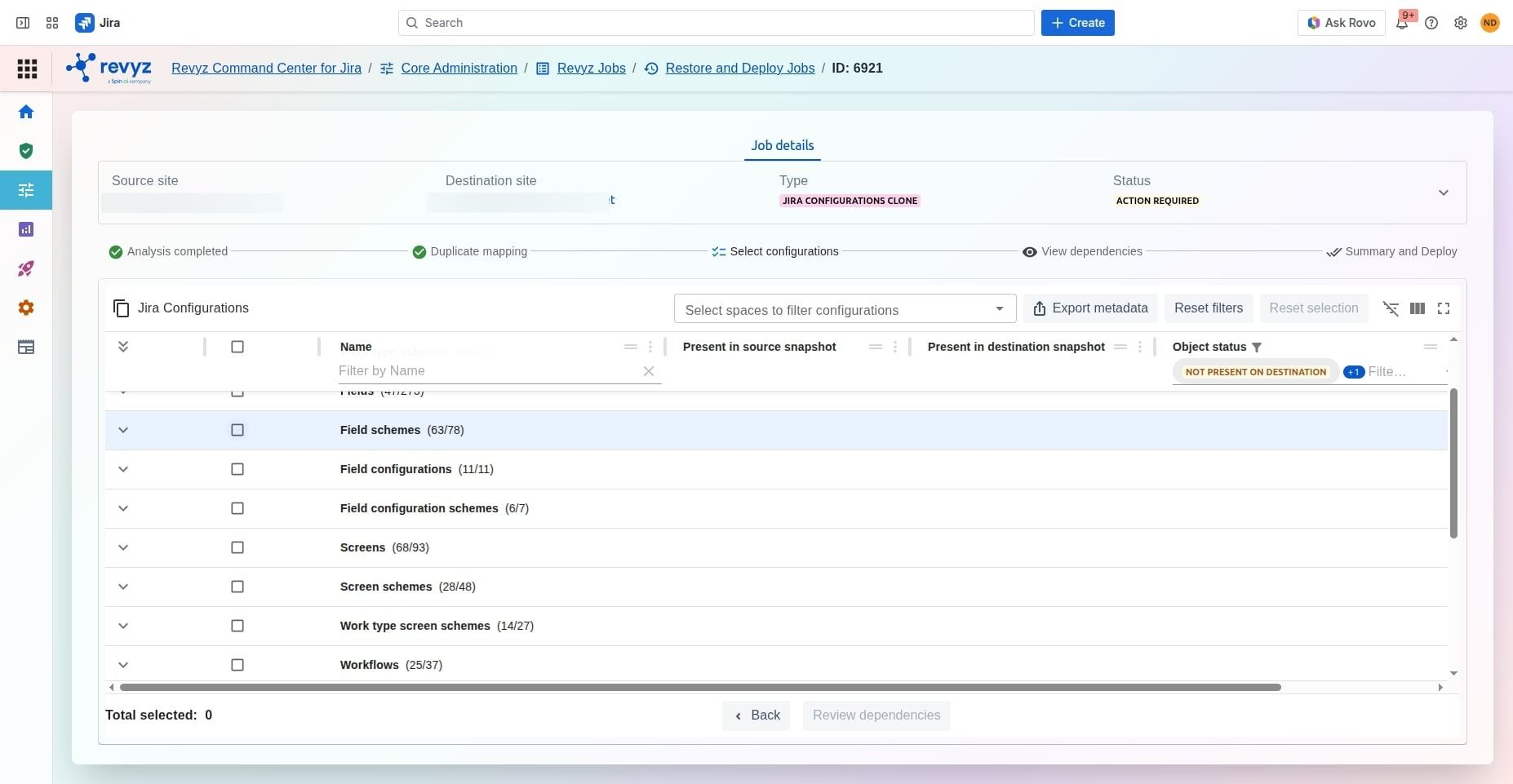
Review the structural comparison matrix provided on screen.
-
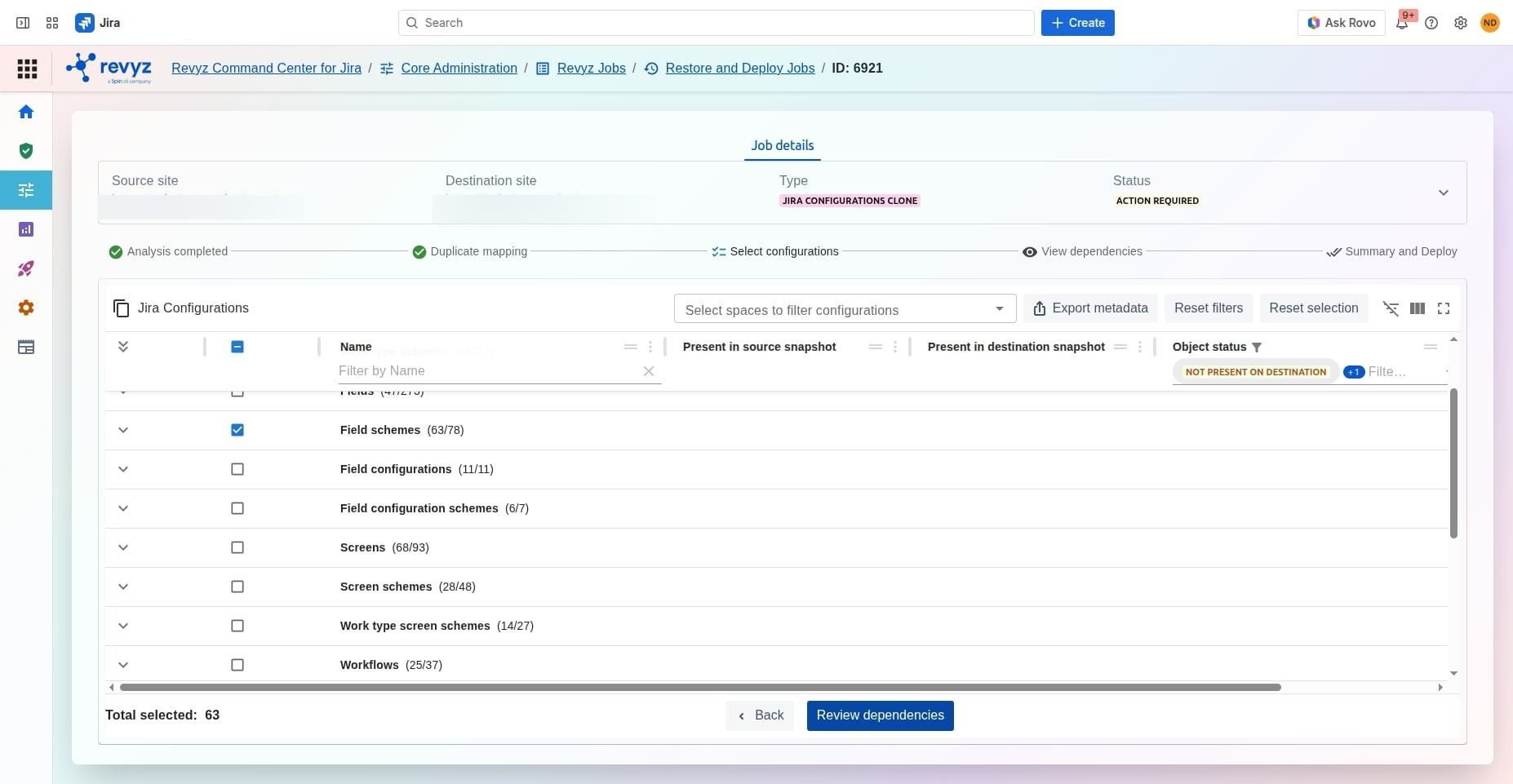
Drill down into the specific field configurations, screens, contexts, or custom field mappings you wish to transport. Select the checkboxes next to the field schemes targeted for deployment.
Step 5: Verify and Initiate Deployment
-
Click on “Review Dependencies”.
-
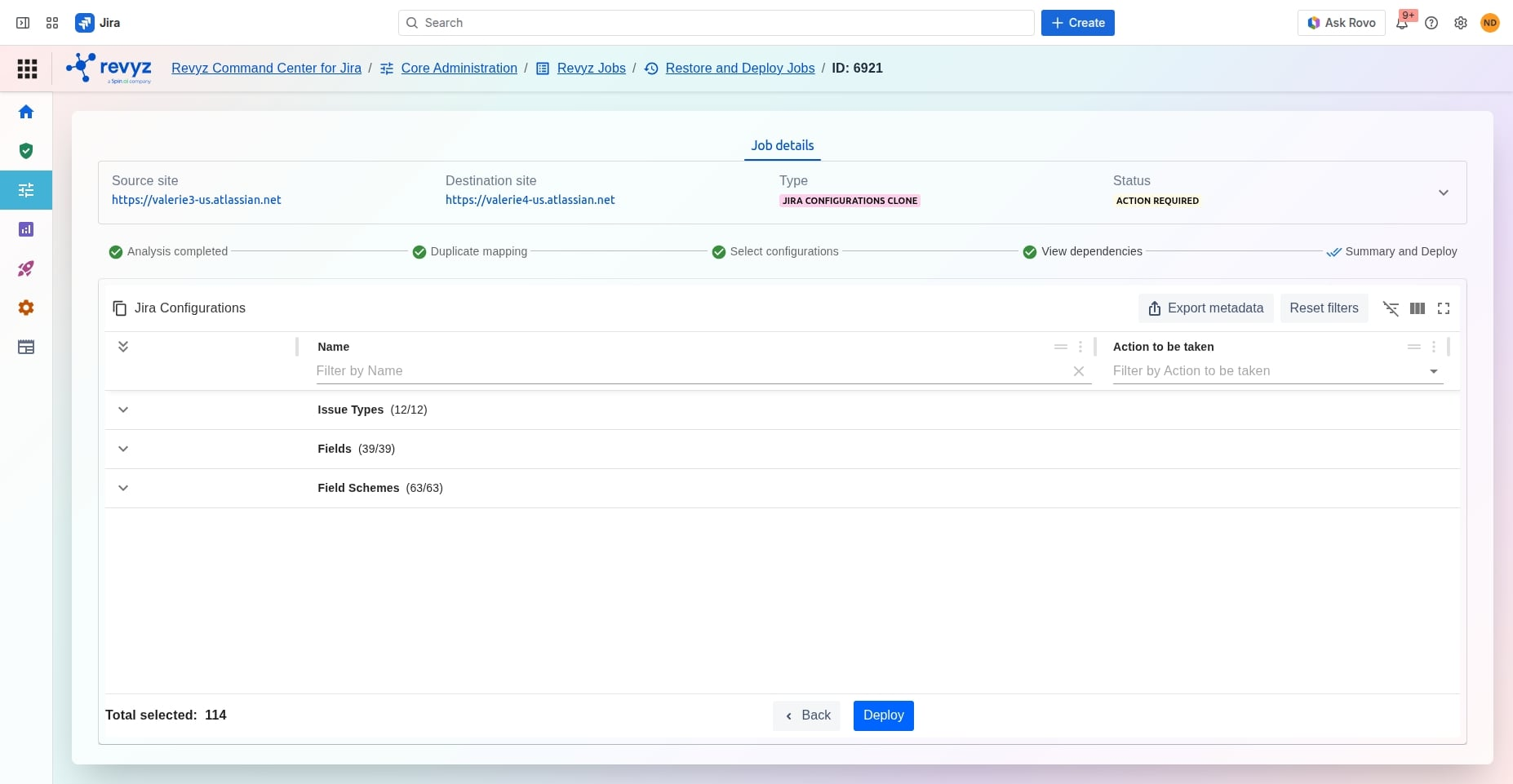
Conduct a final review of the chosen payload to ensure no unintended parent/child dependency rules are broken.
-
Click Deploy to securely migrate the field configurations to your destination site.
-
Enter the CAPTCHA code to proceed.
-
Keep an eye on the Revyz Jobs dashboard to monitor execution progress in real-time.