
About this Page
This page provides a hands-on guide to finding, viewing, and validating replicated third-party X-Ray plugin data within the Work Items Explorer of the Revyz Command Center for Jira. It details how the application maps specific X-Ray work item types, renders nested test structures, and handles technical interface differences.
What is the Use Case?
The primary use case of the Work Items Explorer is internal data auditing, live tracking of background backup sets, and rapid cross-verification between native Jira layouts and Revyz.
How to view Xray data: Learn with example
Open a space containing Xray work items
Let’s check Xray data with the help of a space. Open any space that contains Xray work items
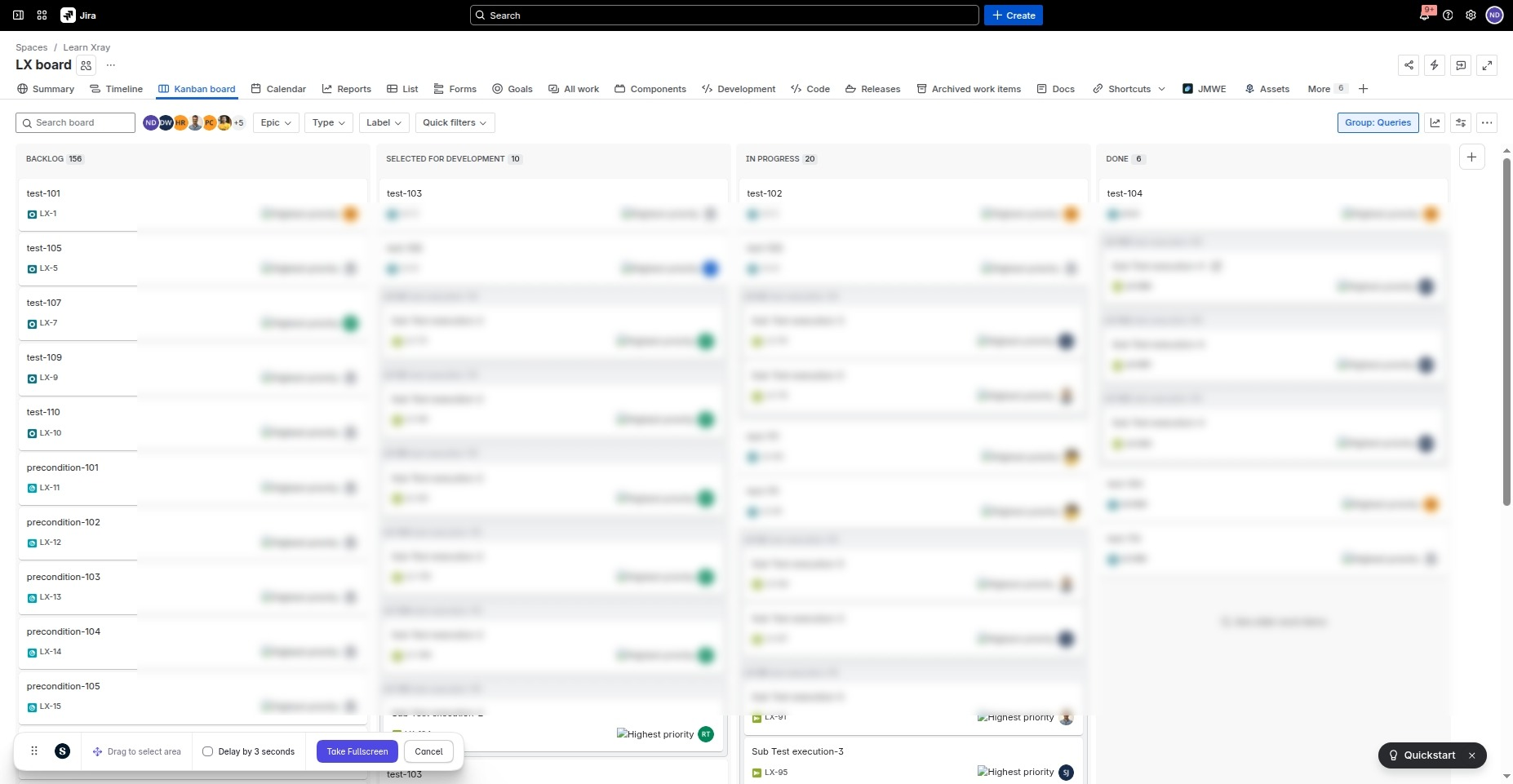
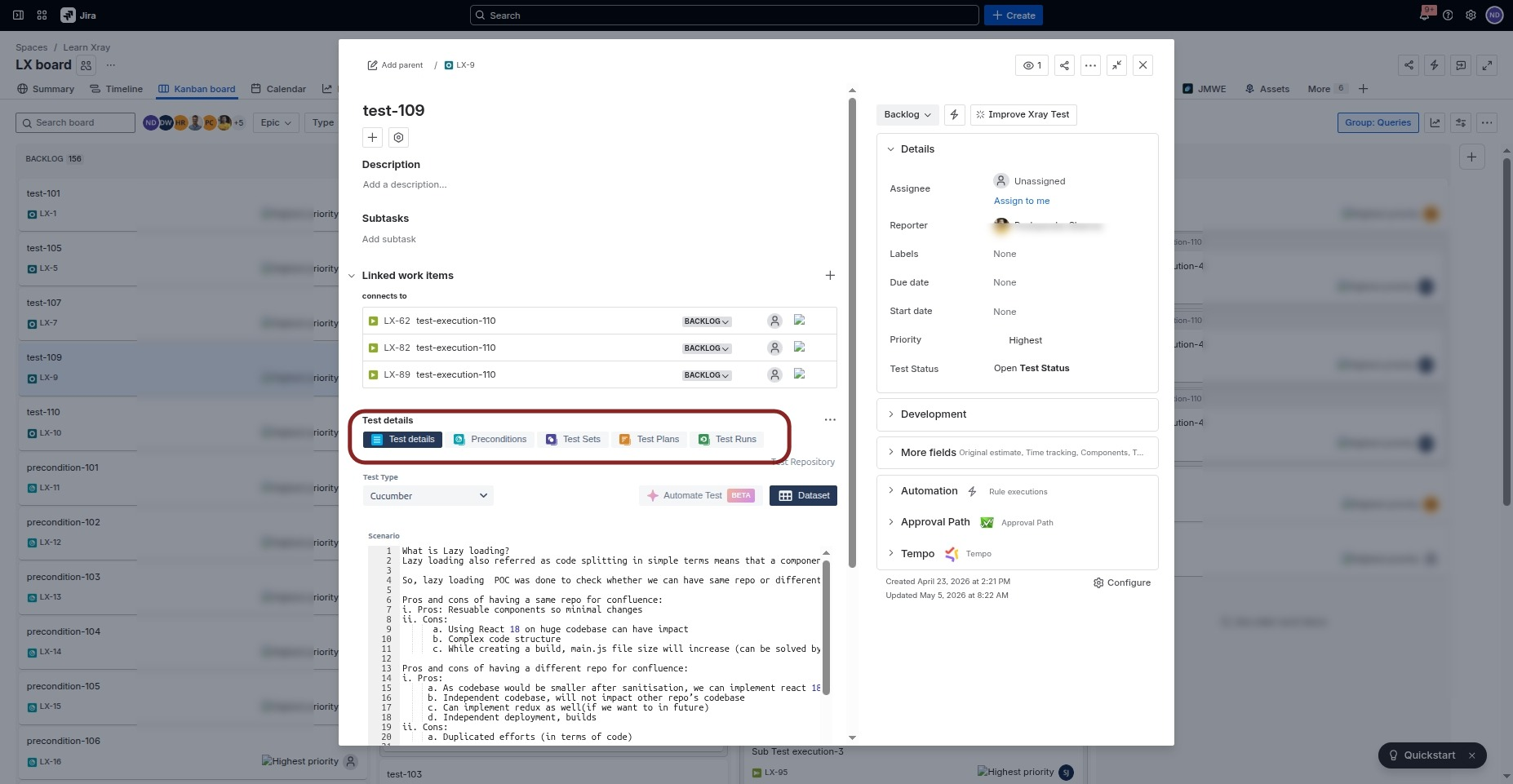
XRay work item can be of the following types:
-
Test
-
Precondition
-
Test Execution
-
Test Plan
-
Test Set
-
Test Sub-Execution
View the Xray work item in Work Item Explorer
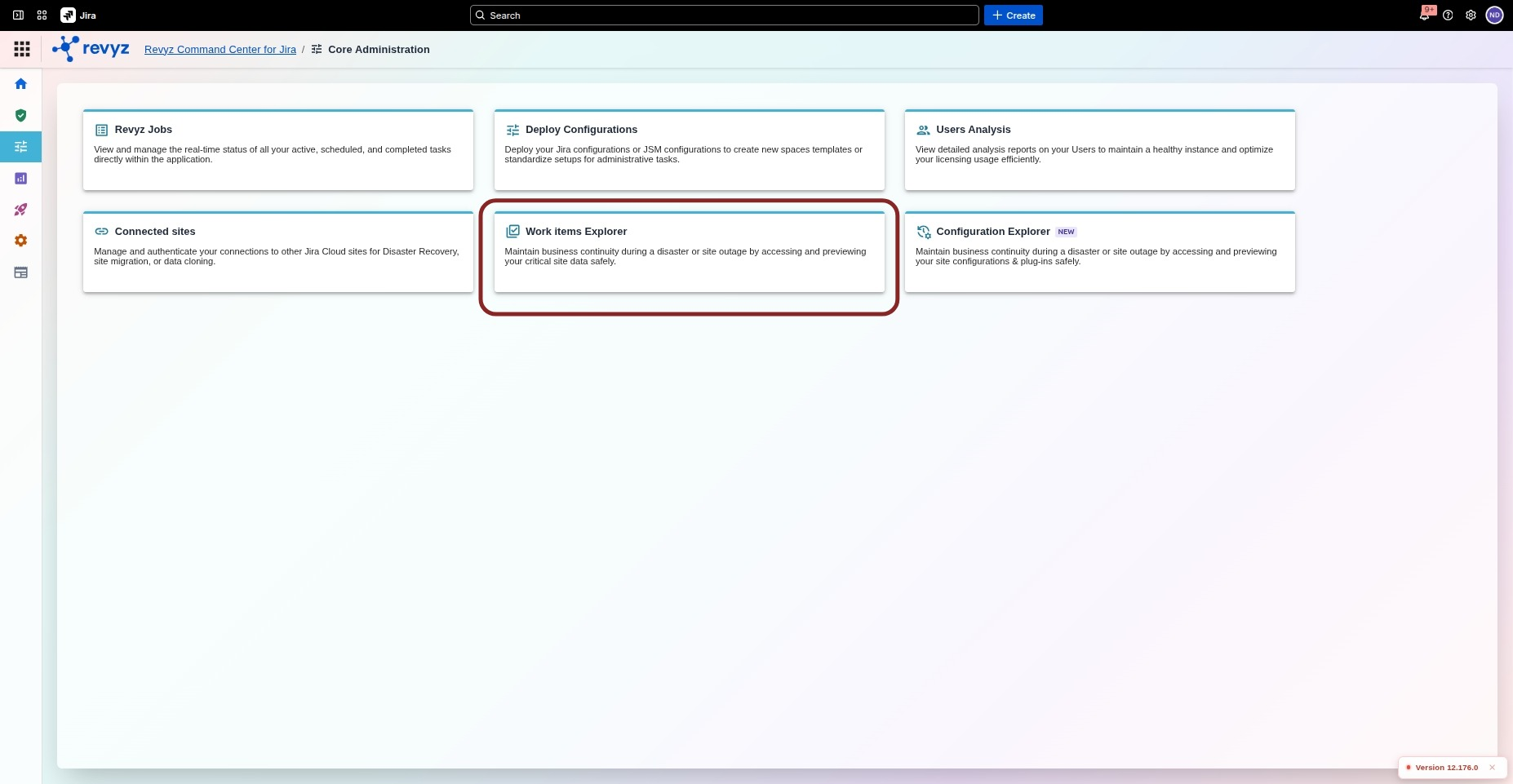
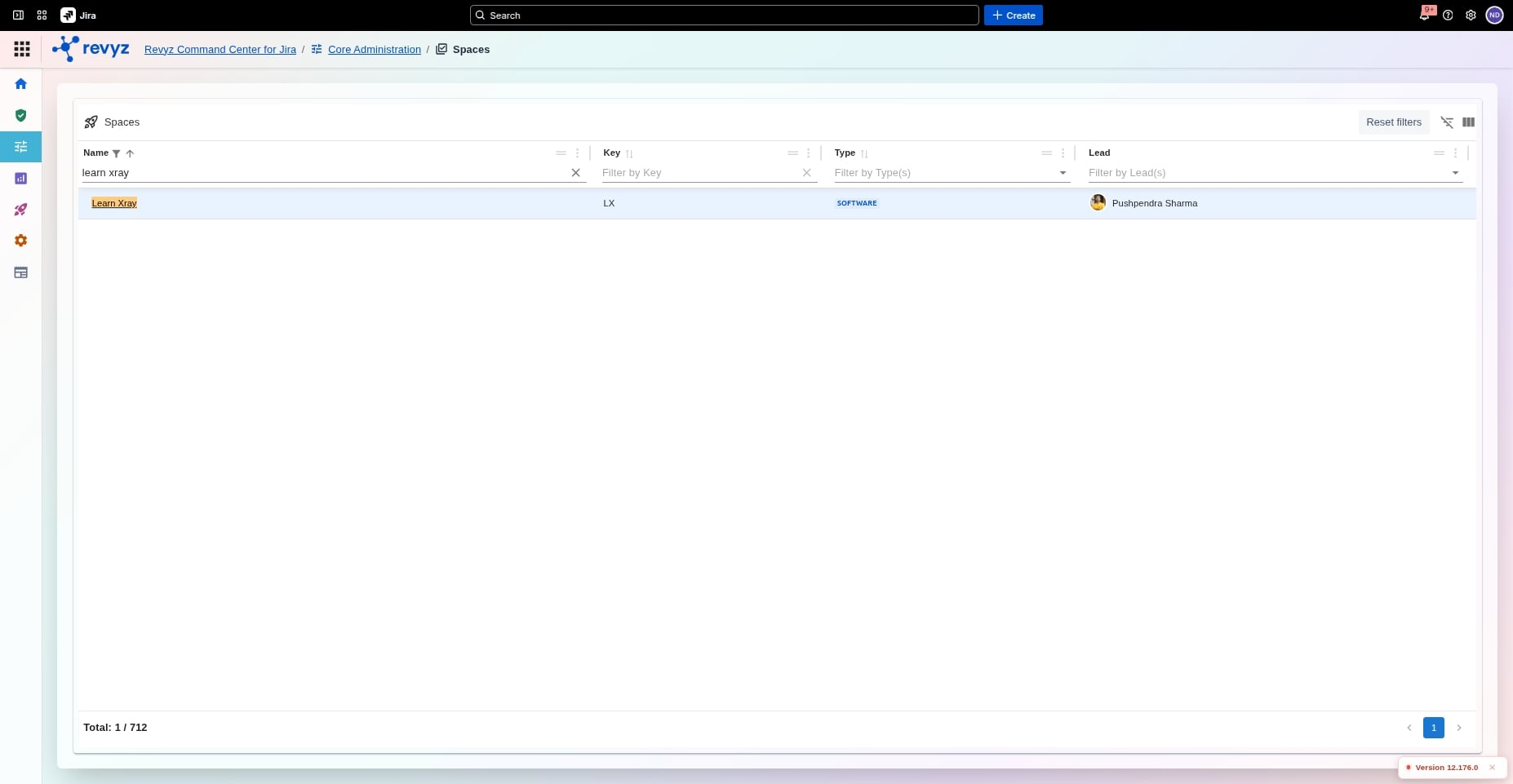
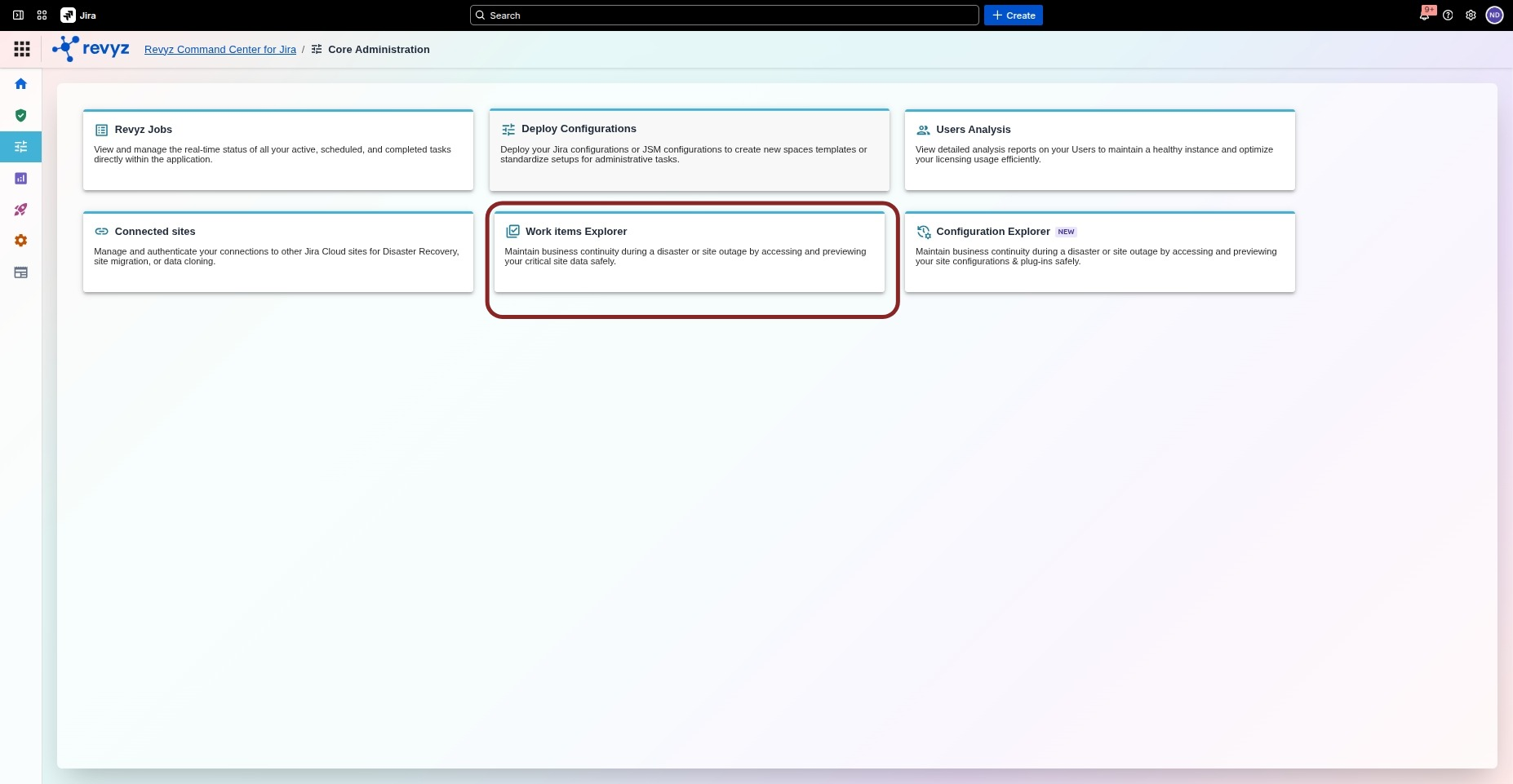
Navigate to Command Center for Jira > Core Administration > Work Items Explorer > Spaces
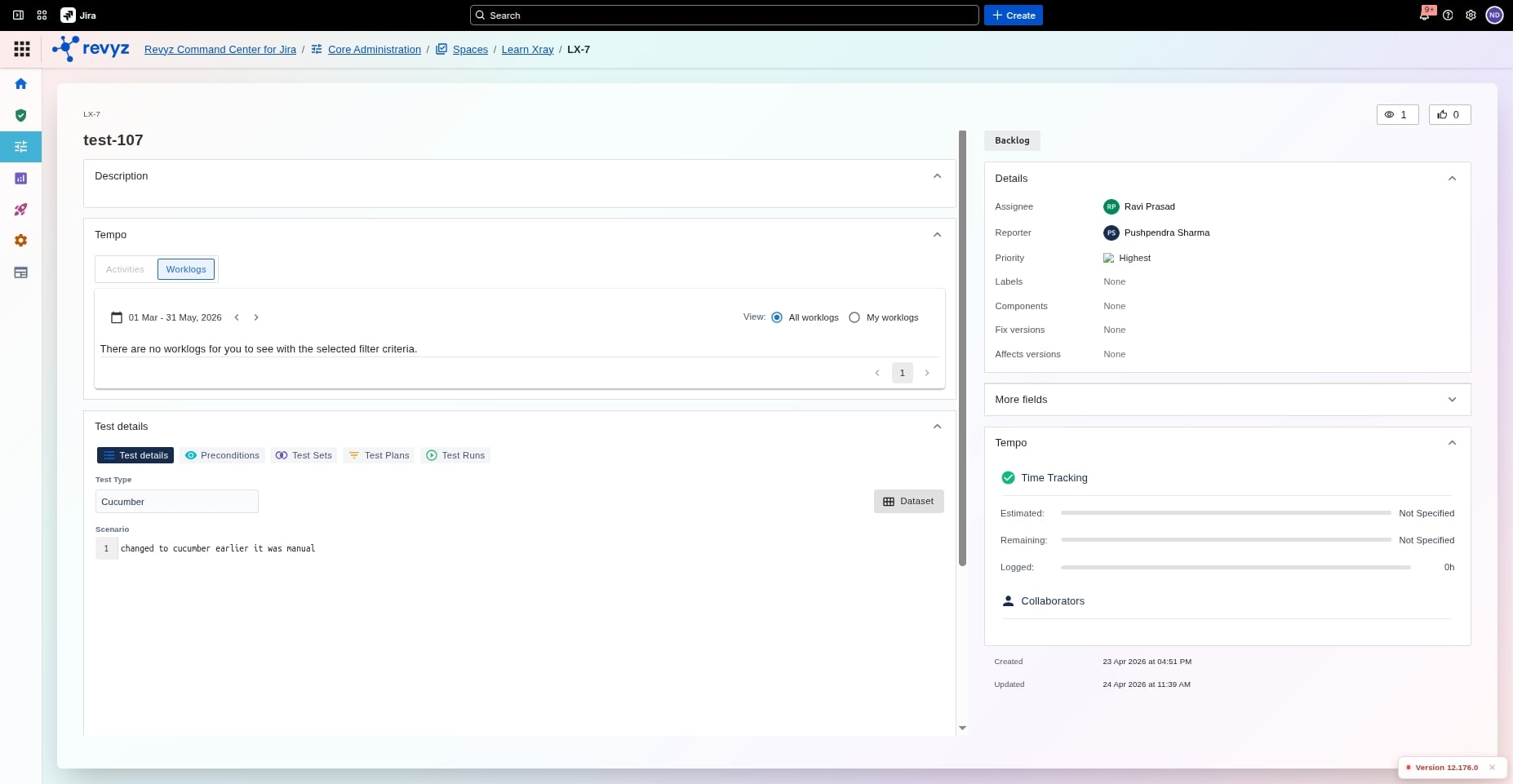
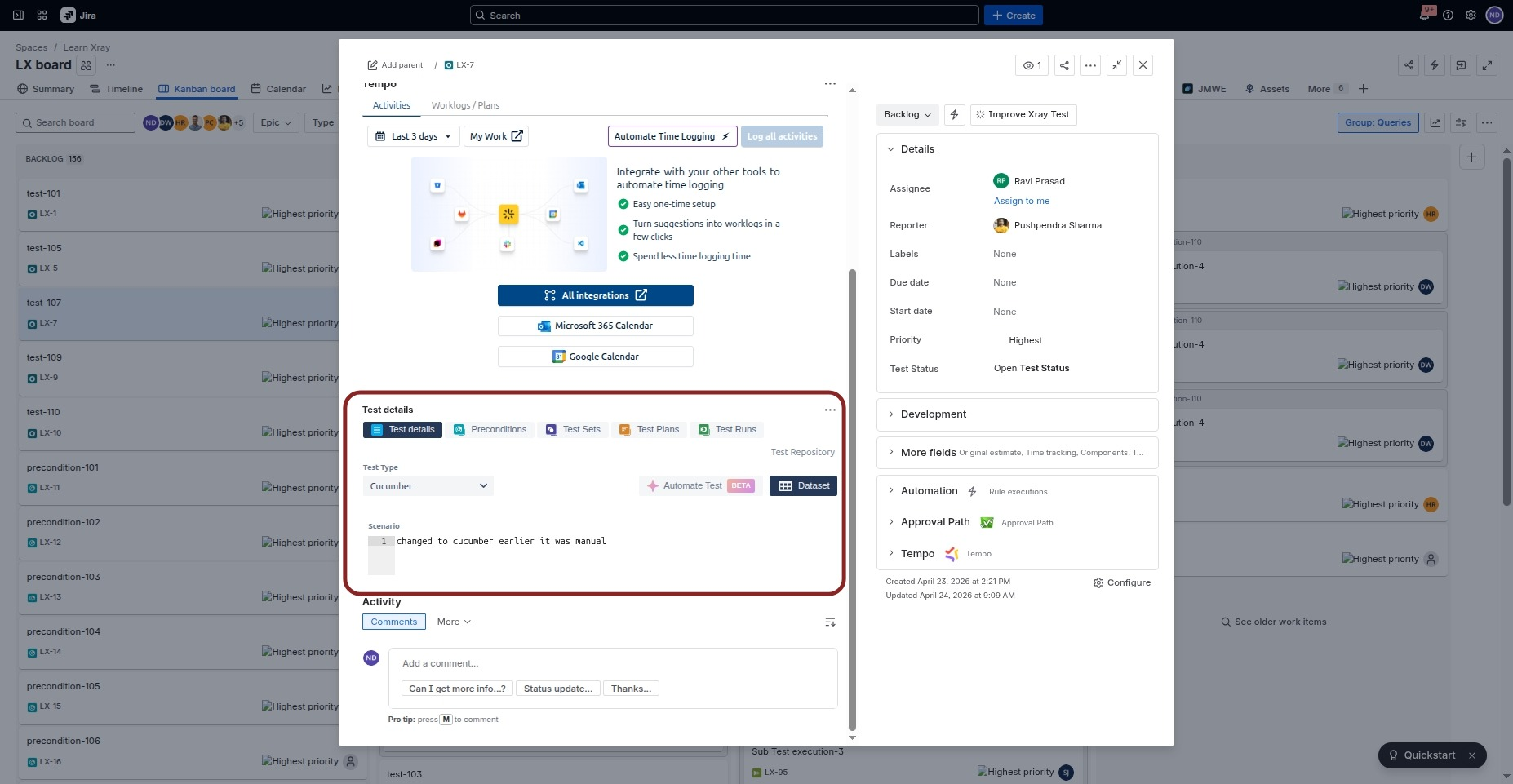
You can see the test details replicated in the work items explorer. You can click on the test item, until there are no further nested items.
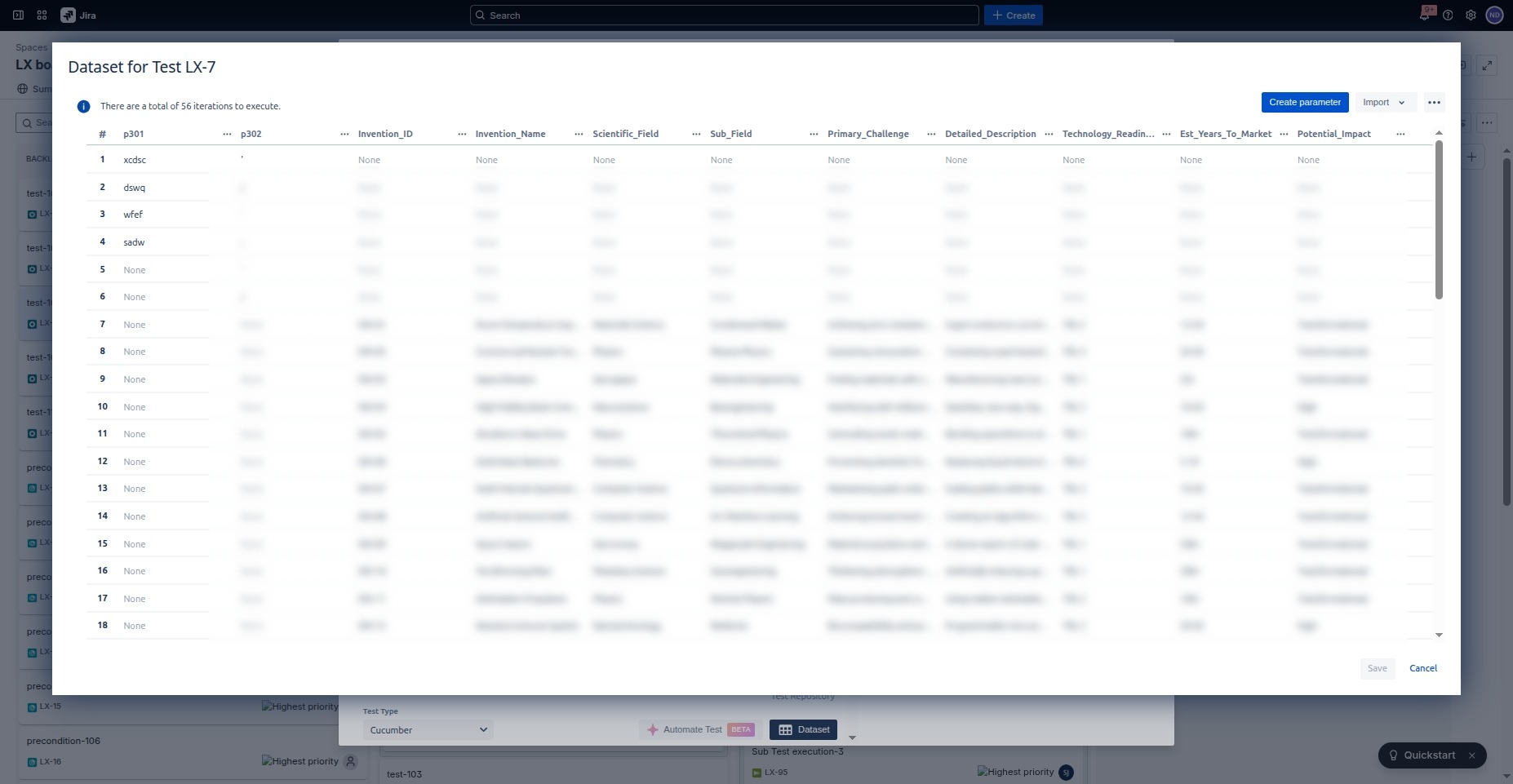
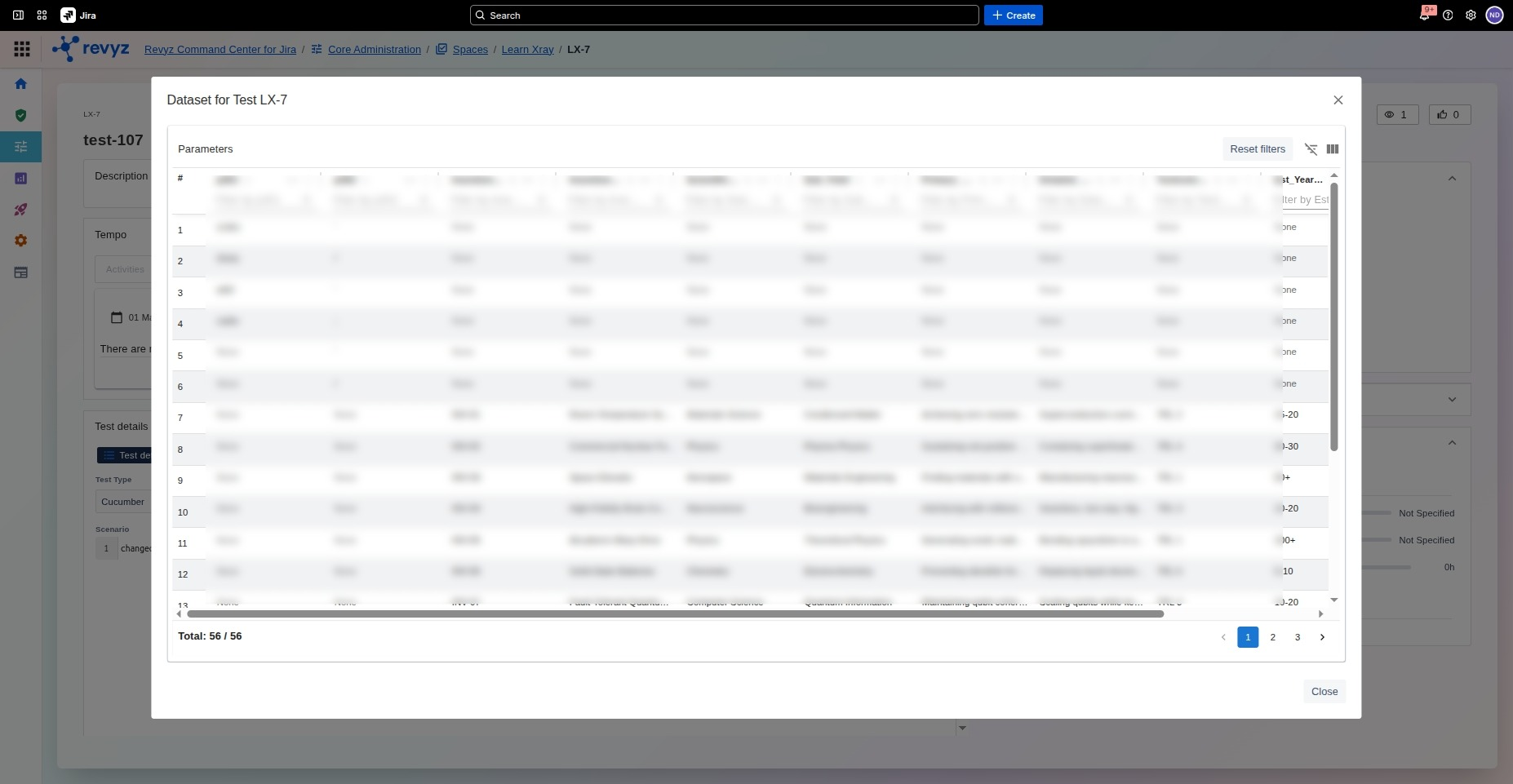
View the Data Set
You can also view the “Data Set” on the Work Items Explorer.
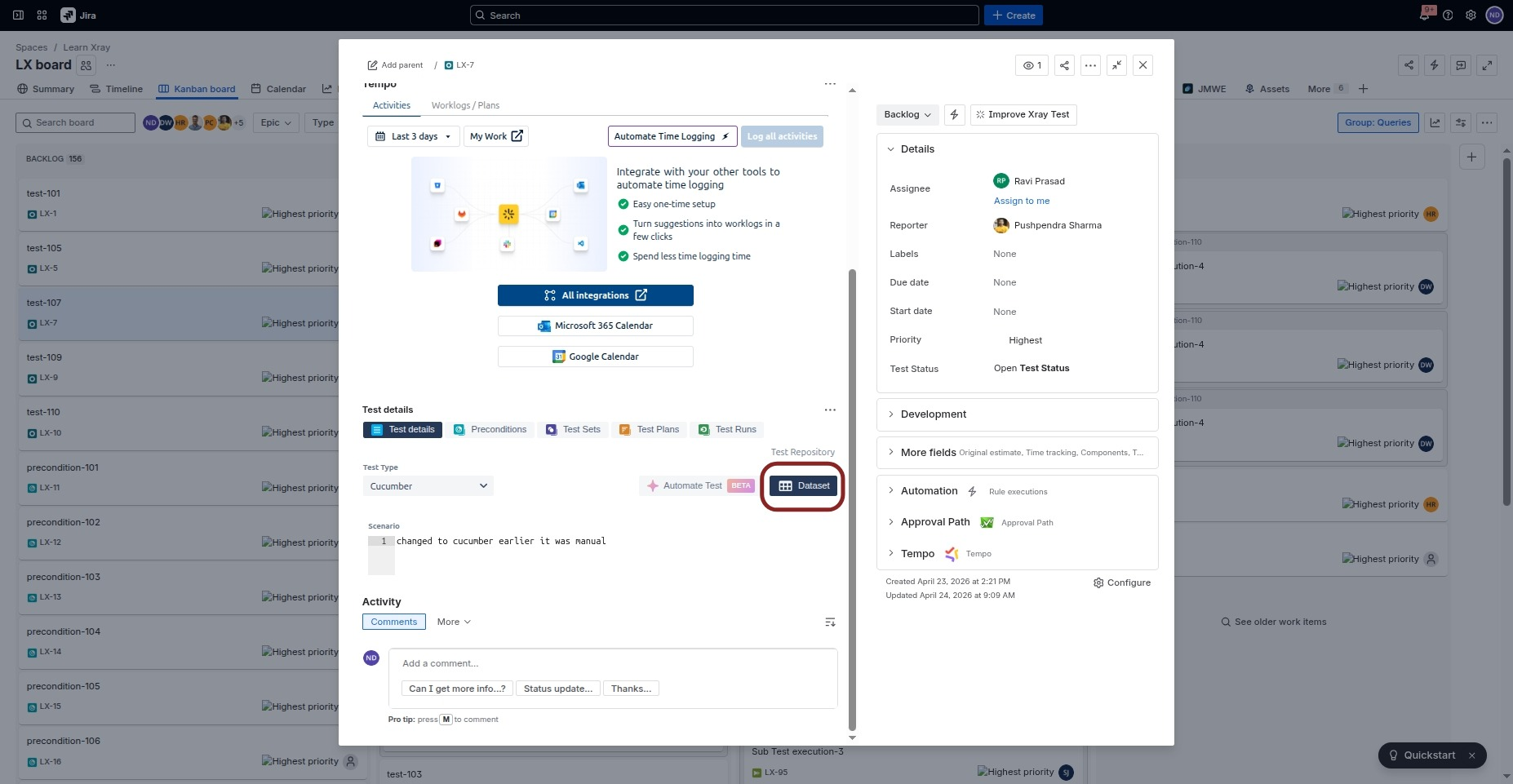
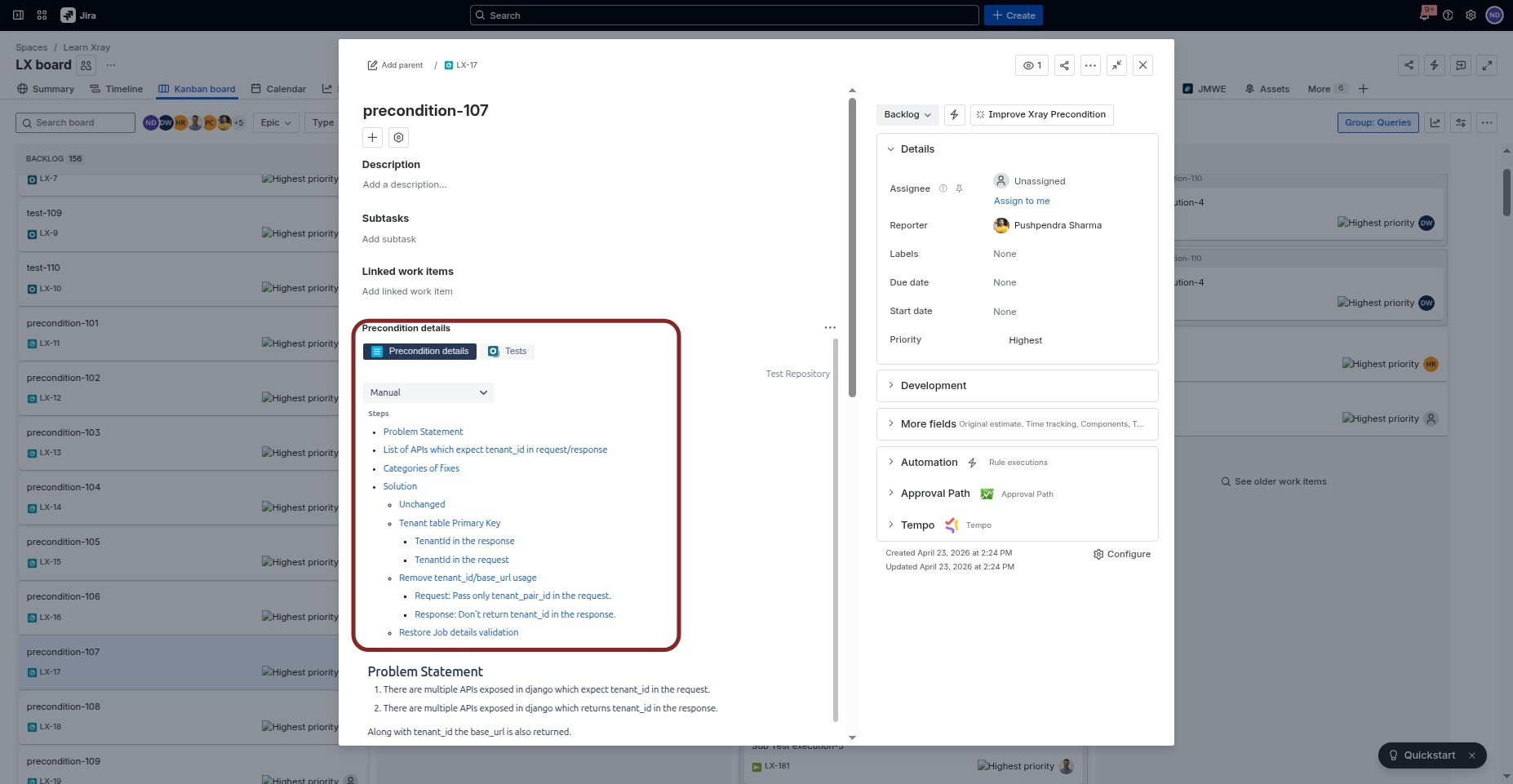
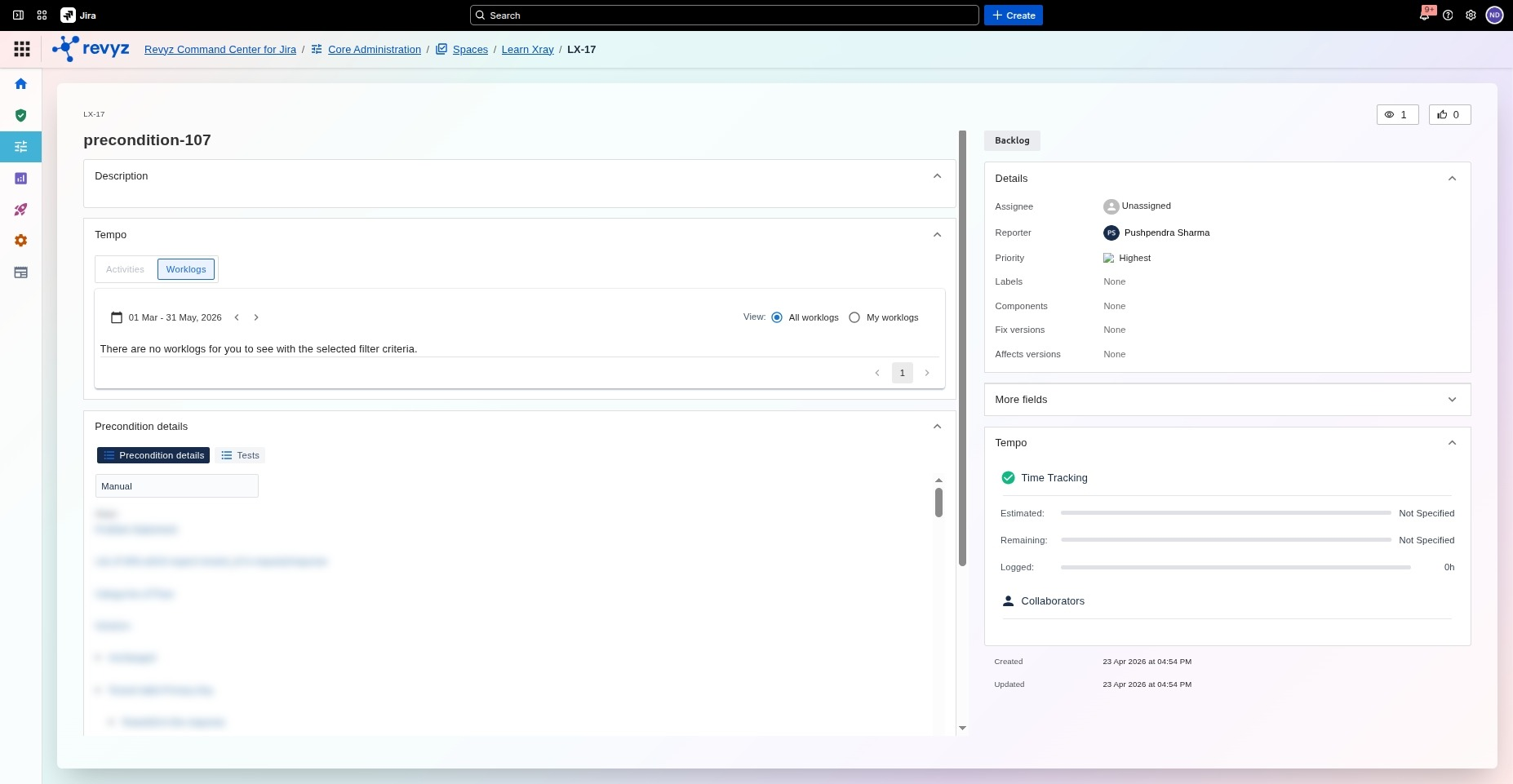
Viewing preconditions
Jira View: Preconditions
Revyz Command Center for Jira View
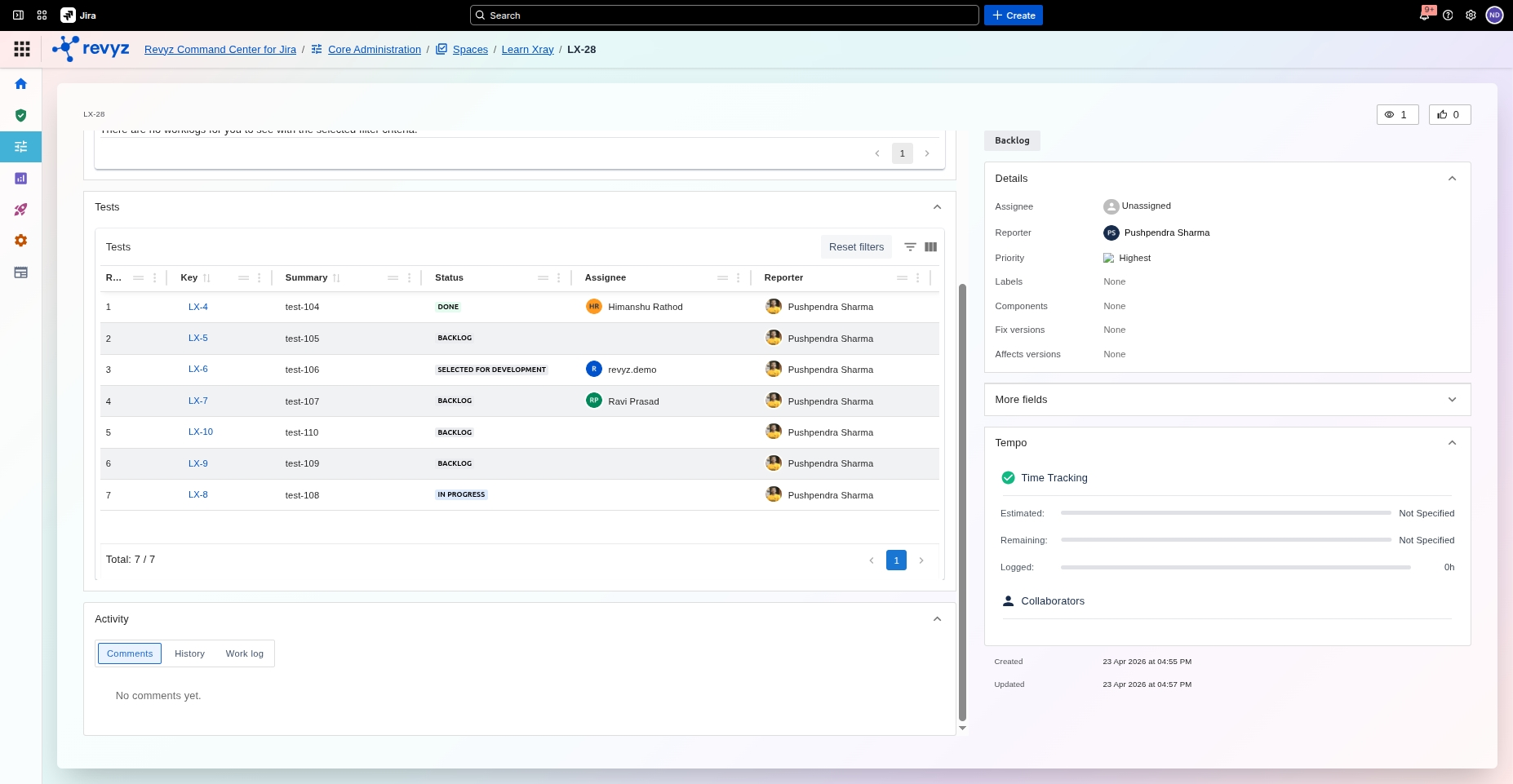
View Test set and associated tests
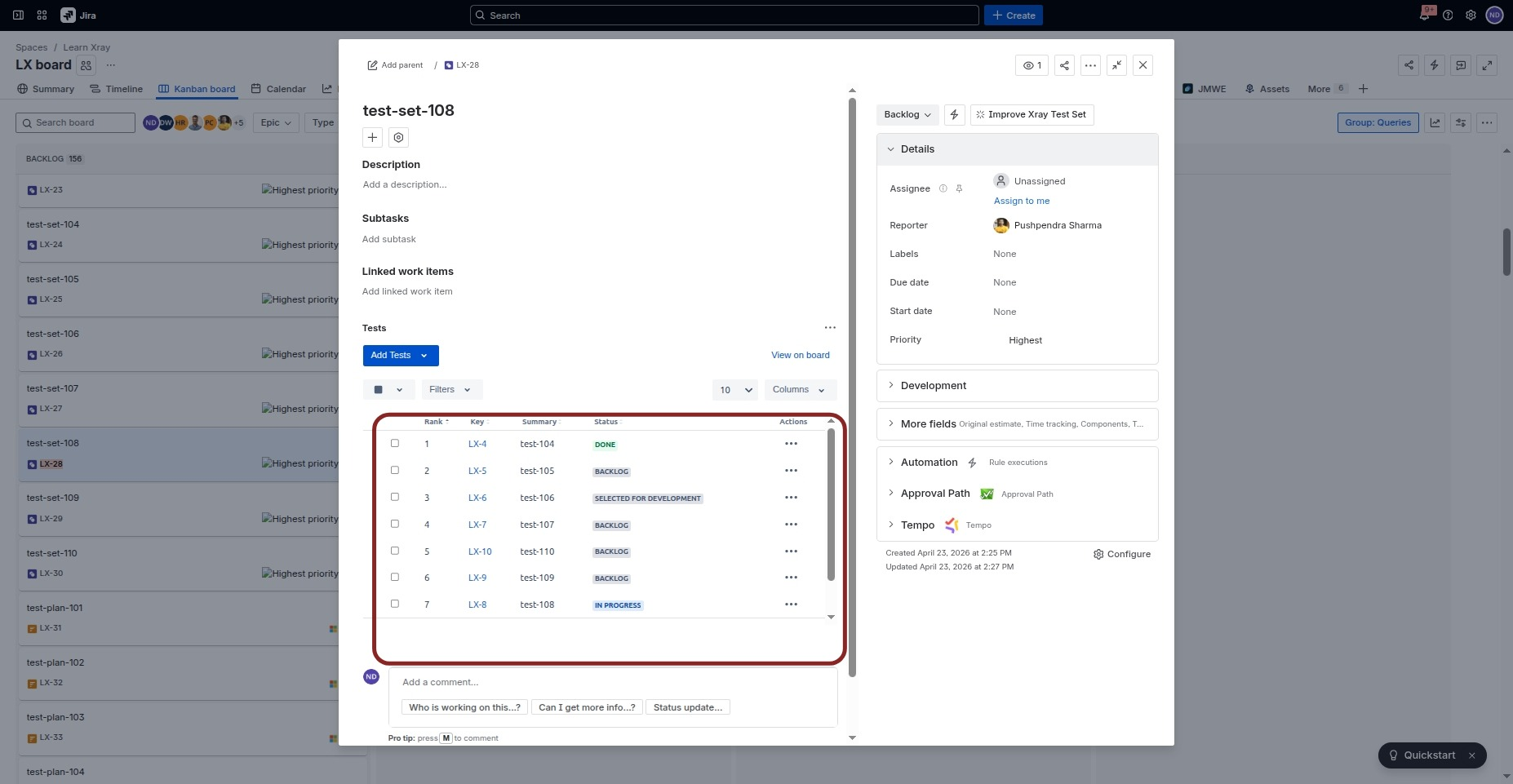
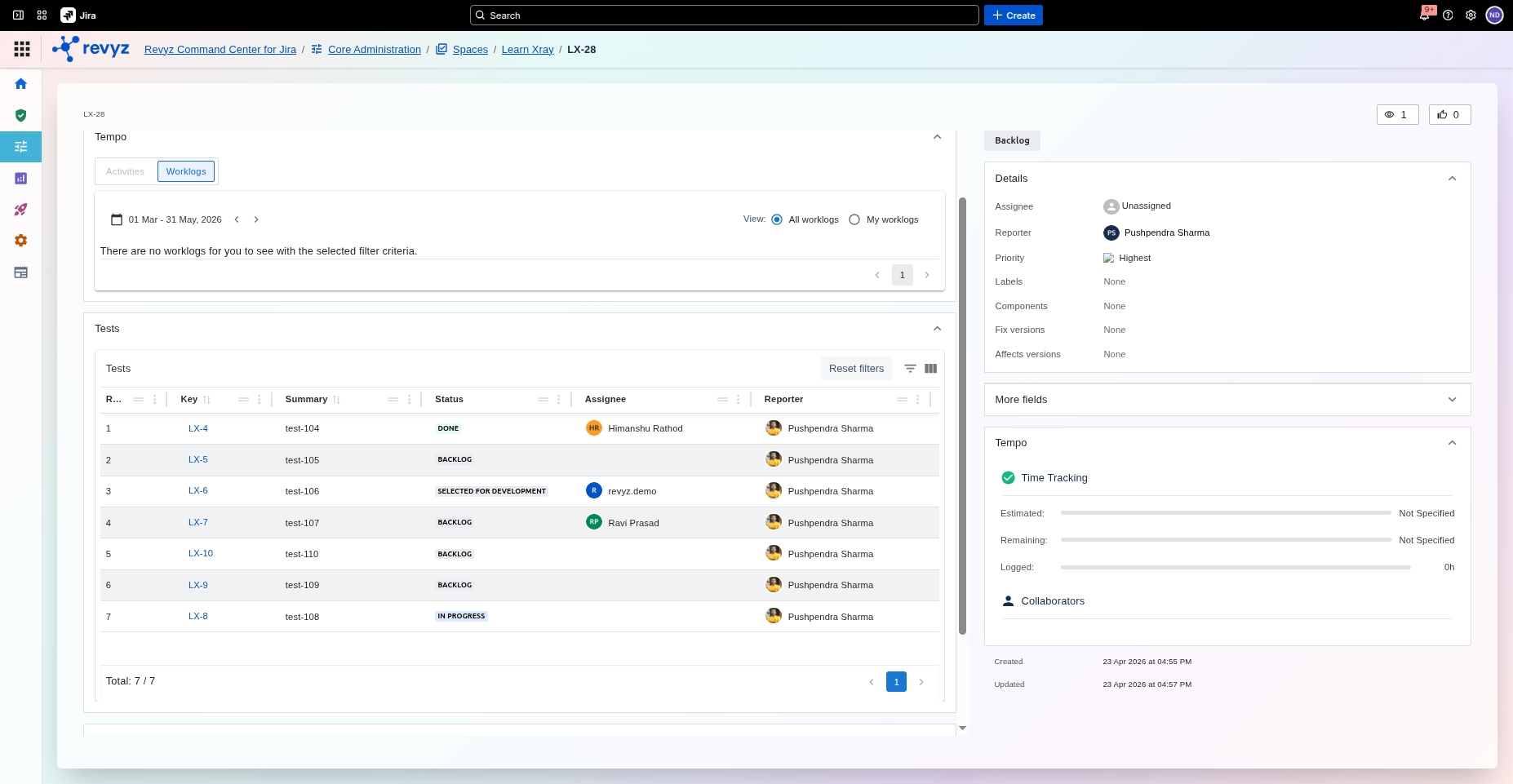
-
Open a Test Set issue
-
Confirm the list of associated tests matches Jira.
-
Verify the total number of linked tests is the same in both systems.
-
Click into any linked test to confirm its details display correctly.
View Test Plan
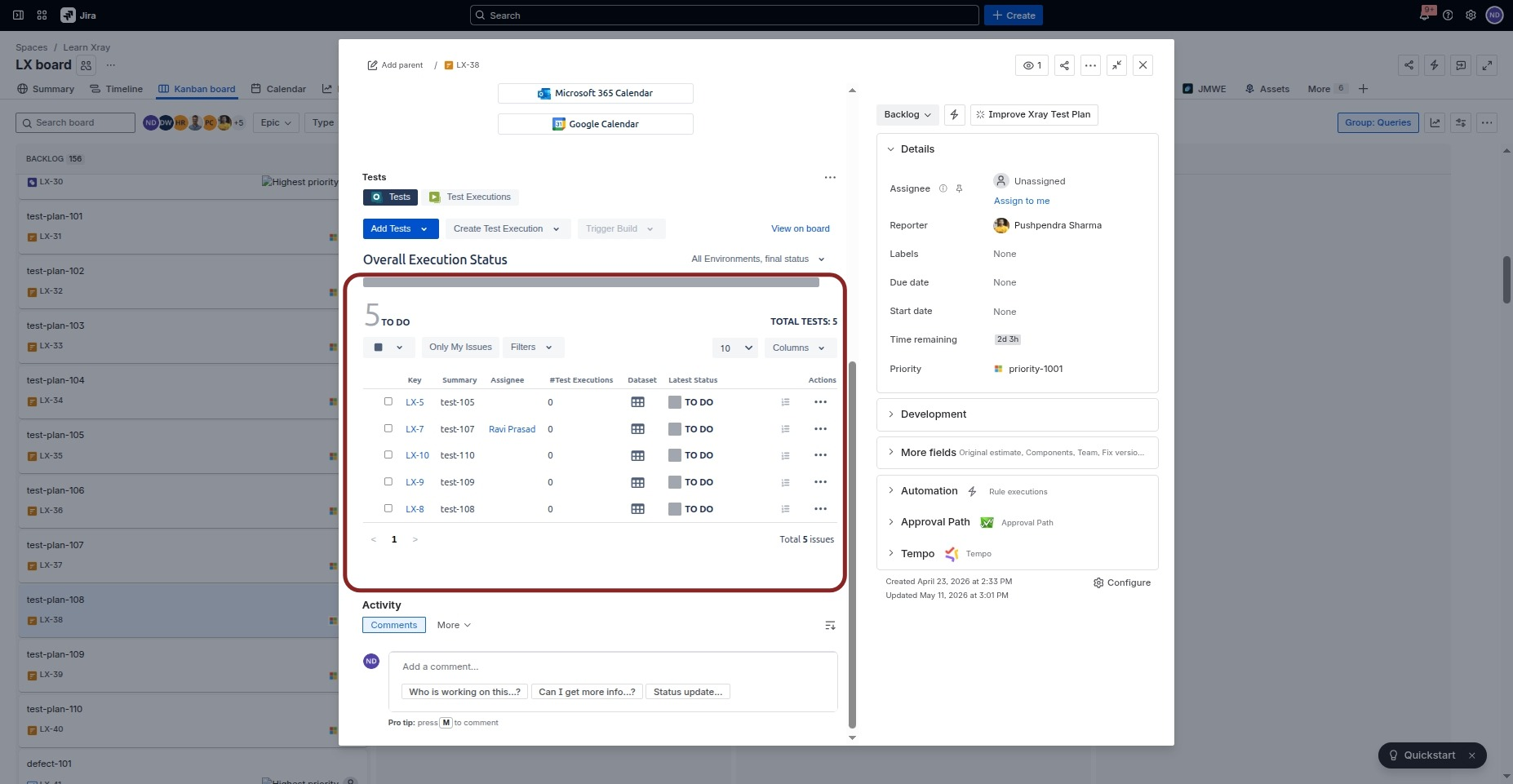
-
Open a Test Plan.
-
Confirm the Tests and Test Executions tabs are present.
-
Verify the listed tests and dataset information.
-
Note the current limitation: overall execution and individual X-Ray status are not fully shown in the Revyz view.
View Test Execution
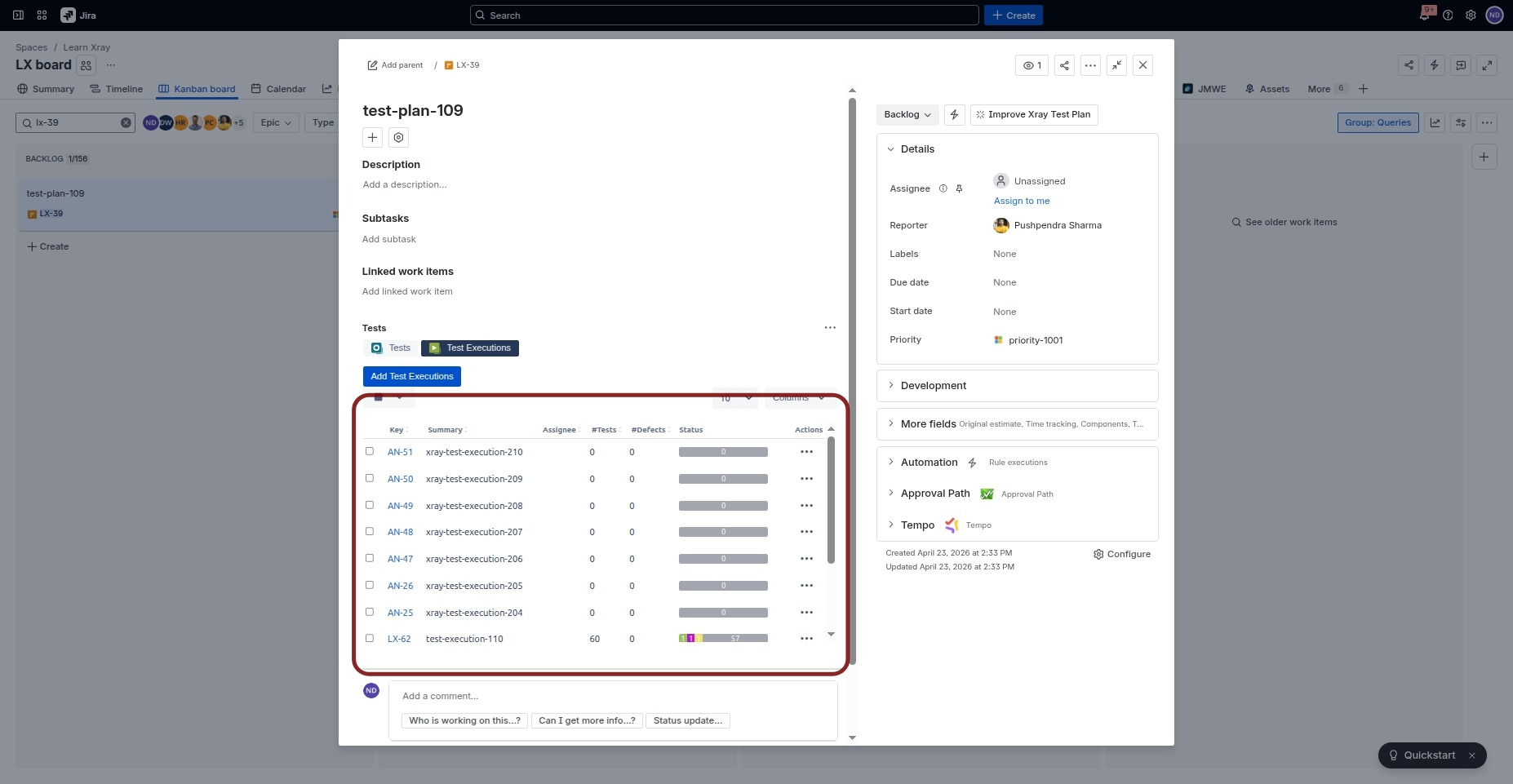
Unknown Attachment
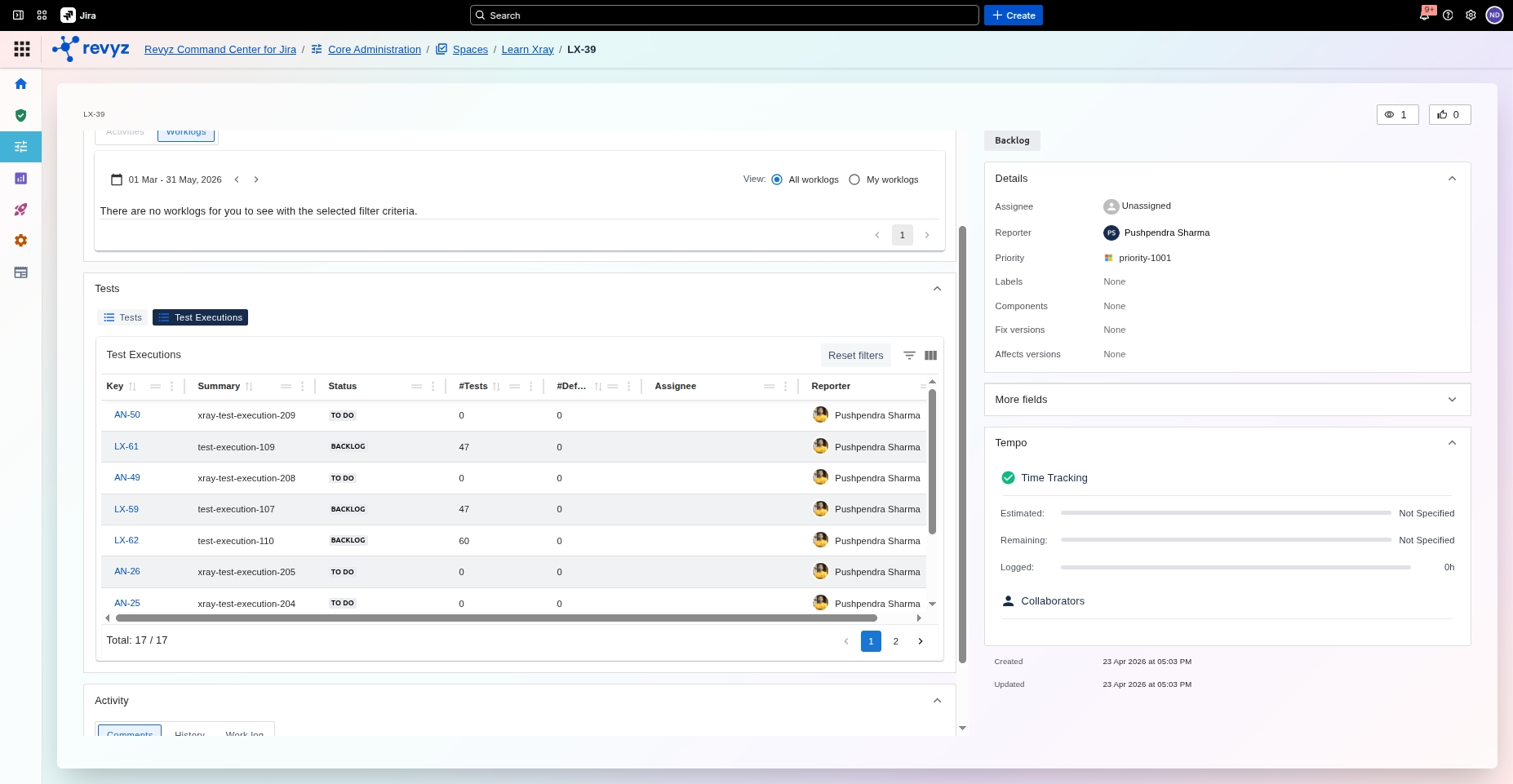
-
Open a Test Execution work item.
-
Confirm the Test tab displays the linked tests.
-
Verify the total number of test executions or linked items matches Jira.
Note:
-
X-Ray execution status is not fully represented due to current limitations.
-
X-Ray status values are not represented in the Work Item Explorer.
Difference between End-User Portal and Work Item Explorer
-
In the End-User Portal, data reflects the configured site and selected snapshots.
-
In the Work Item Explorer, data always reflects the current site using the latest snapshots.
-
Use the correct view depending on whether you are validating customer-facing portal behavior or internal explorer behavior.