
About this Page
This page explains how to sync exported data from your Azure Blob Storage container to a local server using AzCopy.
How to locate your data? (Azure Customers)
Prerequisites
-
Access to the Azure Portal, with permission to generate a SAS token for the relevant blob container.
-
The path to the specific folder within the blob container that holds the exported data you want to sync.
-
Terminal or command-line access on the local server, and a destination folder to sync the data into.
How to see Export Data to your Azure Blob Storage
Step 1: Generate a SAS token for the Azure Blob container
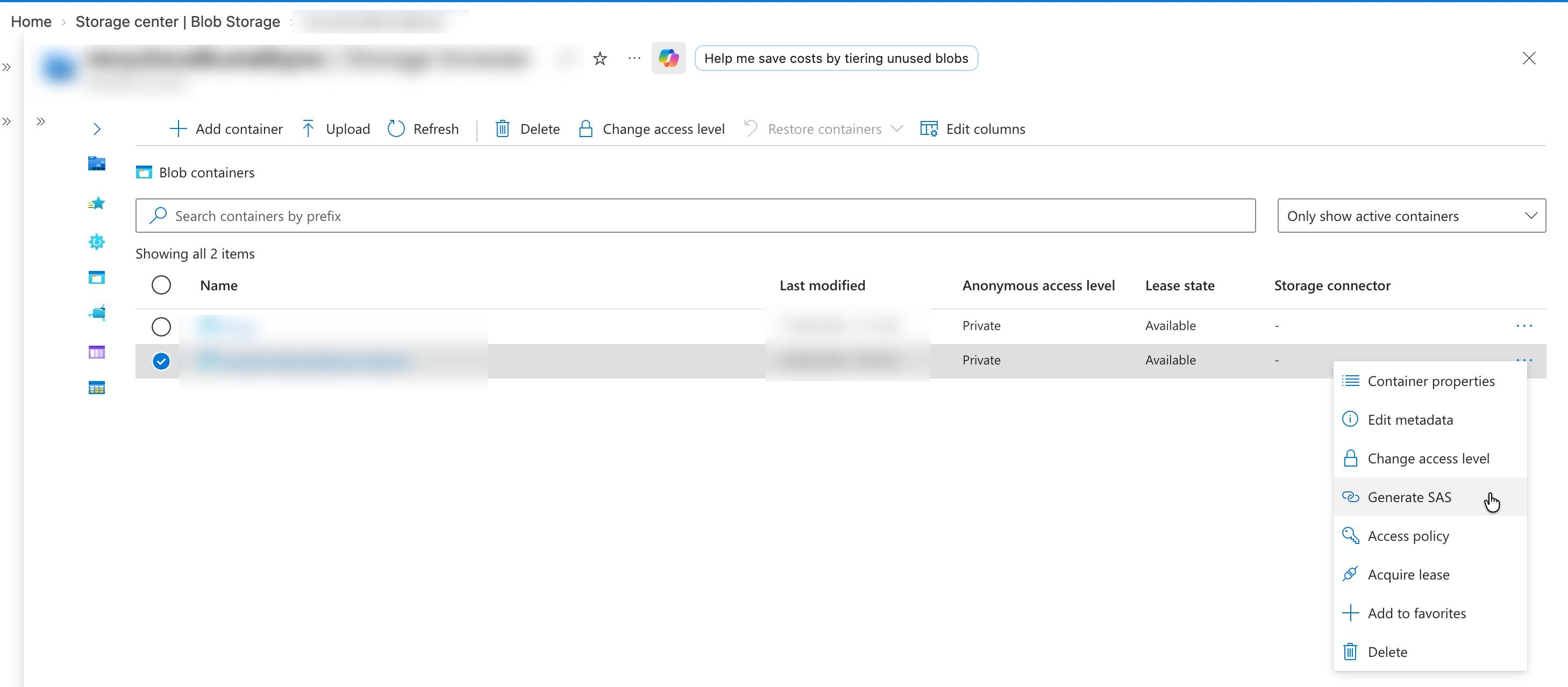
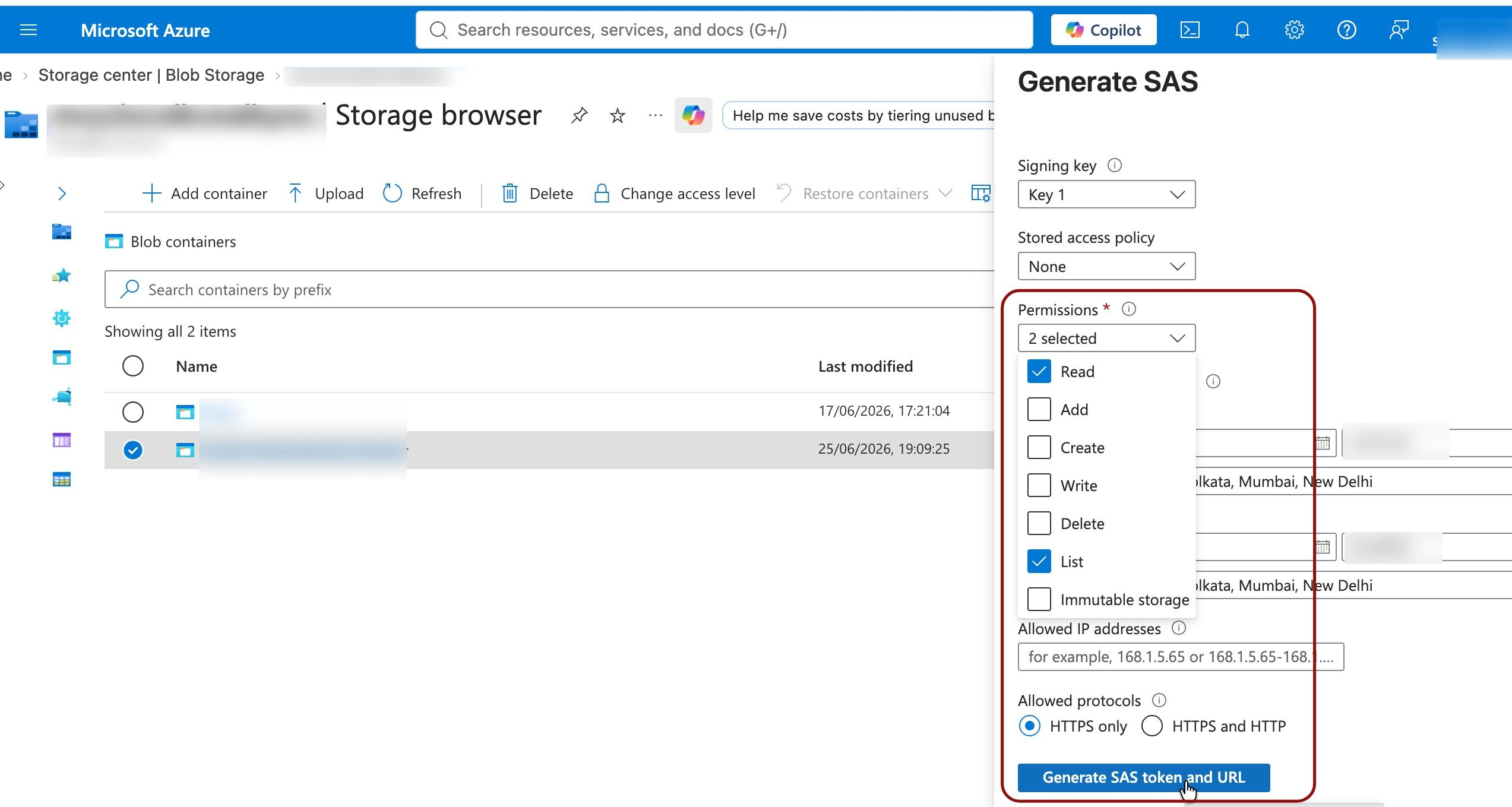
In the Azure Portal, go to the blob container that holds your exported data. Generate a Shared Access Signature (SAS) token with Read and List permissions, both are required so AzCopy can authenticate and detect newly added or updated files. Set an expiry date appropriate for your use (e.g., long enough to cover ongoing syncs).
Step 2: Copy the SAS URL
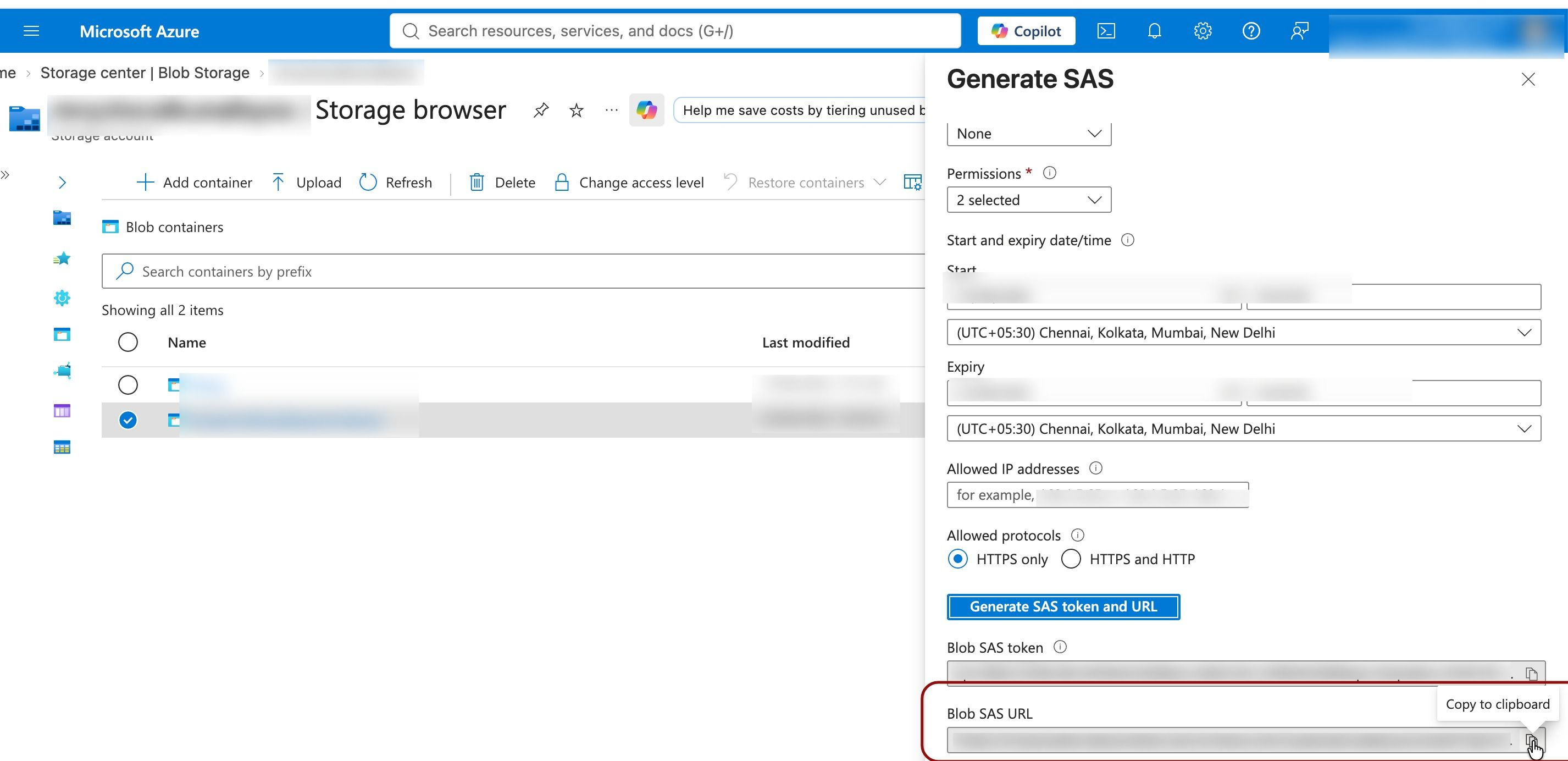
Copy the generated URL. It consists of the path up to the blob container followed by the SAS token as a query string. Save it temporarily, such as in a text editor, so you can use it in the next step.
Step 3: Locate and copy the export data folder path
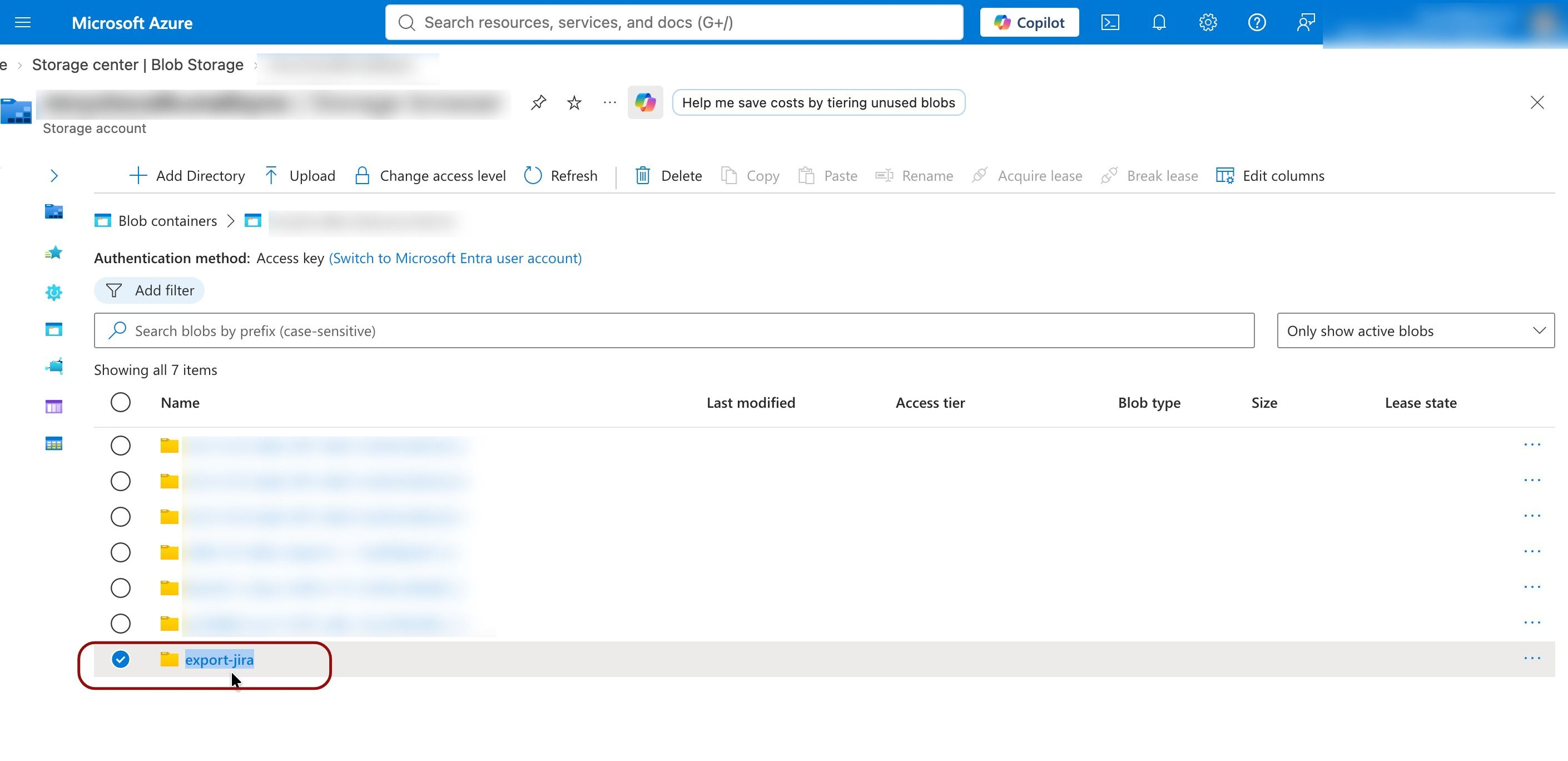
In the blob container, navigate to the specific folder containing the exported content you want to sync (for example, an exported Jira folder). Copy that folder's path.
Step 4: Build the full Blob SAS URL
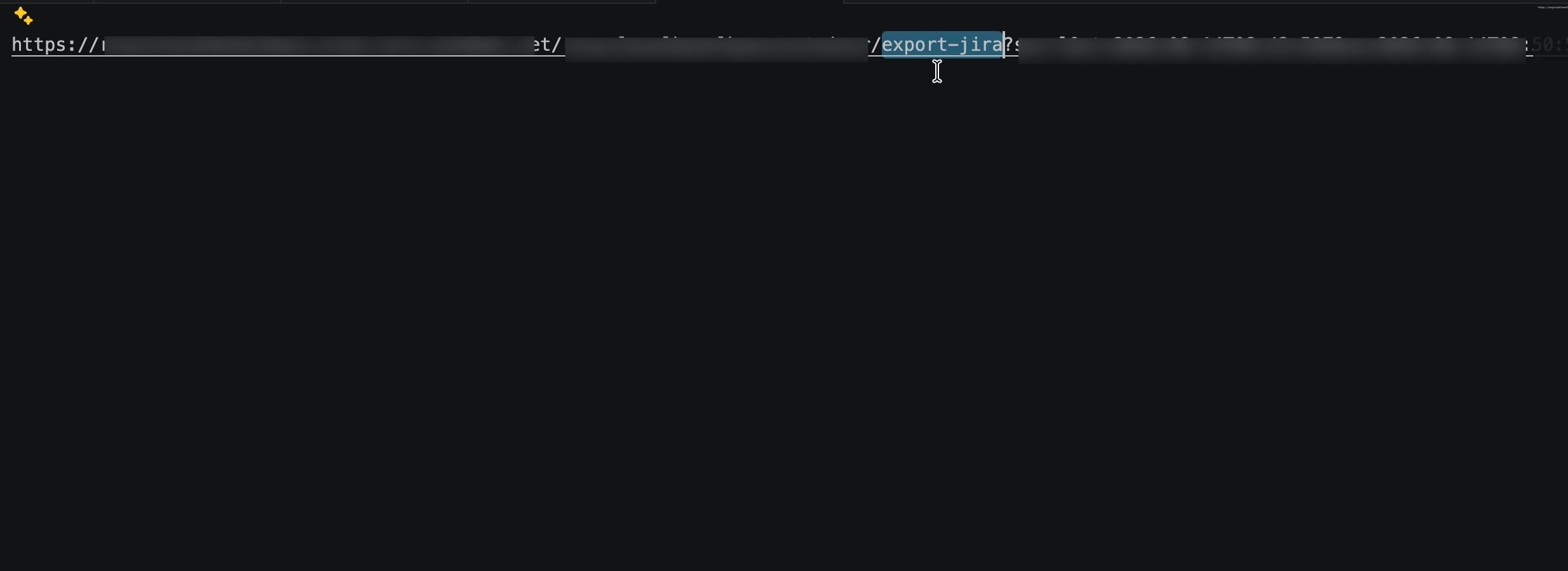
Insert the folder path from Step 3 into the SAS URL from Step 2, placing it between the blob container path and the SAS token. This gives you the complete source URL AzCopy will read from.
Syncing Data from Azure Blob Container to Local server
Step 1: Sync Data from Azure Blob container to Local server
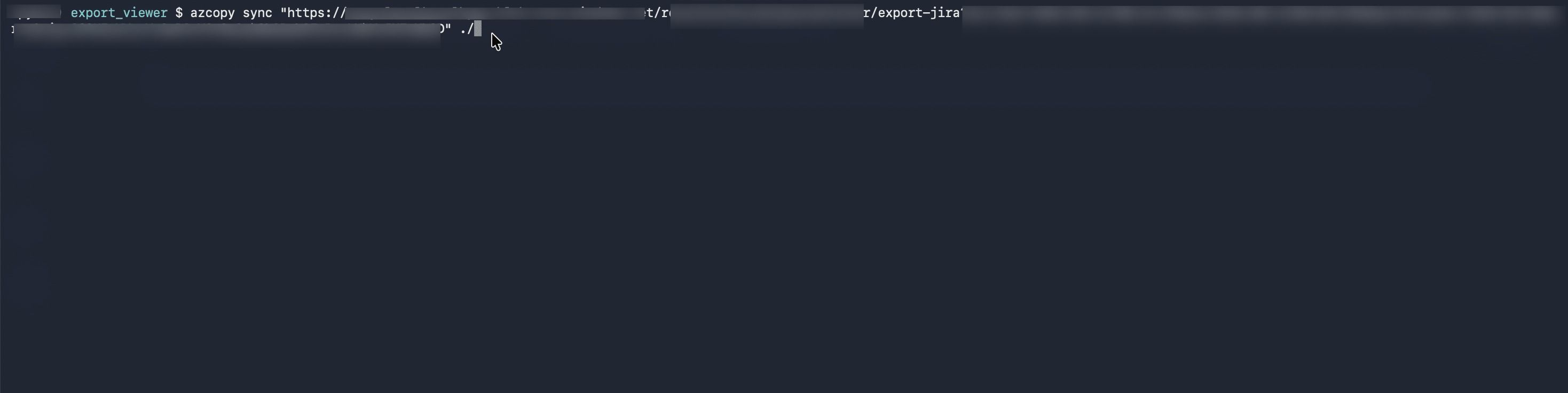
Run a AZ copy sync command to download (sync) all data from Azure Blob container to Local server at intended location (./). Use the SAS url built in step 6 to Sync data from. Please embed SAS URL in quotes.
Example: azcopy sync “<SAS URL prepared in step 4> <local server destination folder>”