
About this Page
This page explains how to configure X-Ray snapshot settings and control how test-related issue details are displayed within the End-User Portal entry point of the Revyz Command Center for Jira.
What is the Use Case
-
The primary use case for configuring the End-User Portal is to manage the exact snapshot state visible to end-users who need to view or audit backed-up work items.
-
It allows administrators to ensure that the selected snapshot set matches the intended user experience.
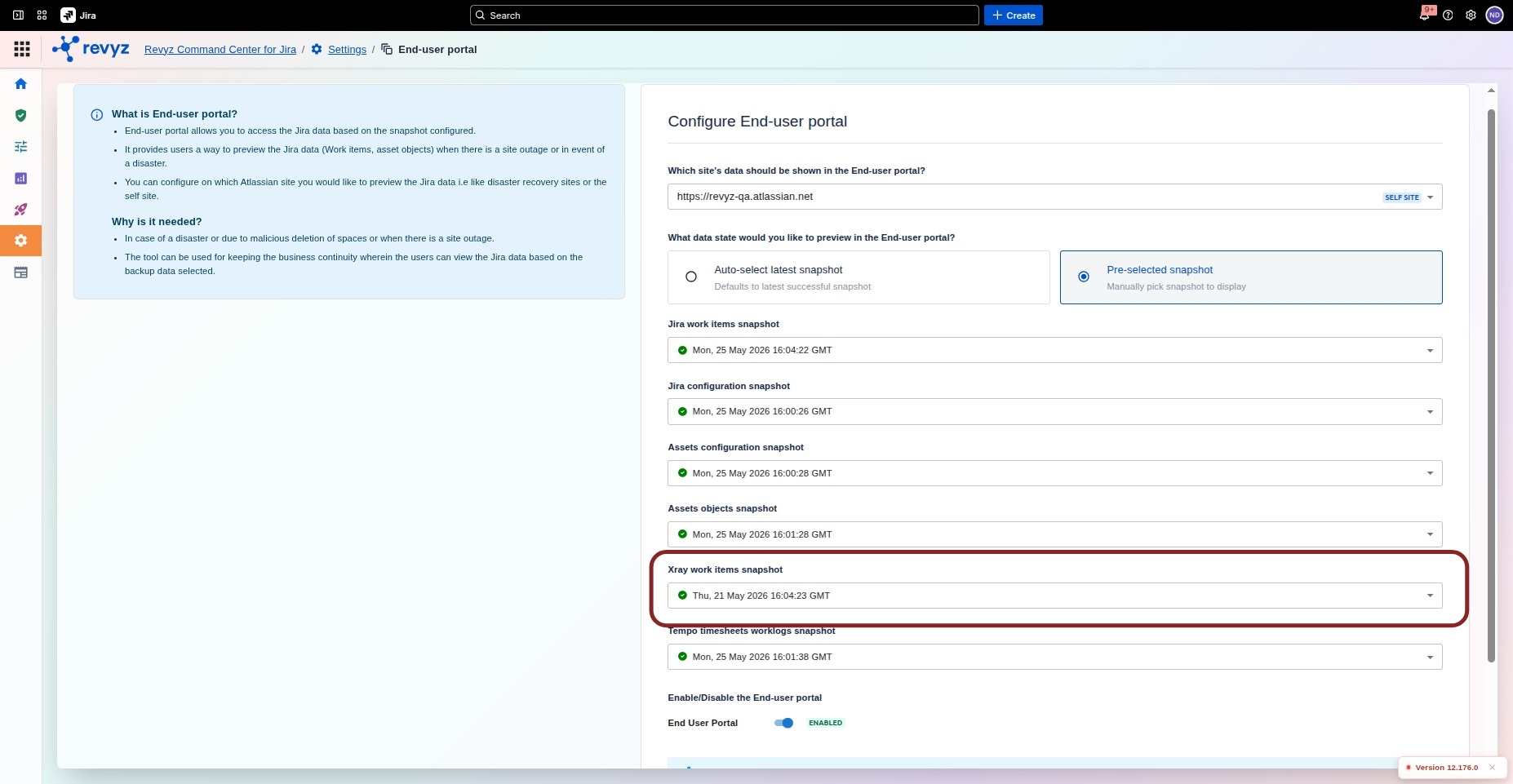
How to Configure End-User Portal Snapshot Settings
Configuring End User Portal Settings
-
From the Revyz Command Center for Jira home page, go to Settings.
-
Open End-User Portal Settings.
-
Choose the target site under the configuration fields: Self-site or Disaster recovery site.
-
Select which specific X-Ray snapshot should be used to pull and show the issue data.
End User Portal
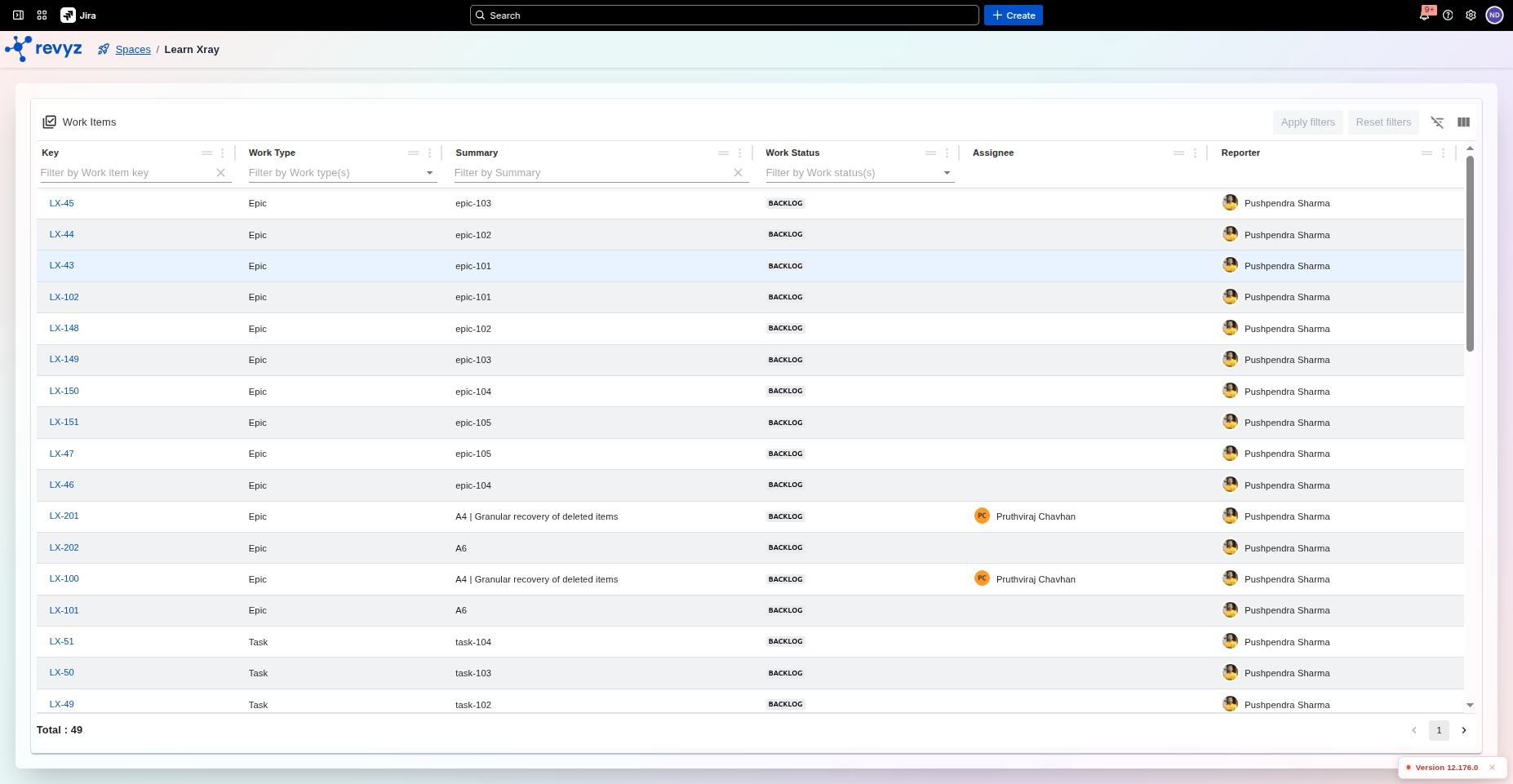
How to view Xray data on Work Items Explorer
See here to know more on what type of Xray data is supported by the Revyz Command Center for Jira for viewing on the End User Portal and Work Items Explorer.
Difference between End-User Portal and Work Items Explorer
-
In the End-User Portal, data reflects the configured site and selected snapshots.
-
In the Work Item Explorer, data always reflects the current site using the latest snapshots.
-
Use the correct view depending on whether you are validating customer-facing portal behavior or internal explorer behavior.