
What is this feature?
This feature allows you to capture and replicate your entire Jira Service Management (JSM) Assets database. This single operation includes all your Assets data (objects) as well as the complete structure (schemas and configurations).
-
Use Case Use this to perform a full backup, restore, or migration of your Assets CMDB. It's the all-in-one tool for moving your asset management system to another instance or recovering it from a snapshot.
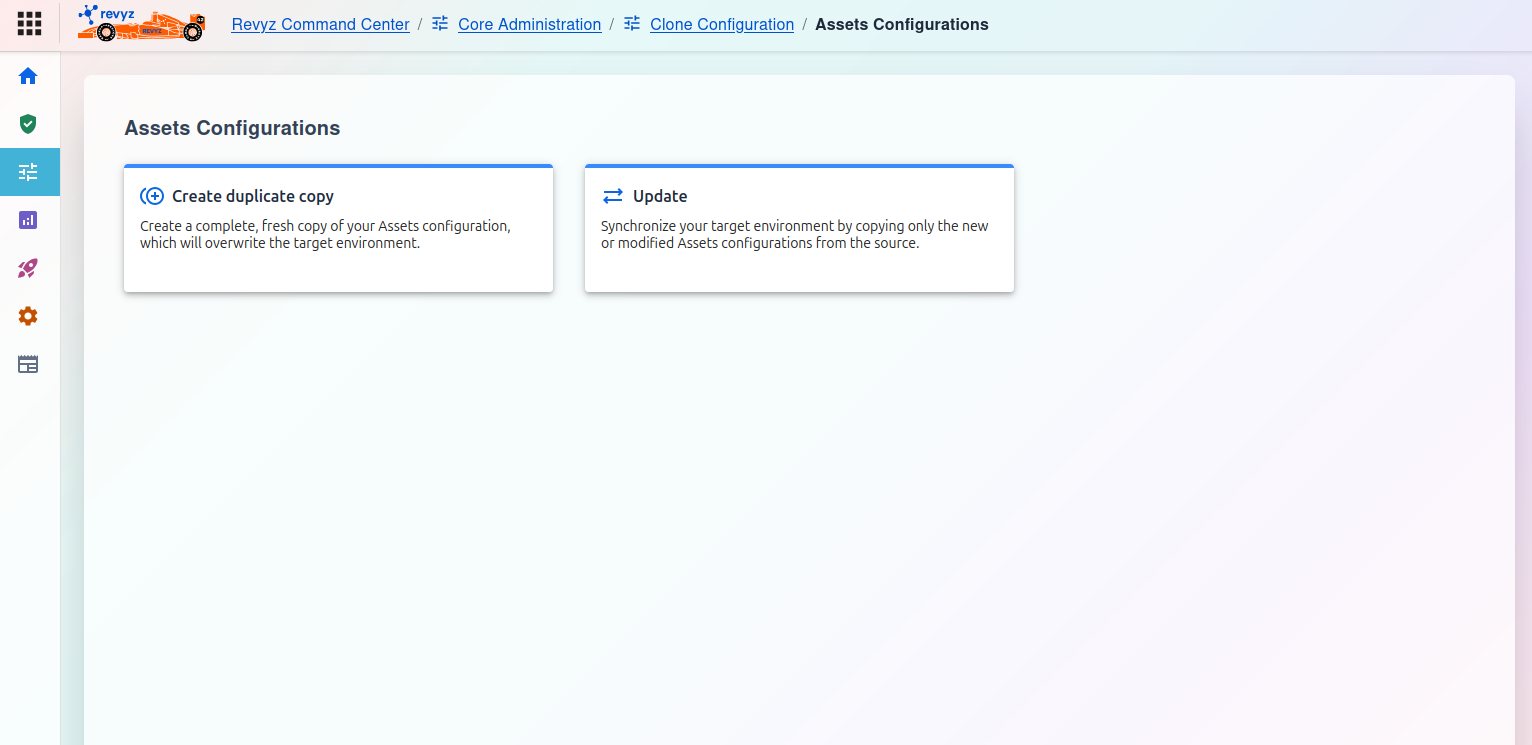
Create duplicate copy
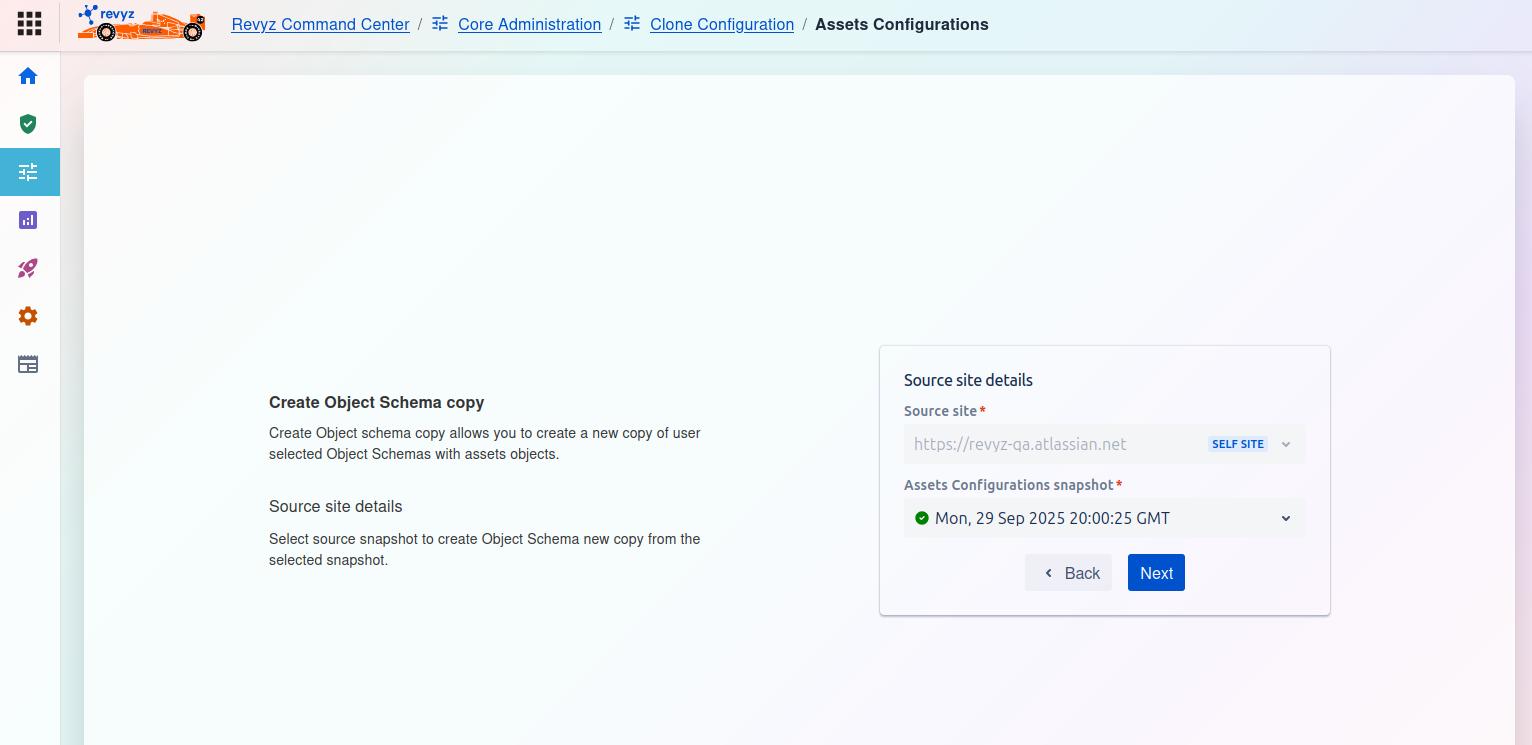
This option performs a full, comprehensive replication of your Assets configuration. It takes the entire Assets database (all objects, schemas, and settings) from your selected source snapshot and uses it to completely overwrite the Assets environment on your target site.
⚠️ **Warning:** This is a destructive action. All existing Assets data and configurations on the target environment will be permanently deleted and replaced by the data from the source snapshot.
When to use this:
-
Initial Setup: When populating a brand new, empty staging or development environment for the first time.
-
Disaster Recovery: When performing a full restore of your entire Assets CMDB to a new or standby site after a major data loss.
-
Complete Reset: When you need to completely reset a test environment to be an exact-of-the-moment clone of your production instance.
2. Update
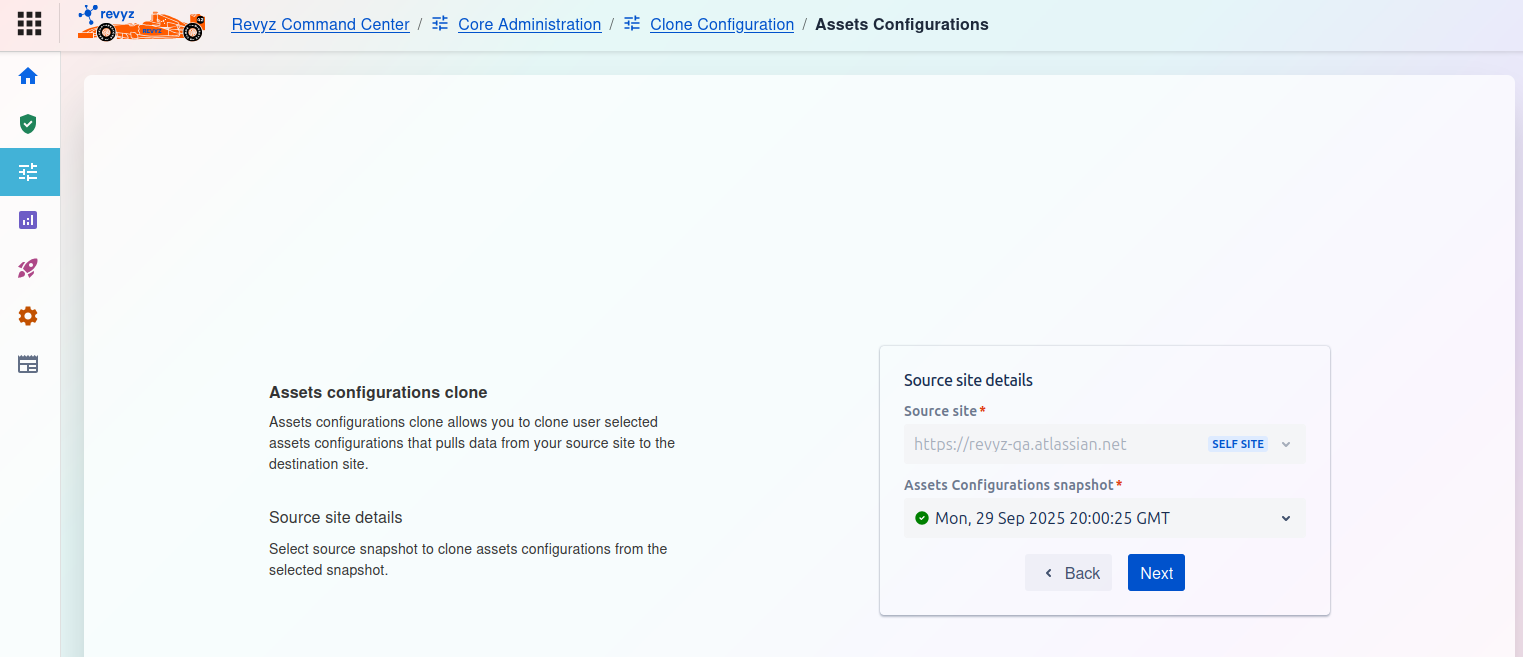
This option performs an intelligent, incremental synchronization. The tool will compare the Assets configurations in your source snapshot with the configurations on your target environment. It will then copy only the new or modified configurations from the source to the target.
This is a non-destructive action. Any existing objects or configurations on the target environment that are not present in the source snapshot will be left untouched.
When to use this:
-
Routine Refreshes: This is the safer and more common option for regularly updating a staging or test environment with the latest configuration changes from production.
-
Incremental Changes: When you only need to add new schemas or update existing attributes without affecting other data on your target site.