
What is this feature?
This is a suite of tools designed to analyze your Jira instance and identify unused or "orphaned" configurations. It is divided into categories like Issue Types, Workflows, Screens, and Fields.
Use Case: Use this to perform a "spring cleaning" of your Jira instance. By finding and cleaning up these unused items, you can reduce clutter, simplify administration, and improve instance performance.
This feature of the Revyz Command Center for Jira is unavailable for Revyz Assets Data Manager for Jira. To upgrade your version to Revyz Command Center for Jira, connect with support@revyz.io or install the app here.
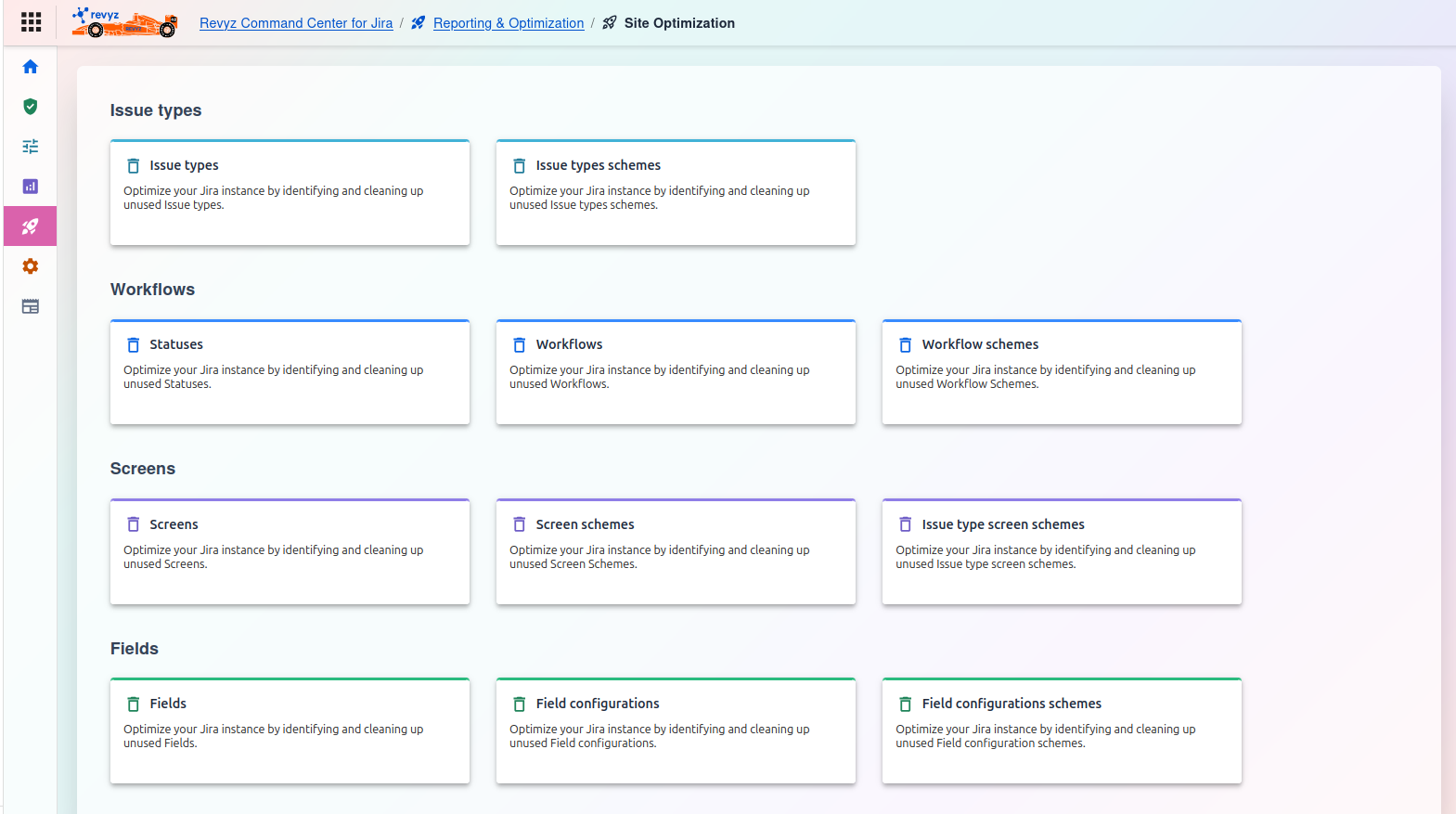
Optimization Categories
Issue types:
-
Issue types: Optimize your Jira instance by identifying and cleaning up unused issue types.
-
Issue types schemes: Optimize your Jira instance by identifying and cleaning up unused issue type schemes.
Workflows:
-
Statuses: Optimize your Jira instance by identifying and cleaning up unused Statuses.
-
WorkFklows: Optimize your Jira instance by identifying and cleaning up unused Workflows.
-
Workflow schemes: Optimize your Jira instance by identifying and cleaning up unused Workflow schemes.
Screens:
-
Screens: Optimize your Jira instance by identifying and cleaning up unused Screens.
-
Screen schemes: Optimize your Jira instance by identifying and cleaning up unused Screen schemes.
-
Issue type screen schemes: Optimize your Jira instance by identifying and cleaning up unused issue type screen schemes.
Fields:
-
Fields: Optimize your Jira instance by identifying and cleaning up unused Fields.
-
Field configurations: Optimize your Jira instance by identifying and cleaning up unused Field configurations.
-
Field configurations schemes: Optimize your Jira instance by identifying and cleaning up unused Field configuration schemes.