
What is this feature?
This is a settings panel that defines the default behaviors for your data recovery operations. It allows you to pre-configure how the application handles issue hierarchies (parents and children) and issue data during all restore jobs.
-
Use Case: Use this to ensure your restore operations are consistent and predictable. For example, you can set a default rule to always restore an issue's sub-tasks, or to always try to re-link a restored issue to its existing parent Epic, saving you time and steps during a recovery.
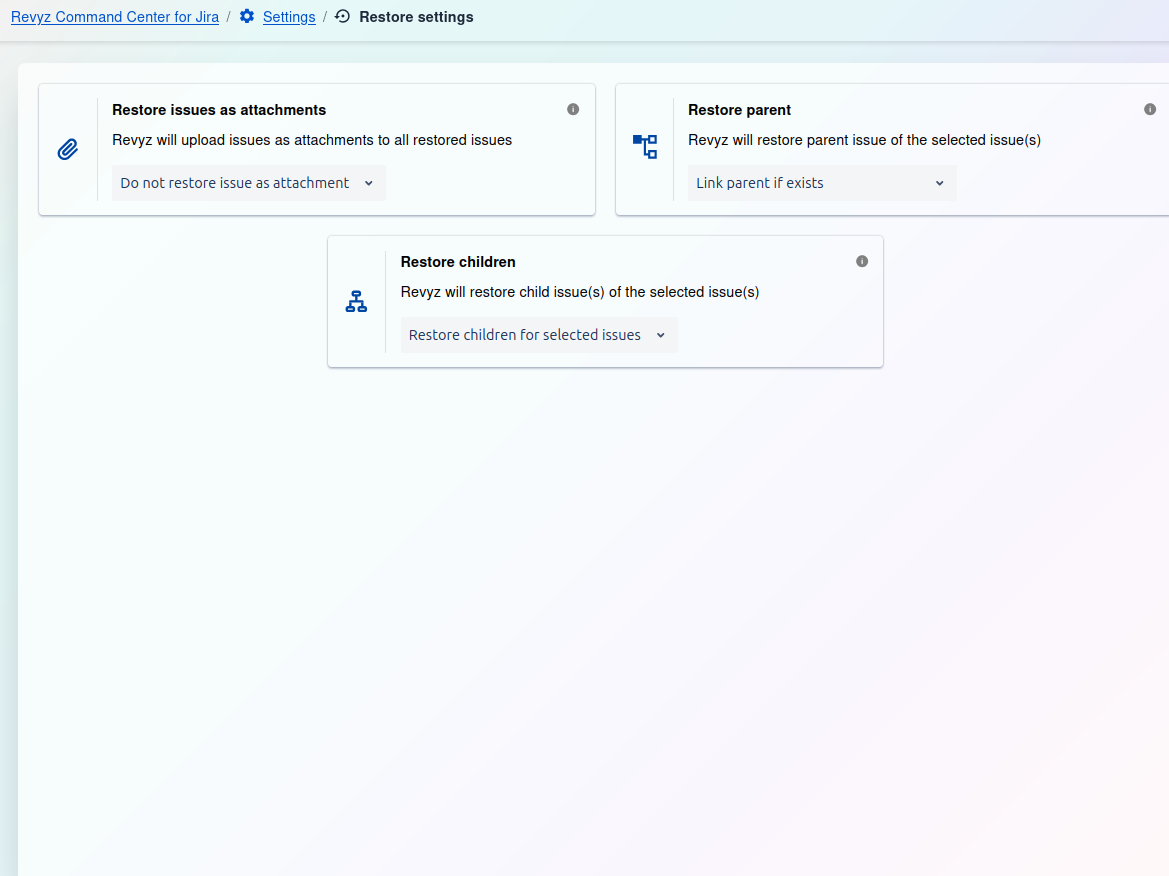
Restore settings:
-
Restore issues as attachments This setting controls whether the application will upload the original issue's data as a file attachment to the newly restored issue. The current default is set to not attach this extra file.
-
Restore parent This setting determines if a restored child issue should be re-linked to its parent. The default, "Link parent if exists," will automatically re-link the restored issue to its parent, as long as the parent issue exists on the destination.
-
Restore children This setting determines if a parent issue's children, like sub-tasks, are restored along with it. The default, "Restore children for selected issues," ensures that all sub-tasks are automatically restored when you restore their parent issue.