
What is this feature?
-
This is a comprehensive logging solution that retains your native Jira audit logs for extended periods. It also provides a separate, dedicated audit trail of every action performed by users and admins within the Revyz application itself.
-
Use Case Use this to meet strict security and compliance requirements by maintaining a complete, long-term record of all activities. It is essential for security investigations, troubleshooting, and providing evidence to auditors about who did what, both in Jira and within the backup tool.
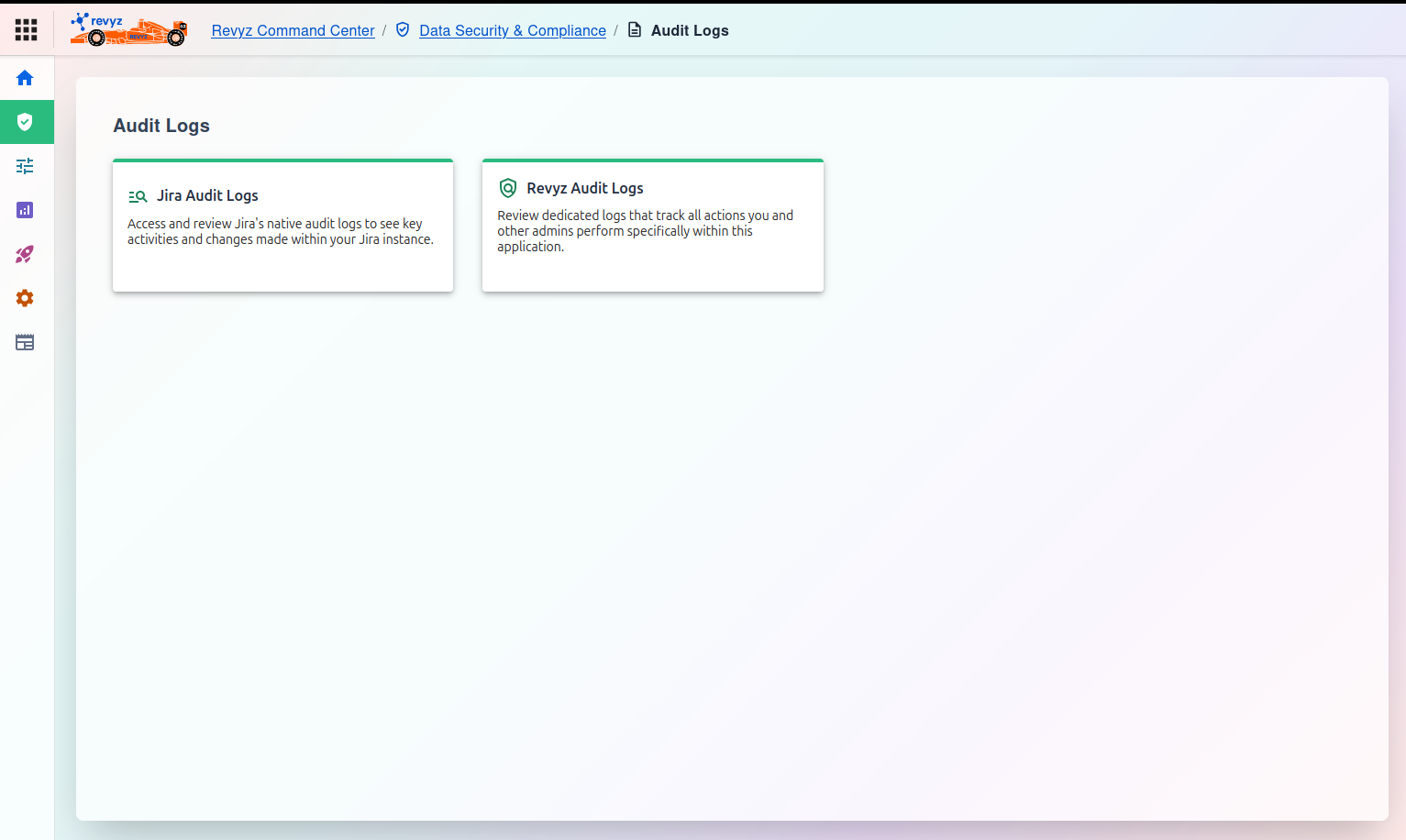
Audit Logs Dashboard
The main "Audit Logs" page provides access to two distinct and separate logs.
1. Jira Audit Logs
Select this option to access and review Jira's native audit logs.
-
Purpose: This log shows you key activities and changes that have been made by users directly within your Jira instance, such as "user created," "workflow edited," or "permission scheme changed."
2. Revyz Audit Logs
Select this option to review dedicated logs that track all actions you and other admins perform specifically within this (Revyz) application.
-
Purpose: This log provides a complete audit trail of all backup, restore, and configuration activities. For example, "Admin X initiated an on-demand backup," "User Y cloned project PROJ," or "Connection Z was added."