
What is this feature?
-
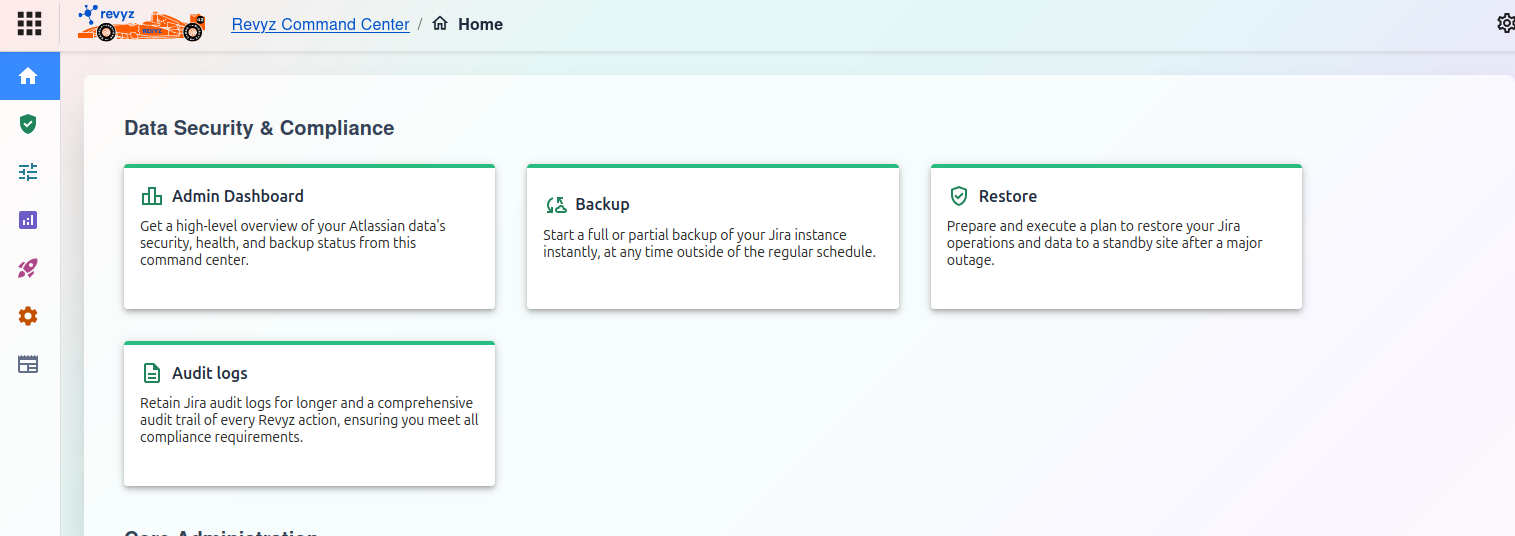
This is the main command center for all functions related to data protection, governance, and recovery. It provides high-level access to your instance's security dashboard, backup operations, restore procedures, and compliance audit logs.
-
Use Case: This is the primary section you will use for managing the safety and recoverability of your Jira instance. Use it to get a quick overview of your security health, perform on-demand backups, execute a disaster recovery plan, or conduct a security audit.
Dashboard Features
-
Admin Dashboard Get a high-level overview of your Atlassian data's security, health, and backup status from this command center.
-
Backup Start a full or partial backup of your Jira instance instantly, at any time outside of the regular schedule.
-
Restore Prepare and execute a plan to restore your Jira operations and data to a standby site after a major outage.
-
Audit logs Retain Jira audit logs for longer and a comprehensive audit trail of every Revyz action, ensuring you meet all compliance requirements.